Calendar Visualization, Featured, Product Tips
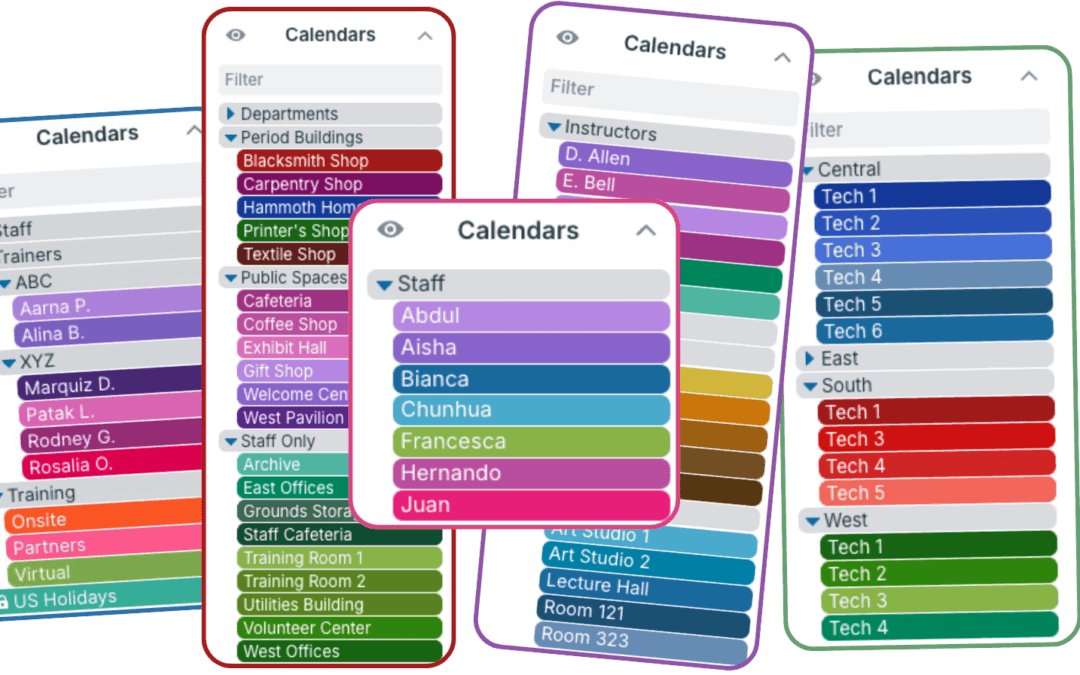
Sub-calendars are the heart of a Teamup calendar. They work as individual calendars, but are contained within your master calendar. They allow you to sort and organize all the information you need to keep on the calendar in a color-coded, visual structure. What are...
Calendar Visualization, Featured, Product Tips
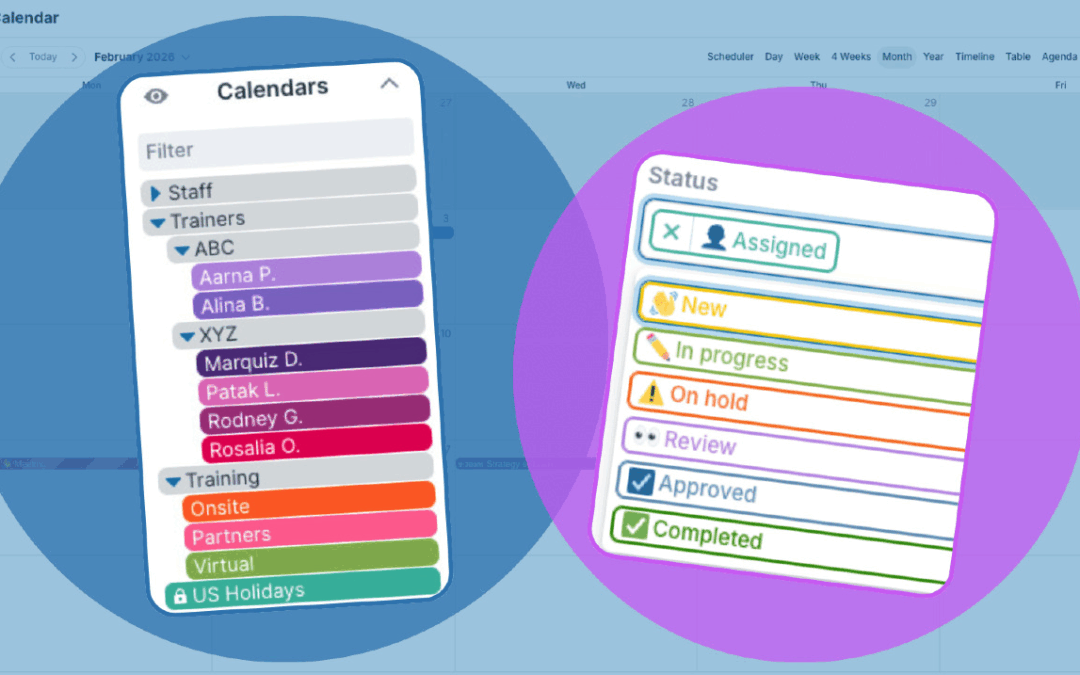
One of the first steps in setting up a calendar is to define its structure. Thoughtful structure, with clear organization and visual cues, makes the calendar easier to use so teams work more efficiently from the start. Calendar structure is the underlying framework...
Calendar Visualization, Featured, Product Tips
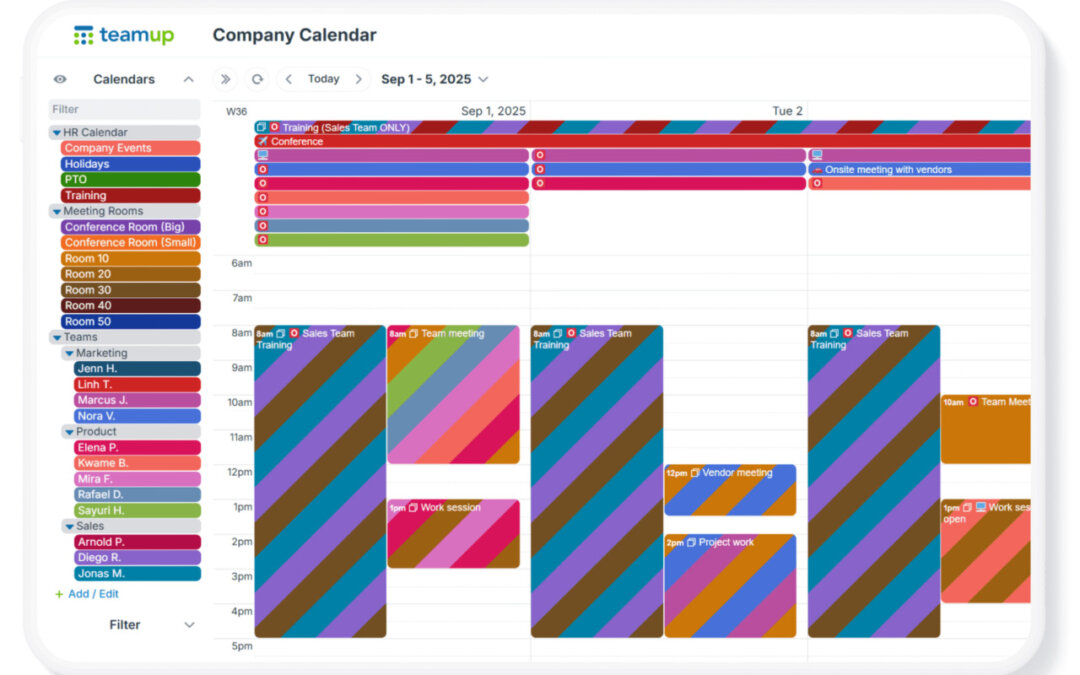
When you create a Teamup calendar, you’re creating a master calendar. That master calendar can contain many sub-calendars. Typically, a bigger or more complex organization (or project) means you’ll need more sub-calendars. Also, as teams grow, scheduling...
Calendar Visualization, Product Tips
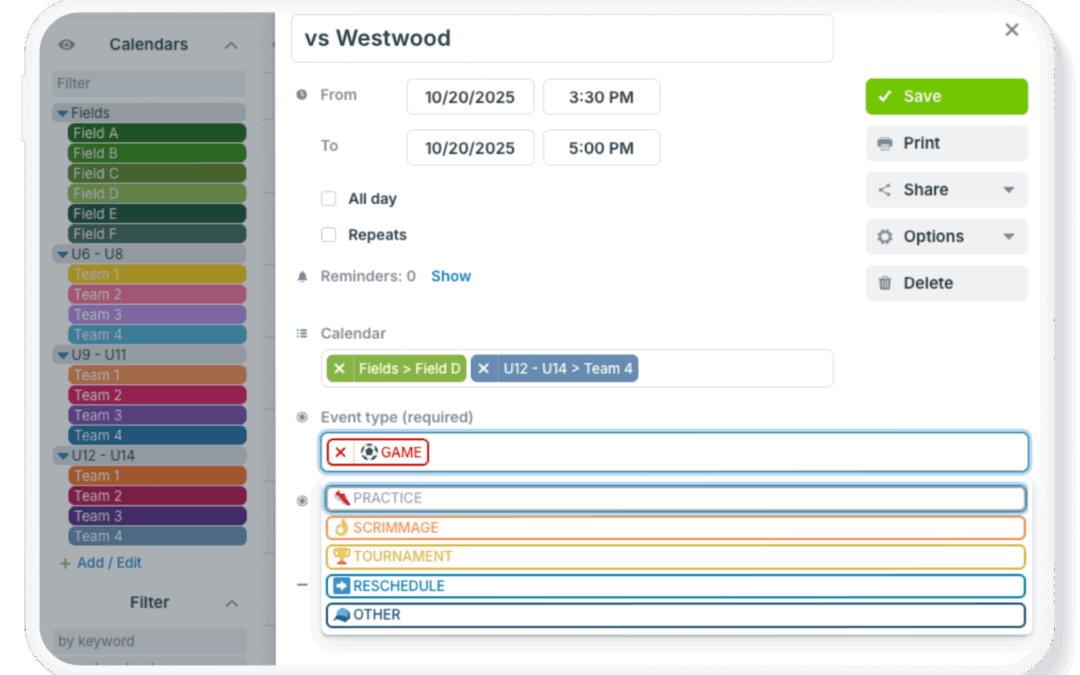
Complex scheduling often means tracking many details for each event. Locations, resources, teams, phases, and event types can all be important. Keeping this information organized and easy to use can be tough in many standard calendars, which don’t provide...
Interactive Demos, Product Tips
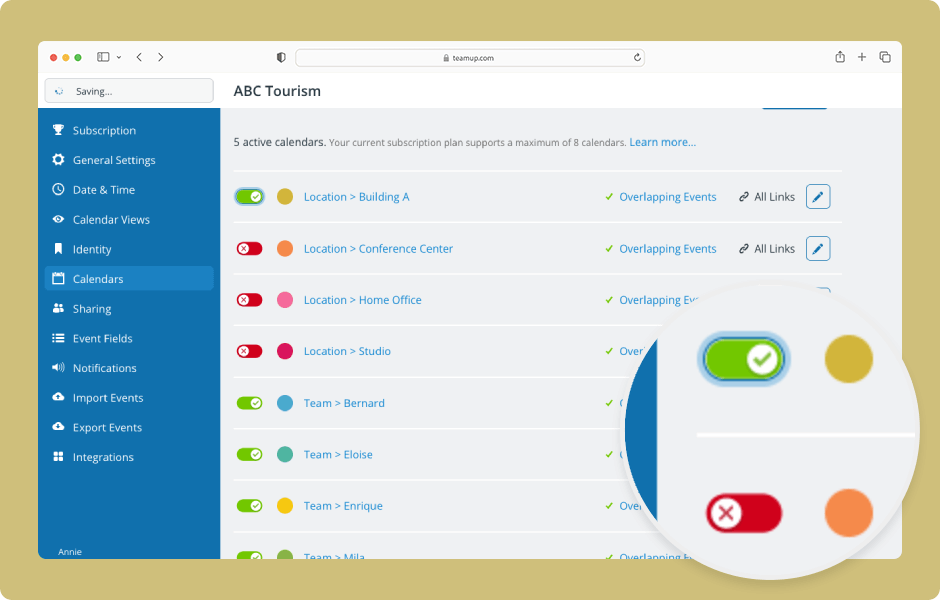
The data on deactivated sub-calendars or event fields is not lost, only archived. To access it, reactivate the sub-calendar or field. ENLARGE DEMO Access level required: Administrator Open your calendar in a browser and click the blue menu (top right). Select...
