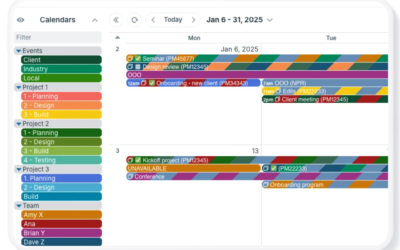
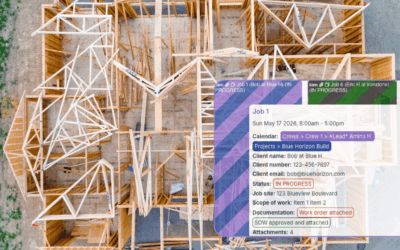
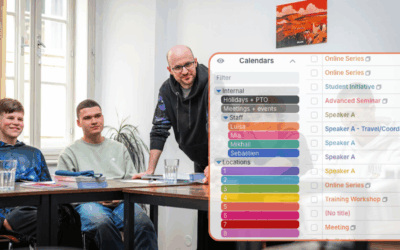
Delegation works if each person has all the information needed for the job. Teamup keeps every task, document, conversation, and update together in one shared calendar event, making collaboration easier and ensuring each handoff includes the full context needed to keep work moving.
Delegate Tasks and Track Progress Without Chasing Down Updates
Learn how to delegate tasks and assign jobs to employees with a shared calendar. Keep work organized, track progress, and maintain oversight without extra administrative effort.
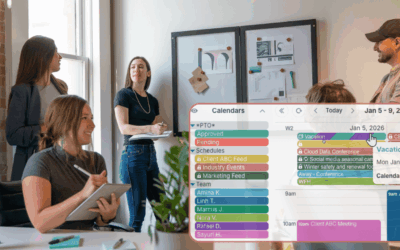
Enable Self-Managed Availability Without Losing Oversight
Stop collecting availability through emails and spreadsheets. Let employees update their own schedules while managers see real-time availability, PTO, and staffing information in one shared Teamup calendar.
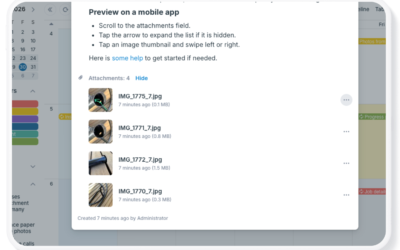
Make Scheduling Visual with Images and Attached Files
Keep photos, documents, and other supporting files connected to your schedule. Learn the different ways to add images and attachments to Teamup events, preview files in the Teamup app, and display image-rich events with Tiles view.
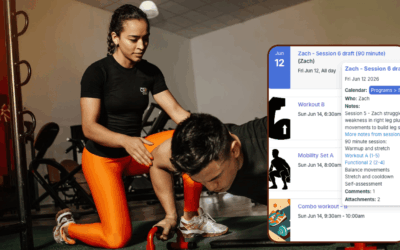
Give Fitness Clients a Visual, Personalized Training Calendar
Use Teamup to set up a secure, customized personalized training calendar for each fitness training client. The Teamup app makes it accessible anywhere with a clear visual layout, image previews, and event comments so clients can update their progress and notes on each workout.
Organize Client Workout Programs in One Training Calendar
Learn how fitness trainers can organize multiple client schedules in one place, keep lesson drafts, workout plans, and templates organized, and easily keep track of client progress.
How to Centralize Construction Job Details and Documentation
Construction teams need more than scheduling tools — they need a centralized system for job details, permits, updates, photos, and field documentation. Learn how Teamup helps office staff, project managers, subcontractors, and field crews keep construction information organized, accessible, and secure in one shared workspace.
Provide Mobile, Real-Time Scheduling Visibility for On-Call Staff
Help physicians and on-call staff stay aligned with real-time schedule updates, mobile access, availability management, and centralized on-call visibility.
A Shared Calendar to Provide Visibility for Events Across Multiple Locations
Planning events across multiple locations gets complicated fast. A unified calendar provides clear visibility of all events for coordinated planning even across multiple locations.
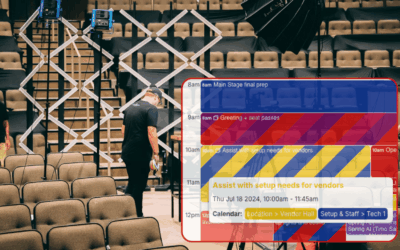
Event Planning Without Spreadsheets: Managing Multi-Day Conference Logistics
Event planning often starts in spreadsheets, but quickly becomes hard to manage as updates, teams, and schedules multiply. This article shows how a shared calendar gives coordinators, vendors, and operations teams one clear, real-time view to plan and adjust events without confusion or rework.
Stay on Top of Personal and Community Events with One Shared Calendar
Keeping up with personal plans, community events, and volunteer schedules can mean checking multiple calendars and apps. By bringing everything into one Teamup calendar using iCal feeds, you can see all your events in one place and stay updated automatically.
Enable Real-Time Construction Site Updates for Project Managers
See how site managers and supervisors can share real-time progress and issues from the field, so project managers stay informed and projects stay on track.