
Featured, Monthly Updates, Printable Calendars, Product Updates
As we close out July, here’s our monthly roundup with highlights, great content, tips, and more from Teamup. Check out how to add images and attach files to every job, task, or event to keep everything in context, then share visual schedules that convey...
Calendar Access, Product Tips
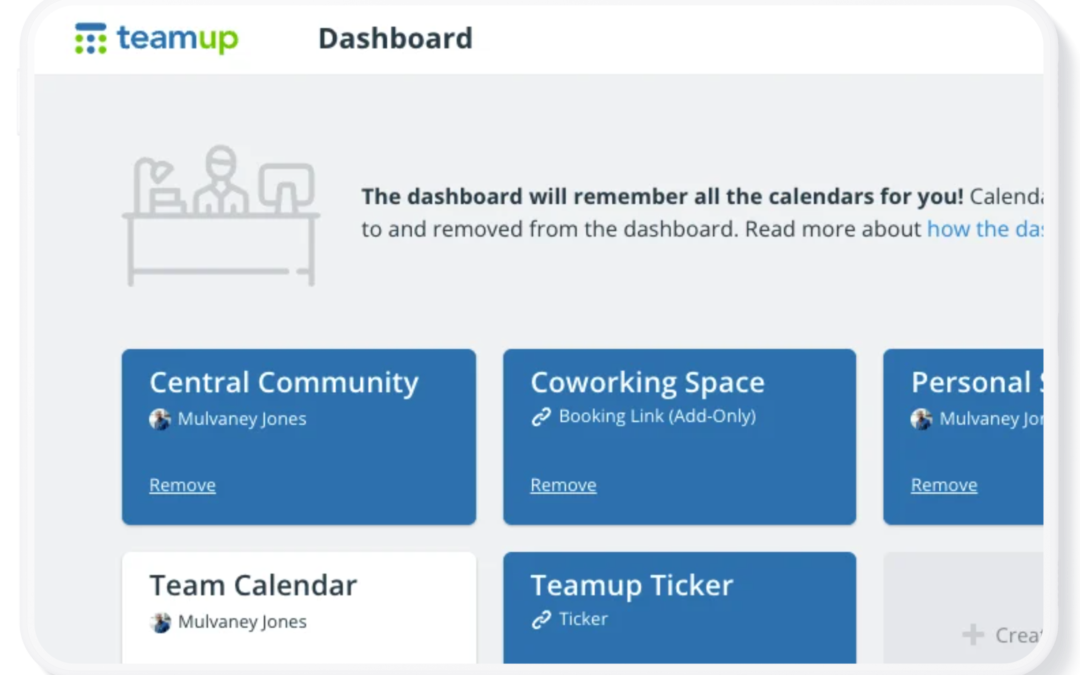
Your Teamup Calendar can be accessed in any browser, and on mobile devices through the Teamup app (iOS, Android) or a mobile browser. If you created the calendar If you created the Teamup calendar, it’s been added automatically to your dashboard with...

Featured, Information Visibility, Organize Teams
Many managers spend time assigning work, following up on progress, and checking whether tasks have been completed. A shared calendar with clear task delegation provides a simple way to assign responsibilities, monitor status, and keep everyone working from the same...
Calendar Access, Product Tips
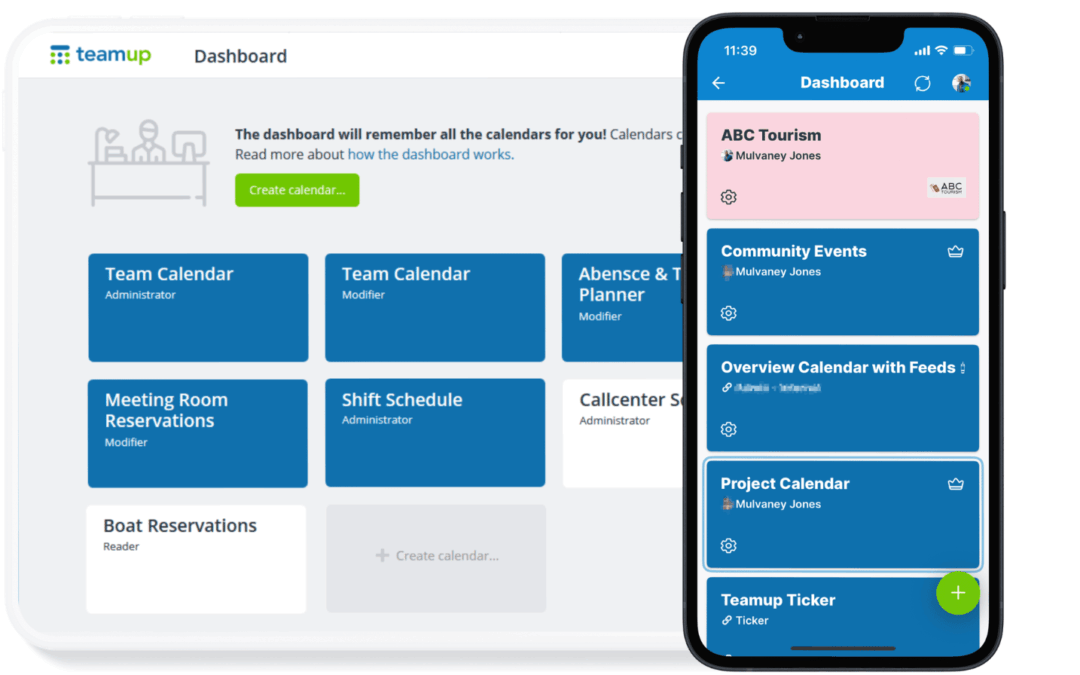
If you have a Teamup user account, you already have a calendar dashboard. A calendar dashboard provides one convenient, secure place to access all the calendars you have created or been invited to access. Here’s how it works. What is a Teamup user account? A...
Featured, Information Visibility, Manage Availability
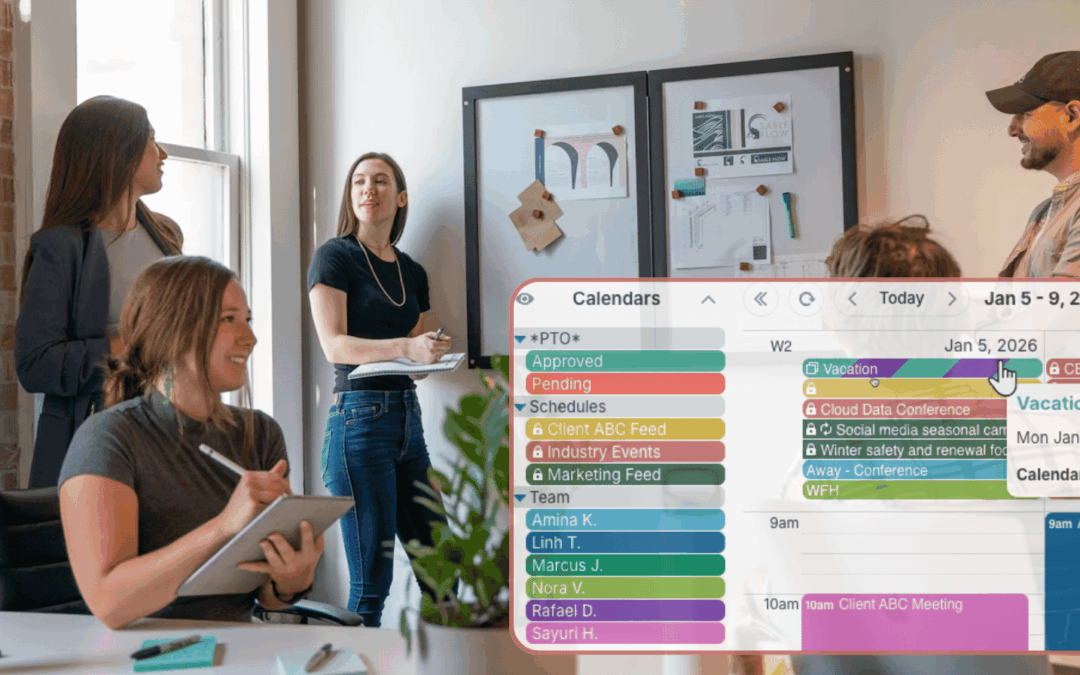
Keeping employee availability up to date is often more difficult than building the schedule itself. Instead of collecting availability through emails, texts, or spreadsheets, organizations can let each person maintain their own schedule in one shared calendar....
