A master calendar is the whole structure; sub-calendars are the individual calendars inside it, each with its own access and color-coding. Here’s how Teamup uses that structure to keep teams, projects, and fleets organized as they grow.
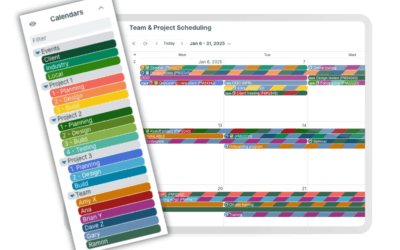

A master calendar is the whole structure; sub-calendars are the individual calendars inside it, each with its own access and color-coding. Here’s how Teamup uses that structure to keep teams, projects, and fleets organized as they grow.
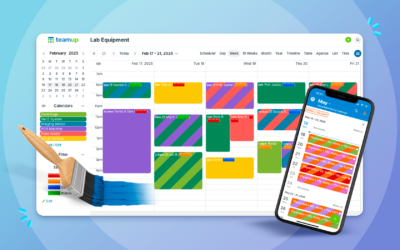
Color-coding turns a wall of text into a calendar you can read at a glance. Here’s how to build a color coded calendar system with Teamup’s 48-color palette, from picking contrasting colors to color-coding across two dimensions at once.

Turn your calendar into a Kanban board with Teamup’s Scheduler view. Organize tasks by status, see them next to your meetings and deadlines, and keep your kanban schedule and calendar working as one.
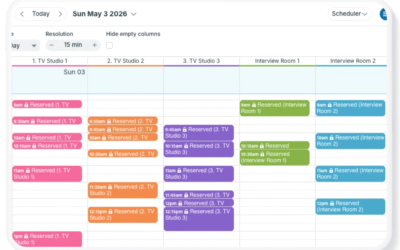
Teamup’s Scheduler view displays sub-calendars side-by-side, making it easy to compare schedules, find availability, manage resource bookings, and coordinate staff shifts.
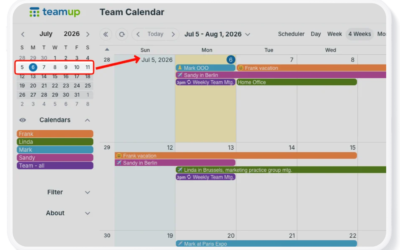
Use Teamup’s unique Multi-week view to see the current week always at the top for short-term or long-term planning. Adjust the number of weeks shown up to 53, use a flexible or static grid, and easily scroll across months.
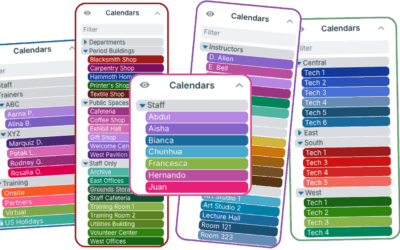
With Teamup’s color-coded sub-calendars, build a clear calendar structure, organize in folders, automatically prevent double-booking, and more.

Learn how to manage team workload with a full-year planning view. Prevent bottlenecks, avoid double-bookings, and balance projects before overload builds.
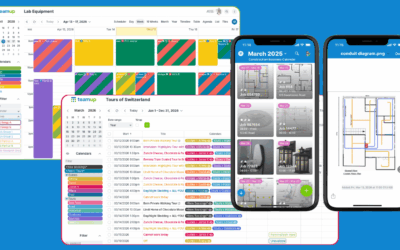
Spreadsheets work for some tasks, but not for time-based planning, scheduling, and real-time collaboration. See when a shared Teamup calendar is the better fit.
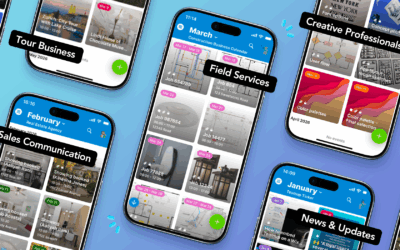
Make events stand out with Tiles view. Create a visually engaging calendar (web + mobile) to share events and provide clarity. It’s practical and appealing.

See how tour guides use Teamup as an information portal for scheduled tours. Prep notes, maps, photos, and in-tour updates stay attached to each event. Tiles view on the Teamup app provides a visual display that’s easy to reference anywhere
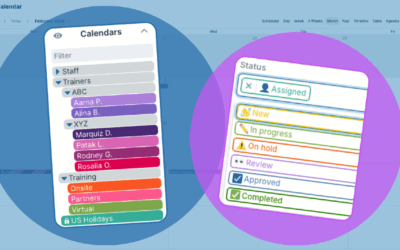
Creating a thoughtful, organized calendar structure makes scheduling clear and helps work flow more efficiently. Learn how to structure your calendar with folders, color-coding, and custom fields.
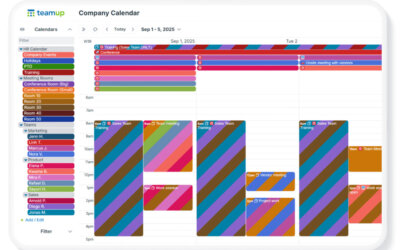
When scheduling involves multiple teams, shared resources, and frequent changes, one big master calendar helps keep schedules organized, accessible, and easy to work with.