
Free Printable Blank Calendars
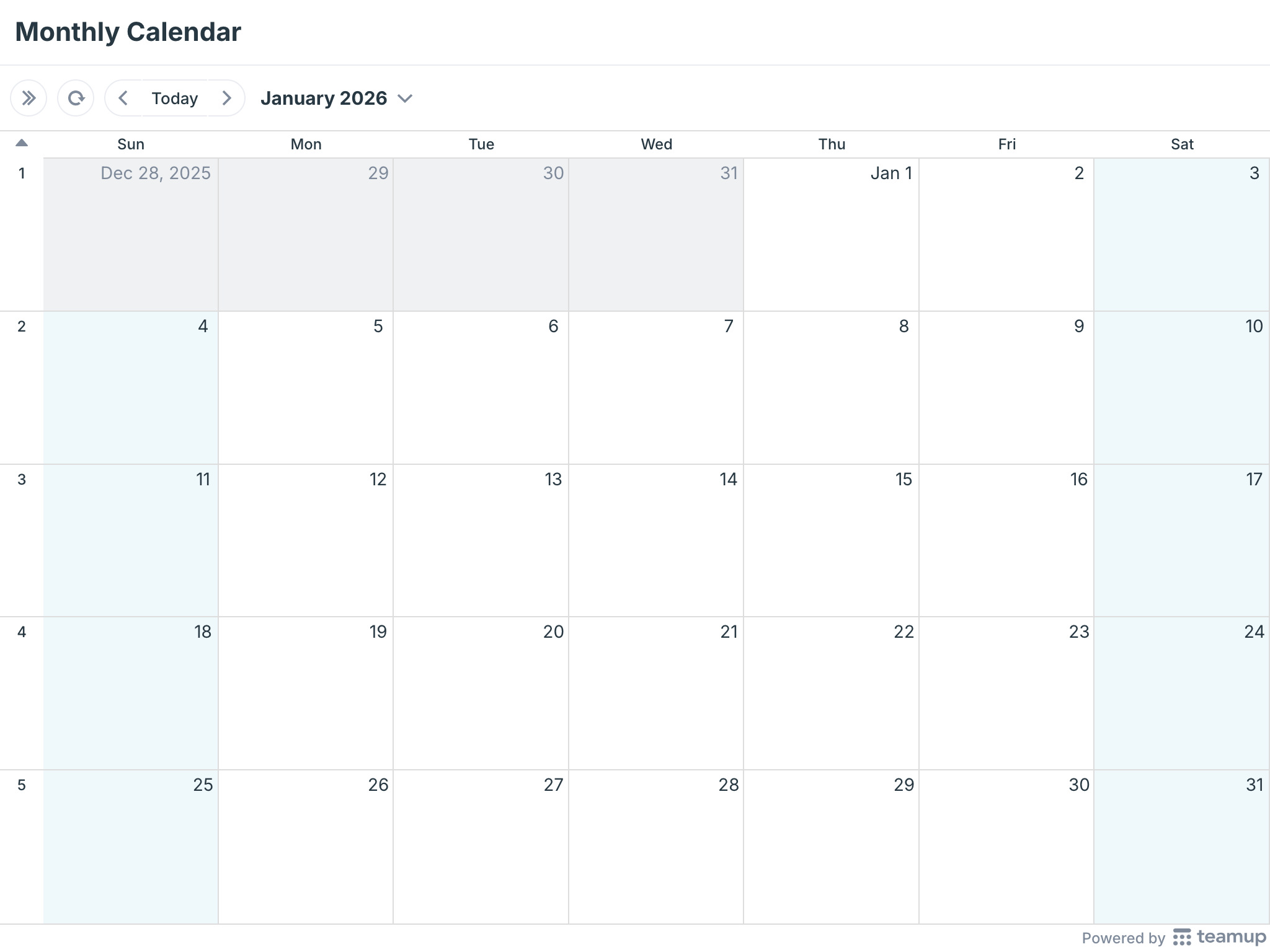
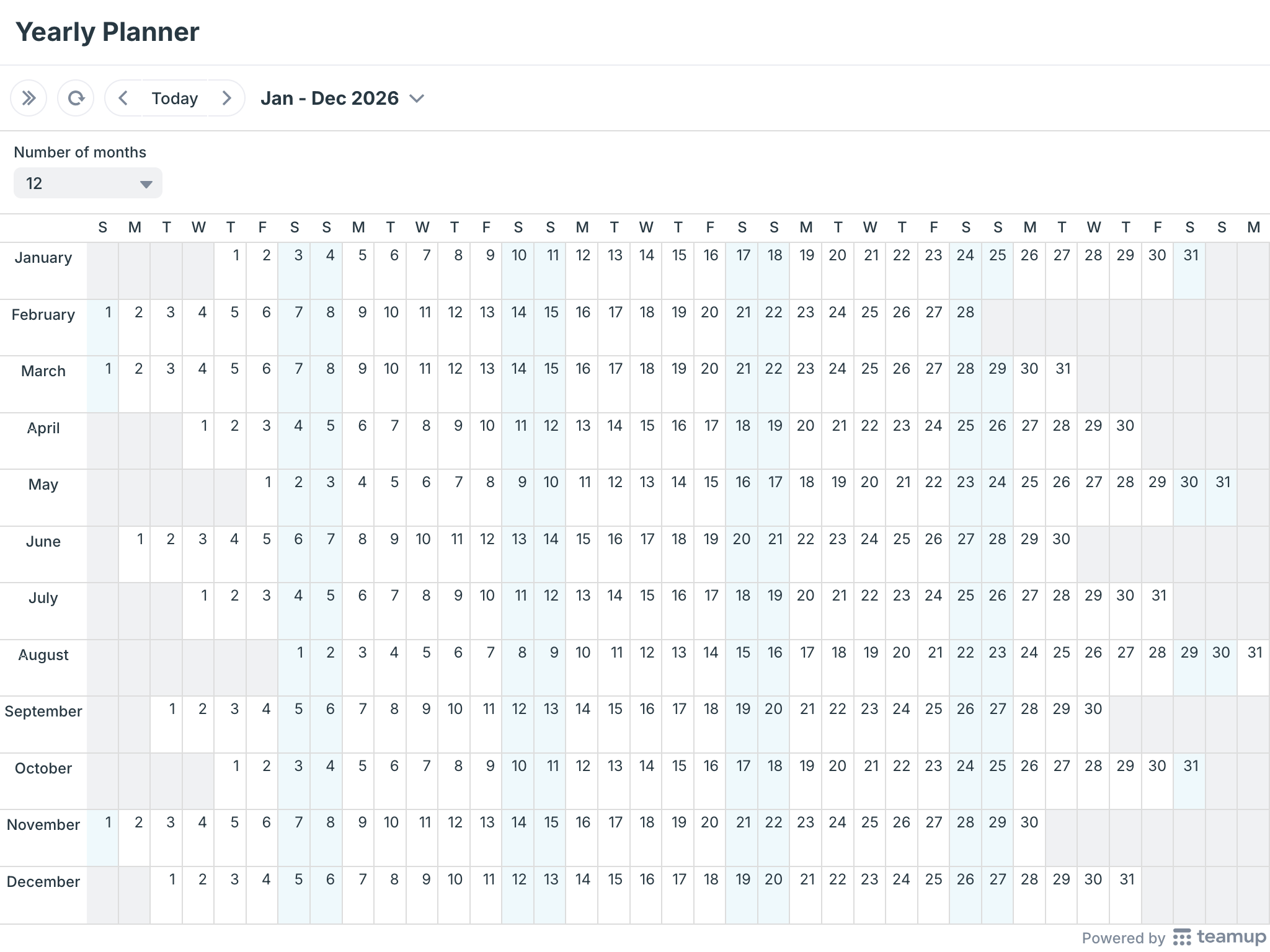
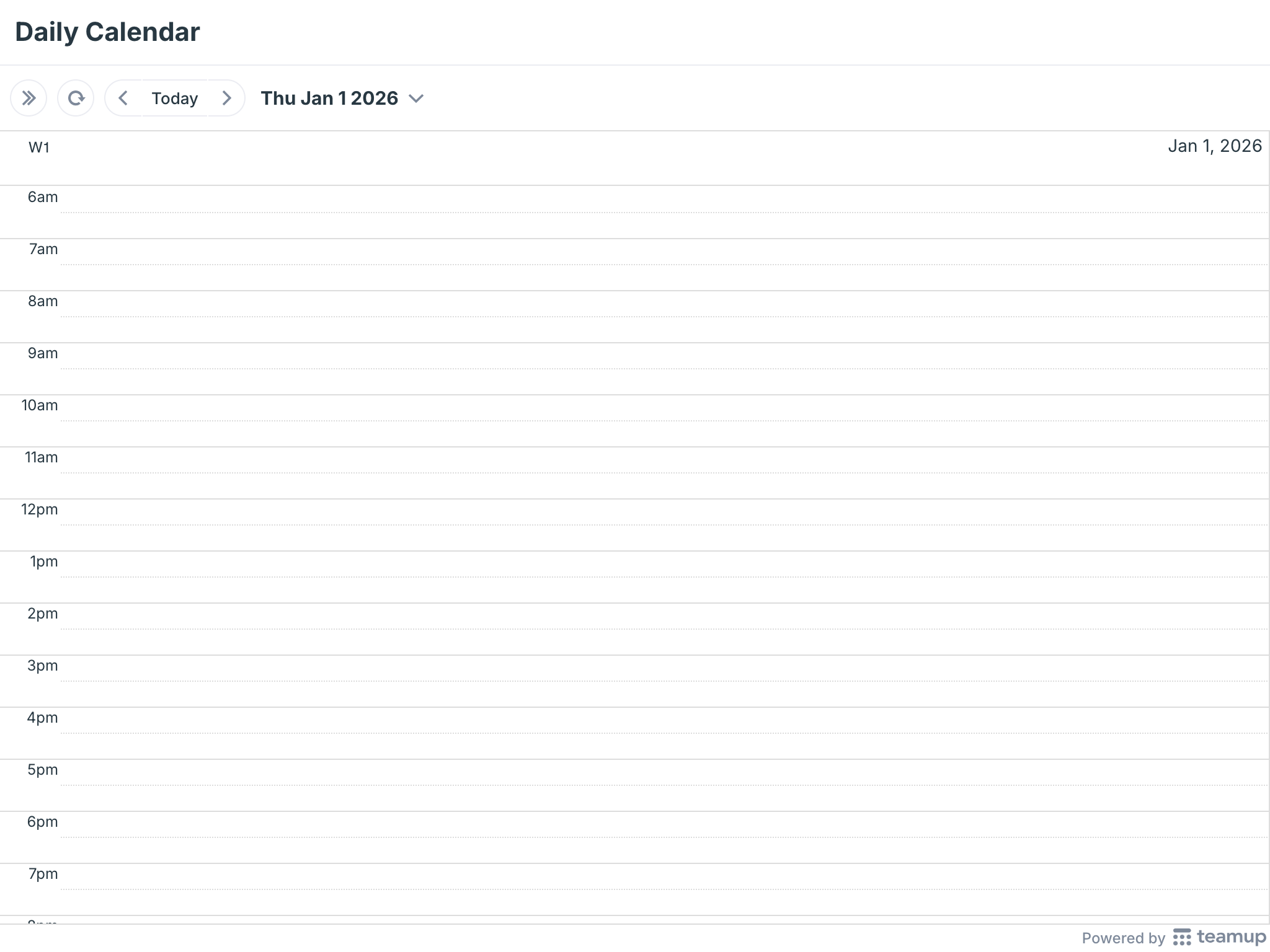
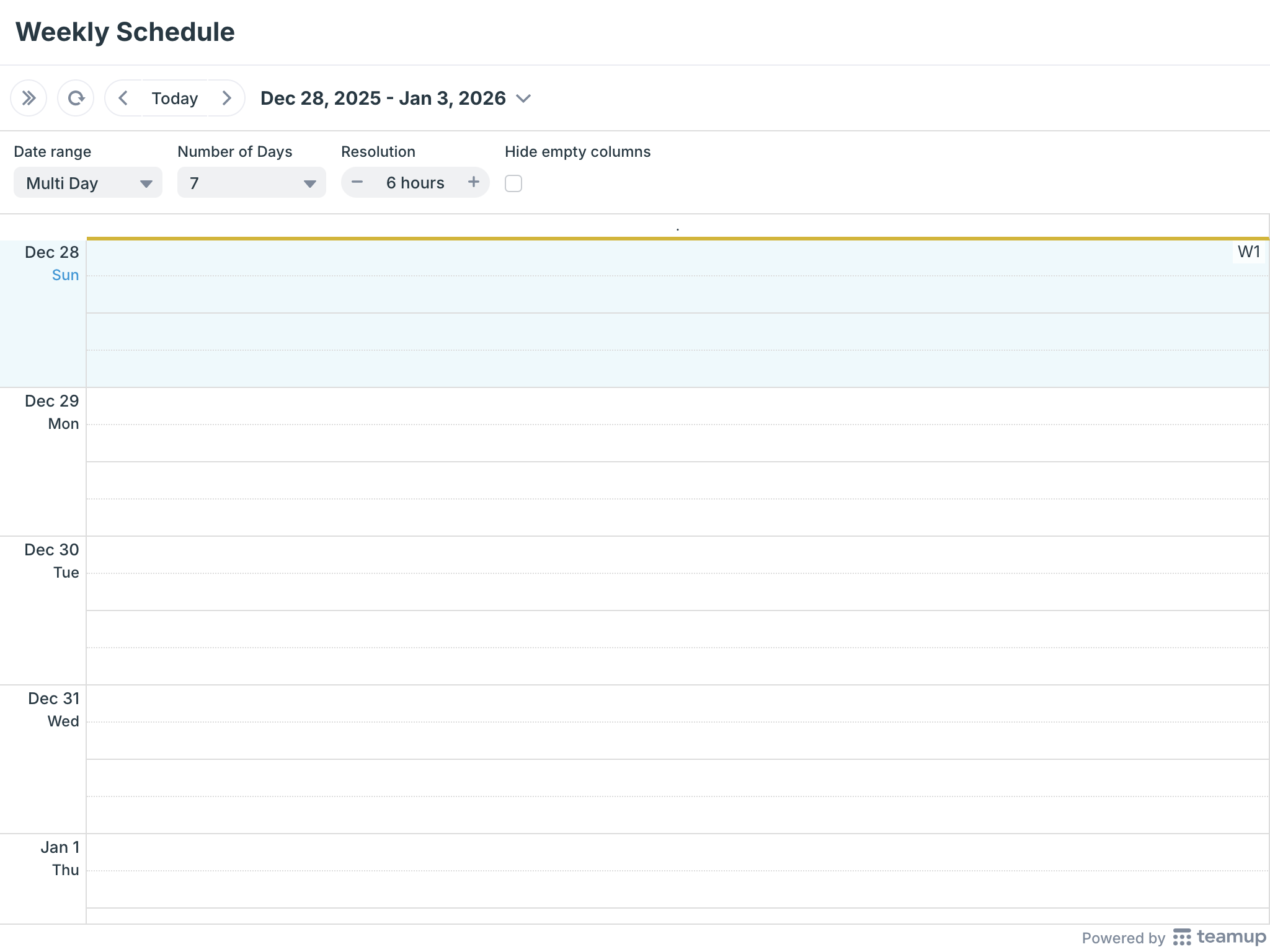
Download free printable blank calendars and planners in PDF: monthly, weekly, daily, quarterly, and yearly. Need different dates or a different layout? Create your own custom blank calendar below and print it in minutes.
2026 Collection: Free Printable Blank Calendars and Planners

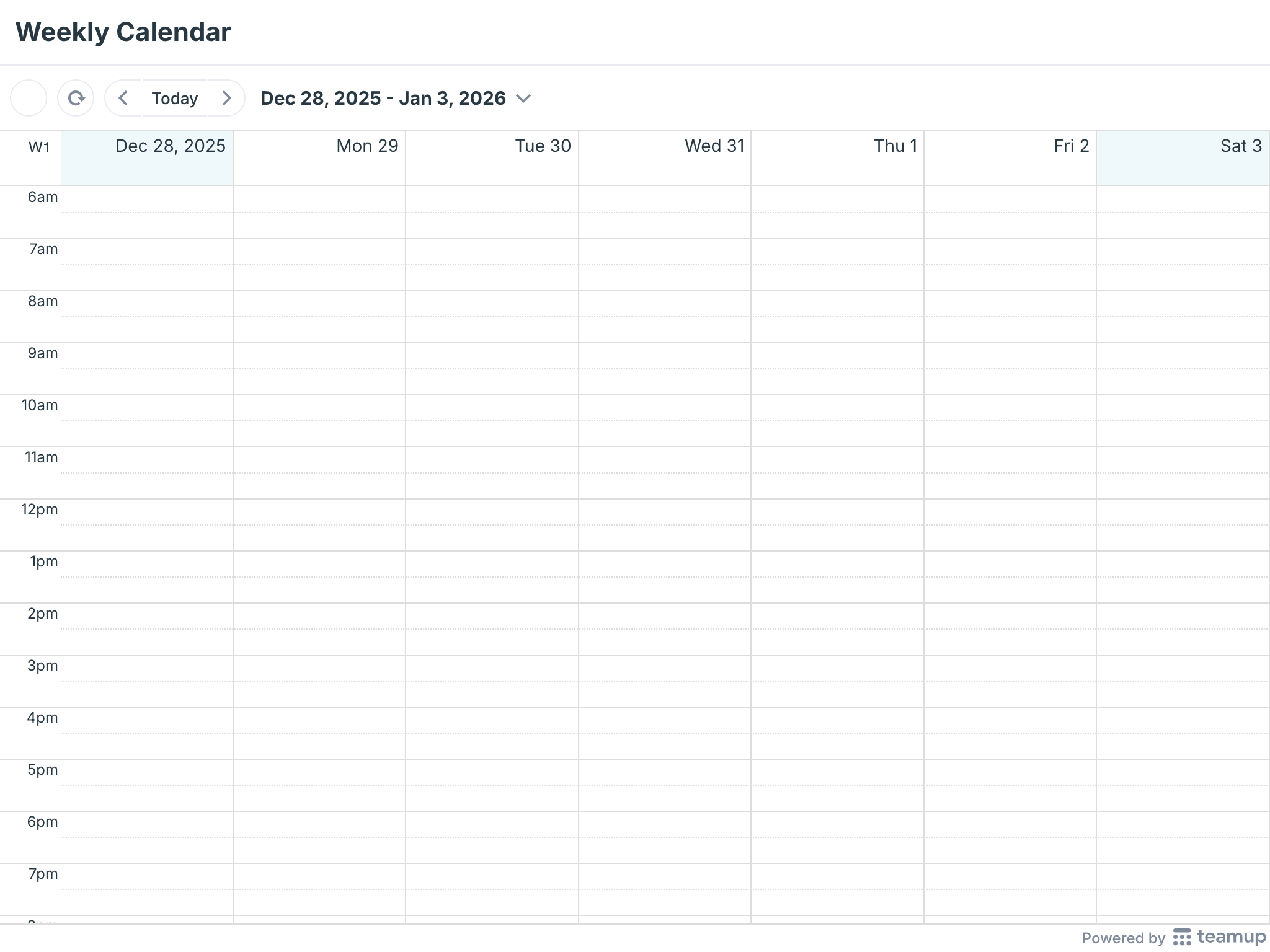
Create a Custom Blank Calendar (Any Dates)
Select what you need in the widget below to create a customized blank printable calendar. For example, you could make an academic calendar, multi-week scheduler, or a project timeline. Then download as a PDF or print from your browser. Check out the step by step guide.

Helpful Tips for Printable Blank Calendars
When the blank calendar is displayed on your screen, you can still make adjustments before printing your customized blank calendar:
- Link parameters: Note the calendar URL in the browser’s address bar. The URL has link parameters which determine how the calendar is displayed. You can modify these parameters to adjust how the blank calendar appears before printing or saving.
- Calendar views: Teamup has many unique and adjustable calendar views. Switch to another view in the top right-hand corner. Adjust the settings and calendar resolution for the best display for your purposes.
- Date range: Use the arrows or scroll through the date picker to adjust the date range. You can print consecutive date ranges for a set of blank calendars or planners.
More Printable Planners and Templates
Click an image to preview the printable calendar. Click the text link to open; adjust the dates, then use with your browser’s print function to print or download a PDF.
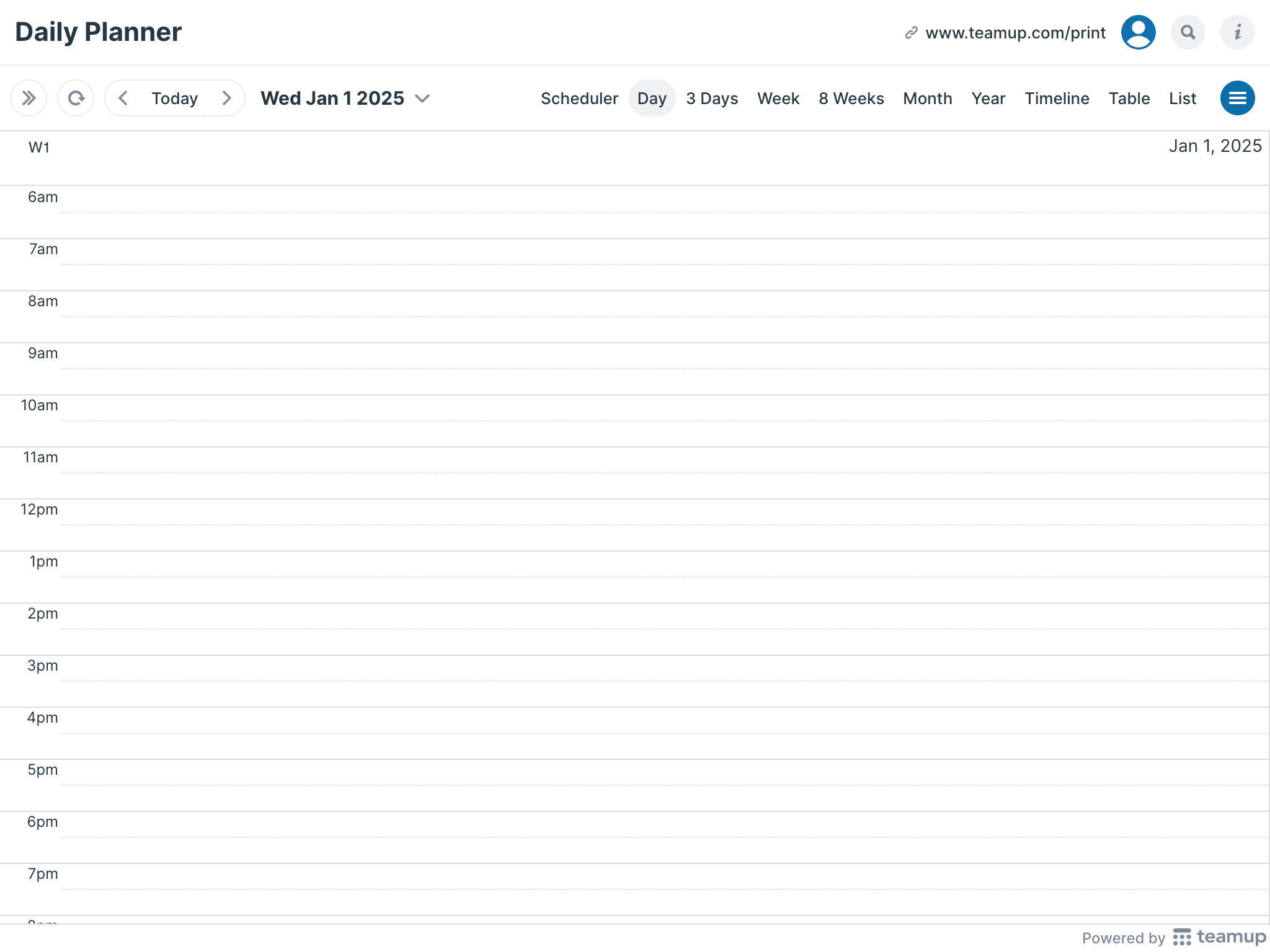
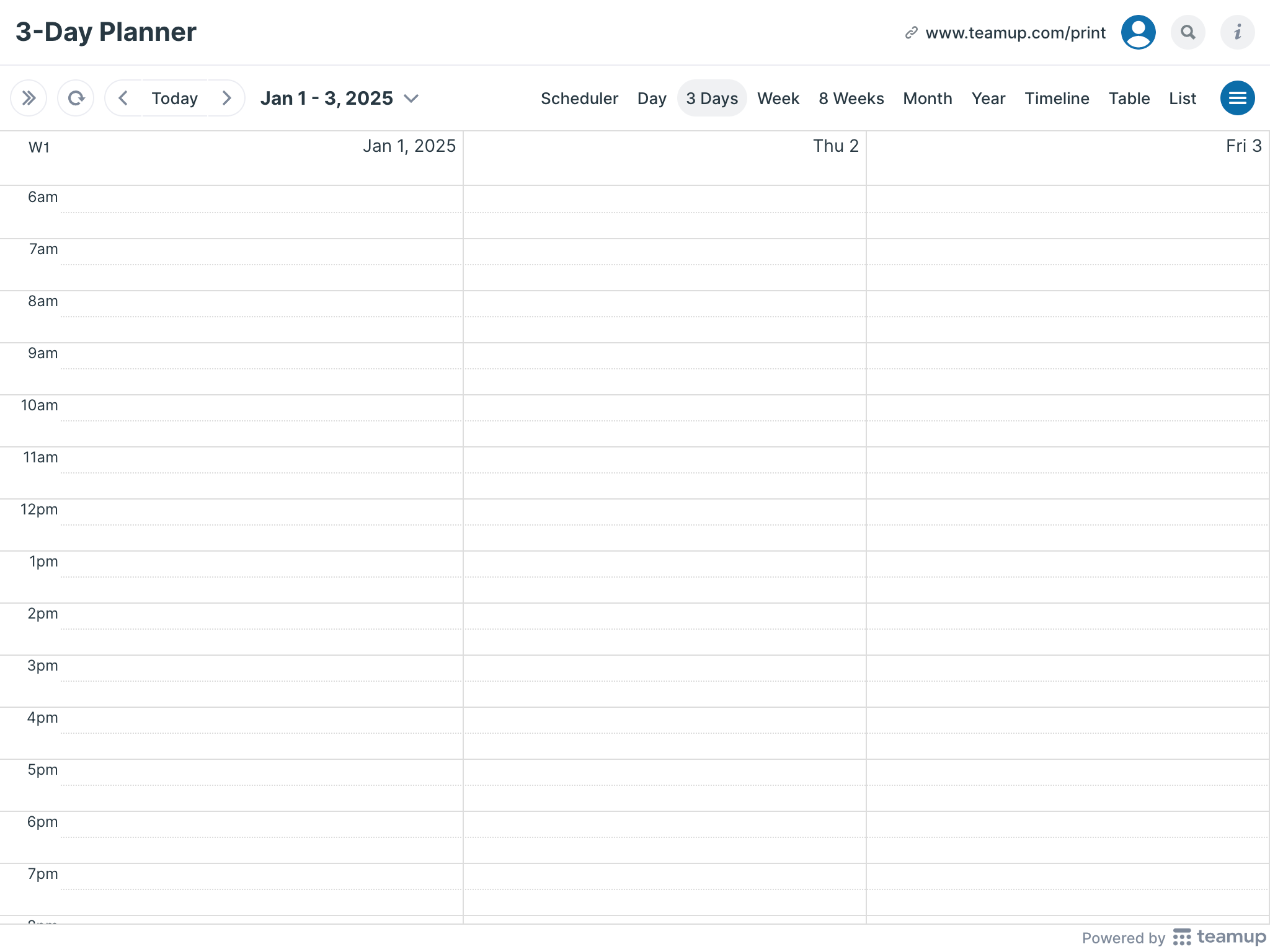
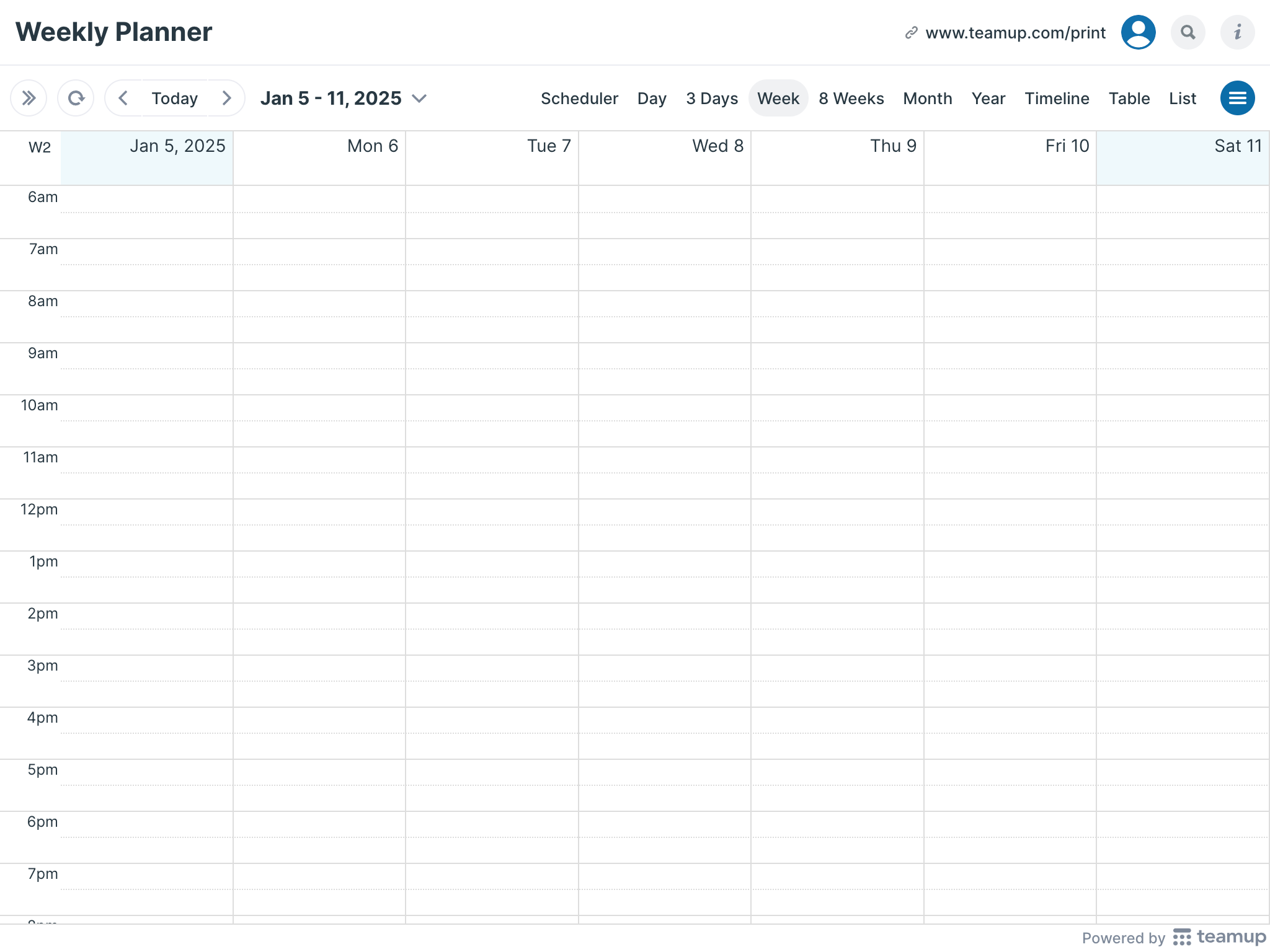
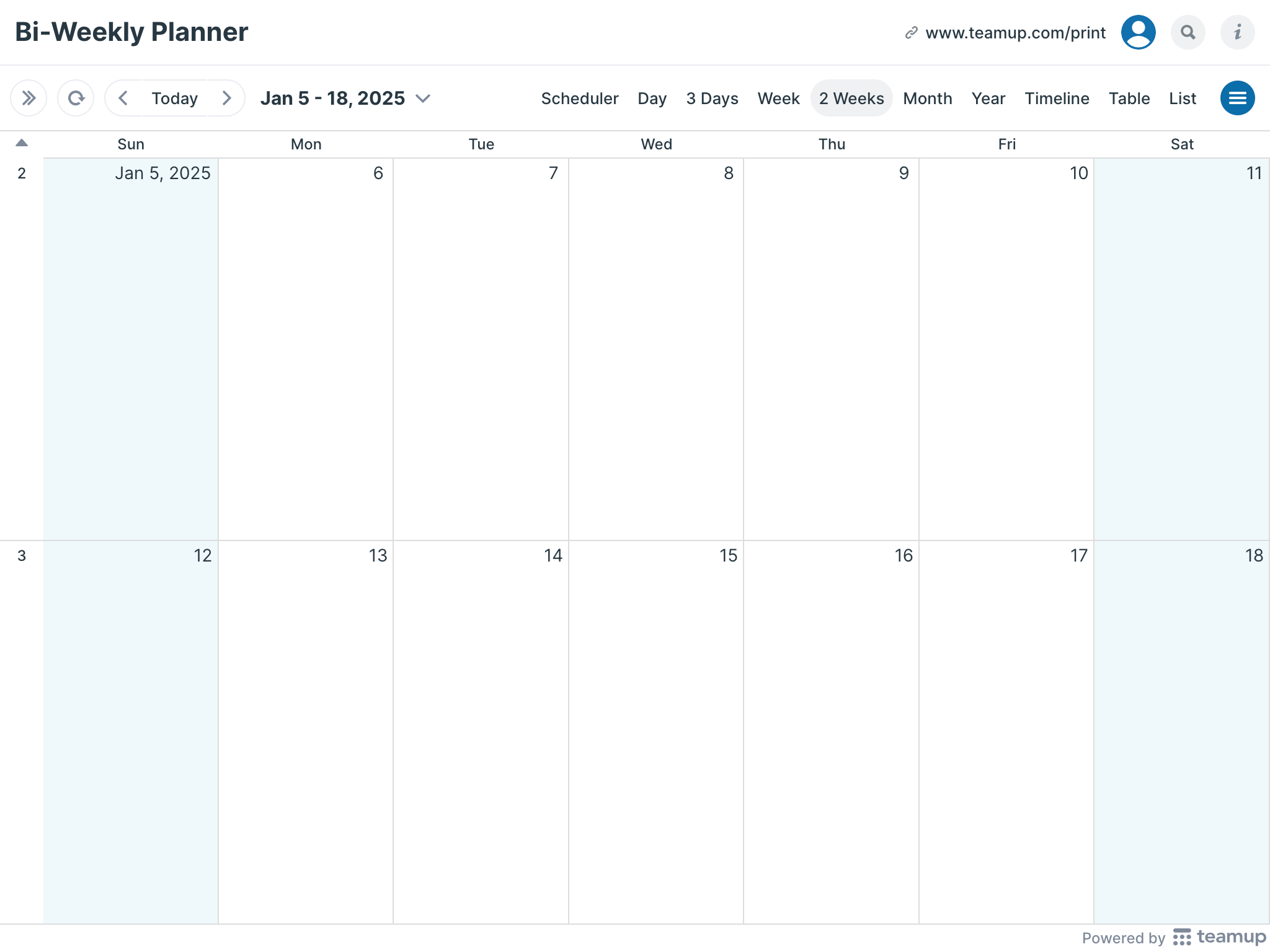
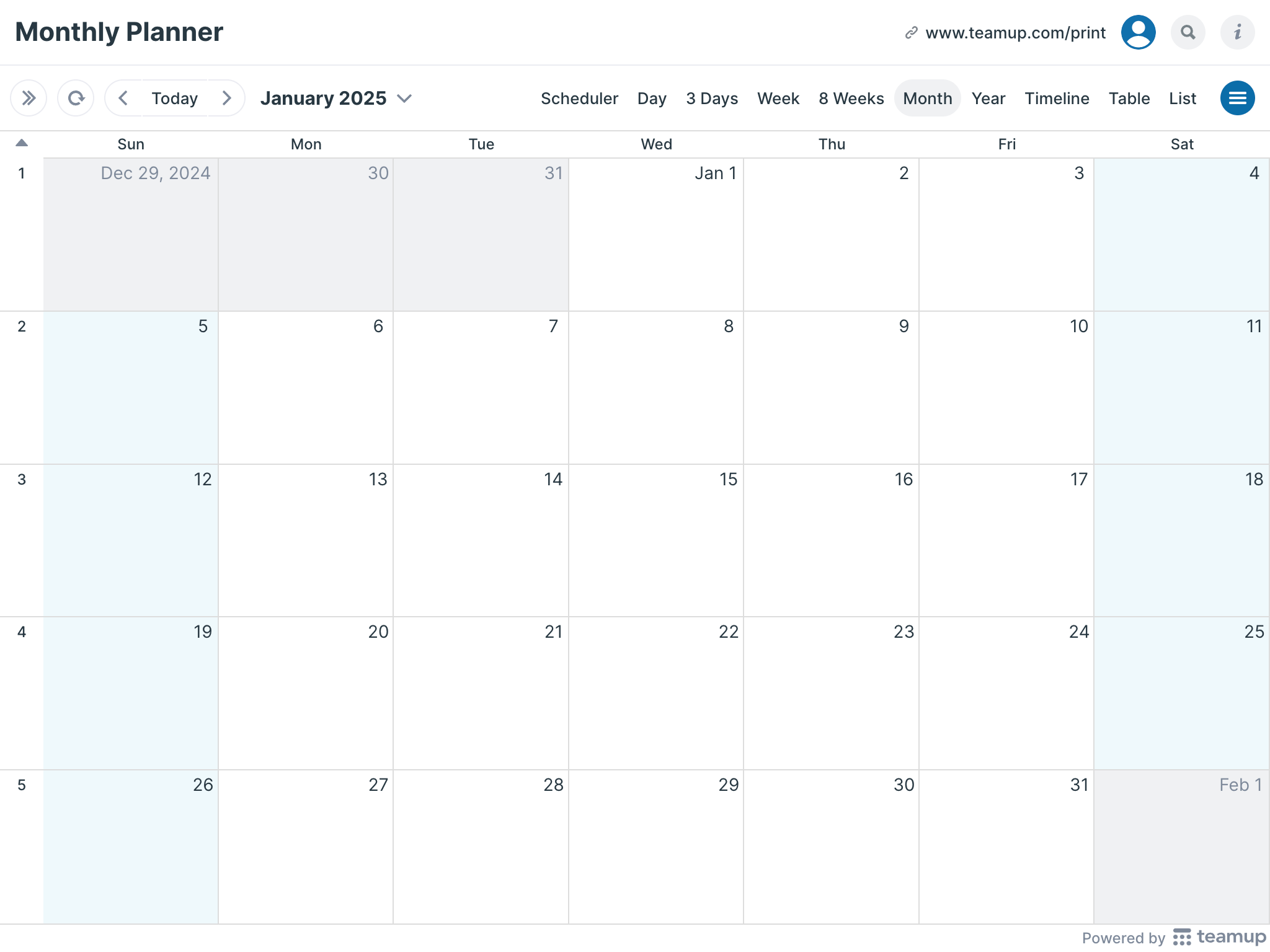
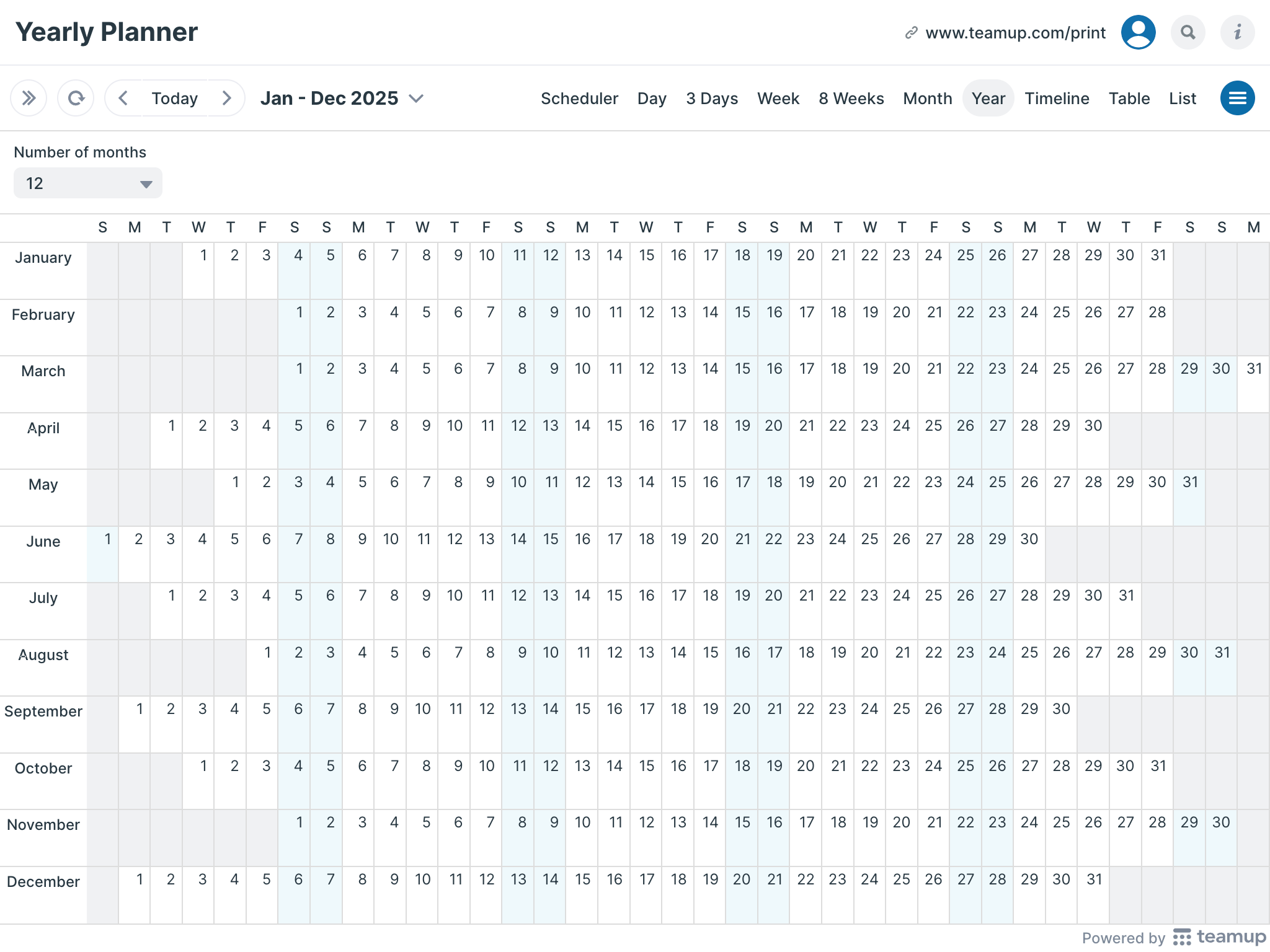
Print Your Own Blank Calendar, Anytime
Create your own Teamup calendar and print from any date range or view, for custom printable blank calendars anytime.
- Create a Teamup calendar; add color-coded sub-calendars, custom fields, adjust the visible time range and more. Use on any browser and with the Teamup app (iOS, Android).
- Click the eye icon above the calendar list to hide all sub-calendars. This will display a blank calendar.
- Choose the calendar view and adjust the date range or resolution. When ready, simply Ctrl-P (on Windows) or Cmd-P (on Mac) to print or save as a PDF.
TABLE OF CONTENTS