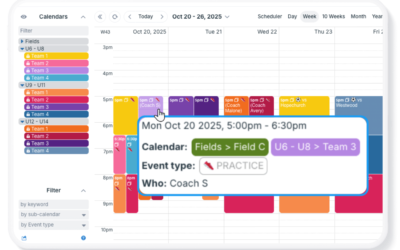
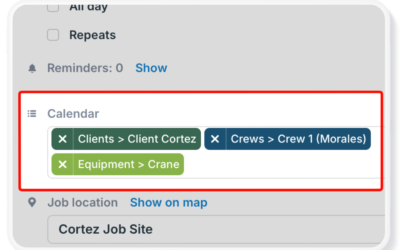
Use Teamup’s one-to-many feature to assign a single event to all the relevant sub-calendars, so there’s no need to copy information or reshare the same event. Connect all the people and resources related to each event so everything stays synced without extra work.
Assign Jobs and Hand Off Tasks Without Losing Context
Delegation works if each person has all the information needed for the job. Teamup keeps every task, document, conversation, and update together in one shared calendar event, making collaboration easier and ensuring each handoff includes the full context needed to keep work moving.
Make Scheduling Visual with Images and Attached Files
Keep photos, documents, and other supporting files connected to your schedule. Learn the different ways to add images and attachments to Teamup events, preview files in the Teamup app, and display image-rich events with Tiles view.
3 Ways to Show Who’s Involved with Events on a Shared Calendar
Learn three practical ways to indicate event ownership in Teamup. Compare sub-calendars, event fields, and custom choice fields to assign responsibility, improve visibility, and avoid scheduling conflicts.
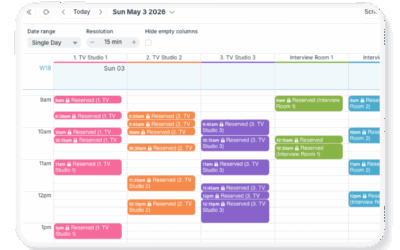
Manage Short-Term, Granular Bookings in Scheduler View
Handle tight, short-term bookings with precision using Teamup’s Scheduler view. Compare availability side by side, adjust time resolution, and schedule efficiently without conflicts.
Share and Promote Public Events Efficiently with Automated Updates
Plan and promote special events at an educational center or public-facing park with Teamup: Embed a visual events calendar and easily share an automatically updated page for individual events.
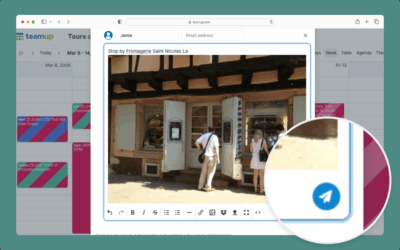
How to Use Event Comments
Learn how to use event comments in a browser with this interactive demo.
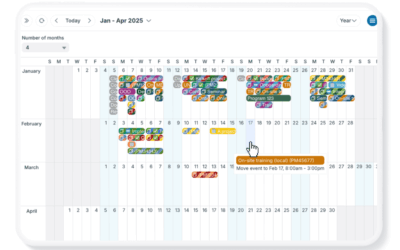
Two Ways to Quickly Reschedule Multiple Events
Changing the date/time on many events can be tedious if done manually, one event at a time. Here are two methods to mass move calendar events efficiently with Teamup.
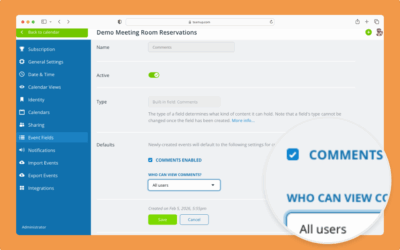
Configure and Manage Event Comments
Calendar administrators can configure defaults for event comments, and manage comments on individual events.
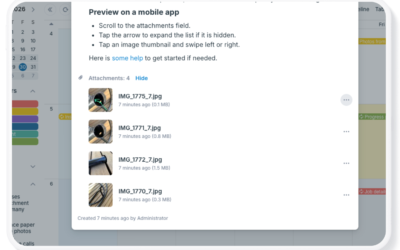
Preview Attachments on the Teamup App
In the Teamup app, you can quickly preview attachments. Preview a PDF to get the info you need in seconds, or quickly reference photos without having to download. Here’s how.
How to Use Event Signups
Users with modify access can enable event signups and adjust the deadline and maximum number on individual events.
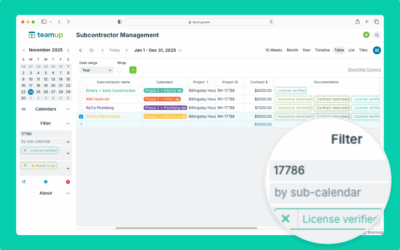
How to Filter Events
Use Teamup’s built-in filters to display only events that match certain criteria. Use keyword, calendar, or choice field filters alone or in combination.