Calendar Visualization, Featured, Product Tips
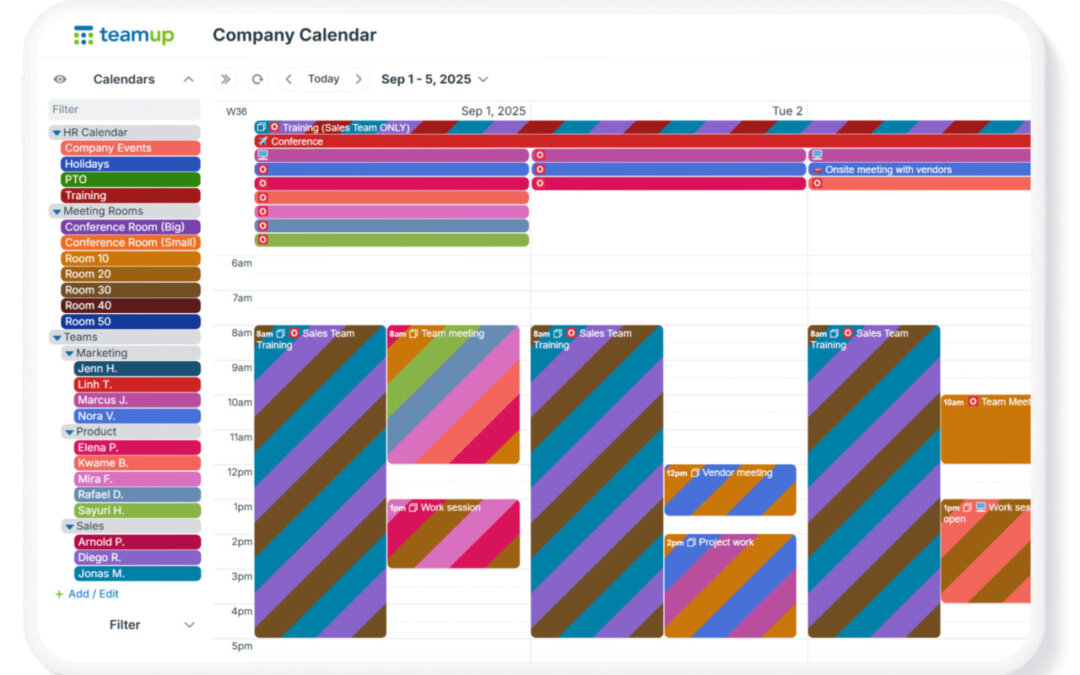
When you create a Teamup calendar, you’re creating a master calendar. That master calendar can contain many sub-calendars. Typically, a bigger or more complex organization (or project) means you’ll need more sub-calendars. Also, as teams grow, scheduling...
Calendar Visualization, Product Tips
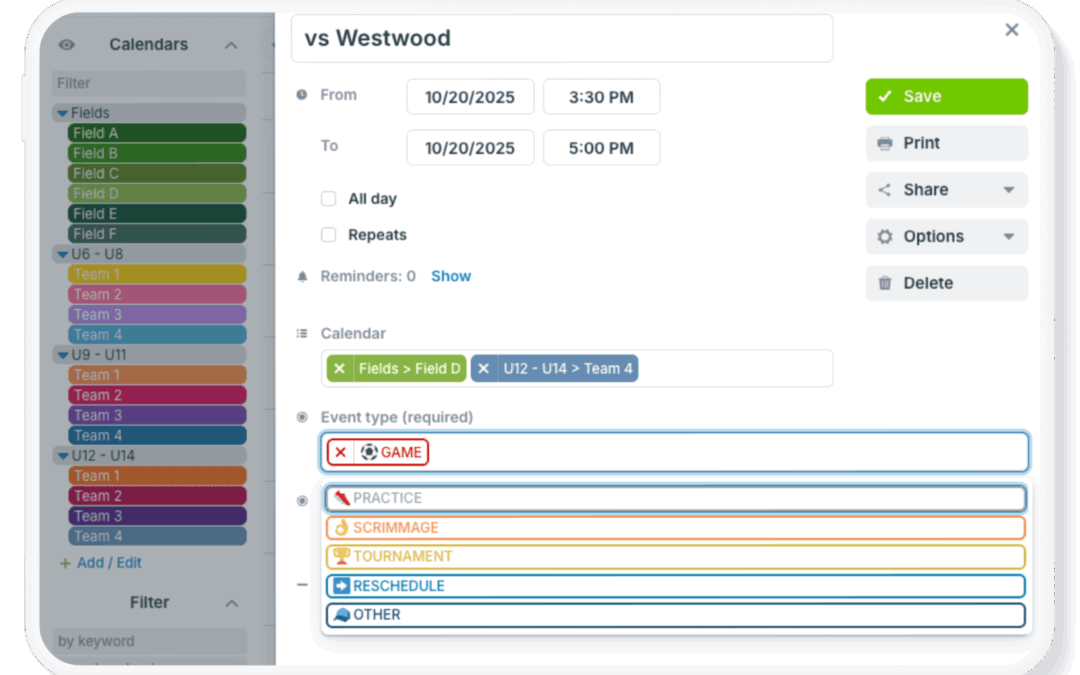
Complex scheduling often means tracking many details for each event. Locations, resources, teams, phases, and event types can all be important. Keeping this information organized and easy to use can be tough in many standard calendars, which don’t provide...
Interactive Demos, Product Tips
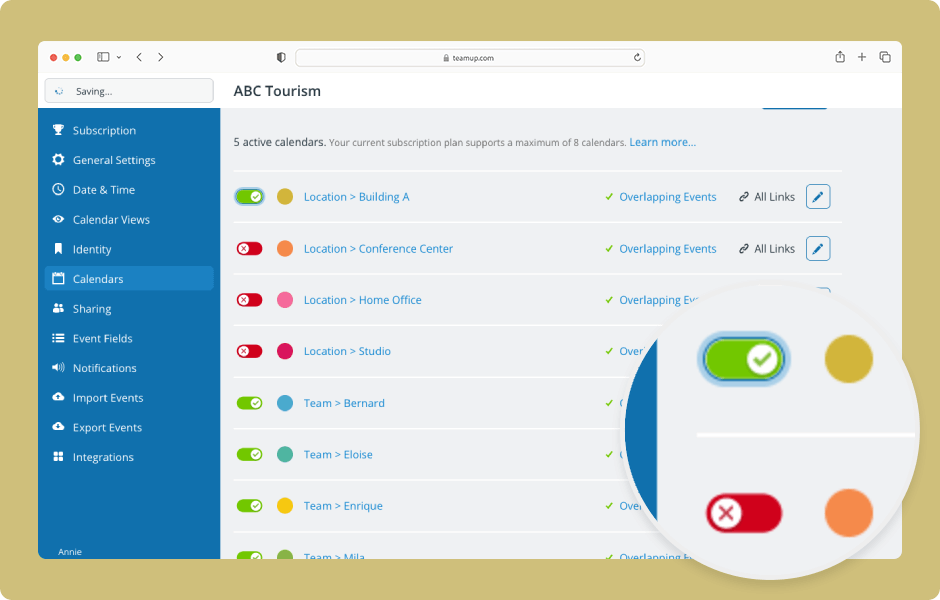
The data on deactivated sub-calendars or event fields is not lost, only archived. To access it, reactivate the sub-calendar or field. ENLARGE DEMO Access level required: Administrator Open your calendar in a browser and click the blue menu (top right). Select...
Information Visibility, Product Tips
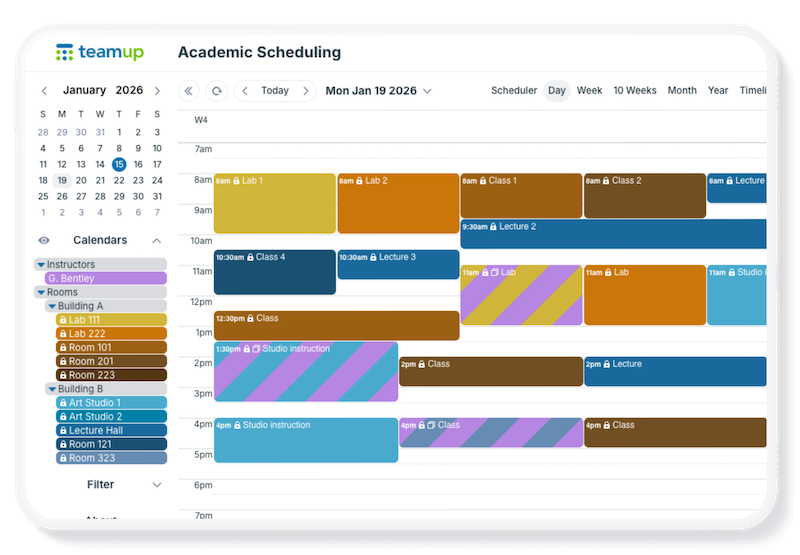
Real-world scheduling is often complex: Locations, resources, teams, phases, and event types can all be important. Standard calendars, however, don’t provide options and flexibility to track all the key details in an organized way. With Teamup, you can combine...
Interactive Demos, Product Tips
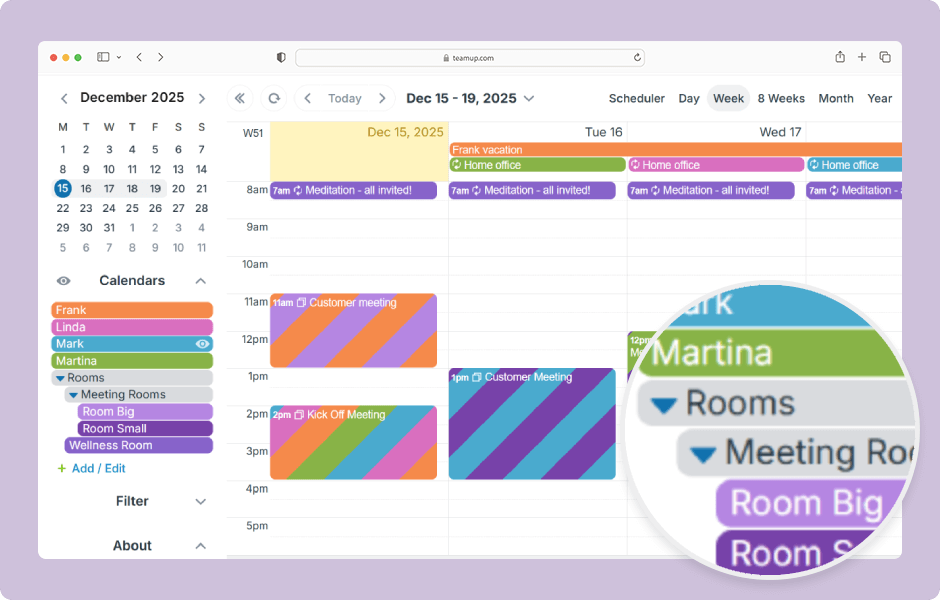
Folders are a way to group sub-calendars and to create an organizational hierarchy for them. Folder organization makes it easier to find the sub-calendars you are looking for, or to work with only a group of sub-calendars. ENLARGE DEMO Access level required:...
