Share an Event with Others

Share an Event with Others

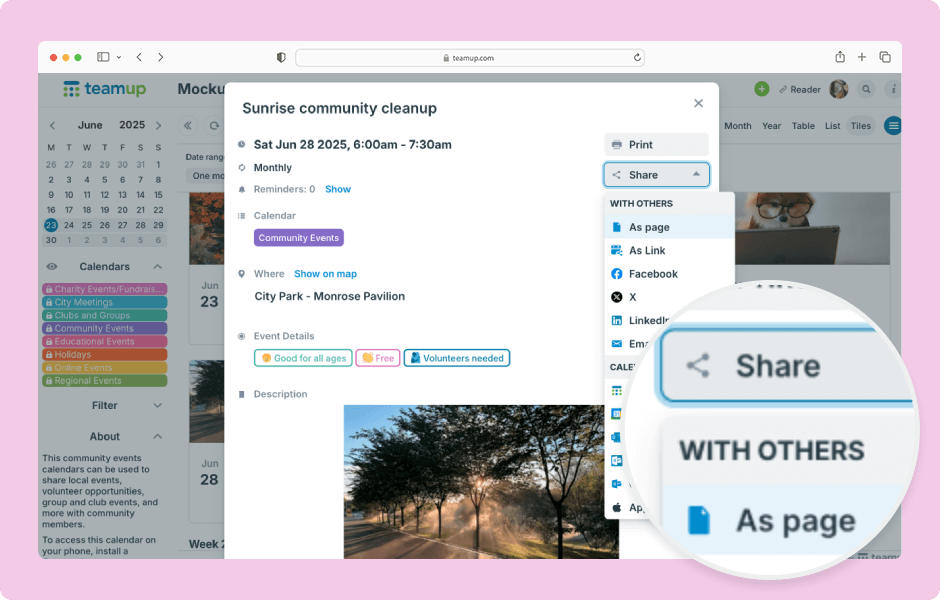
Here’s how to share individual events from Teamup in a browser. You can also share events from the Teamup app. ENLARGE DEMO   Open Teamup in a browser. Open the event you want to share. Click Share to view the sharing options. Click on a sharing option to...
Create and Share an Event Page

Create and Share an Event Page

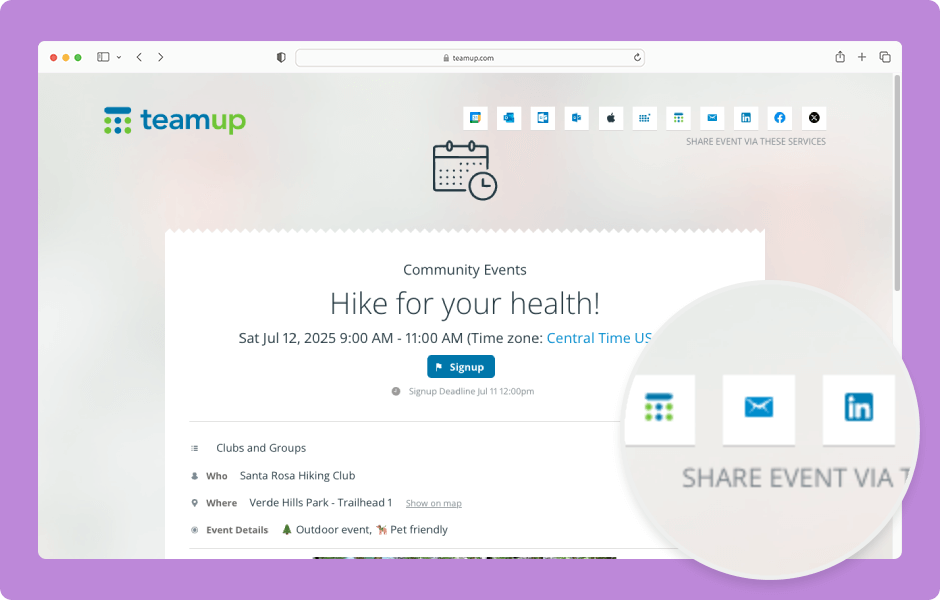
Turn any event on your Teamup calendar into a standalone, read-only web page. If you update the event in Teamup, the event page automatically shows the latest changes. Benefits of event pages Event pages are a secure, easy way to share and promote events: Secure...

Share an Event to Another Teamup Calendar

Share an Event to Another Teamup Calendar

Do you work with multiple Teamup master calendars? If so, you might want to share an event from one Teamup calendar to another: You might have a personal Teamup calendar and a work Teamup calendar. You can share your work trip details to your personal calendar. You...
Share an Event to Another Teamup Calendar

How to Easily Share a Community Calendar Using Teamup

With Teamup, you can create a calendar for your community, hobby or special-interest group, or other organization, and securely share it with the public. You can also use Teamup as a collaborative community calendar, where multiple groups or individuals can add events...
WordPress Cookie Notice by Real Cookie Banner