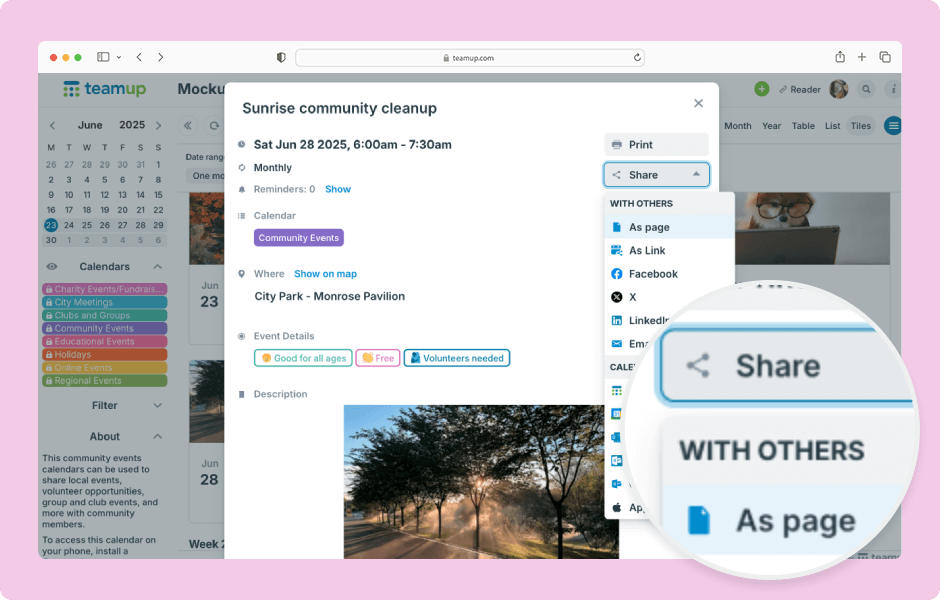
Here’s how to share individual events from Teamup in a browser. You can also share events from the Teamup app.
- Open Teamup in a browser.
- Open the event you want to share.
- Click Share to view the sharing options.
- Click on a sharing option to use it.
- Follow the prompts to complete sharing.
The Share menu will show the available sharing options. The calendar administrator can choose which sharing options are available.
ℹ️ Learn more