Event comments keep meeting prep, action items, decisions, and follow-up in one place. Here’s how to use them before, during, and after a meeting.
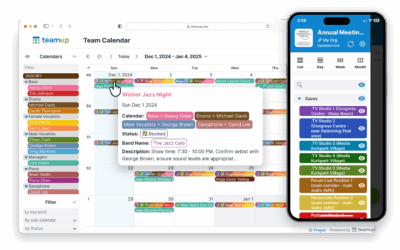

Event comments keep meeting prep, action items, decisions, and follow-up in one place. Here’s how to use them before, during, and after a meeting.
Time blocking turns a messy day into a doable plan. This post shows how to start with printable daily schedulers or with sub-calendars in Teamup.
Five practical ways to use a work journal through the day, from morning planning and freewriting to evening reflection and gratitude, for calmer, focused work.
A roundup of practical ideas for a more organized new year, from tracking energy and habits to long-range planning and calmer, focused workdays.
Turn scattered to do lists into one organized calendar. Capture tasks anywhere, sort by priority and context, and track status at a glance.
Time blocking gives every task a place on the calendar. This guide covers why it works and how to get started on paper or in Teamup Calendar.
A weekly review keeps plans and priorities current. This guide walks through the GTD weekly review process and how to run it with a Teamup calendar.
Unmade decisions keep pulling at your attention. A GTD mind sweep moves them out of your head, one placeholder per item, so you can focus again.
Based on GTD, this guide explains the universal in-tray: how to cut down your physical and digital in-trays and capture every open loop in one place.
Efficiency means getting the best results with the least resources. This post explains why it matters and how to choose where to improve it.
A few simple calendar habits, from checking it twice a day to using consistent event names, help people get far more value from their calendar.
Not every task has a set time. Three Teamup methods keep unscheduled tasks visible, plus tips for sorting, tracking status, and logging completed work.