
Home > Learn
Learn
Organize teams, schedule work, manage availability, and share events.

Installation Services Scheduling that Keeps Every Job on Track
Installation scheduling built on a shared Teamup calendar: color-coded crews, custom fields for job details, and a mobile app that keeps office staff and crews in sync.

September Monthly Roundup: Color-coding, service job scheduling, and more
Our September monthly roundup has color-coding insights, a mobile app guide, and service job scheduling plus free printables.
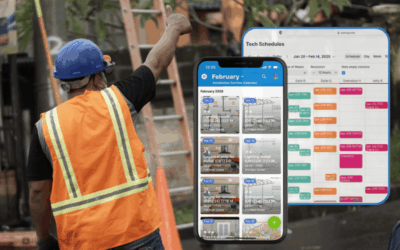
A Better Way to Schedule Service Jobs and Technicians
Schedule service jobs visually, match techs to work, and keep job details, access, and updates in one shared technician scheduling calendar. See how Teamup fits.
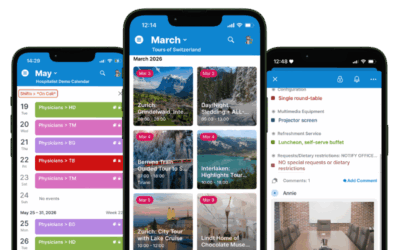
Get Started with the Teamup App
Download the free Teamup app for iOS or Android. Stay synced with all your master calendars, create and share events, view files and images, and more.
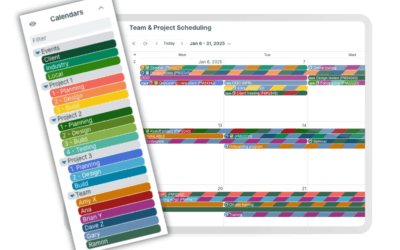
Understanding Master Calendars vs Sub-Calendars
A master calendar is the whole structure; sub-calendars are the individual calendars inside it, each with its own access and color-coding. Here’s how Teamup uses that structure to keep teams, projects, and fleets organized as they grow.
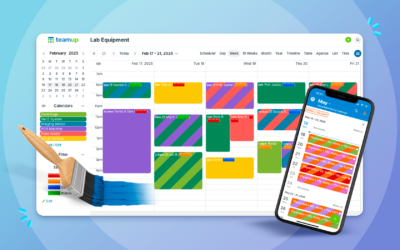
How to Color-Code Your Calendar Like a Pro
Color-coding turns a wall of text into a calendar you can read at a glance. Here’s how to build a color coded calendar system with Teamup’s 48-color palette, from picking contrasting colors to color-coding across two dimensions at once.

August Monthly Roundup: Back-to-school scheduling, task handoffs, and free printables
Our August roundup covers back-to-school scheduling, Scheduler view, task handoffs, Kanban boards, and sub-calendar organization, plus free printable calendars for September and Q4 2026.

Use Your Teamup Calendar as a Kanban Board
Turn your calendar into a Kanban board with Teamup’s Scheduler view. Organize tasks by status, see them next to your meetings and deadlines, and keep your kanban schedule and calendar working as one.
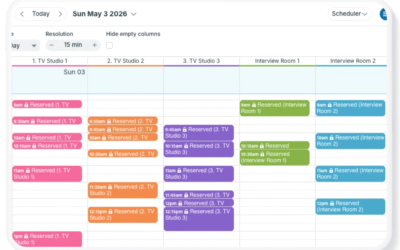
Get Clarity and Visual Organization with Scheduler View
Teamup’s Scheduler view displays sub-calendars side-by-side, making it easy to compare schedules, find availability, manage resource bookings, and coordinate staff shifts.

Make Back-to-School Scheduling Easier with a Family Calendar App
Bring school schedules, activities, appointments, work plans, and family responsibilities together. See how Teamup helps the whole family stay organized and coordinate from anywhere.
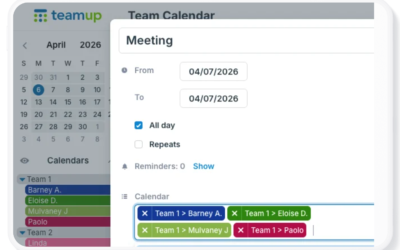
5 Practical Tips to Set Up a Shared Team Calendar
Learn how to set up a shared calendar for your team with practical tips for organizing schedules, managing access, keeping things simple, and creating a calendar that can grow with your needs.

Assign Jobs and Hand Off Tasks Without Losing Context
Delegation works if each person has all the information needed for the job. Teamup keeps every task, document, conversation, and update together in one shared calendar event, making collaboration easier and ensuring each handoff includes the full context needed to keep work moving.

July Monthly Roundup: Keep information in context, delegate efficiently, and more
July monthly roundup: how to add images and attach files to events to keep everything in context + share visual schedules. Plus, get insights on how to delegate more efficiently, enable self-managed availability, and manage simple hourly tracking. Download free printable calendars for the upcoming month and quarter to stay organized for the weeks ahead.
TABLE OF CONTENTS