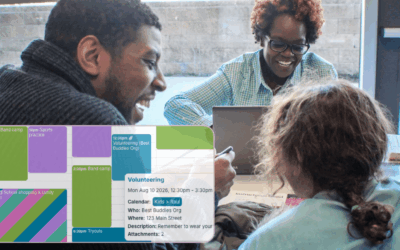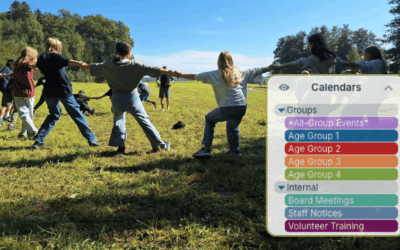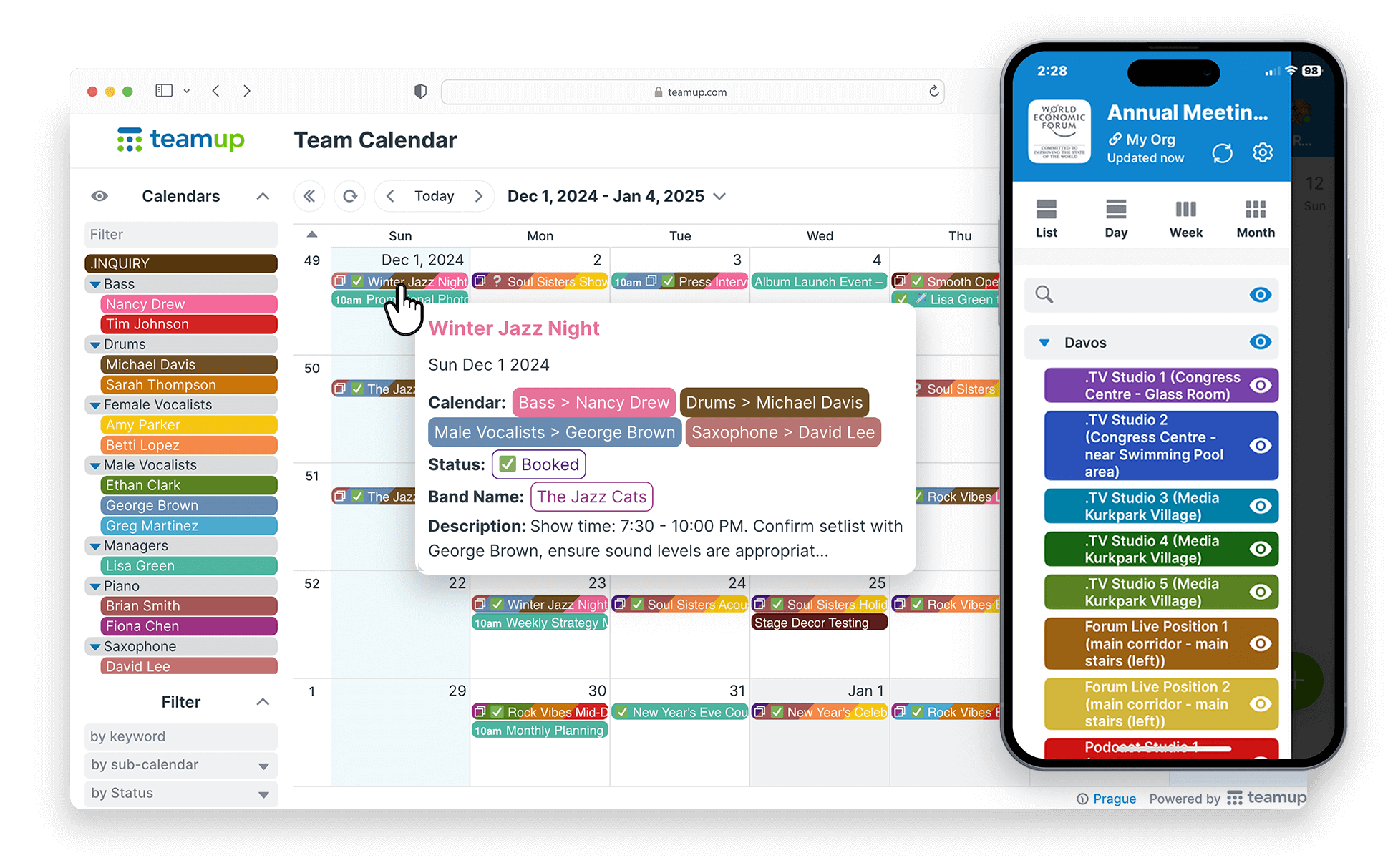
With Teamup, you can create a calendar for your community, hobby or special-interest group, or other organization, and securely share it with the public. You can also use Teamup as a collaborative community calendar, where multiple groups or individuals can add events to the calendar.
Set up your community calendar
First, create a free calendar.
Next, decide how to organize the sub-calendars.
You might create one sub-calendar for each type of community event, for example. Or you could assign a sub-calendar to each group or organization that will be involved.
Finally, set up customized access for all collaborators.
Full guide here: Create a Shareable, Synced Events Calendar for Your Community or Club
Share the community calendar
When you have the calendar all set up, you can share it with the public: create a secure link, which you can embed on the group website or share on social media. This will allow people to see all the events on the calendar, and view all event details. But they will not be able to change anything on the calendar.
Examples here: Embedded Calendars to Share Public and Community Events
Enable group collaboration
The Plattsmouth Public Library set up a shared community calendar that multiple organizations and groups use to keep community members informed about events, area opportunities, and updates.
The library staff often took calls and inquiries about area events and decided it was time for a more efficient system. They created a Teamup calendar and invited major community organizations to collaborate. The library staff takes care of adding events from smaller group and area organizations.
Now the community calendar is a helpful tool for all members of the community, and is kept updated by efforts from multiple groups. No one person or organization is overloaded, and event information is easy to find for everyone.
- The public calendar, shared via a secure read-only link, is available via a link on the library’s website.
- Other community organizations also share the calendar from their own websites or social media pages.
- Events can be shared easily via social media, messaging, email, or as stand-alone webpages by any member of the community.
- Each major community group has its own sub-calendar.
- Another sub-calendar, managed by the library staff, is dedicated to events from smaller groups.
- The About box on the left sidebar has links for all the major community organizations.
Avoid scheduling conflicts
The municipality of Cumiana, Italy, uses a shared calendar for public shows and events. Their calendar allows event organizers to update information in real-time, and keeps the public updated on area events.
They have a unique method of using the calendar that helps various individuals and organizations schedule events for the area with less overlap. That way, more people can attend more events. There’s less “competition” between events, and more opportunity for everyone to enjoy all that the area has to offer.
To plan events, calendar contributors are given access to a work sub-calendar:
The organization or association… can enter events independently, with an easy-to-operate system, directly in the work calendar. They can add useful and essential text or images: descriptive details that, as soon as they are posted, become visible to other associations and organizations, as well as to the editors of InformaCumiana. In this phase the events will not be visible to the public just yet.
Seeing various event plans and details on the work calendar allows organizers and groups to avoid scheduling conflicts and provide more opportunities for the community. Once the event details are confirmed, the event is added to the public calendar.
Provide no-fuss public access
UN Web TV is the video portal of the United Nations Webcast. It broadcasts daily, live and on-demand video coverage of United Nations meetings over the internet. UN Web TV uses a Teamup calendar on their website to share their program schedule; the calendar, embedded on their website, is easy for anyone to view or share with others. It’s a no-fuss way to keep the public informed about the video coverage.
The embedded calendar is shown in List view, with event details on. This default view makes it easy for website visitors to scroll through the day’s programming without needing to open individual events for details or links. Site visitors can adjust the schedule view using the options at the top of the calendar.
Related resources: