Interactive Demos, Product Tips
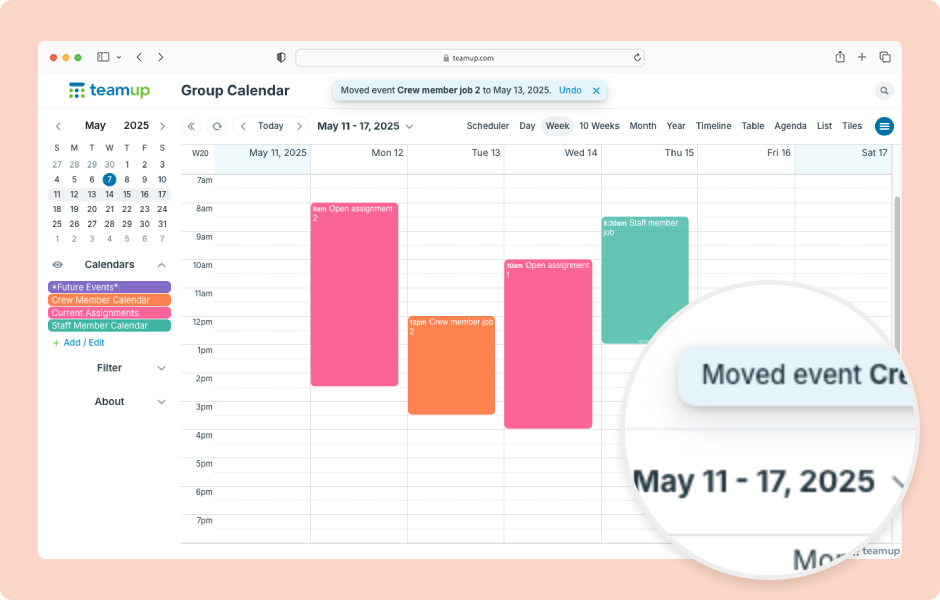
To quickly reschedule events in Teamup, drag and drop the event where you want to reschedule it. To make this efficient, first switch to a calendar view that fits the time frame you need. For example, to reschedule events across months, use Year view. To reschedule...
Interactive Demos, Product Tips
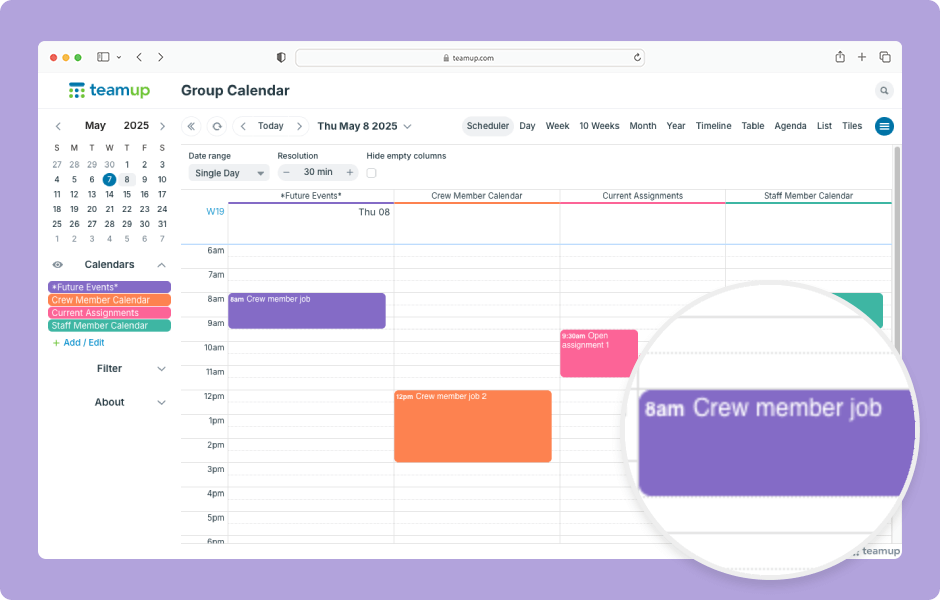
In Scheduler view and Timeline view, you can drag and drop events to quickly assign them to a different sub-calendar. ENLARGE DEMO Open Teamup in a browser. In Scheduler view: Click and hold the mouse button on an event. Drag the event to a different column and...
Interactive Demos, Schedule Work
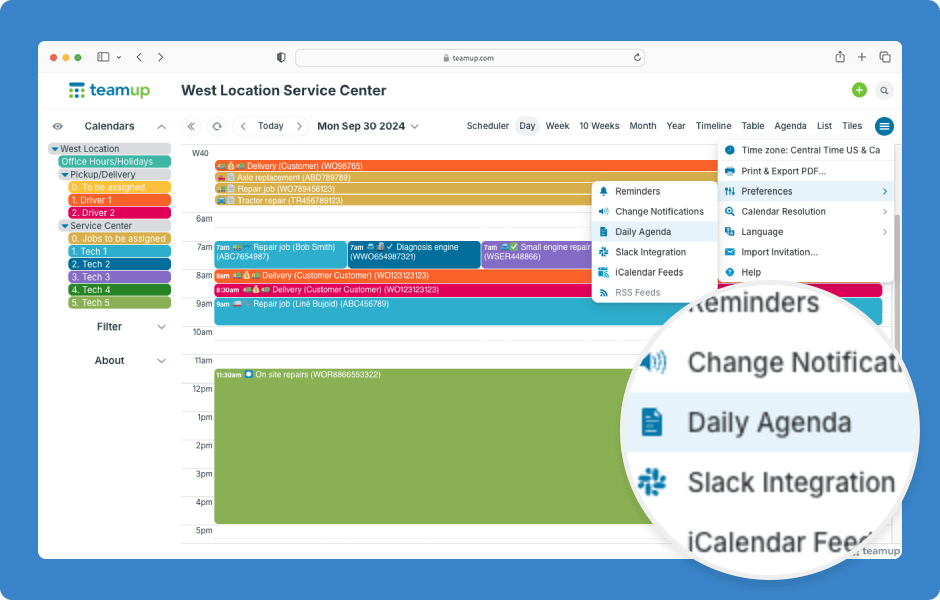
The daily agenda is an email notification that displays all events for the upcoming one to three days. When setting up the daily agenda subscription, you can choose which sub-calendars to include. Include the sub-calendar(s) that contain the tasks, events, or jobs you...
Featured, Information Visibility, Working with Events
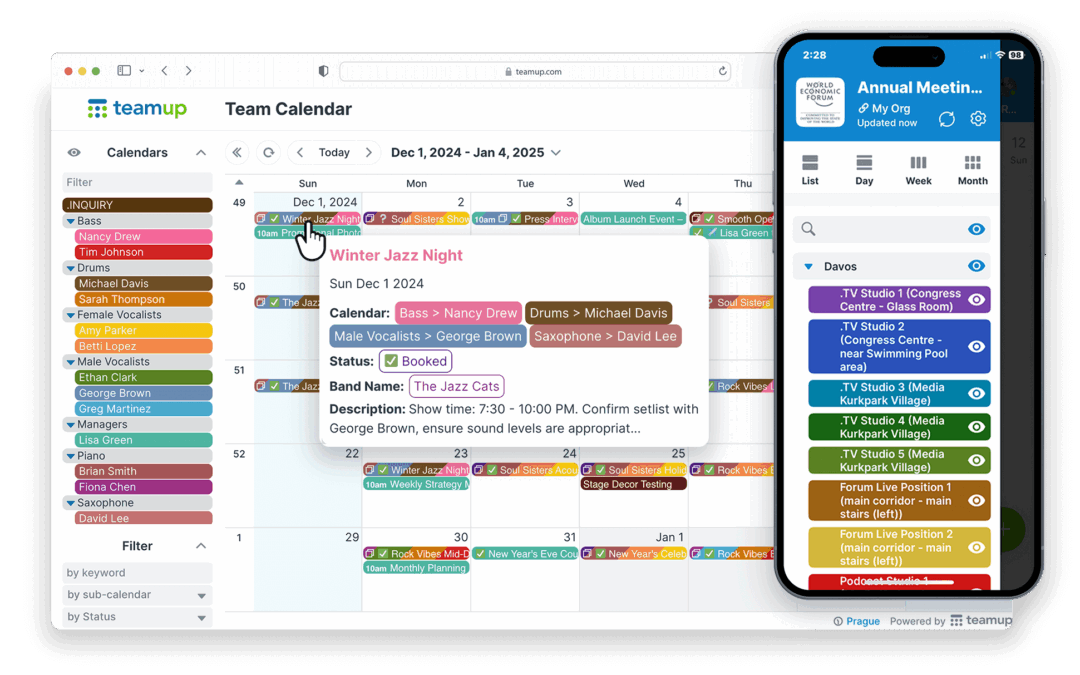
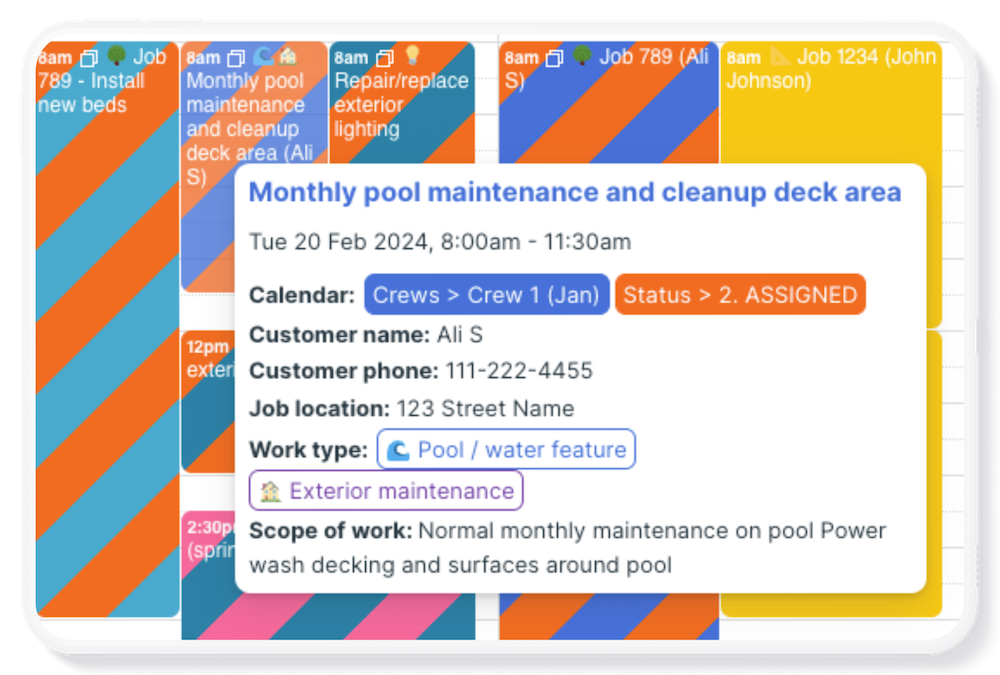
Custom fields can help structure and standardize the way information is organized on a calendar, allowing users to easily add information and find it back when it is needed. Think about the different parts of any job or event in the real world. For instance, if you...