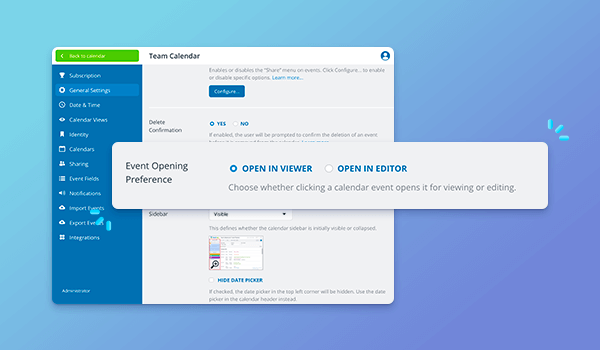
Update: Event Opening Preference

Update: Event Opening Preference

There’s a new option for how events open for users with modify permission. Previously, for users with modify-level access, events would open directly in the event editor. Now, events first open in the read-only event viewer. Users can click the Edit button to...
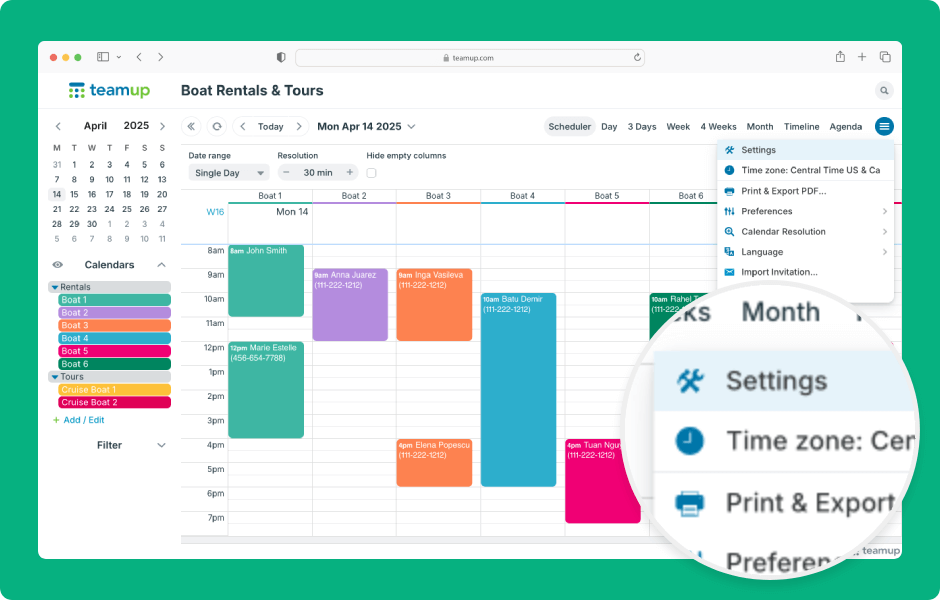
Enable or Disable Calendar Views

Enable or Disable Calendar Views

Teamup offers 12 unique, powerful calendar views (on a browser). The views can be enabled or disabled; enabled views will be available in the view picker for all users. ENLARGE DEMO Open Teamup in a browser. Click the blue calendar menu (top right). Select Settings....
Access and Adjust Calendar Settings

Access and Adjust Calendar Settings

Teamup calendar settings are the control center of the calendar, where the calendar administrator can create sub-calendars, manage users, and configure settings. Settings are accessible only in a browser (not in the Teamup app). Here’s how to access and use...

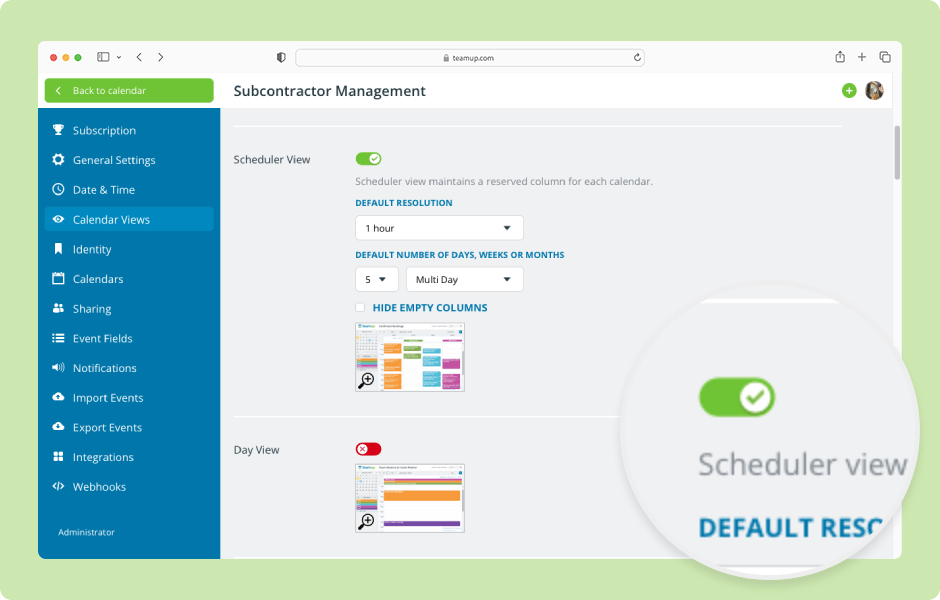
Change the Calendar Start Date

Teamup’s default start date, or date which the calendar automatically shows when opened, is the current date. Did you know you can change the calendar start date? You can have Teamup open on a past date, a future date, or a specific event date as needed....
WordPress Cookie Notice by Real Cookie Banner