Featured, Organize Teams, Product Tips, Schedule Work
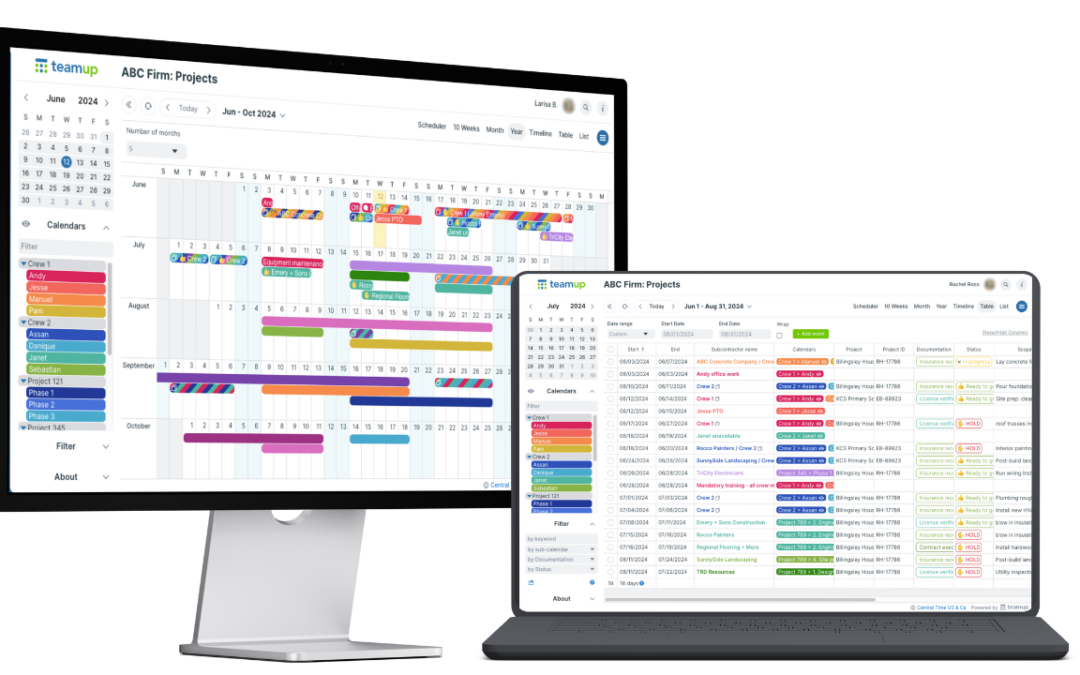
Too often, individuals and teams stay stuck in a familiar view — usually Week or Month — and miss out on the productivity gains that come from using a view designed for their workflow. Choosing the right calendar view matters more than most people realize. The...
Featured, Interactive Demos, Manage Availability
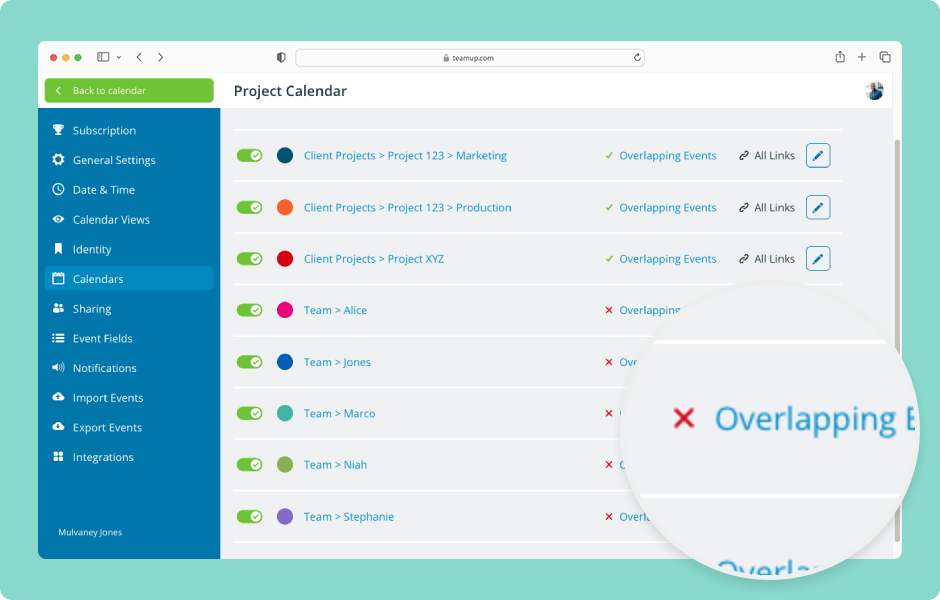
When you’re scheduling people or resources, double-booked events can cause problems. Teamup has one simple setting that will automatically prevent overlapping events on a sub-calendar. ENLARGE DEMO Note: The Overlapping Events setting applies to events within...
Featured, Organize Teams, Product Tips, Ticker
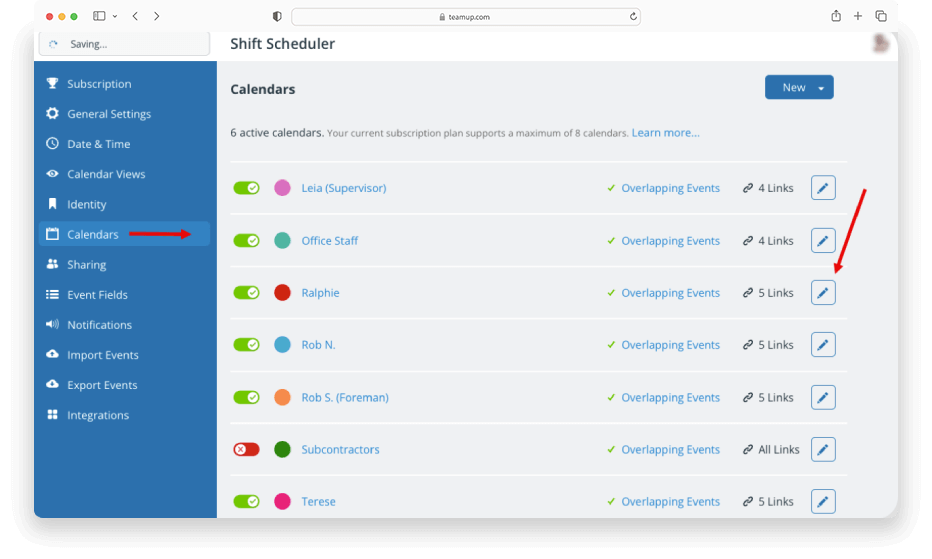
Sub-calendars can represent people, resources, projects, areas, anything you like. Whenever needed, you can re-assign a particular sub-calendar to a different person, resource, or area: A staff member leaves the company. Instead of creating a new calendar for the...