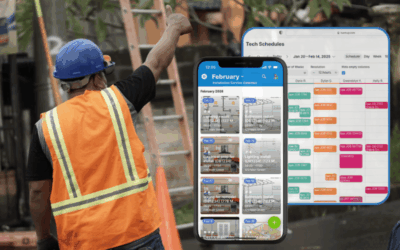
Set up maintenance and cleaning tasks, share contracts, show availability, and stay organized easily. Property management covers a wide range of tasks, from cleaning and maintaining the property to overseeing repairs and booking guests.
The exact nature of property management differs, depending on the type of property. Short-term rentals, for example, require a quick rate of turnover that’s not so important for long-term leased spaces. Residential and commercial properties differ, as well. All types of property management will include some, if not all, of these tasks:
- Cleaning (between guests) of the property
- Regular maintenance of the property (buildings, indoor and outdoor)
- Yard work and yard maintenance
- Communicating with guests/tenants
- Managing the calendar/bookings
- Manage housekeeping staff and other crew
- Providing contracts and collecting payment
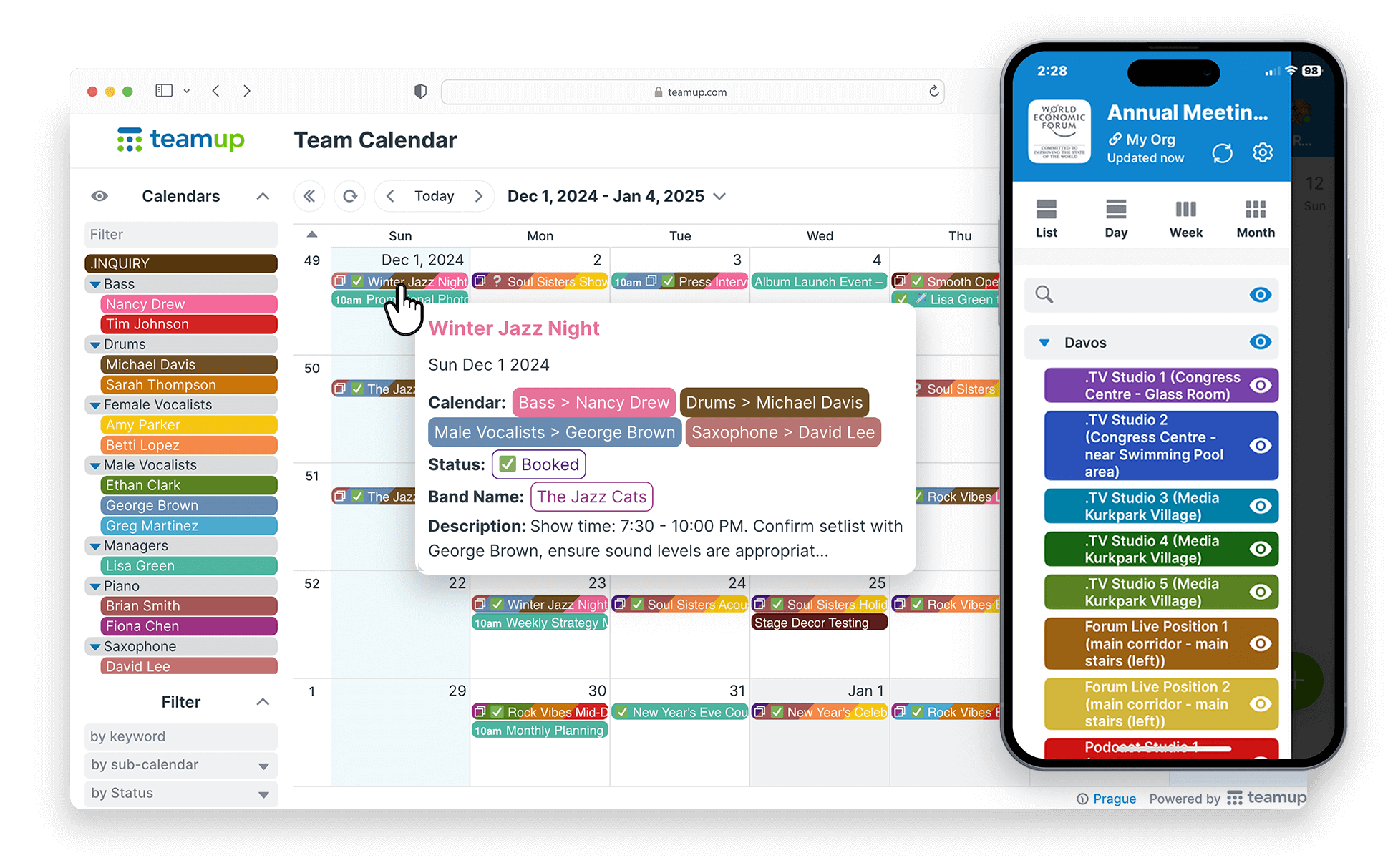
One key to efficient property management is to have some sort of organizational dashboard; this dashboard would, ideally, show you bookings and scheduled tasks, such as cleaning and maintenance, at the various spaces you manage.
“Excellent program! And perfect for our numerous lodges and their bookings.”
— Gregory, Mexico
It’s also helpful to have a unified way to communicate with guests, with workers, and with property owners. While some booking services, such as Airbnb, provide built-in calendars and communication tools, these rarely provide all the flexibility needed to manage all the aspects of property management.
“I love the simplicity of your calendar application and am currently using the free version for tenants of an office building to book the joint conference room. Super impressed with your calendar and customer service.”
— Irene, USA
Teamup Calendar can be a great tool for coordinating all the tasks and scheduling necessary for property management.
Create a maintenance calendar
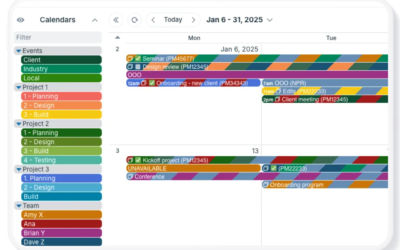
Use Teamup to schedule between-stay cleanings as well as seasonal maintenance tasks and even repairs. Then, by sharing a calendar link with your cleaning crew and maintenance providers, you can easily coordinate the schedule to make sure things happen when they need to.
One way to set up a maintenance calendar would be to create a sub-calendar for each property, or each separate space within the property. For example, if you manage a vacation rental with separate units, you’d create a sub-calendar for each unit.
Then you can create a sub-calendar for all cleaning, maintenance, and repair tasks.
Add all booked stays to each unit’s sub-calendar; in between guests, you can schedule cleaning and maintenance. When there is a longer break between guests, you can schedule bigger maintenance tasks or repair work.
You would put these events on both the maintenance sub-calendar and the sub-calendar for the unit; that way anyone can see — whether checking availability for a unit, or checking the cleaning schedule — when a unit is undergoing maintenance.
Share the maintenance schedule
You can share the maintenance sub-calendar, as well as the calendar for each unit, or for all units, with the people who need to know. For example, perhaps you have a cleaning crew who needs to know the cleaning schedule for each unit. Rather than sending text messages or emails back and forth with the cleaning schedule, you can add them as calendar users, with customized access:
- Select the sub-calendars to share.
- Set the permissions for each one. In this scenario, you might give Add-only or Modify permission for the cleaning sub-calendar, and Read-only no details for each unit’s sub-calendar. See more about access permissions.
You’re able to share the maintenance schedule and maintain security for your guests without setting up a separate calendar. The crew can see all details of the cleaning tasks, but cannot modify or delete the tasks that are already scheduled. Enable comments to allow the crew to upload notes or photos to indicate that a task has been completed, even without having edit permission for the task itself.
Create an availability calendar
By creating a sub-calendar for each unit, you’ve already created an easy way to show space availability to potential guests. You can use the calendar in several ways:
- Embed the calendar on your website. People can view the calendar to see when a particular space is available.
- Share specials or other seasonal events as event pages, anywhere. This is a great way to promote your properties and allow people to see availability when they might not visit your website. Social media gives you a wider reach.
Share information with guests
When guests have booked a stay, you can add it to the appropriate unit’s sub-calendar and then share that event only — the booked stay — the guests.
For example, if a family has booked a unit for a weekend stay, you can add it to the sub-calendar for that unit. Add all the information that might be helpful to guests:
- Photos of the property
- A map to the property
- Check-in information
- Links to area attractions and restaurants
- A checklist of things to bring or do
Once you’ve added all the information, you can share the event as a webpage. Send the webpage link to your guests, and they can access all the details and information you added.
It’s easy for your guests to share the event with others, as well. They can copy and paste the link or use the sharing buttons at the top of the webpage.
They can access all the files, links, and images you’ve included on the event, as well. So they can download a rental contract, see checklists or instructions, and view photos of the property.
“We use it to schedule 4 therapy rooms rented out to about 25 therapists.”
— Director, Small Business
Here are a few other ways you could use images and documents as a property manager:
- Add a checklist to a cleaning task, such as Routine Cleaning Checklist or Deep Cleaning Checklist.
- Add an image to a maintenance need; for example, you could take a photo of a fallen tree and add it to a maintenance task. This way, the yard crew can see the size of the job and estimate what they’ll need in order to handle it.
- Add event details for your guests that they can easily share with participants. For example, if you have a corporate team using a conference space, you can upload a copy of their meeting agenda to the event and then they can easily share it with attendees.
“We love Teamup and it has worked flawlessly for us in managing the scheduling of conference rooms.”
— Andrew, USA
Could you benefit from an easy system for all the tasks of property management? Try out one of our live demo calendars to see how Teamup could work for you.