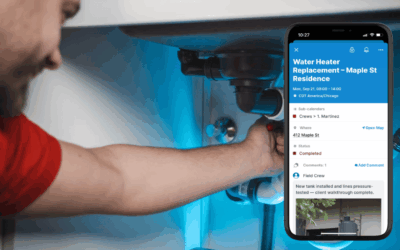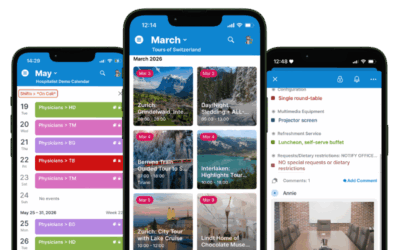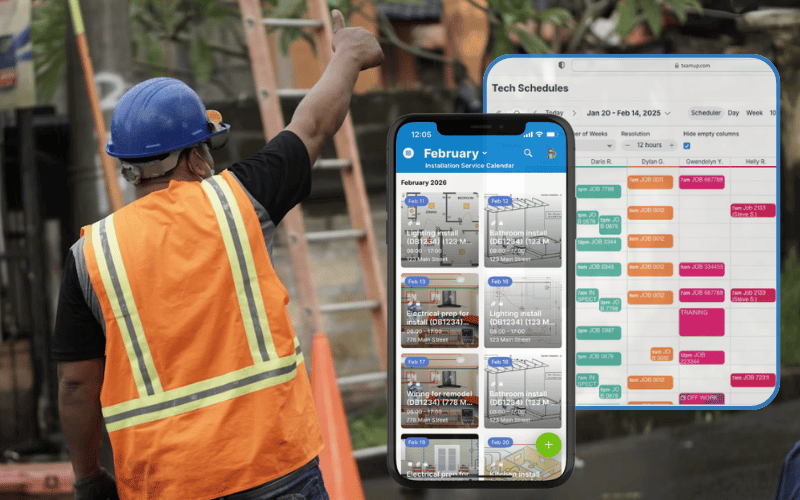
Service teams have a lot to track: who is going where, what each job needs, and what’s changing at the last minute. If details are separated in different tools, updates can get delayed or missed, which means crews lost valuable time. Teamup puts all your service jobs on one visual calendar that stays synced and secure. Office staff can assign work, control who sees what, and keep job details current. Techs in the field see updated jobs and have all the info they need. Here’s an overview of how Teamup brings it all together; check out the linked guides for more in-depth explanation and setup help.
Visual service job scheduling
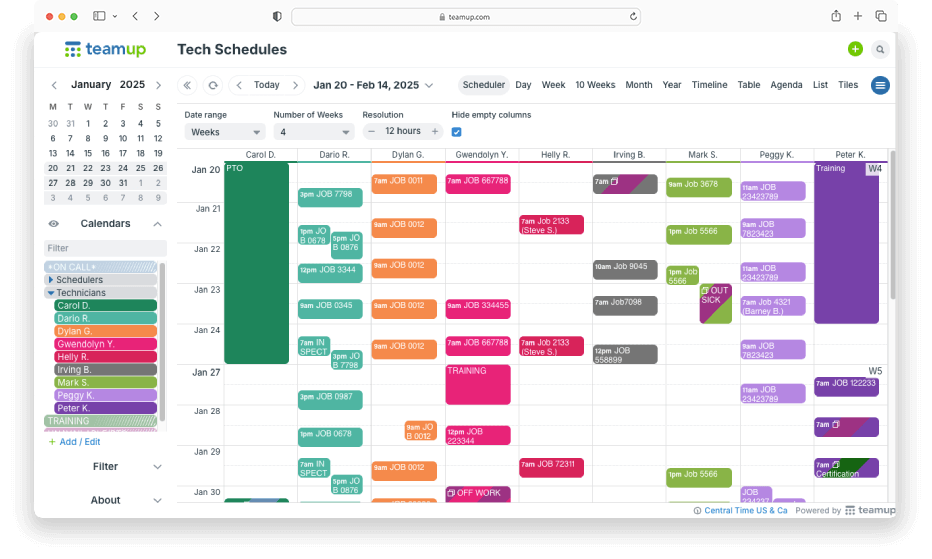
Coordinating work, even for small service teams, can be unexpectedly complex. Teamup helps streamline scheduling in an organized, visual way:
- See team and project schedules at a glance for better coordination.
- Match the right technician or team to each job.
- Create structured job entries with who, what, when, and where.
- Track job status, priorities, and deadlines across ongoing work.
Different calendar views like Timeline or Multi-month are great for long-term timelines and deadlines across multiple projects. For day-to-day scheduling, Scheduler view displays each team member’s availability side by side.
→ Clear Scheduling and Operations for Service Teams
Role-based schedule access
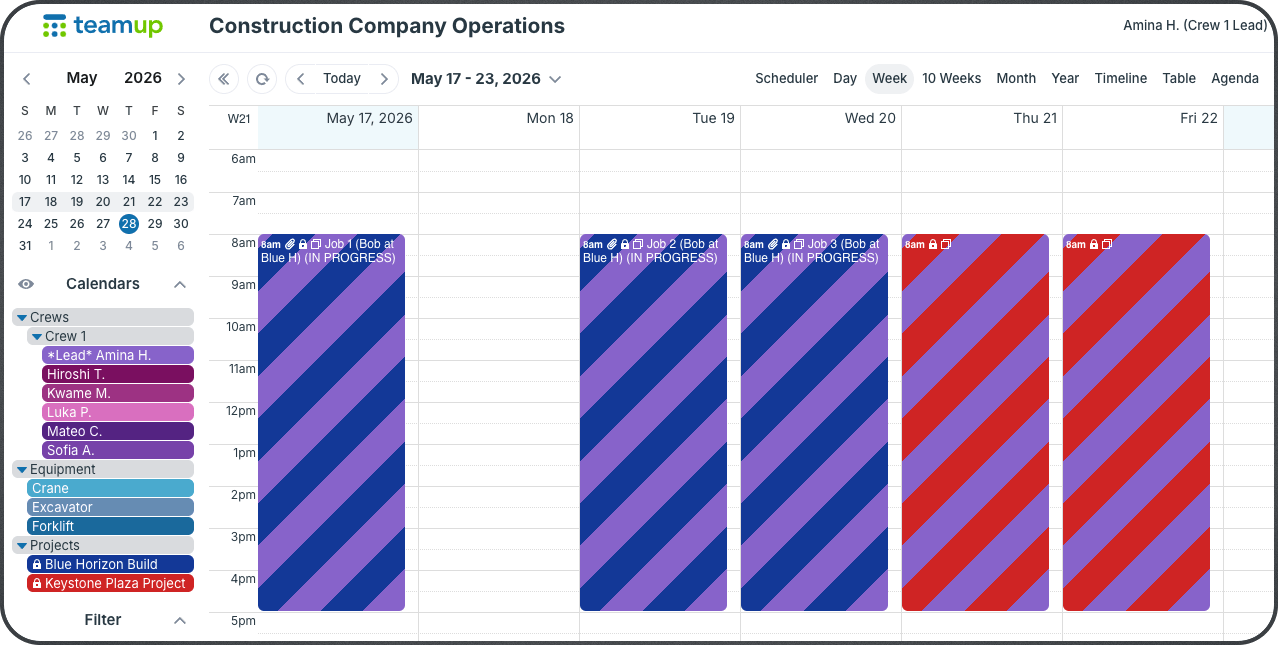
The lead for Crew 1 has access to the Crew 1 schedule, equipment, and their current projects.
With field service scheduling, different people need different access levels. Project managers need visibility across crews, equipment, and timelines for the projects they manage. Crew leaders need daily job details and schedule updates, while field crews only need their own assignments.
Teamup’s unique features let you create one centralized scheduling and job information system while customizing visibility for every person, based on their role. People see what they need to see, so they can focus on their work without distraction.
→ Role-Based Calendar Access for Construction Companies
Complete service job records
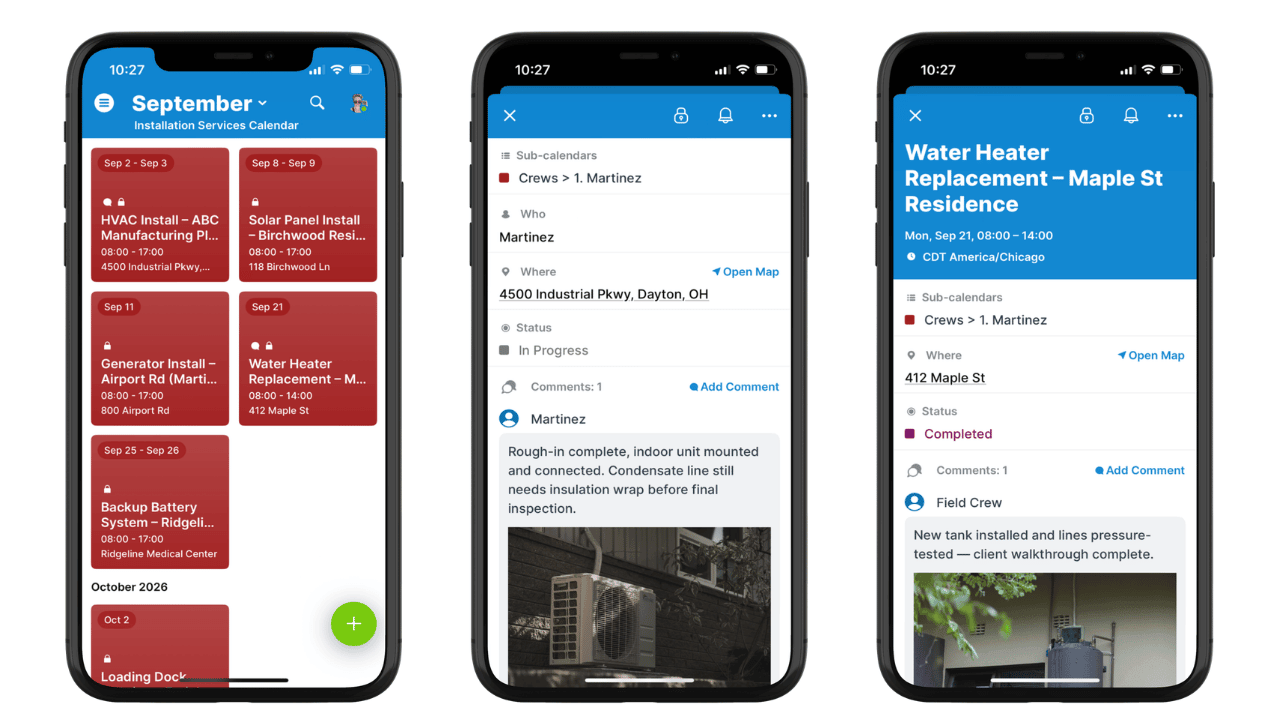
Many field service companies struggle to keep job information organized. Notes, site photos, customer requests, key documents, and updates are spread across various tools and lost in separate communication threads. With Teamup, you can capture every detail of every job, right on the schedule:
- Attach images and files so they’re accessible and easy to preview on mobile.
- Control event field visibility so only the right staff see each piece of information.
- Use event comments so field crew can submit updates and photos without editing jobs.
→ How to Maintain Complete, Reliable Job Records
Structured field crew scheduling
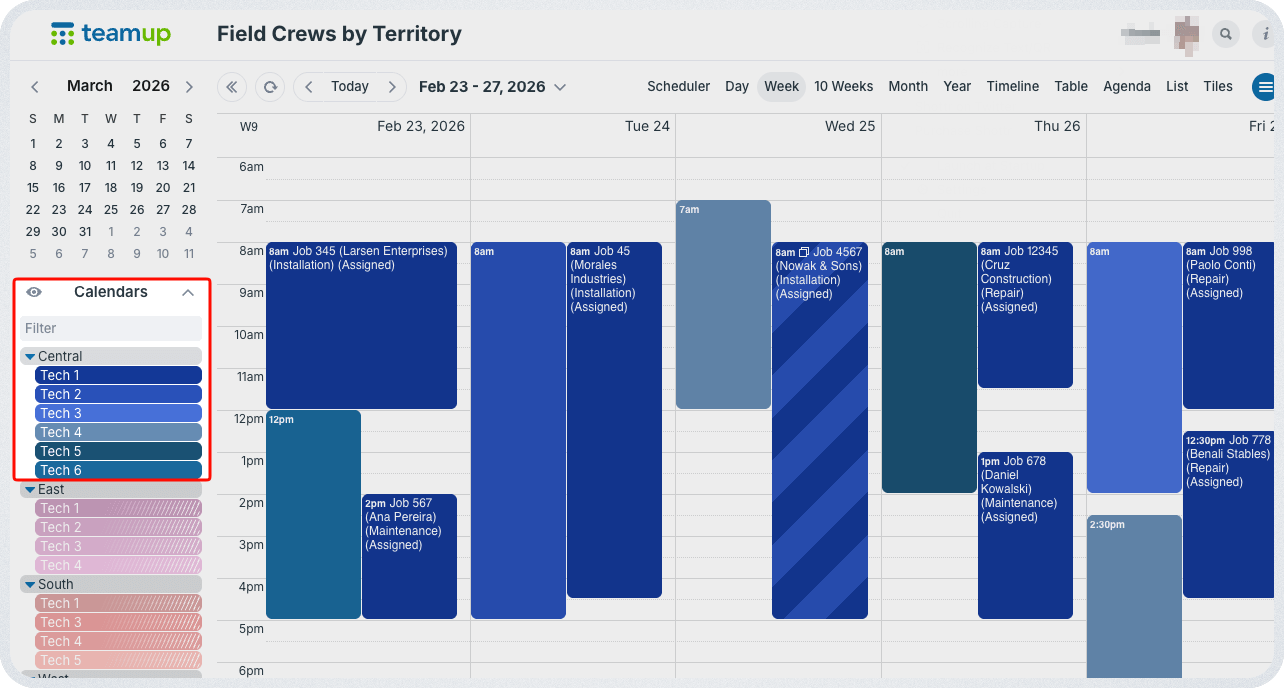
For supervisors and regional managers, being able to see everything in one place is important to assign work efficiently and manage operations. With Teamup, all jobs stay in one master calendar. But they’re organized in a way that provides structure and can easily scale as more projects, crews, and locations are added.
- Group sub-calendars in folders by region, project, crew type, etc.
- Use color-coding for quick visual recognition of jobs and crews.
- Toggle folders to view only one set of sub-calendars at a time.
- Set up customized access so each group only sees their own folder.
→ Oversee Field Crew Scheduling by Region with Teamup
Real-time updates in the field
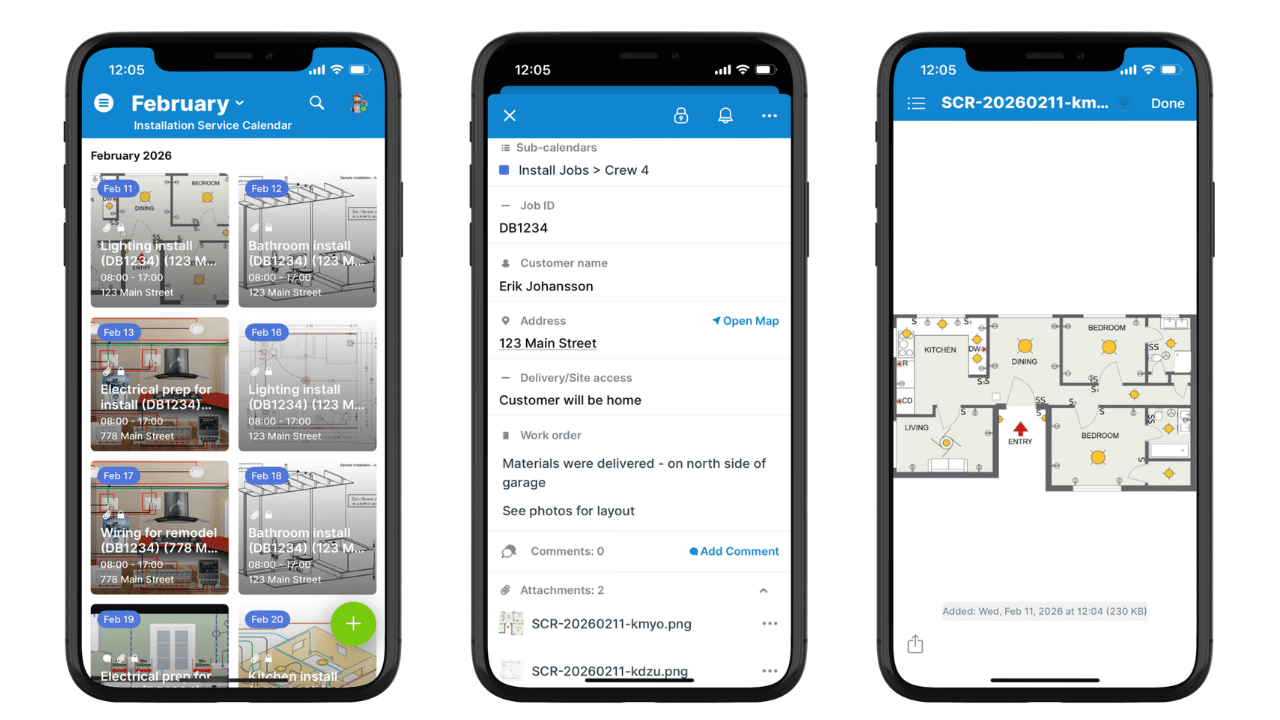
One of the hardest parts of keeping schedules on track in service businesses is making sure field crews always have the right information. Techs are in the field, moving from job to job; they need a quick way to know what’s next and trust that the information is current. With Teamup, office staff can upload files, add details, and put all the notes and links in one place. Crew schedules stay synced automatically. If a detail changes on their next assigned job, they’ll see the updated version when they check the app.
→ Keep Field Staff On Track with Real-Time Updates
With Teamup, every service job, crew, and update lives on one calendar that’s easy to read, easy to share, and always current. Start a free trial today and set up a calendar that works the way your service team does.