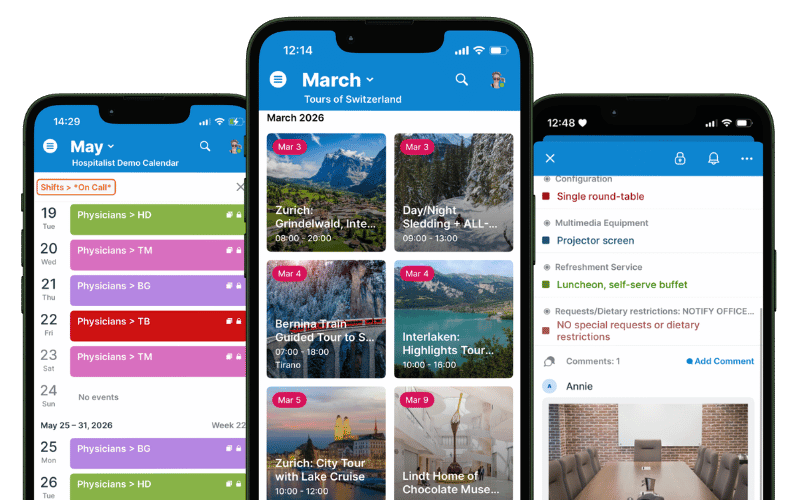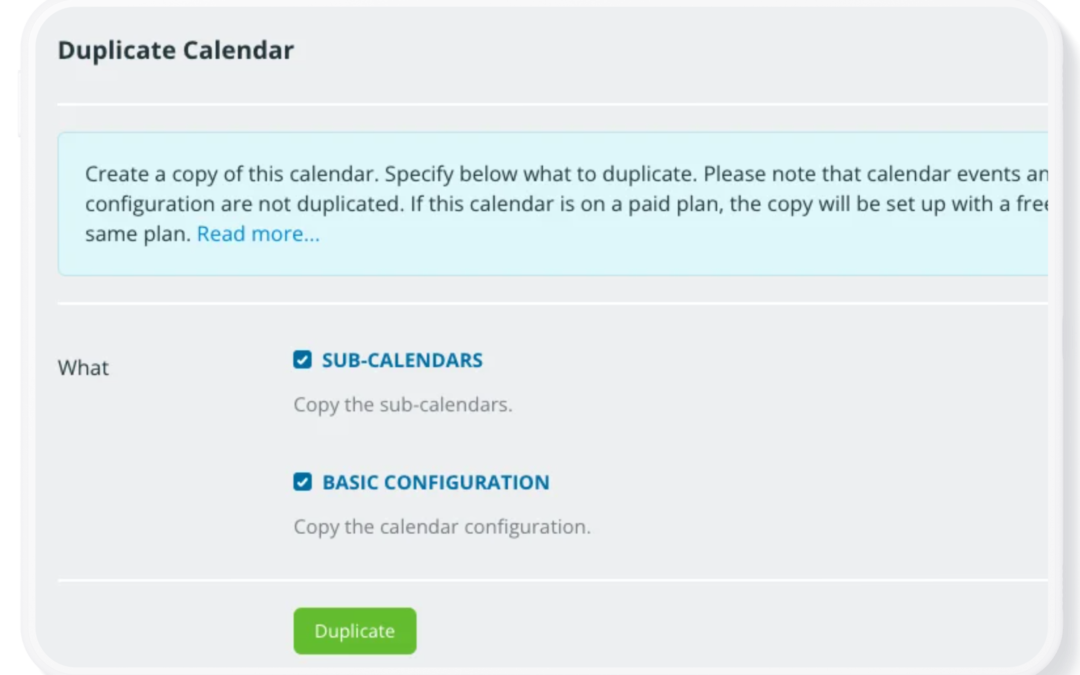
Featured, Monthly Updates, Printable Calendars, Product Updates
For Teamup’s September monthly roundup, we’re sharing insights to help you color-code your calendar like a pro for visual scheduling that makes work easier. Plus, find out how Teamup can help with service job and technician scheduling, gather up a few...
Featured, Field Services, Schedule Work
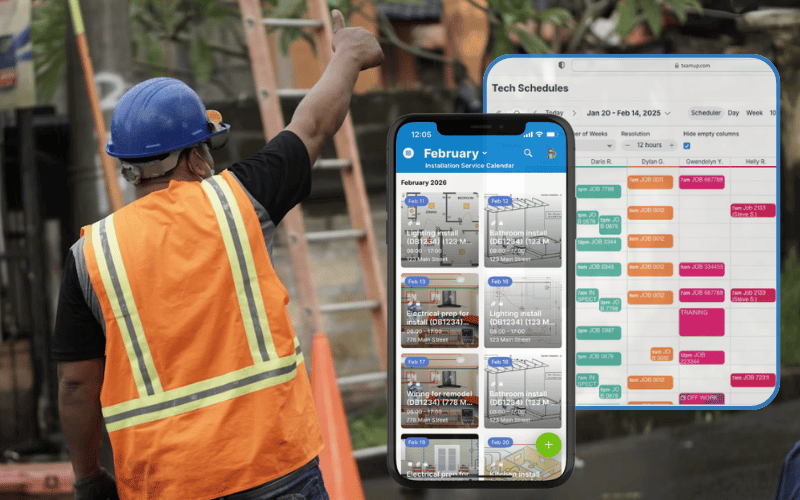
Service teams have a lot to track: who is going where, what each job needs, and what’s changing at the last minute. If details are separated in different tools, updates can get delayed or missed, which means crews lost valuable time. Teamup puts all your service...
Calendar Visualization, Featured, Product Tips
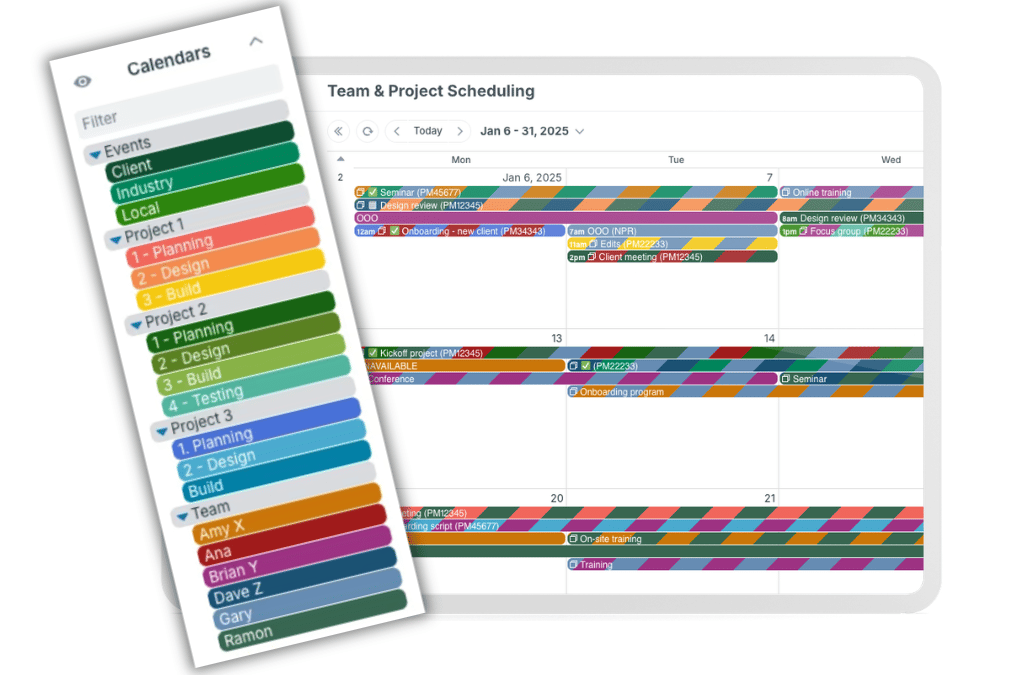
A master calendar is the whole calendar. Sub-calendars are the individual calendars inside it. Sub-calendars can be added, organized, and adjusted as a team or organization grows. They can be deactivated or reassigned when projects end or roles change. That flexible...
Calendar Visualization, Featured, Product Tips
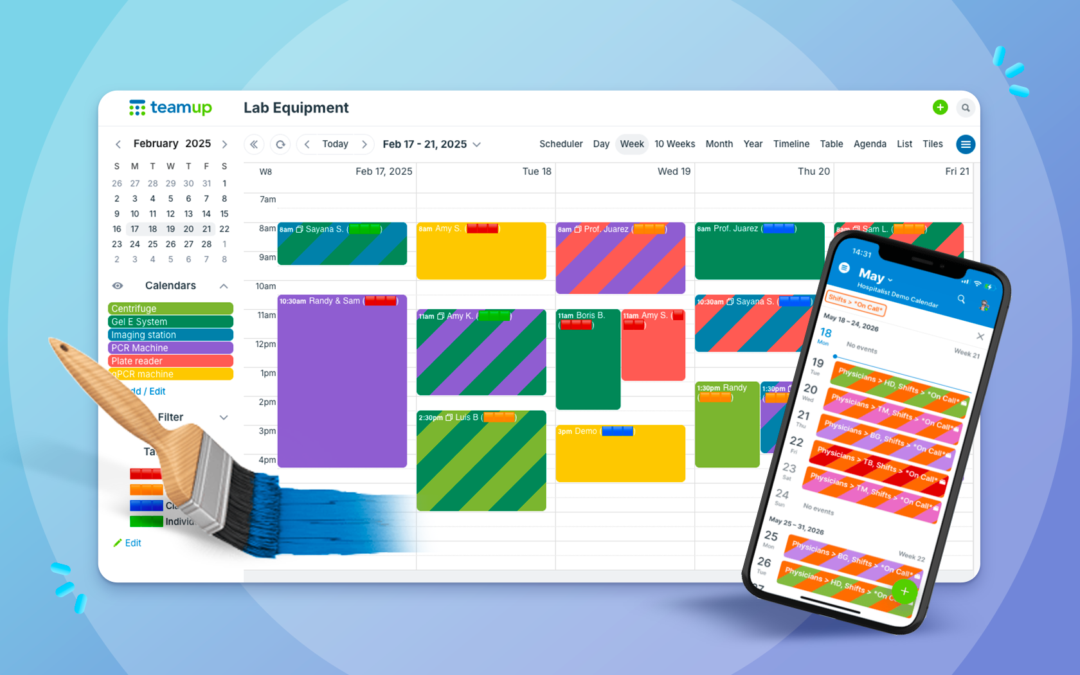
With Teamup’s sub-calendars, building a color coded calendar is easy. Choose from a palette of 48 colors and assign the right one to each calendar. You can even use a CSV template to import your color-coded calendar structure. When you color-code your calendar,...

Featured, Monthly Updates, Printable Calendars, Product Updates
Saying goodbye to August: Here’s a Teamup monthly roundup with highlights, great content, tips, and more from the last month. Check out how to make back-to-school coordination easier with a family calendar app, get instant visual clarity with Scheduler view, and...
Calendar Access, Information Visibility, Product Tips
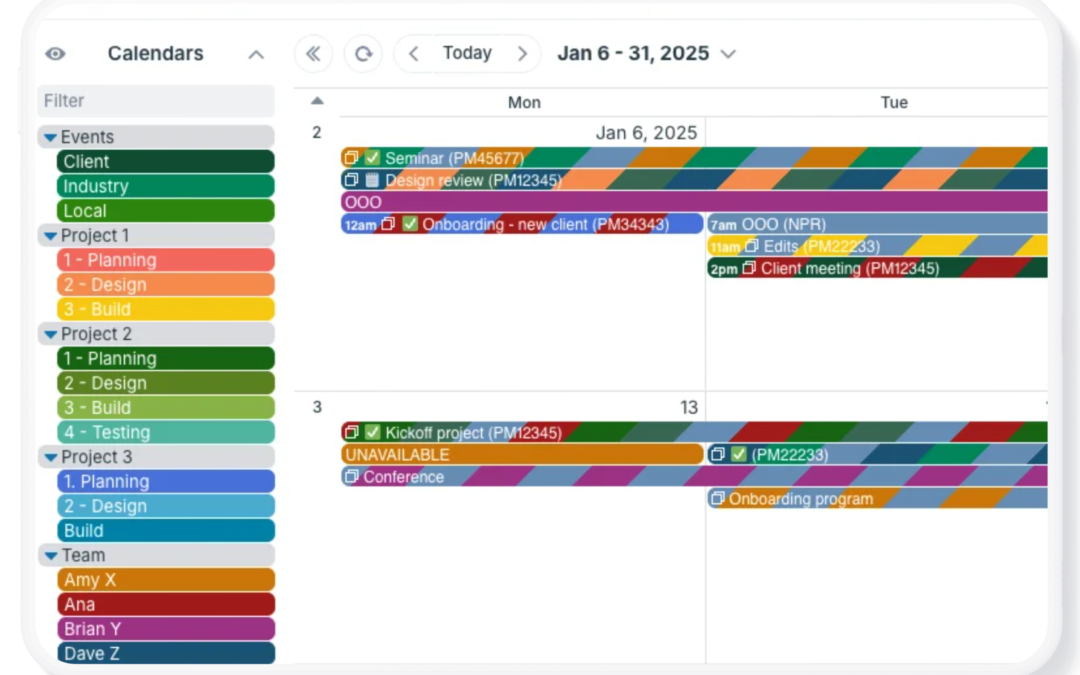
If you manage projects for yourself, with your team, or for clients, you may find your calendar needs changing. For example, you may have a complex project that requires a lot of calendar space. But once the project is over, you want to clear it off your calendar. You...

Calendar Visualization, Featured, Schedule Work
Bring task management and scheduling together in one place. With Teamup, you can create a customizable Kanban board right in your calendar, making it easier to organize work, track progress, and keep your team moving forward. It’s a kanban schedule and a Kanban...
Calendar Visualization, Featured, Product Tips
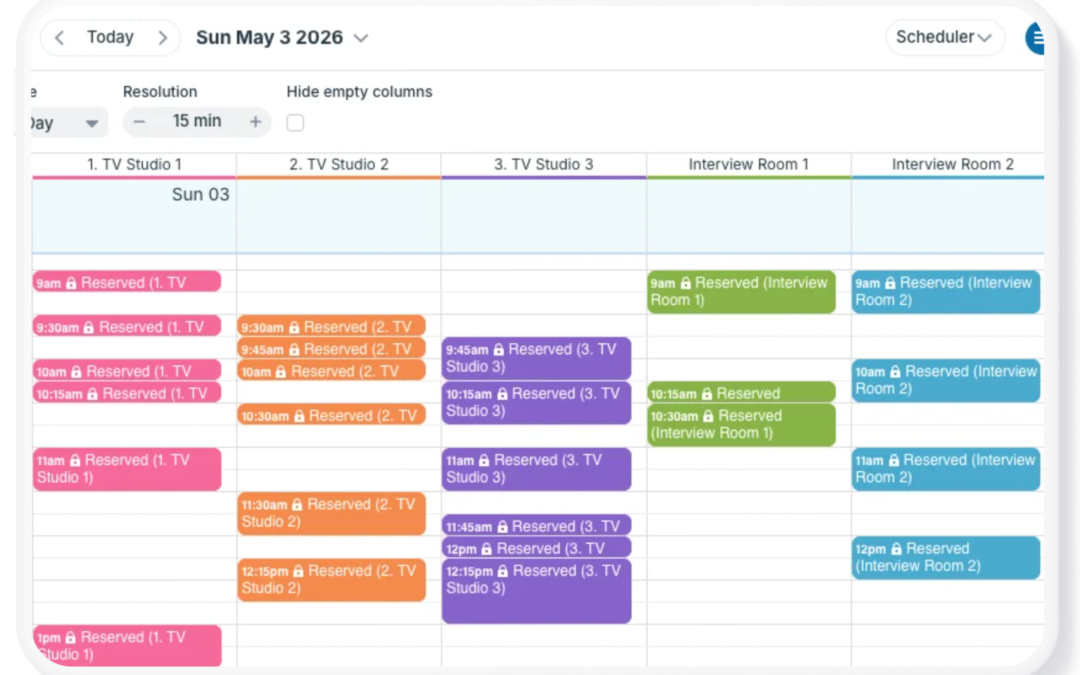
Scheduler view is one of Teamup’s most unique and powerful calendar views. It’s a very different calendar layout than traditional calendar views. Each sub-calendar is displayed in its own column, so events from each calendar are shown side-by-side. Scheduler view can...