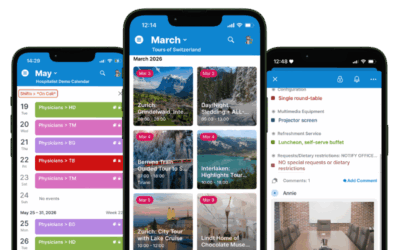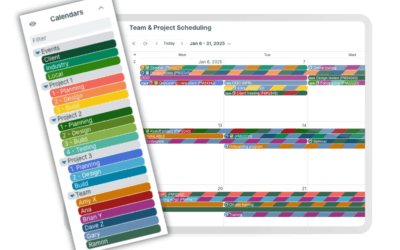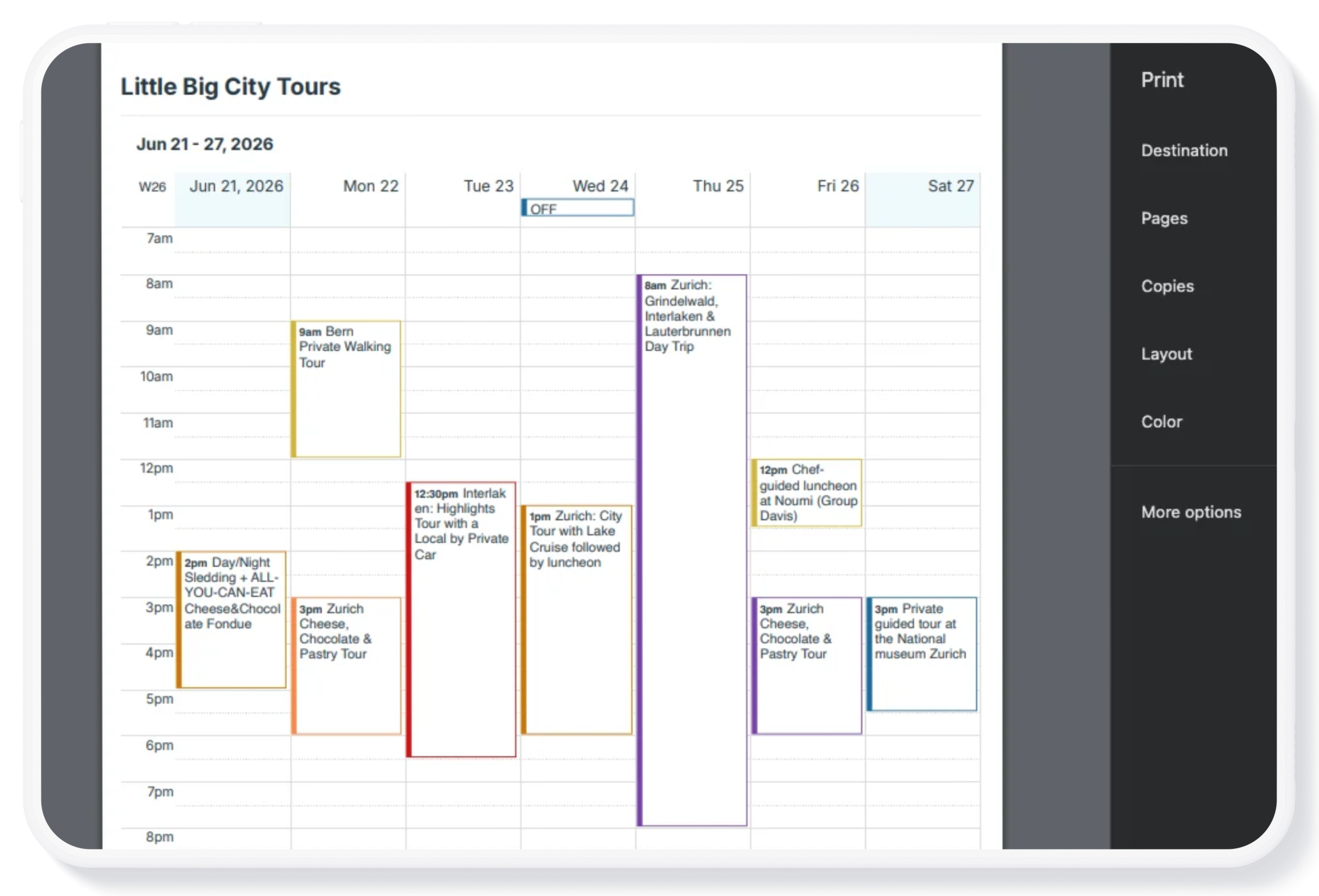
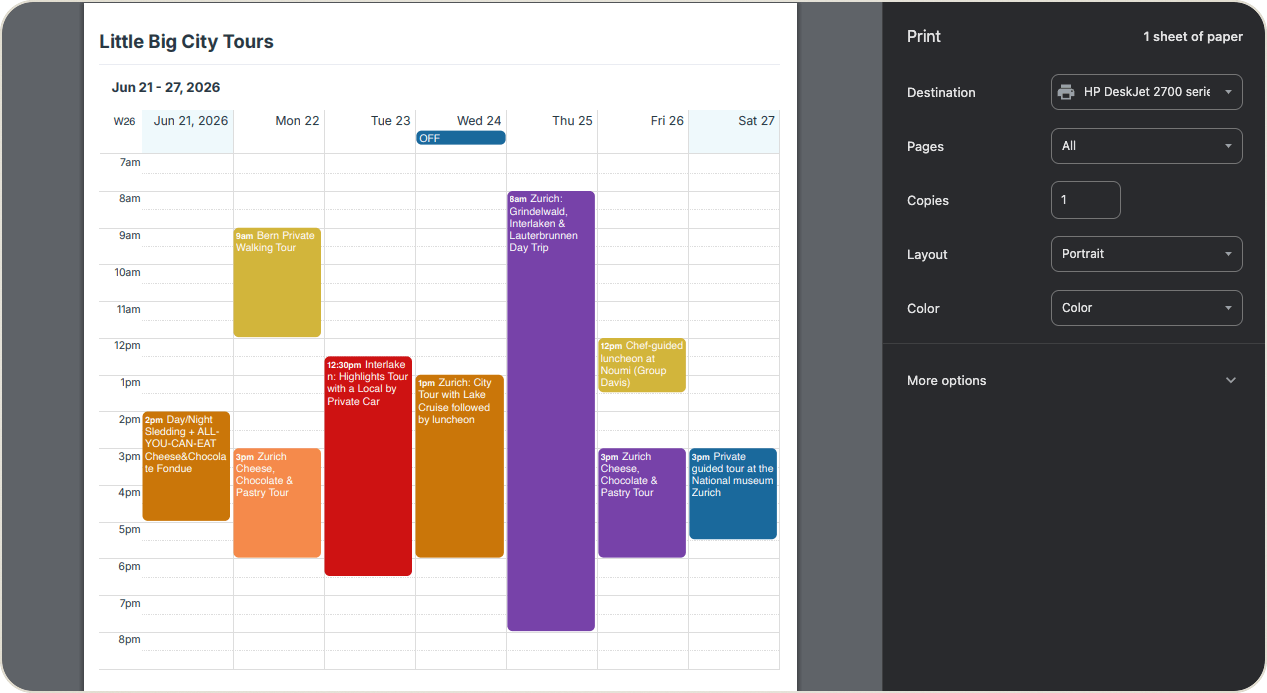
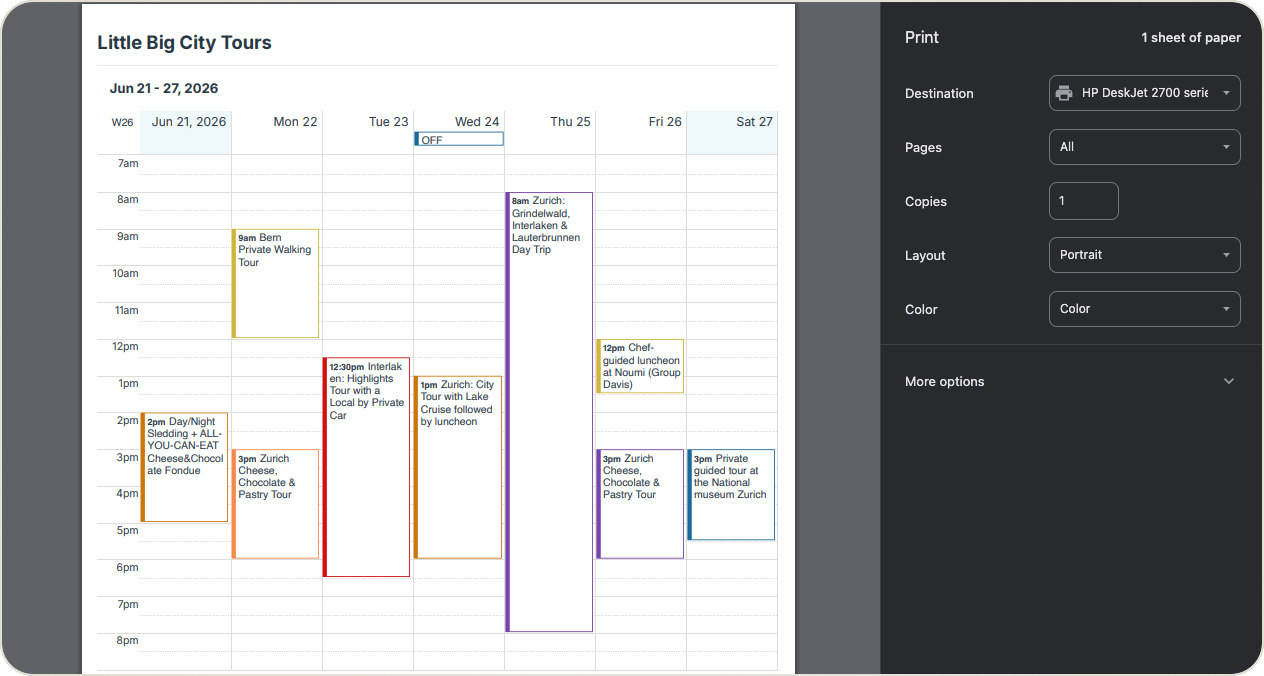
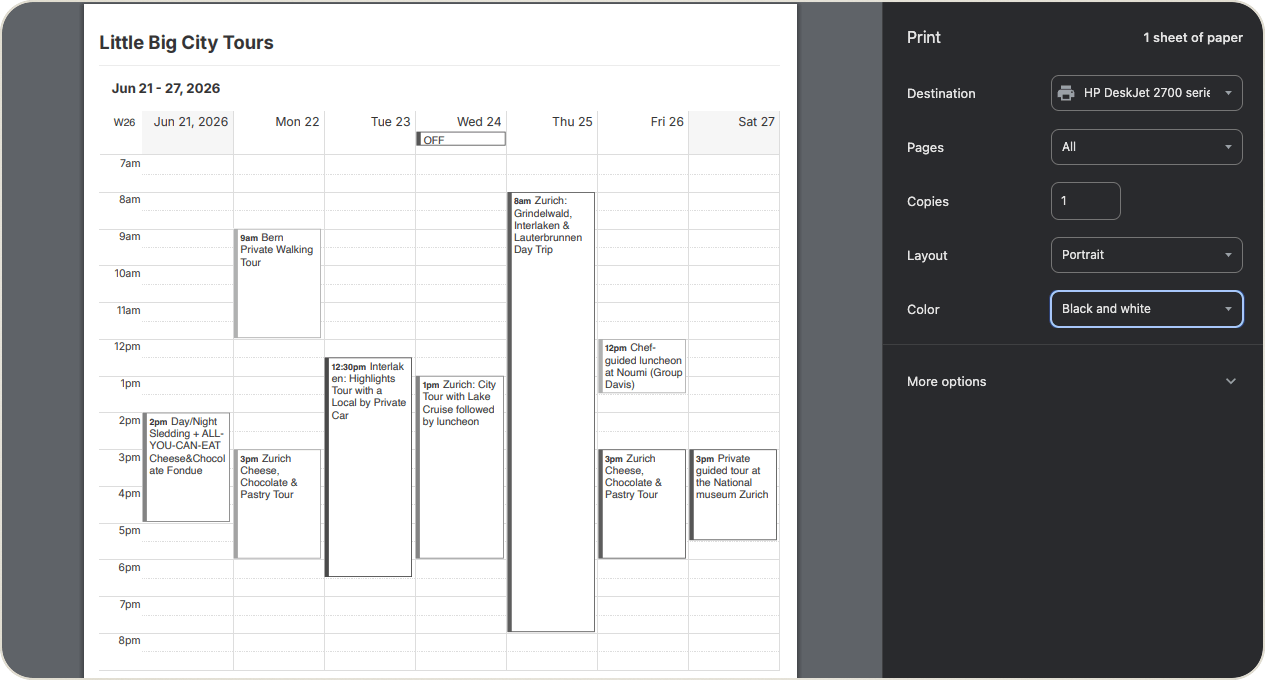
Teamup’s color-coded sub-calendars are a great visual aid, but when you’re printing a calendar you may want a simpler version to save ink usage and improve readability. Eco-Mode is a printing option that replaces the solid color blocks around events with a simple colored border. After selecting Eco-Mode, you can either print in color to preserve the color-coding aspect with less ink usage, or print in black-and-white and the borders will print in gray. The event titles will show as dark text on a white background within the borders.
How to print in Eco Mode
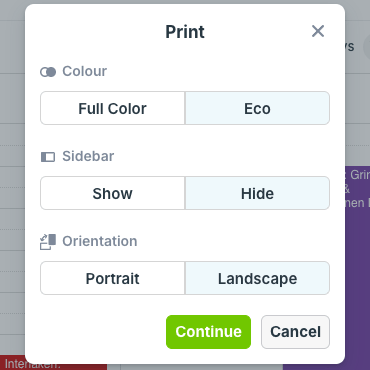
Select PDF Print & Export, then choose Eco in the options dialog.
- Open the calendar you want to print in a browser.
- Click the blue menu (top right).
- Select Print & Export PDF.
- Select Eco in the Print options dialog.
- You can choose to print in color or black and white from your browser’s print settings.
- Adjust other print settings as needed, then print or download a PDF.
🔗 More details about printing Teamup calendar.
Printing in Full Color versus Eco-Mode
Full Color prints with the color-coded event blocks with white title text:
Eco-Mode in color prints with color-coded borders around event blocks. Title text is dark on a white background:
Eco-Mode in black and white prints with gray borders around event blocks. Title text is dark on a white background:
Need to print a blank calendar? You can create your own customized blank calendar or use our pre-made blank printable calendars.