Featured, Interactive Demos, Product Tips
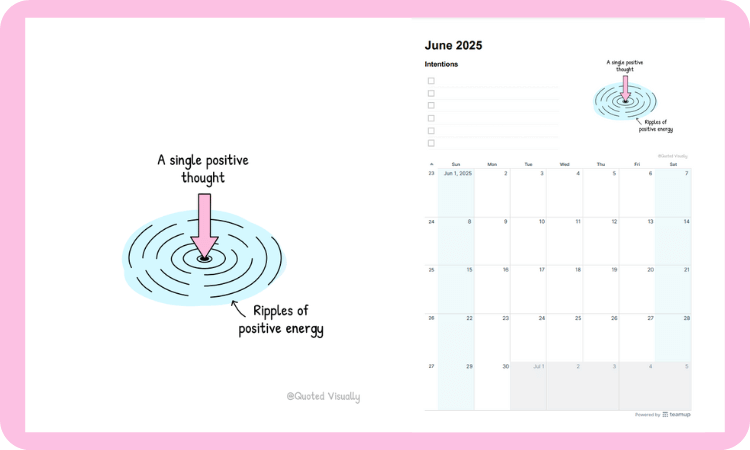
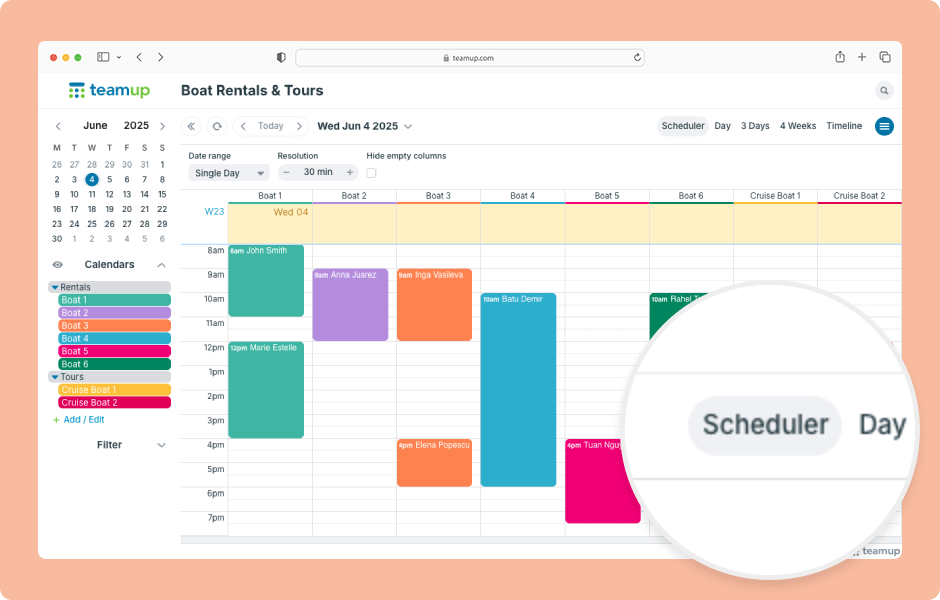
Teamup has 12 unique calendar views, suitable for different planning and scheduling needs. When you open Teamup in a browser, it will open with the default calendar view. Choosing the most appropriate default calendar view makes your calendar more user-friendly by...
Interactive Demos, Product Tips
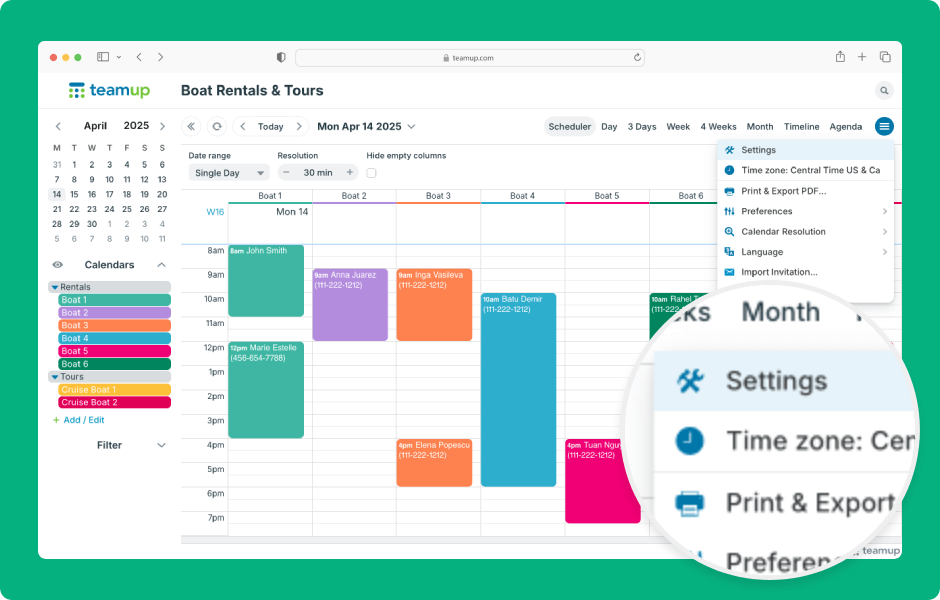
Teamup calendar settings are the control center of the calendar, where the calendar administrator can create sub-calendars, manage users, and configure settings. Settings are accessible only in a browser (not in the Teamup app). Here’s how to access and use...
Education, Featured, Manage Availability
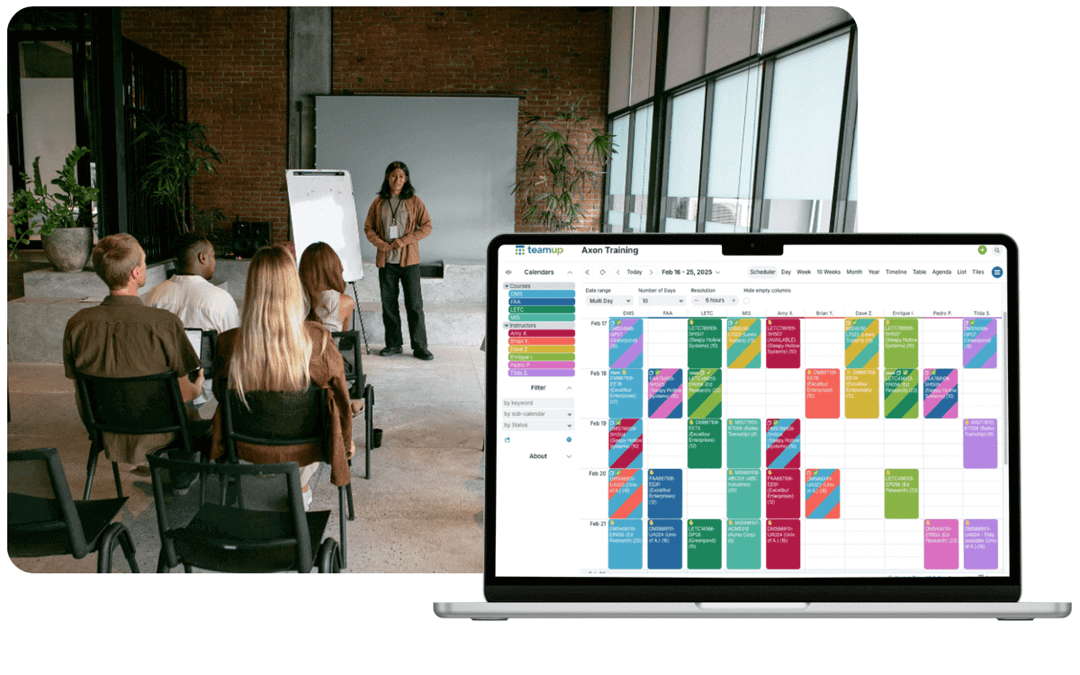
A tech company offers specialized training courses for their customers across the United States. Most of this training is in-person, focusing on real-life use of advanced technology like drones and robotic aids. To manage scheduling efficiently, supervisors need to...