Information Visibility, Product Tips
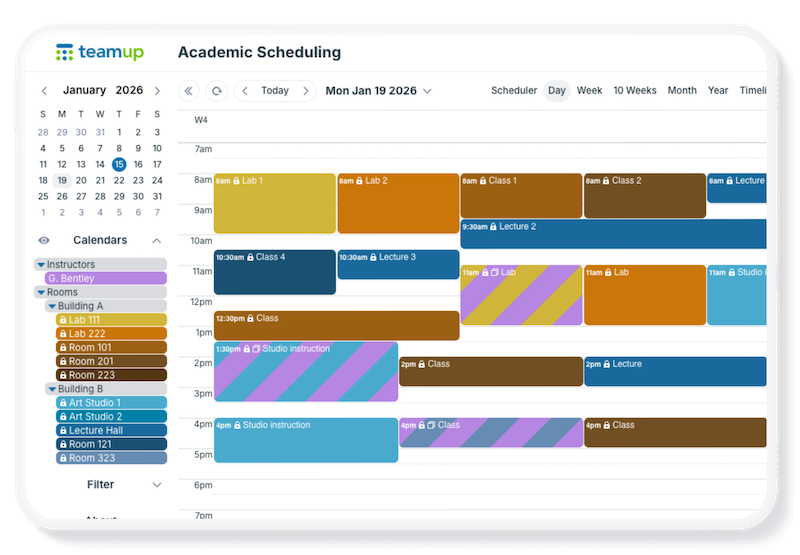
Real-world scheduling is often complex: Locations, resources, teams, phases, and event types can all be important. Standard calendars, however, don’t provide options and flexibility to track all the key details in an organized way. With Teamup, you can combine...
Featured, Information Visibility, Schedule Work
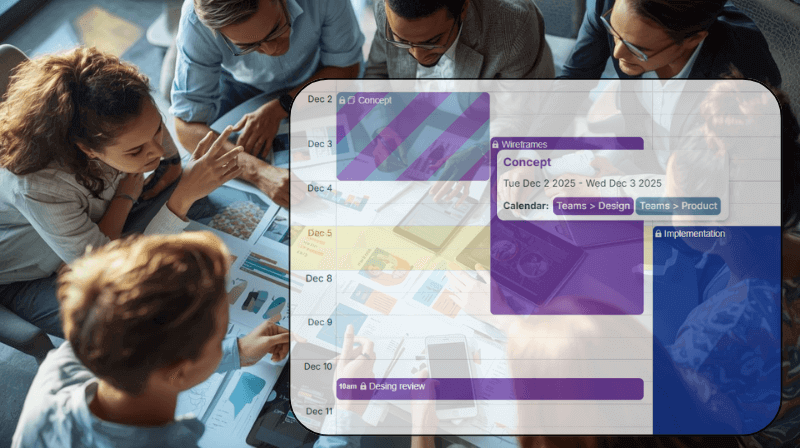
Client projects often rely on work from multiple teams, each using their own tools. Project managers end up chasing updates from different sources to keep an eye on the overall project progress. Here’s how a unified Teamup calendar can bring it all into a single...
Interactive Demos, Product Tips
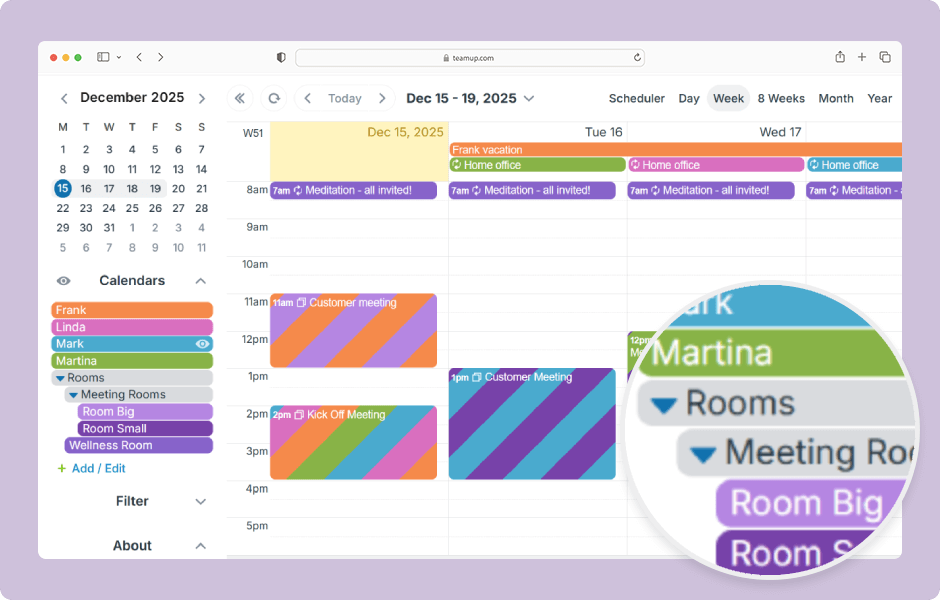
Folders are a way to group sub-calendars and to create an organizational hierarchy for them. Folder organization makes it easier to find the sub-calendars you are looking for, or to work with only a group of sub-calendars. ENLARGE DEMO Access level required:...
Featured, Interactive Demos, Organize Teams
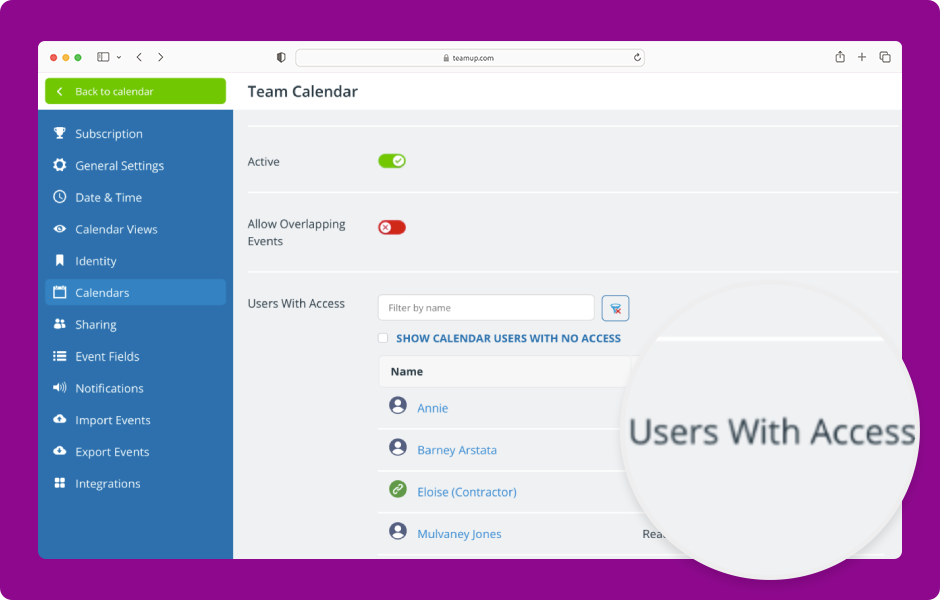
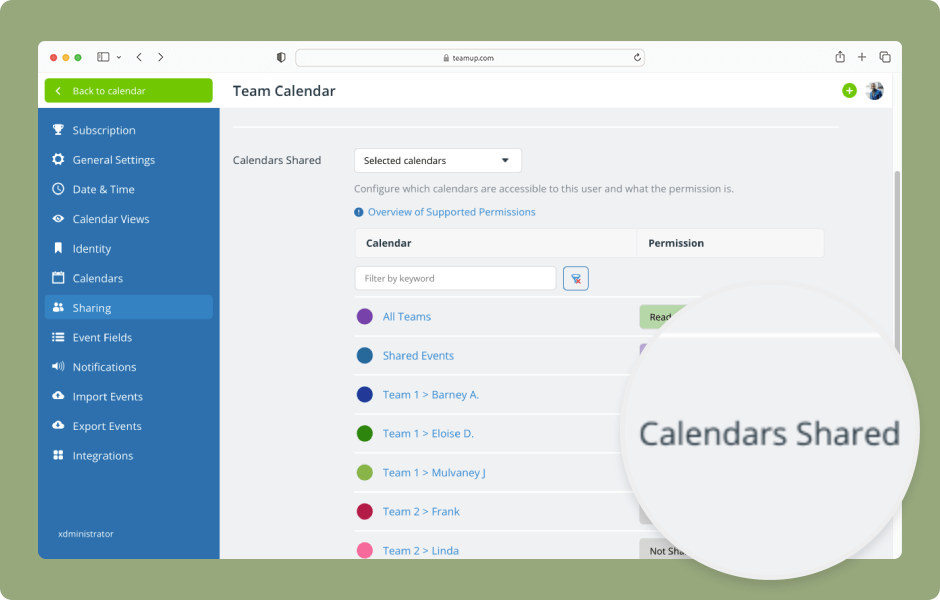
The calendar administrator can review users with access and modify the sub-calendars shared and permission levels as needed. ENLARGE DEMO Access level required: Administrator Open Teamup in a browser. Open the blue menu (top right). Select Settings. Go to...