Interactive Demos, Working with Events
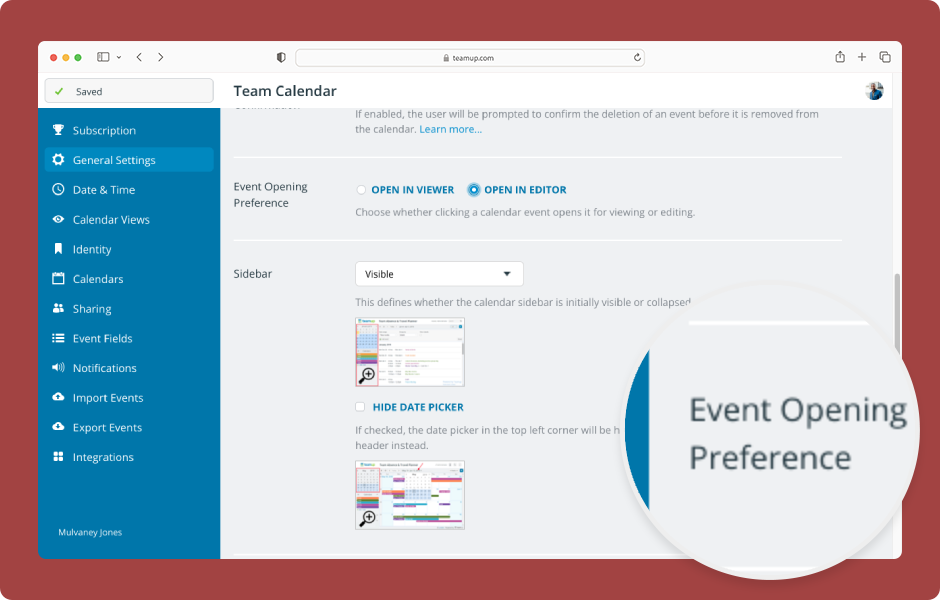
Choose how events open for modify-level users: In the event viewer with an edit button or directly in the event editor. ENLARGE DEMO The calendar administrator can configure the event opening preference: Open Teamup in a browser. Click the blue menu (top right)....
Featured, Interactive Demos, Product Tips
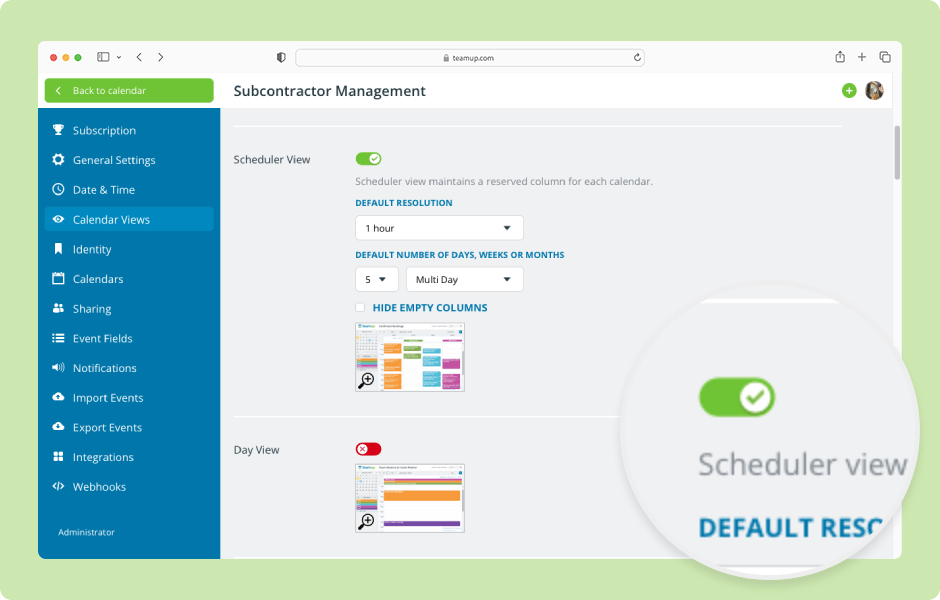
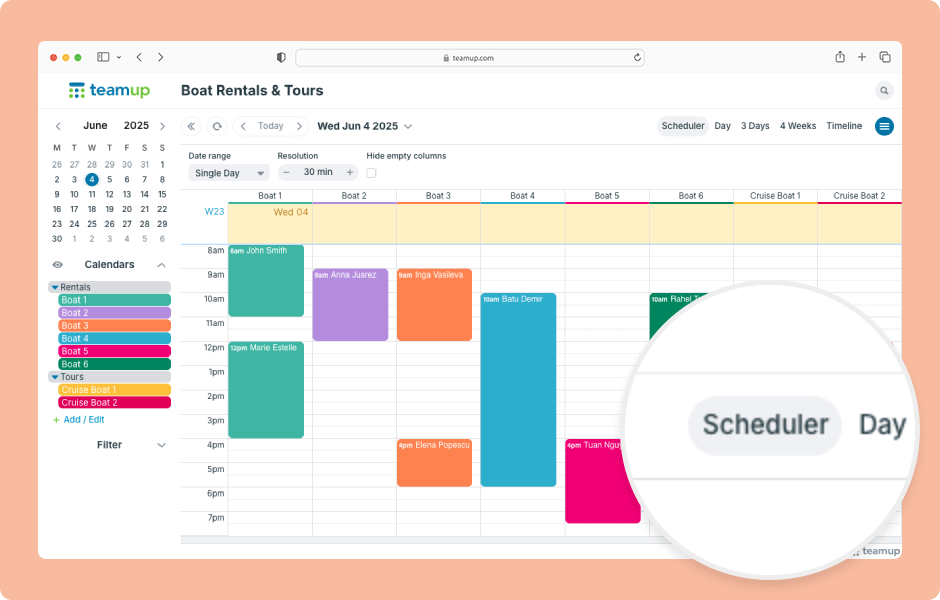
Teamup has 12 unique calendar views, suitable for different planning and scheduling needs. When you open Teamup in a browser, it will open with the default calendar view. Choosing the most appropriate default calendar view makes your calendar more user-friendly by...
Interactive Demos, Product Tips
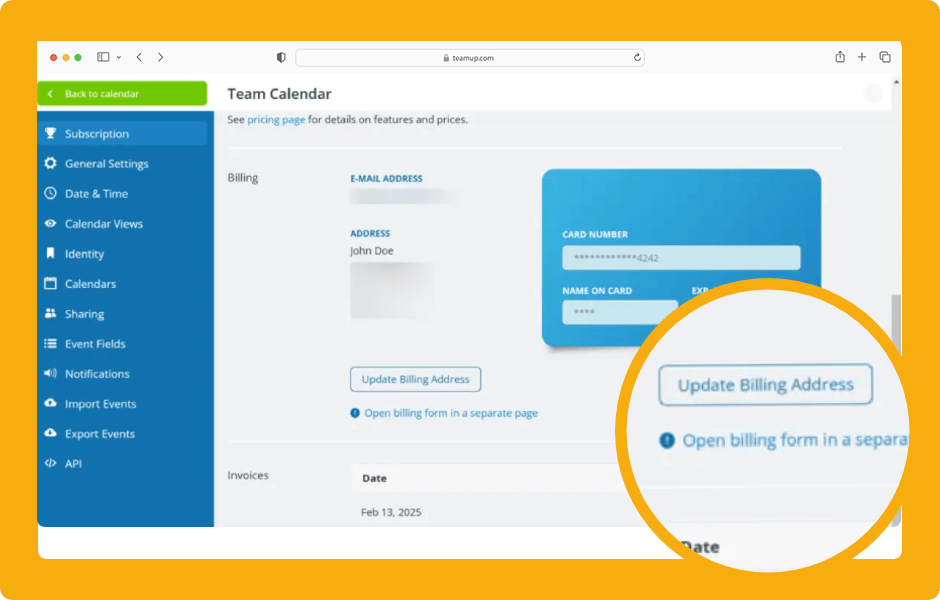
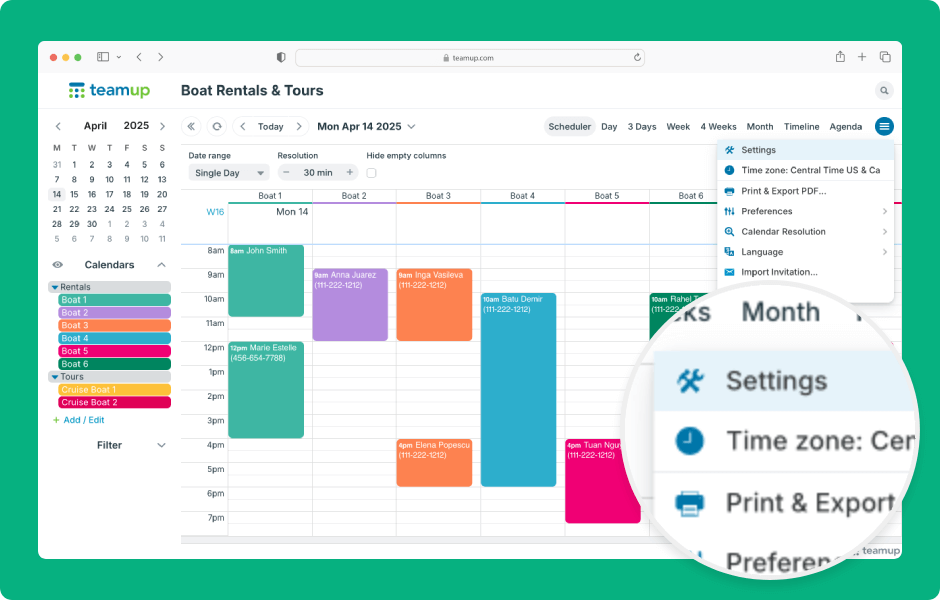
Teamup calendar settings are the control center of the calendar, where the calendar administrator can create sub-calendars, manage users, and configure settings. Settings are accessible only in a browser (not in the Teamup app). Here’s how to access and use...