Calendar Access, Featured, Product Tips
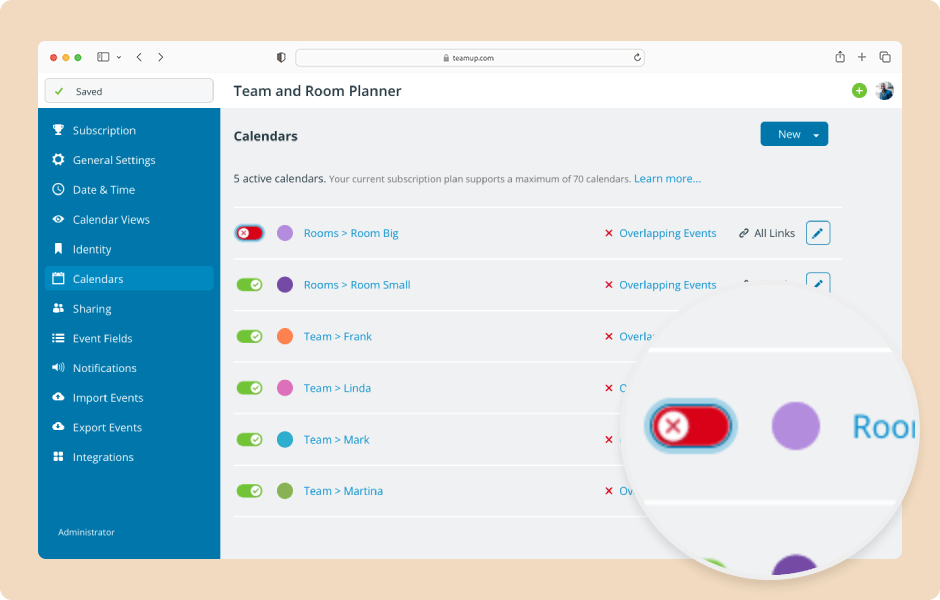
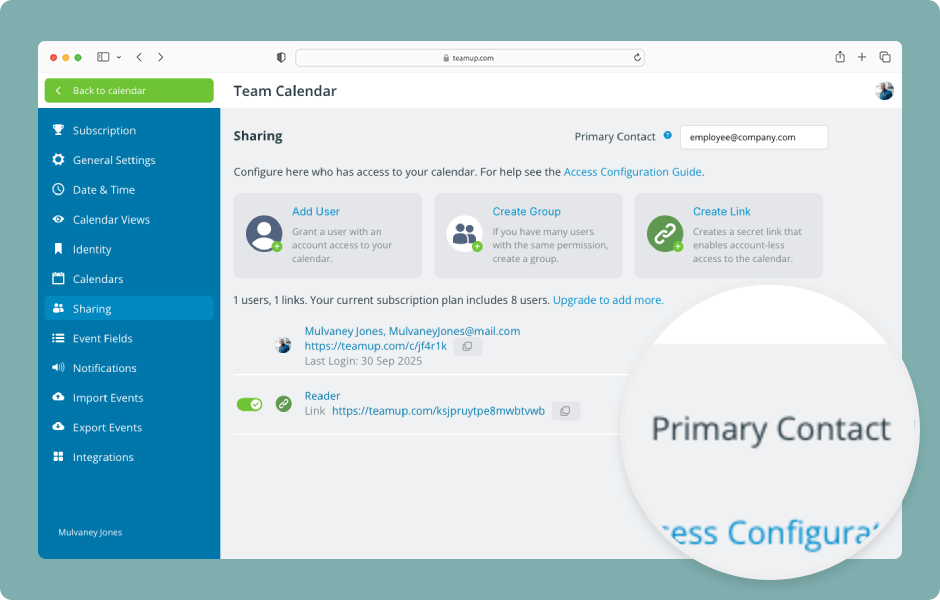
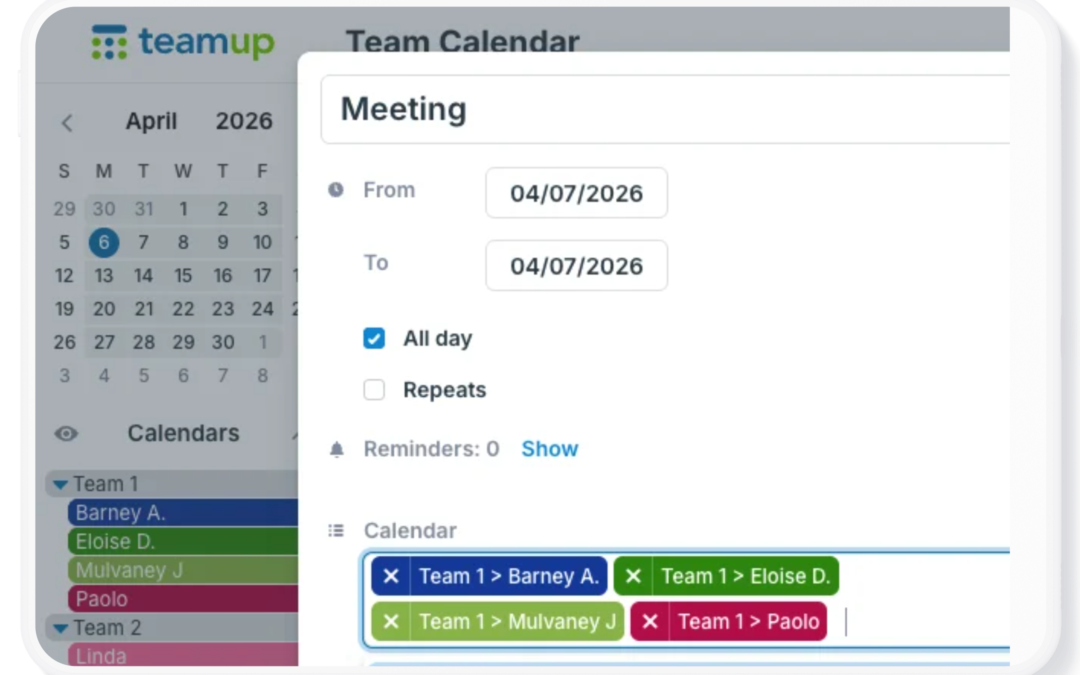
A well-designed shared calendar makes it easier to coordinate people, projects, resources, and schedules. The right setup keeps information organized, gives users appropriate access, and provides flexibility as your needs change. Start with these tips to set up and...
Calendar Access, Product Tips
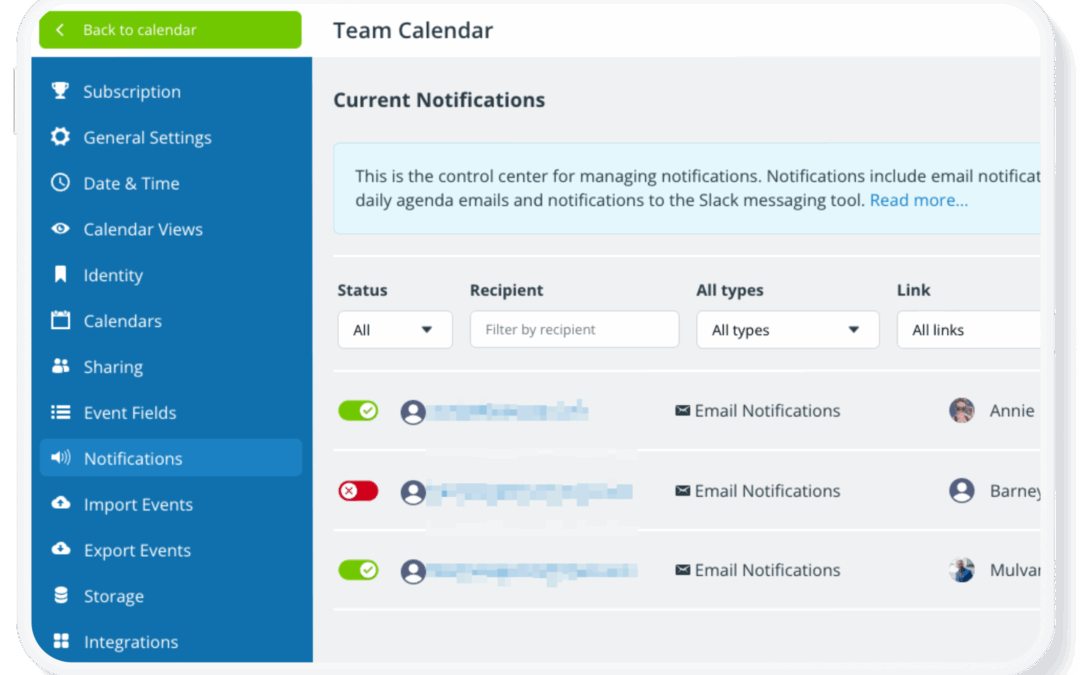
Once a calendar is set up and shared with your team, it often stays in active use for months or years. During that time, people join or leave the team, roles change, and access needs evolve. If your calendar access isn’t reviewed periodically, old user accounts and...
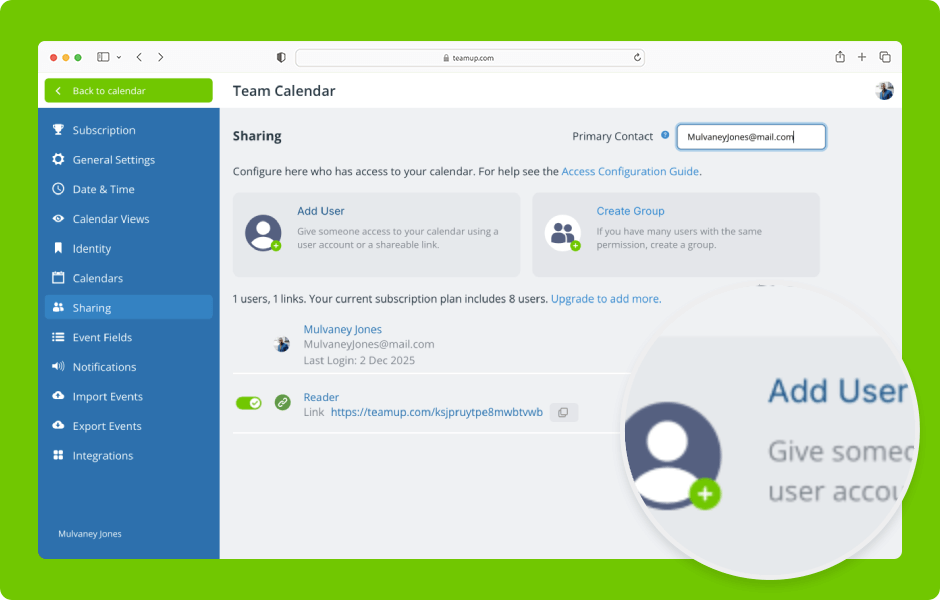
Interactive Demos, Organize Teams
Set up secure, customized access by selecting which sub-calendars to share and assigning the appropriate permission levels. ENLARGE DEMO Access level required: Administrator Add an account user by email Open Teamup in a browser. Click the blue menu (top right). Select...