Access Billing History and Download Invoices
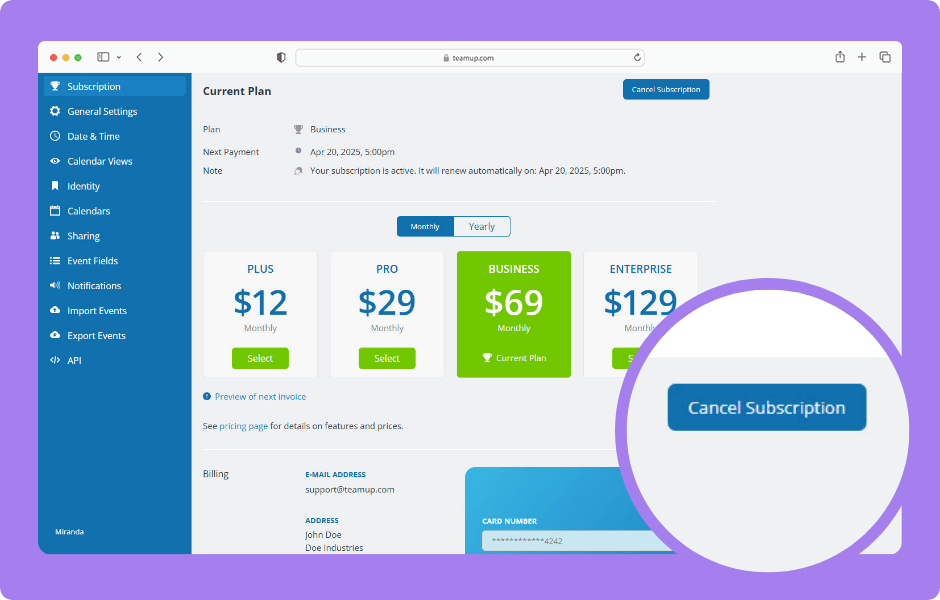
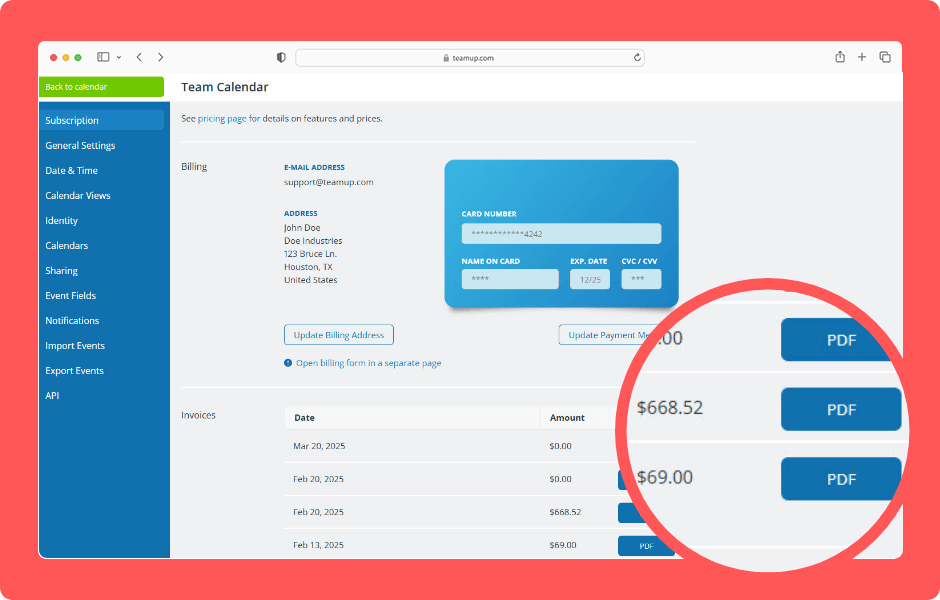
Payment information and billing history is always available in the calendar settings. The calendar administrator can view subscription information, see billing history, and download invoices. To change the information shown on invoices, update the billing contact...Change the Calendar Start Date
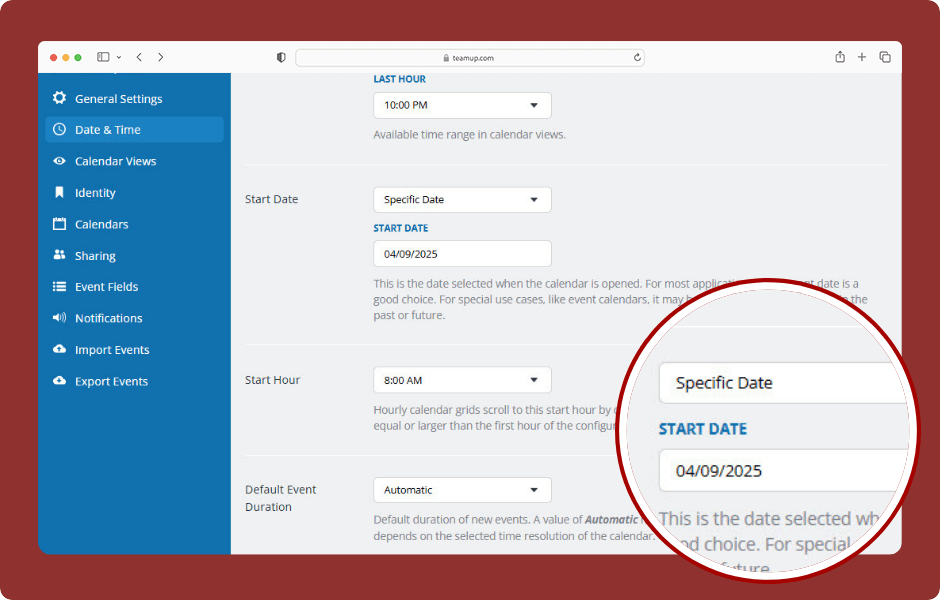
Teamup’s default start date, or date which the calendar automatically shows when opened, is the current date. Did you know you can change the calendar start date? You can have Teamup open on a past date, a future date, or a specific event date as needed....