Product Tips, Share Events
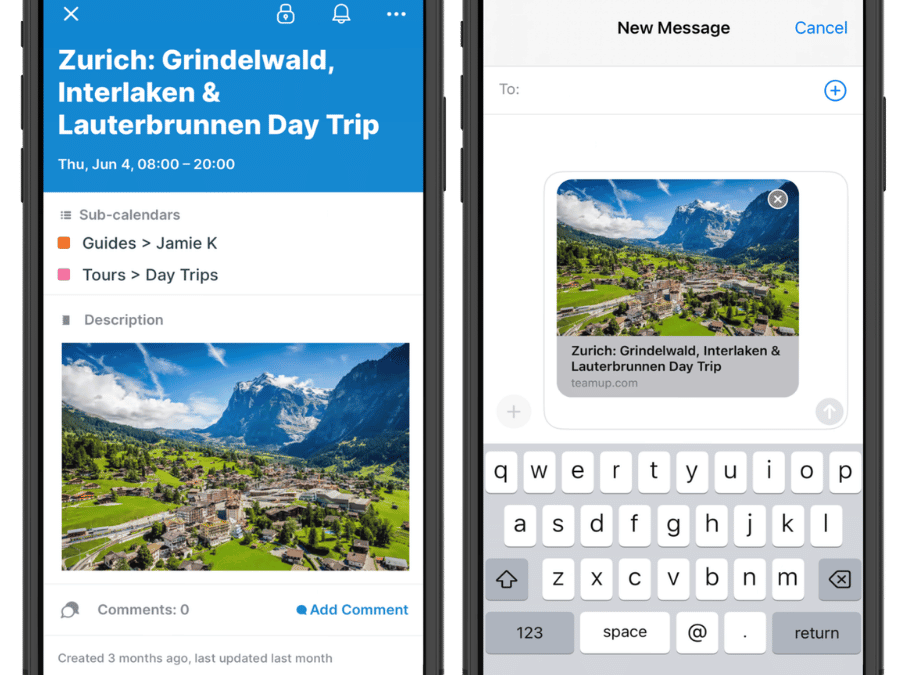
Teamup’s free mobile apps for iOS or Android devices give you complete access to your calendar anywhere. You can share calendar events on your iPhone or Android, send calendar invites, and share calendar events via text, email, and social media. Easily share events on...

Featured, Share Events, Working with Events
Public-facing educational and historical parks often run two parallel schedules. Internally, staff manage school tours, group bookings, maintenance work, and private events that aren’t visible to the public. At the same time, they host special events meant to attract...

Featured, Information Visibility, Schedule Work
When people join a guided tour, a lot of information goes with it. There are timing, activity options, transportation logistics, and location details. The information helps guests know what to expect and choose what they’ll enjoy most. But if all those details...
Interactive Demos, Working with Events
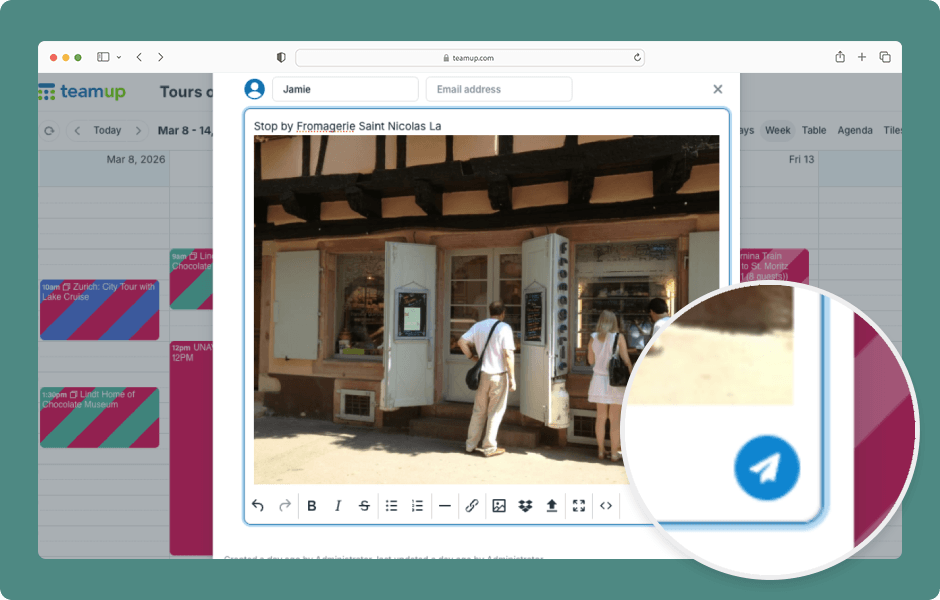
Event comments can serve many purposes: sharing preferences and feedback, documenting work, saving on-the-go thoughts and photos, or providing status updates, or sharing real-time notes. For help using comments on the Teamup app, see this article. ENLARGE DEMO Access...
Interactive Demos, Working with Events
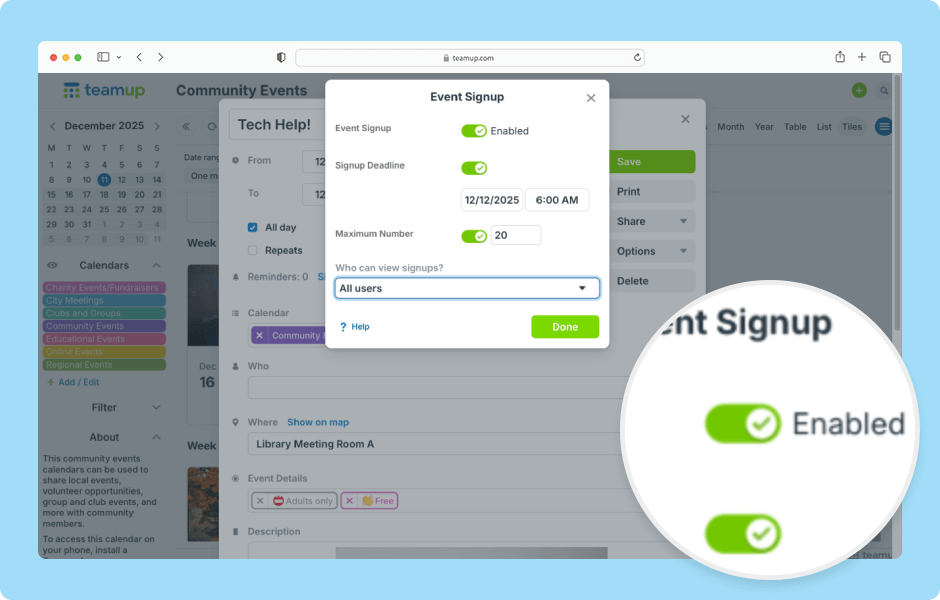
Users with modify access can enable event signups and adjust signup settings on individual events. See also how to manage signups on the Teamup app. ENLARGE DEMO Access level required: Modify users Open Teamup in a browser. Click on the calendar to create a new event...
