Schedule Work
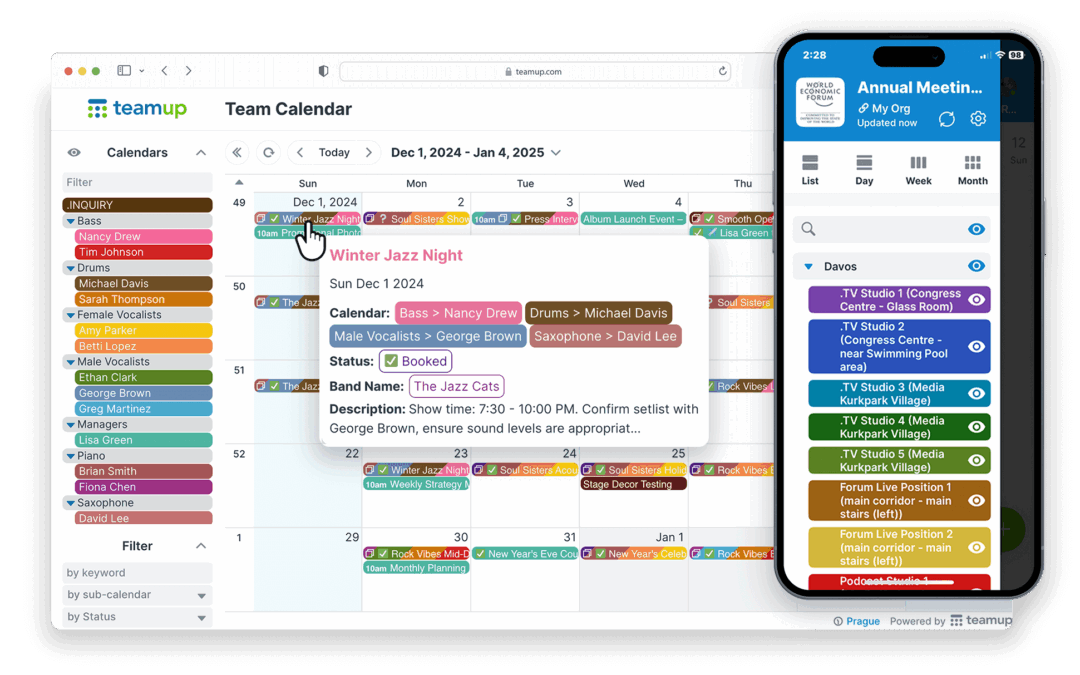
With Teamup, a shared editorial calendar makes creating content and working collaboratively more efficient for businesses, organizations, and publications. Content is more than a block of text; most of the content we produce, both long and short, involves multiple...

Organize Teams
When setting up calendars for multiple teams, departments, or uses, do you need more sub-calendars or separate master calendars? Consider these factors to make the best decision. When you create a Teamup Calendar, what you create is a master calendar. In many cases,...
Calendar Visualization
When you create a Teamup Calendar, what you create is a master calendar. Sub-calendars are individual calendars that are contained within your master calendar. You can create multiple sub-calendars, and organize them in folders. In many cases, one master calendar is...
Share Events
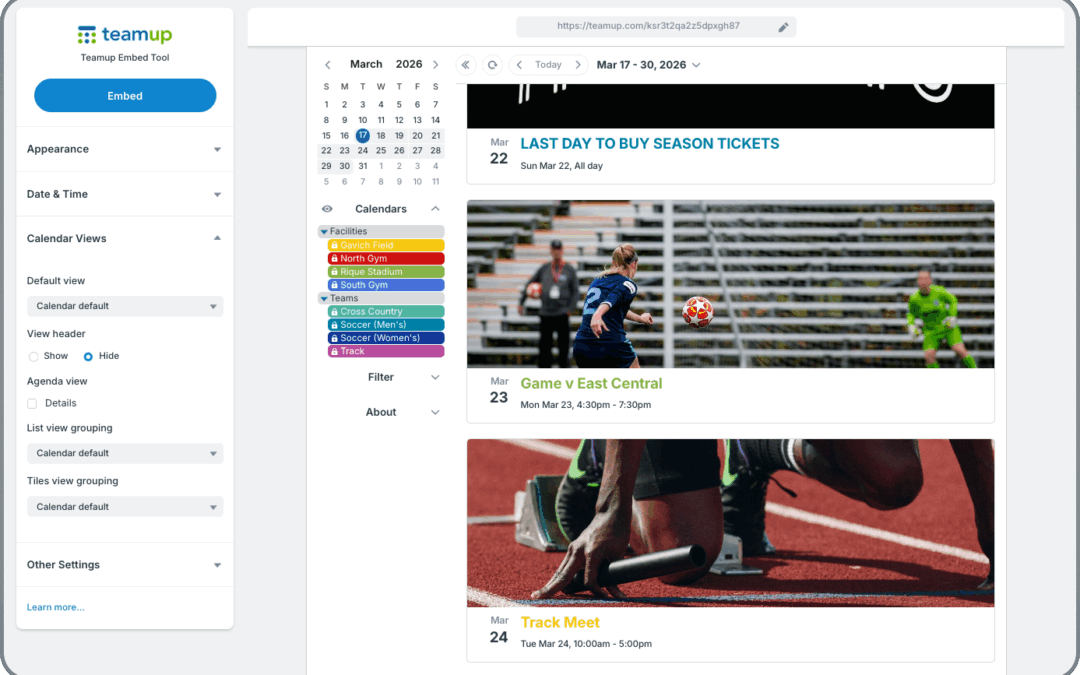
Sometimes, you need to share more than a single event with a group or even with the general public. Sharing a single event is easy: you can create an event web page, automatically, and share it easily. What if you need to share a series of events, an ongoing schedule,...
Calendar Access
Advanced access permissions give you more control over how users and groups can see and use your shared calendar. When you give someone access to a calendar, you set the permission level for each sub-calendar you allow that user to access — from Read-only and Add-only...
WordPress Cookie Notice by Real Cookie Banner
