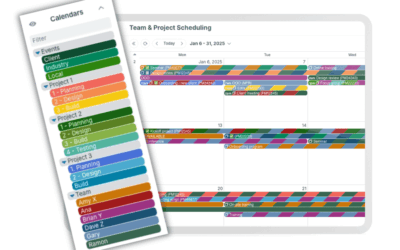
When you create a Teamup calendar, what you create is a master calendar. Sometimes one master calendar works best for managing multiple teams or projects inside the same organization. But for many organizations a single master calendar, even with many sub-calendars, is not the right fit. Multiple master calendars work best when groups need separate admins, settings, branding, or time zones.
What is a master calendar?
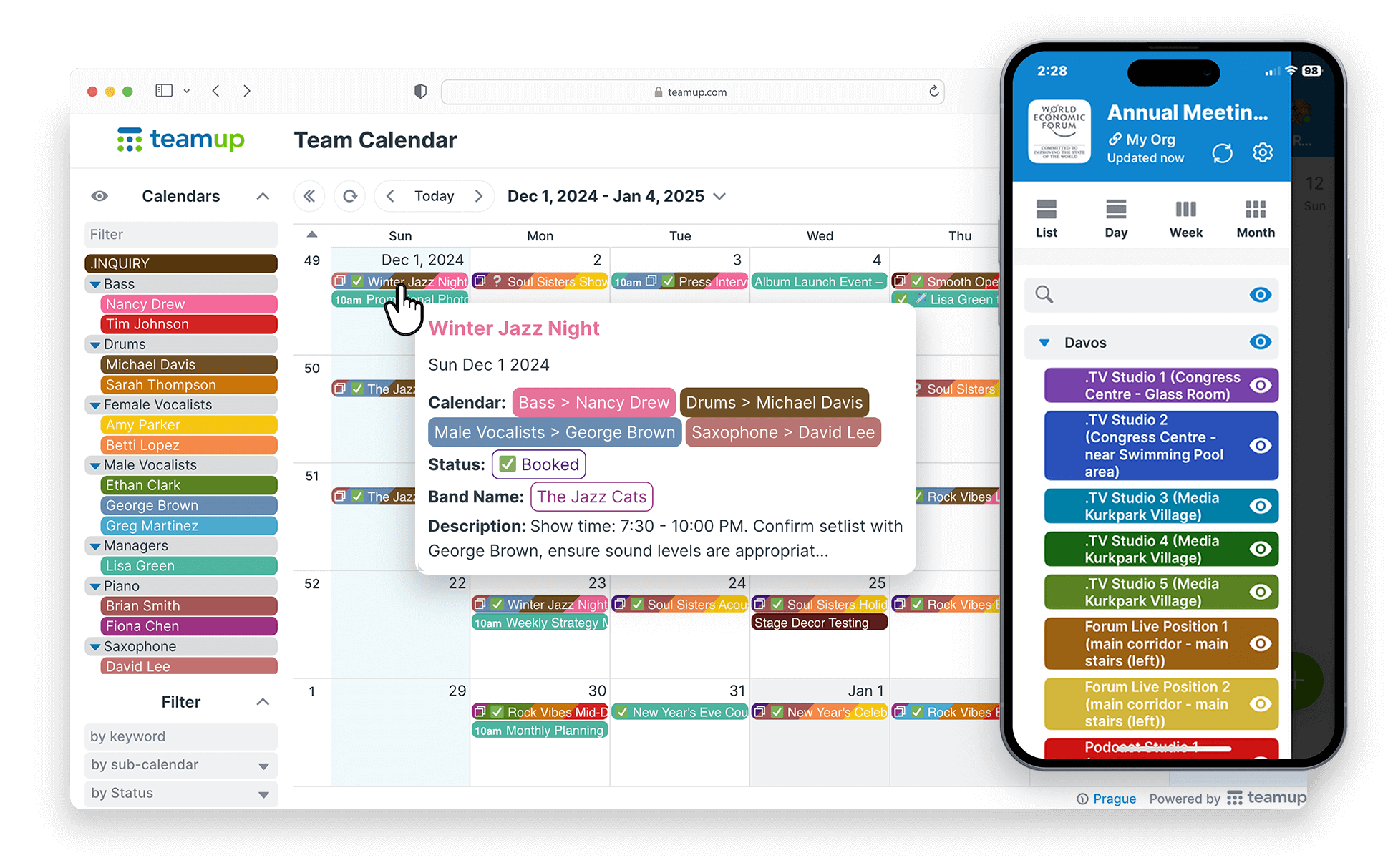
A master calendar is the whole calendar. Sub-calendars are the individual calendars inside it. When you create a new Teamup calendar, you’re making a master calendar. Inside that master calendar, you can:
- Add many sub-calendars.
- Organize them in folders.
- Add and configure custom event fields.
- Set up customized access for each user.
When to use a single master calendar
In some scenarios, one master calendar is sufficient, and preferable, for managing multiple groups or projects inside a single organization. See these examples:
- A Shared Calendar to Provide Visibility for Events Across Multiple Locations: A unified calendar with location-based sub-calendars that provides a complete, side-by-side view of all schedules, making it easier to plan ahead, compare activity, and adjust as needed.
- Coordinating a Volunteer Organization with Multiple Youth Groups: One centralized Teamup calendar to coordinate weekly meetings, large-scale events, and volunteer activities across multiple age groups, embedded on the website for easy access and shared visibility.
- A Combined Calendar to Coordinate Educational Programs Across Multiple Schools: A shared operational calendar that organizes multiple schools and partner programs into structured sub-calendars, giving the coordinator a complete, real-time view of all activity across the district.
- A Shared Calendar for Cross-Department Client Projects: A unified Teamup project calendar brings every departmental timeline into a single shared view, so progress, conflicts, and next steps are clearly visible on one page.
When to use multiple master calendars
For most larger organizations, multiple master calendars are standard.
As more locations, departments, and teams move their scheduling into Teamup, separate master calendars give each group the independence it needs, while an Organization Account keeps oversight in one place.
Use separate master calendars to:
- Keep calendar administration entirely separate: Give each location, department, or team its own calendar admins.
- Customize information capture on each calendar: Set up custom event fields for each master calendar to fit each area’s workflow.
- Allow distinct branding and identity: Let each subdivision within the organization set up a calendar with its own brand identity.
- Set a default time zone for each location: Allow each region’s master calendar to default to its own time zone.
- Match each team’s way of working: Configure each master calendar to fit how the group uses it most.
- Support independent operations: Give teams that plan and schedule separately from the rest of the organization a calendar of their own.
- Accommodate large-scale growth: Keep separate master calendars at a manageable size even as the organization grows to hundreds of sub-calendars.
How to manage multiple master calendars
Each master calendar works on its own, with its own plan, settings, and admins. Users can open every calendar they have access to from their user dashboard, but the calendars stay separate.
To manage multiple master calendars within an organization, set up an Organization Account. It adds an org-level admin layer across all of its master calendars, with a shared user count, single sign-on support, central user management, and consolidated billing. Calendar admins still control settings and permissions within their own calendars, and org admins get oversight of all master calendars in one place.
→ Learn about Organization Accounts

Frequently asked questions
Quick answers about master calendars, the user dashboard, and Organization Accounts.
What’s the difference between a user dashboard and an Organization Account?
A user dashboard is a personal hub. Each user sees every master calendar they created or were added to, but each calendar stays separate, with its own admins, users, and billing.
An Organization Account adds a central admin layer across all the master calendars that belong to the organization. It allows a single, org-wide user count, support for SSO, and consolidated billing. Each calendar’s admins still manage calendar configuration and user permissions within their own calendar.
Can one person access multiple master calendars?
Yes. Any user with a Teamup account can access multiple master calendars from their user dashboard, whether they created them or were given access.
Can separate master calendars share events?
Yes. Set up iCalendar feeds from one Teamup calendar to another so teams can see each other’s schedules while each calendar stays independent.
Can data be moved from one master calendar to another later?
Yes. Events can be moved from one Teamup calendar to another, so an organization can split or combine master calendars as its needs change.
Does each master calendar need its own plan?
Yes. Each master calendar has its own subscription and features. An Organization Account doesn’t replace those plans. It adds centralized user management, single sign-on, and consolidated billing across all of them.
When is one master calendar the better choice?
When groups share the same admins, settings, and time zone and need to see each other’s schedules side by side. One master calendar keeps everything in a single view with no need for feeds or extra setup.