
In our June roundup, check out the easiest ways to get the exact printed calendar you need. From a full-year overview to a specific timeline, it’s easy to print the exact calendar you need with Teamup. Check it out below. And see how Teamup provides scheduling solutions for gym management and fitness coaching, along with some power tips to keep you making the most of Teamup.
Highlights
Print the calendar you need
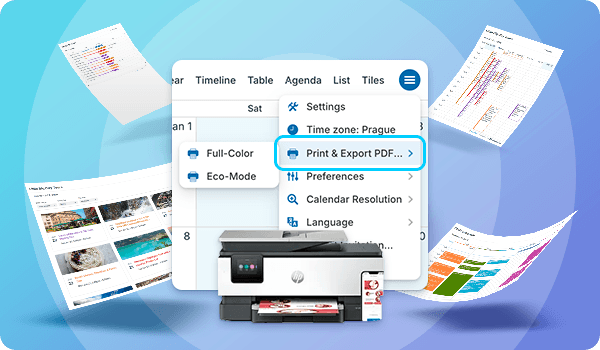
Teamup keeps your schedule synced across all platforms and devices for every user. Real-time updates, shared visibility, and instant changes make digital calendar collaboration easy. However, sometimes a printed calendar is still the best tool. The good news is that Teamup makes printing simple, and a recent update makes it easier than ever. Print a filtered view of your own calendar, create a custom blank printable, or use our pre-made blank calendars.
Read more: Print the Calendar You Actually Need: Filtered, Customized, or Blank

Fitness center scheduling solutions

Whether you’re a busy gym manager scheduling staff or a fitness trainer setting up workout programs for clients, a user-friendly, secure, complete scheduling solution will make your life easier. In the last month, we’ve put together a series of guides showing how Teamup can be used for different aspects of gym management and fitness session scheduling.
See how to manage gym staff scheduling, organize booking for shared gym spaces, plan and organize workout programs, and share a secure, personalized training calendar with clients.
Customer story spotlight
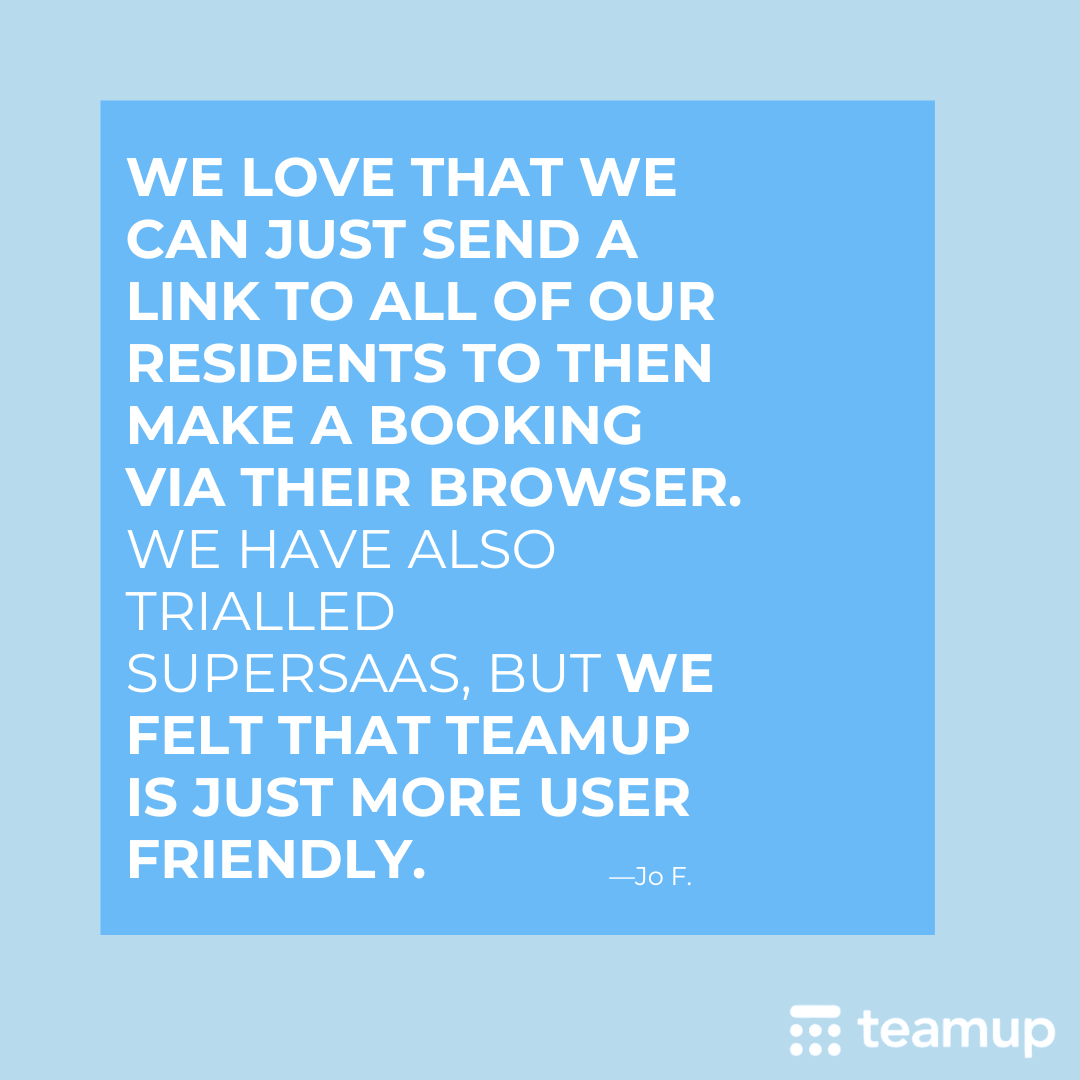
A decade of collaboration
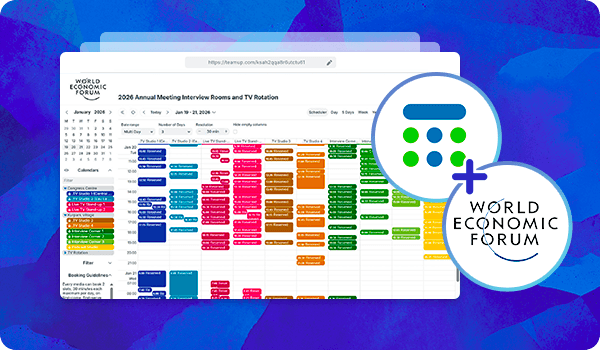
Read more: A Decade of Collaboration
Use cases + stories
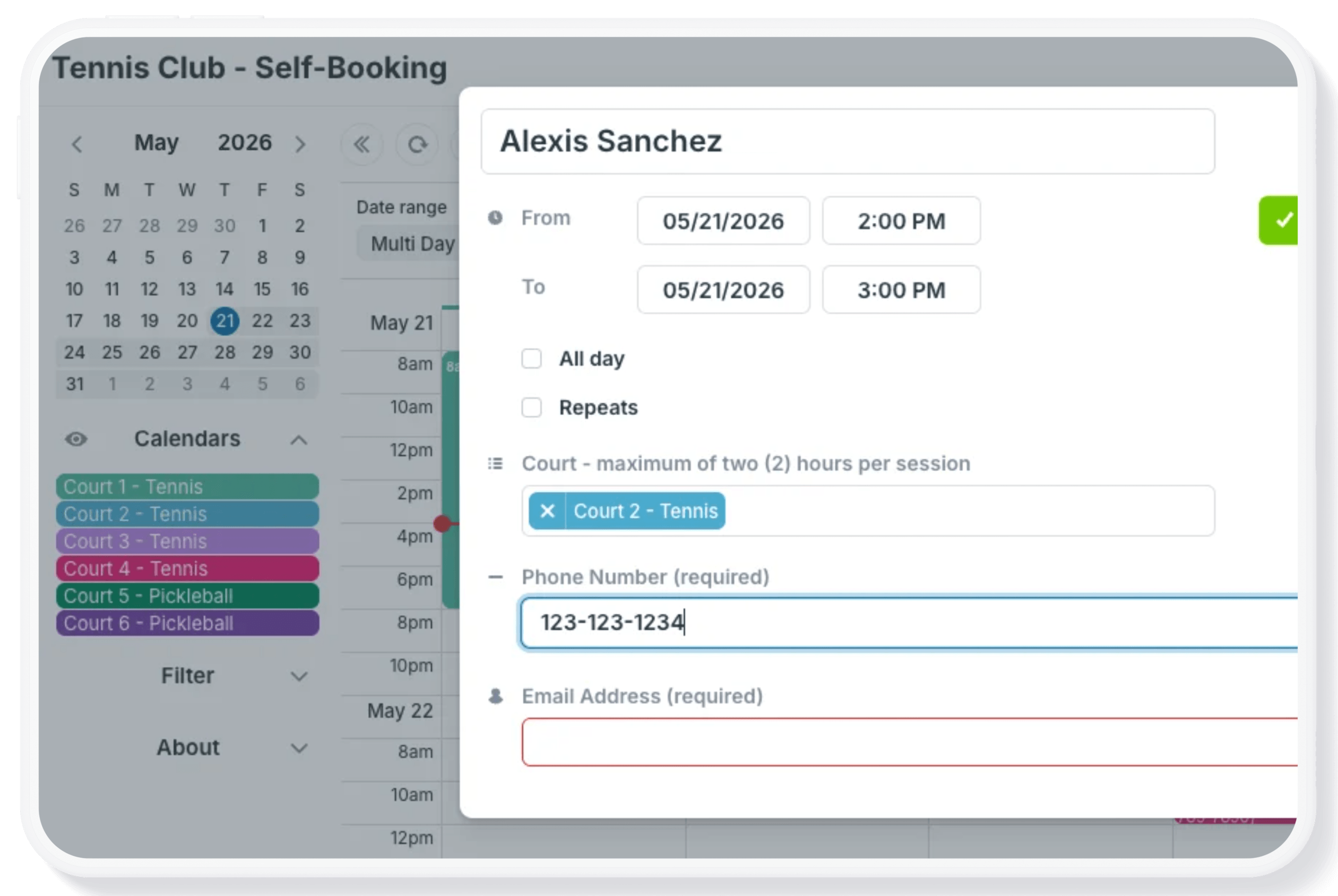
Simple tennis court self-booking
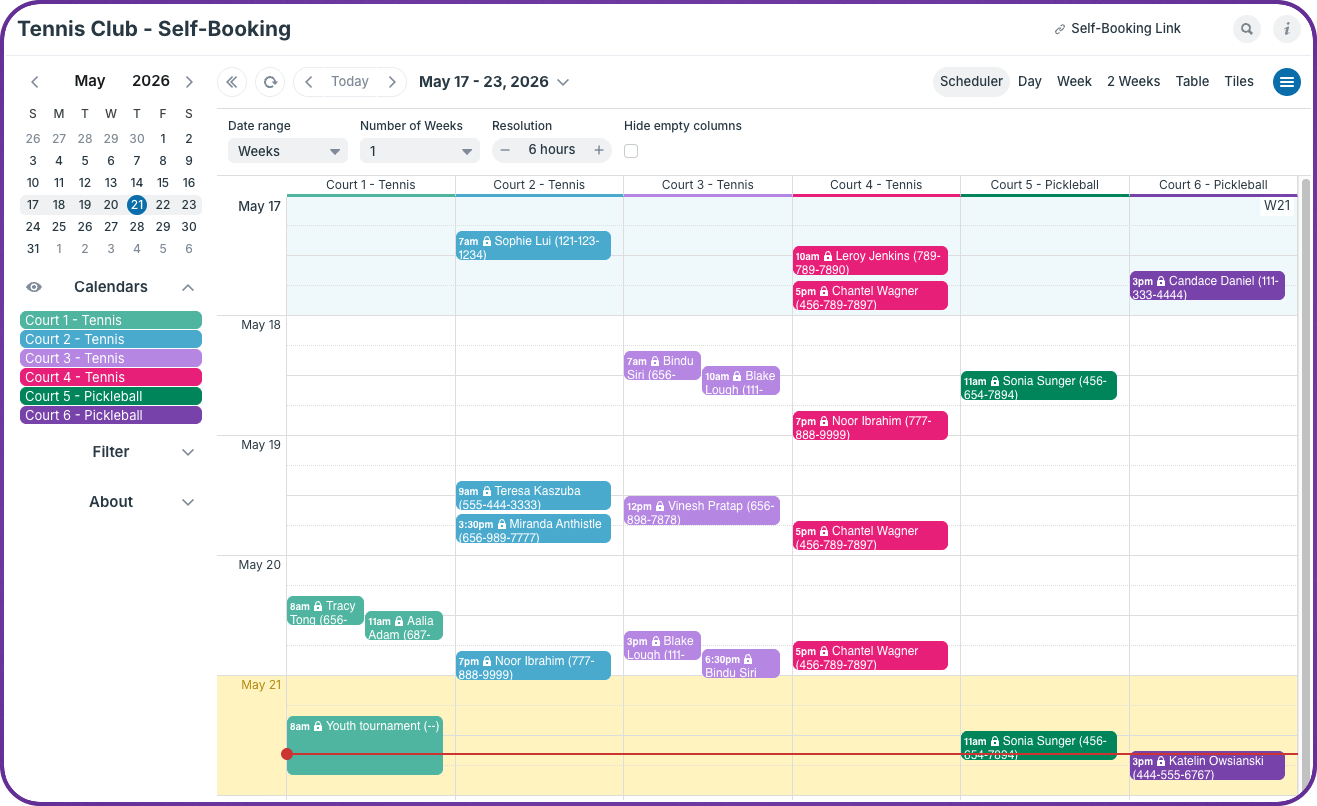
Managing court reservations at a small club shouldn’t require a full-time administrator. But without a clear system, it usually does. Learn how Teamup can be used as a simple, self-serve court reservation system that’s easy for members to use, low-maintenance for the secretary, and reliable enough to prevent double-bookings and unauthorized changes.
Read more: A Shared Calendar for Tennis Court Self-Booking
Mobile scheduling visibility for on-call staff
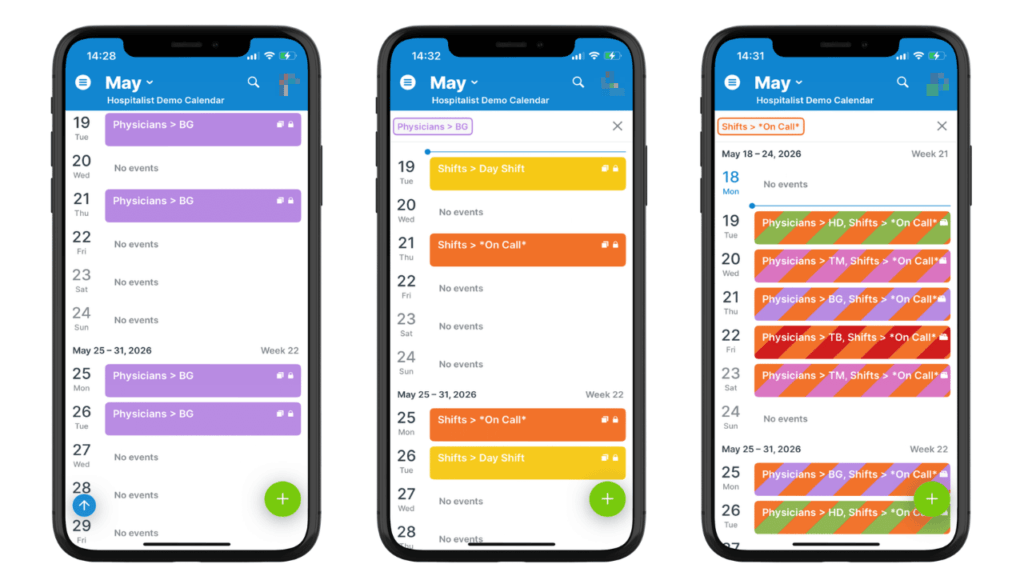
Physicians and on-call staff need a fast, reliable way to check assignments, review on-call coverage, and update availability. Mobile access and real-time syncing in a shared Teamup scheduling calendar let providers view assignments, update availability, and stay aligned with the latest staffing changes automatically.
Read more: Provide Mobile, Real-Time Scheduling Visibility for On-Call Staff
Role-based access for construction scheduling
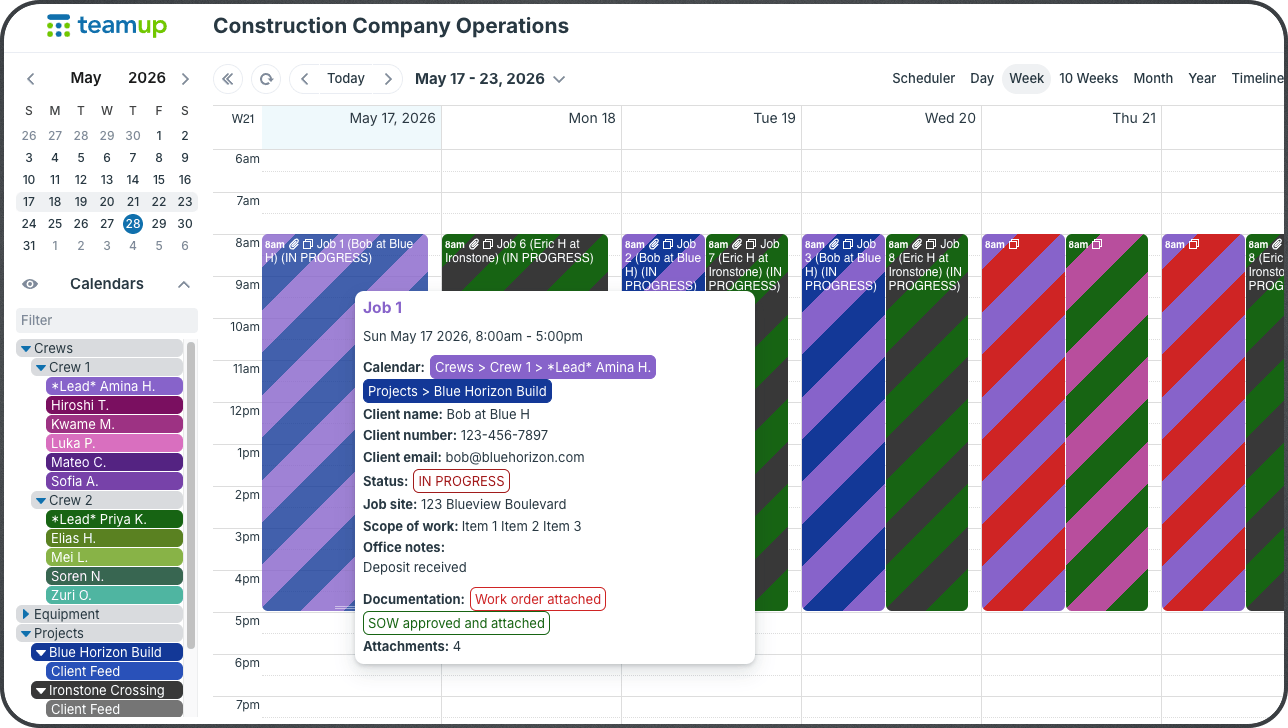
Construction scheduling only works when the right people can quickly access the right information. Project managers need visibility across crews, equipment, and timelines. Crew leaders need daily job details and schedule updates. Field crews only need their own assignments. Clients may only need milestone visibility. Teamup allows construction companies to build one centralized scheduling and job information system while customizing visibility for every team, role, and stakeholder.
Read more: How to Set Up Role-Based Calendar Access for Construction Companies
Interactive demos + power tips
Print calendars in eco mode
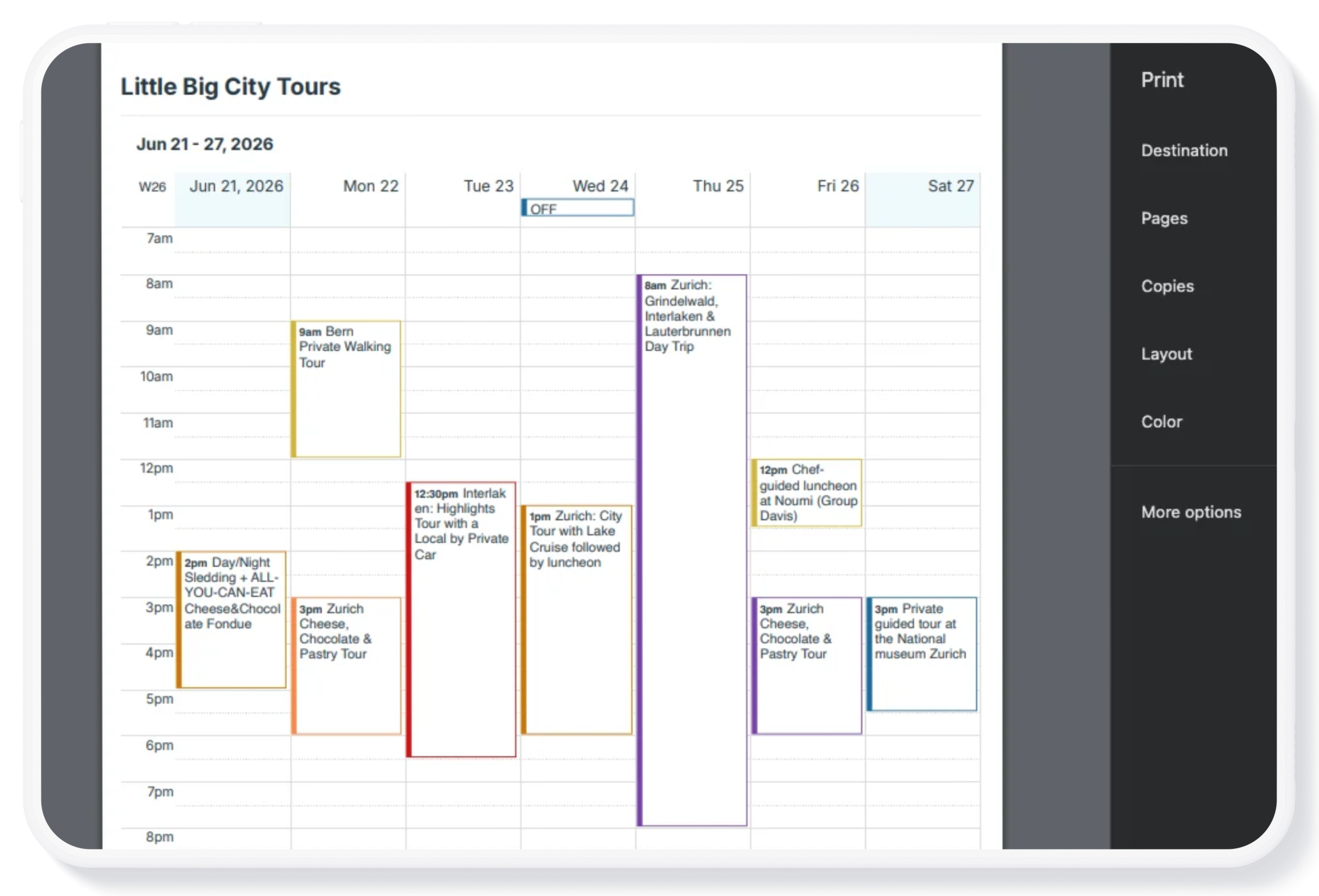
When you’re printing a calendar, you may want a simpler version to save ink usage and improve readability. Eco-Mode is a printing option that replaces the solid color blocks around events with a simple colored border. After selecting Eco-Mode, you can either print in color to preserve the color-coding aspect with less ink usage, or print in black-and-white and the borders will print in gray. 🔗 Learn more.
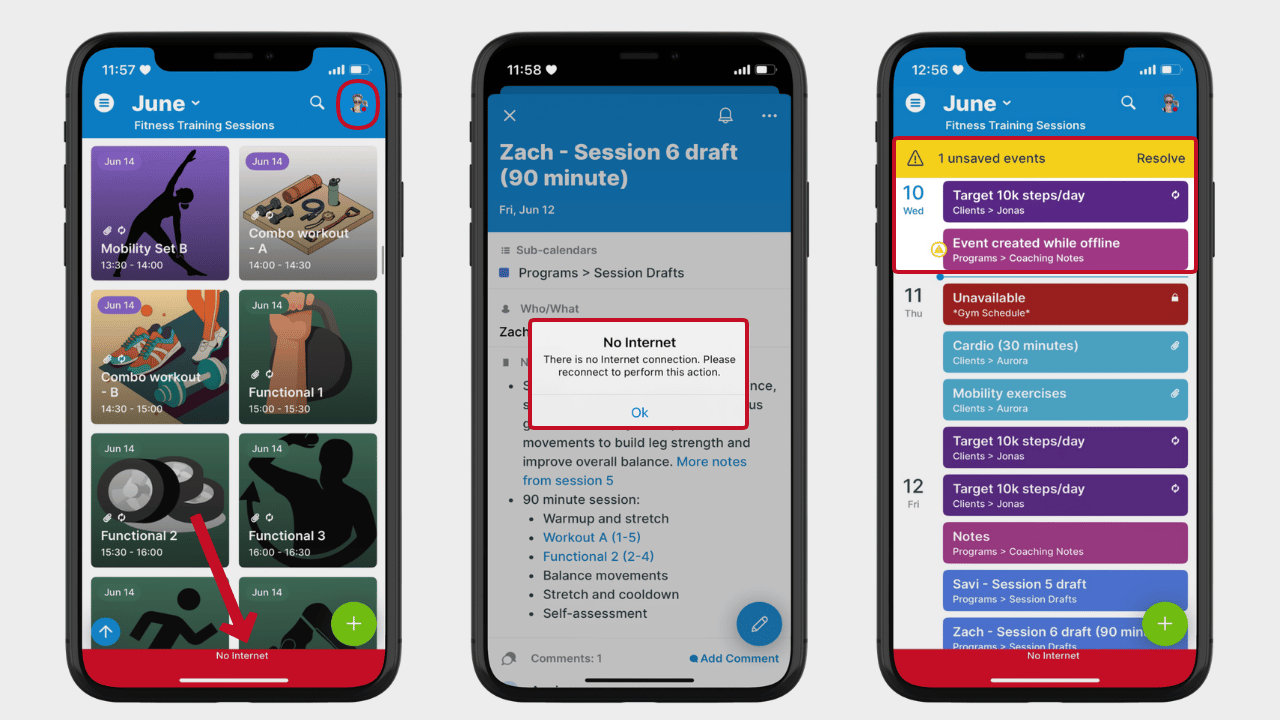
Access Teamup offline on mobile
On the Teamup mobile apps (available for iOS and Android) you can view your calendar(s) even when offline. Open the Teamup app as usual, and you can see all scheduled events and appointments on your calendar. 🔗 Here’s how it works.
Two ways to let users self-book
When people need to reserve shared equipment, rooms, lab stations, or other resources, the way you configure booking access makes a big difference. Some organizations prioritize speed and simplicity. Others need stronger controls and accountability. Teamup provides two practical approaches for self-booking: 🔗 Learn more.
Free calendar printables
July 2026 printables
Click to open, download, and print our free calendar printables for the upcoming month and quarter:
- Daily blank planners for July 2026
- Weekly blank calendars for July 2026: W27, W28, W29, W30, W31
- Monthly blank calendar for July 2026
- Quarterly blank planner for July – September 2026
- Need a big view of the whole year? Get a 2026 yearly calendar to print (several formats available).
Create a custom printable calendar
Or create your own custom blank calendars: Go to Teamup’s Printables page and scroll to the Create a Customized Blank Calendar section. Use the printable widget to create your own custom calendar printables.
See more Teamup tips from June. New tickers are added regularly, so don’t forget to check in or subscribe via RSS. Subscribe to our newsletter for highlights and news delivered to your inbox.