
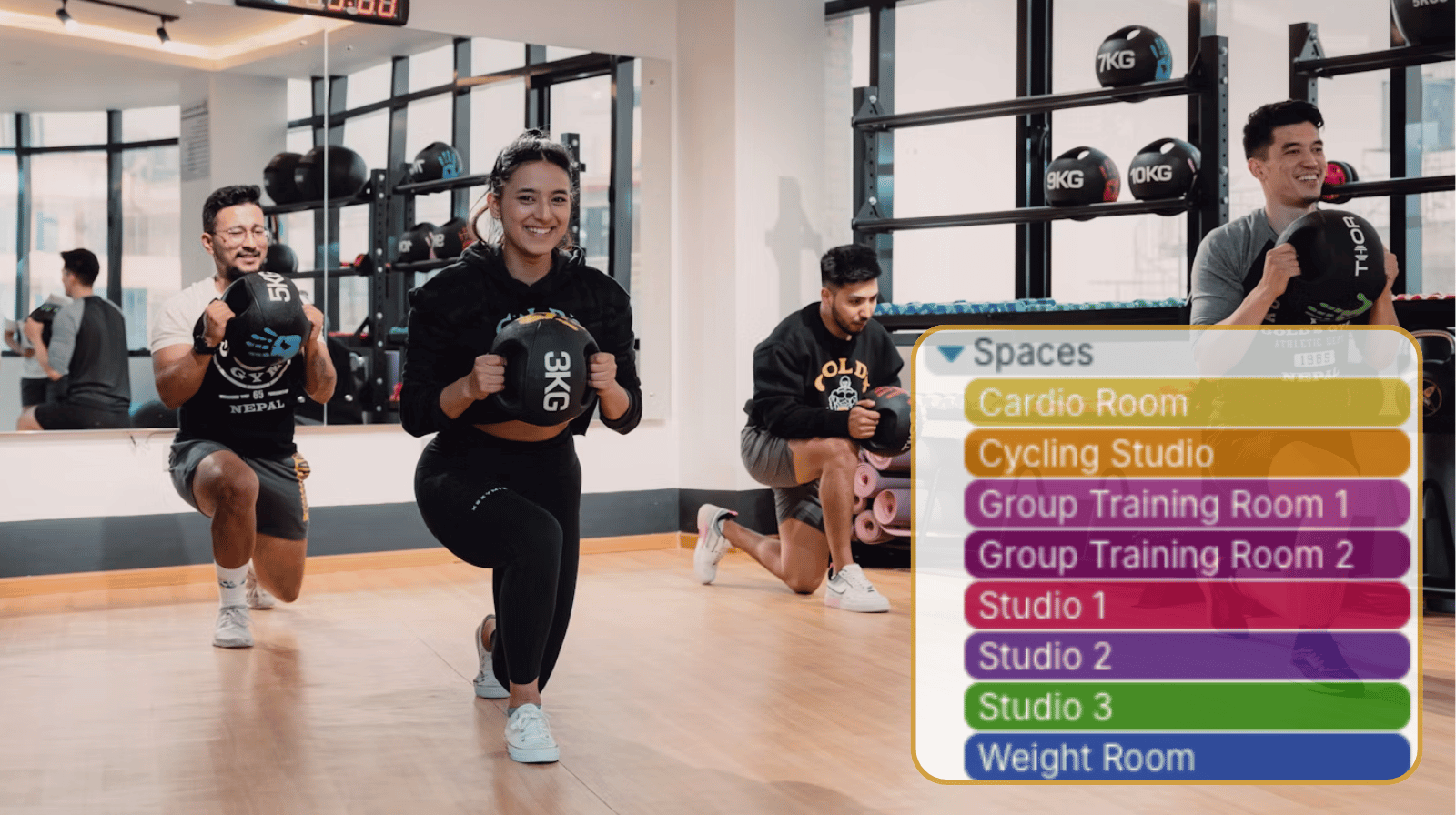
Fitness facilities often have multiple spaces and resources that need to be shared throughout the day, including training rooms, fitness studios, courts, pools, and specialized equipment. Managers, trainers, and staff need an easy way to see what’s available, prevent double-bookings, and allow members or employees to reserve resources efficiently.
The need: Gyms need a secure, efficient way to coordinate use of shared spaces, showing availability and allowing staff to self-book use while preventing scheduling conflicts.
The Teamup solution: Teamup provides a centralized booking system that shows availability in real time, supports self-booking workflows, and gives staff immediate visibility into reservations across all shared resources.
Why shared gym resources are difficult to coordinate
For gym managers, coordinating shared spaces is an ongoing operational challenge. Personal trainers may need private training rooms, instructors need access to studios for classes, staff may reserve meeting spaces, and members may book courts, pools, or specialized equipment. Everyone needs to know what is available and when, while managers need confidence that resources are being used efficiently and that scheduling conflicts won’t disrupt the day.
Many facilities still use spreadsheets, paper schedules, email requests, or a staff member to manage reservations. Spreadsheets may show availability, but they’re hard to view on a phone. They also rely on everyone remembering to update them. Paper schedules quickly become outdated when bookings change. Email requests lead to long threads that staff must sift through to check availability. When many people make updates, it’s easy to miss changes or double-book a resource. As facilities get busier, these manual methods take up more staff time and raise the chance of errors. A centralized resource booking calendar can help solve these issues.
Show gym room and equipment availability in real time
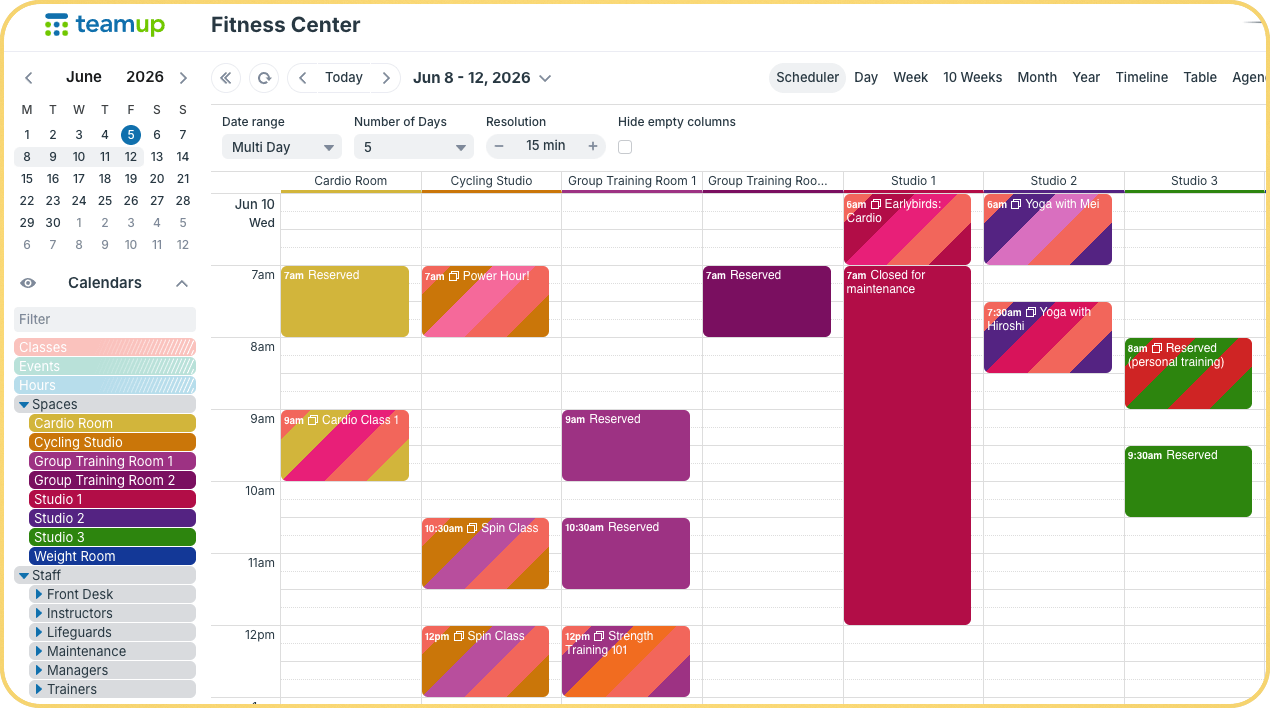
Click to enlarge: Give all staff members visibility on which shared spaces are open or reserved, and set up secure self-booking that prevents schedule conflicts.
A shared Teamup calendar gives everyone a clear, updated view of availability for all shared spaces and resources while keeping the schedule secure. Here’s how:
- Each resource has its own sub-calendar. For example, a fitness center might have sub-calendars for training rooms, studios, basketball courts, pools, meeting rooms, assessment spaces, and specialty equipment.
- For facilities with many resources, folders and color-coding help with navigation. Related resources can be grouped, like all fitness studios in one folder or all rentable equipment in another.
- Double bookings are prevented automatically. Each sub-calendar blocks overlapping events, ensuring that a room, court, or piece of equipment isn’t reserved by two people at once. Staff and users can see availability as they make reservations, avoiding conflicts later.
- The calendar syncs in real time, so everyone sees the same up-to-date information. When a reservation is created, updated, or canceled, the calendar updates. Info stays accurate for everyone.
- Clear, visual availability in one place make coordination simpler for everyone. Administrators only have to make updates in one place. Staff can quickly check the schedule to see what is available without sorting through spreadsheets or emails.
Most importantly, this approach keeps the booking process secure while reducing administrative work. Managers control who can view schedules, make reservations, and access specific resources. Staff can self-book use of shared spaces or resources without having to wait for updates on availability.
Enable secure self-booking for shared gym spaces
A self-booking workflow allows approved staff members reserve use of shared spaces on their own. They don’t need a manager or front desk staff to handle every request. Instead, staff members can simply check the calendar to see which rooms have open time slots, then book directly on the calendar.
What makes this possible is customized access to the calendar: Each instructor or trainer has individualized access with a special permission that lets them create reservations on specific calendars. But they’re not able to change or remove bookings or events that are already on the calendar. This setup allows staff to manage their own bookings while keeping the overall schedule secure. And with automatic conflict prevention, spaces can’t be double-booked accidentally.
Non-administrator users, such as area managers, schedulers, and office staff, keep full control of the calendar with modify permission. They can see what’s happening across all spaces, reserve use for group classes or events, and configure access so each staff member can view and book the appropriate areas for their role.
How a self-booking system works
- Create a sub-calendar for each shared resource.
- Configure each resource calendar to prevent overlapping events.
- Give approved staff members modify-my-events permission to the resource sub-calendars.
- They can view real-time availability of resources.
- They can add their own bookings to the calendar.
- They cannot double-book any space or resource.
- They cannot change or remove bookings or events already on the calendar.
Manage shared gym facilities more efficiently
By centralizing resource schedules, providing real-time availability visibility, and enabling secure self-booking workflows, Teamup helps fitness facilities make better use of their spaces and equipment while reducing administrative workload. Staff can quickly find and reserve what they need, managers maintain oversight of facility usage, and everyone works from the same up-to-date schedule.
Create your own Teamup resource booking calendar and see how much easier it can be to coordinate shared rooms, facilities, and equipment across your gym or fitness center.
Related resources
- A Shared Calendar to Manage Gym Staff Scheduling
- Give Fitness Clients a Visual, Personalized Training Calendar
- Organize Client Workout Programs in One Training Calendar
- Make Availability Visible and Enable Self-Booking with a Shared Calendar
- A Secure Booking Calendar for Shared Space Availability
- ▶️ Automatically Prevent Overlapping Events
- When to Use Modify-My-Events Access Permission


