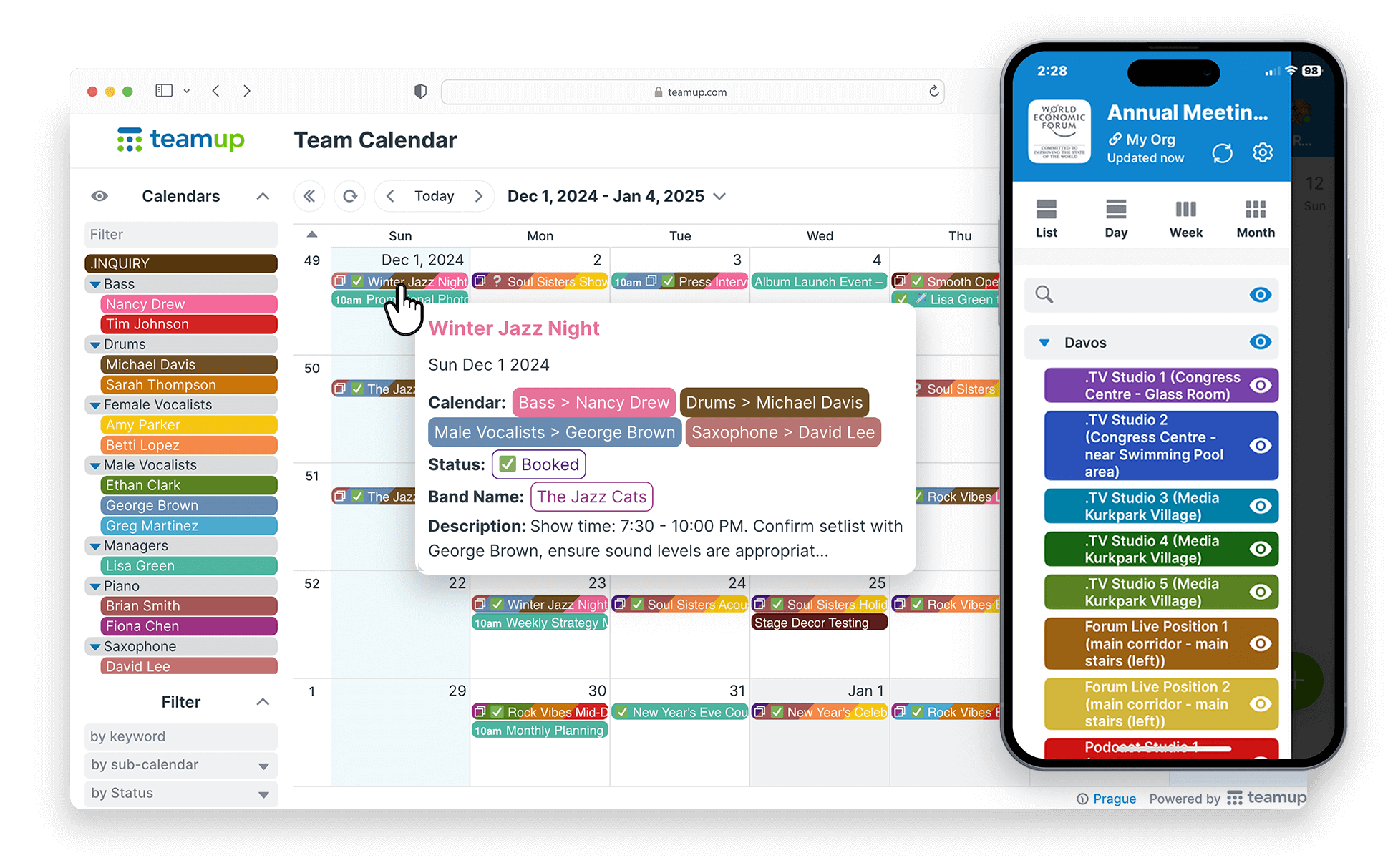
Teamup is a shared online calendar that works as a business planner, operations schedule, and team availability calendar. Use it to schedule shifts, plan your year, track deliveries, book appointments and more, all in one place your whole team can see.
Schedule shifts for a small team
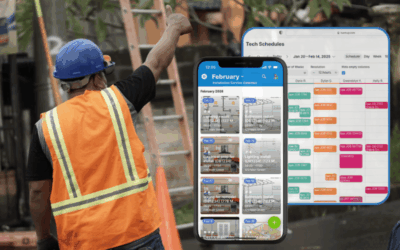
Put every shift on one shared calendar so everyone sees the same schedule. Give each employee or role its own color-coded sub-calendar. When a shift changes, the update shows up for everyone right away. Scheduler view shows staff side by side, so gaps are easy to spot.
→ See how one calendar keeps every shift visible
Plan your quarter or year
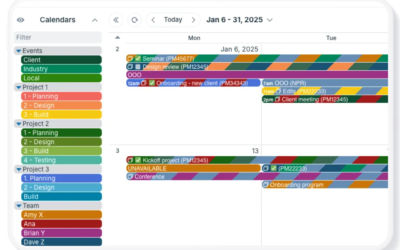
Year view shows your events across 1 to 12 months, so you can plan a quarter, a fiscal year or a project timeline on one screen. Unlike many calendars, it shows actual events, not just blank dates. Filter or toggleToggle Sub-Calendars On and Off From View sub-calendars to focus on one team or project.
→ Learn more about annual planning with Teamup
Schedule and track deliveries
Use a shipping calendar to capture customer information and track orders from sale to delivery. Customized access lets each person see the info they need. Sales staff can check order status anytime without interrupting the warehouse team. Custom fields keep all the information organized and searchable: order numbers, status, notes, and whatever matters for your workflow.
→ See how to set up a shipping calendar
Coordinate your team
A shared team calendar keeps everyone coordinated with minimal fuss. Choose what each person can see or edit, so you keep oversight while giving the team flexibility. It works for in-office, remote and freelance team members alike.
→ How to create a shared team calendar
Let clients book appointments
Add open time slots to your calendar and share a booking link with clients. They can pick a slot without seeing other clients’ details: booking with privacy. Prevent double bookings automatically and keep track of all appointments in one place.
→ How to set up bookable appointment slots
Book shared spaces and equipment
Give each room, vehicle or piece of equipment its own sub-calendar. Team members can see what’s free and book it themselves. Turn off overlapping events so two people can’t book the same resource at the same time.
→ Two ways for users to self-book resources in Teamup
Promote events, classes and workshops
Share any event as a stand-alone event page. Add details, images and files, and turn on signups; add a deadline and set a maximum number, if needed. Whenever you update the event, the event page updates too. Share the event page anywhere: social media, email newsletter, text message. You only have to make updates in one place, and everyone always sees the latest information.
→ Make event promotion easier with event pages
Frequently asked questions
Quick answers about using Teamup as an online business planner.
Can I use one calendar for daily scheduling and long-term business planning?
Yes. Use Day, Week or Scheduler view for daily work, and switch to Year view to plan a quarter or a full year. Every view shows the same live events, so you never have to copy plans between tools.
Can my team use Teamup on their phones?
Yes. Teamup has free apps for iOS and Android, and changes sync automatically.
Can I control what each person sees?
Yes. Set permissions for each user or shared link, from full edit access to read-only with no event details.
Ready to plan smarter? Create your free Teamup calendar or try a live demo.