Navigating Dates in Teamup

Navigating Dates in Teamup

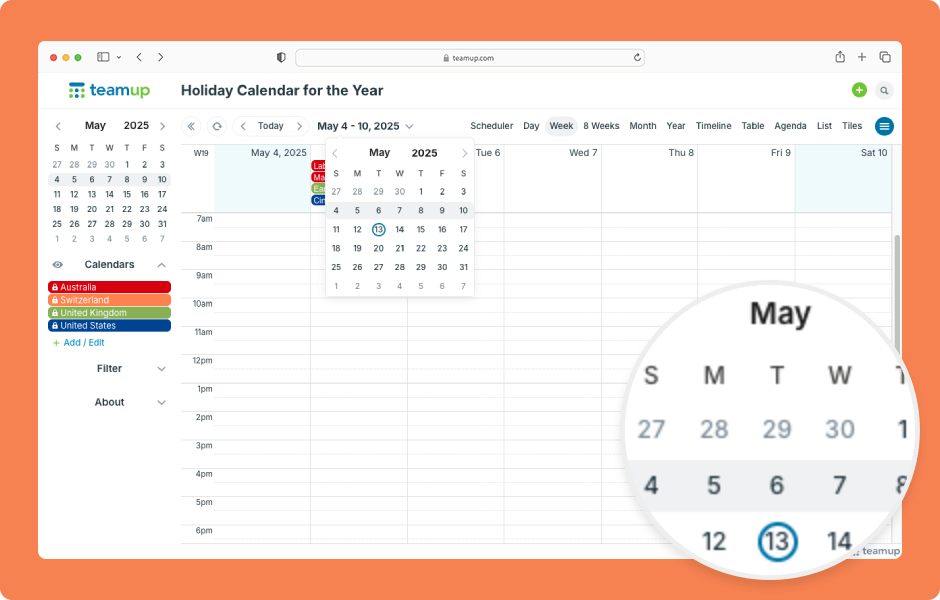
Navigating date ranges or getting to a specific date is fast and easy on Teamup. You can quickly move forward or back over date ranges or jump to a specific date. ENLARGE DEMO Move over date ranges with the arrows next to the Today button: Click the left arrow to move...
Set Your Calendar to Open on a Specific Date

Set Your Calendar to Open on a Specific Date

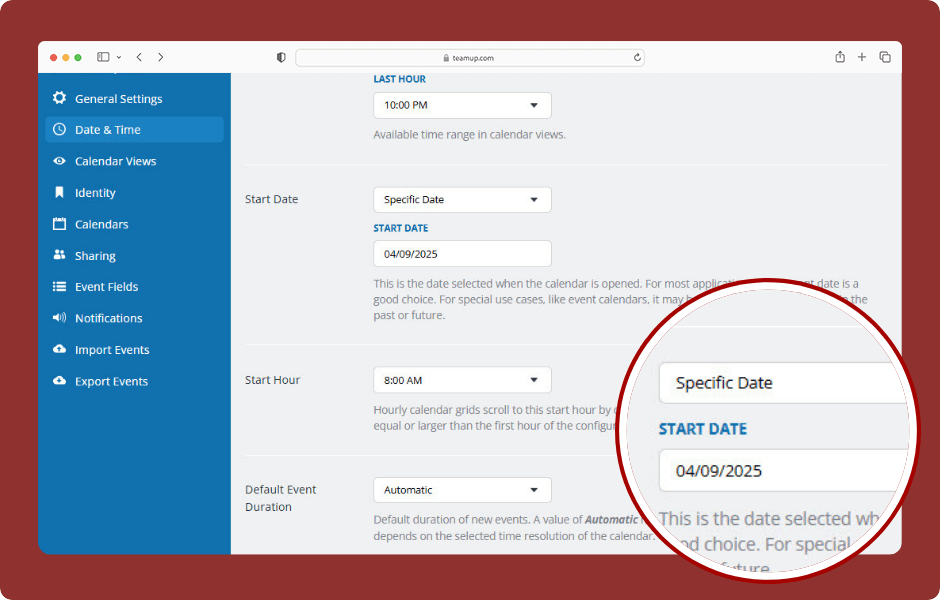
Having your calendar open on the current day is the typical choice for most calendar users, and it’s the default setting for Teamup calendars. In some scenarios, however, it’s better to have the calendar open at a specific start date, not the current day:...
WordPress Cookie Notice by Real Cookie Banner
