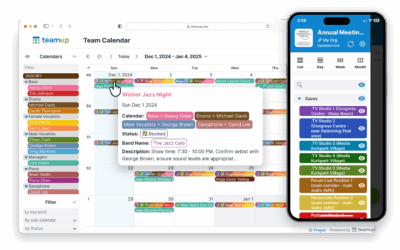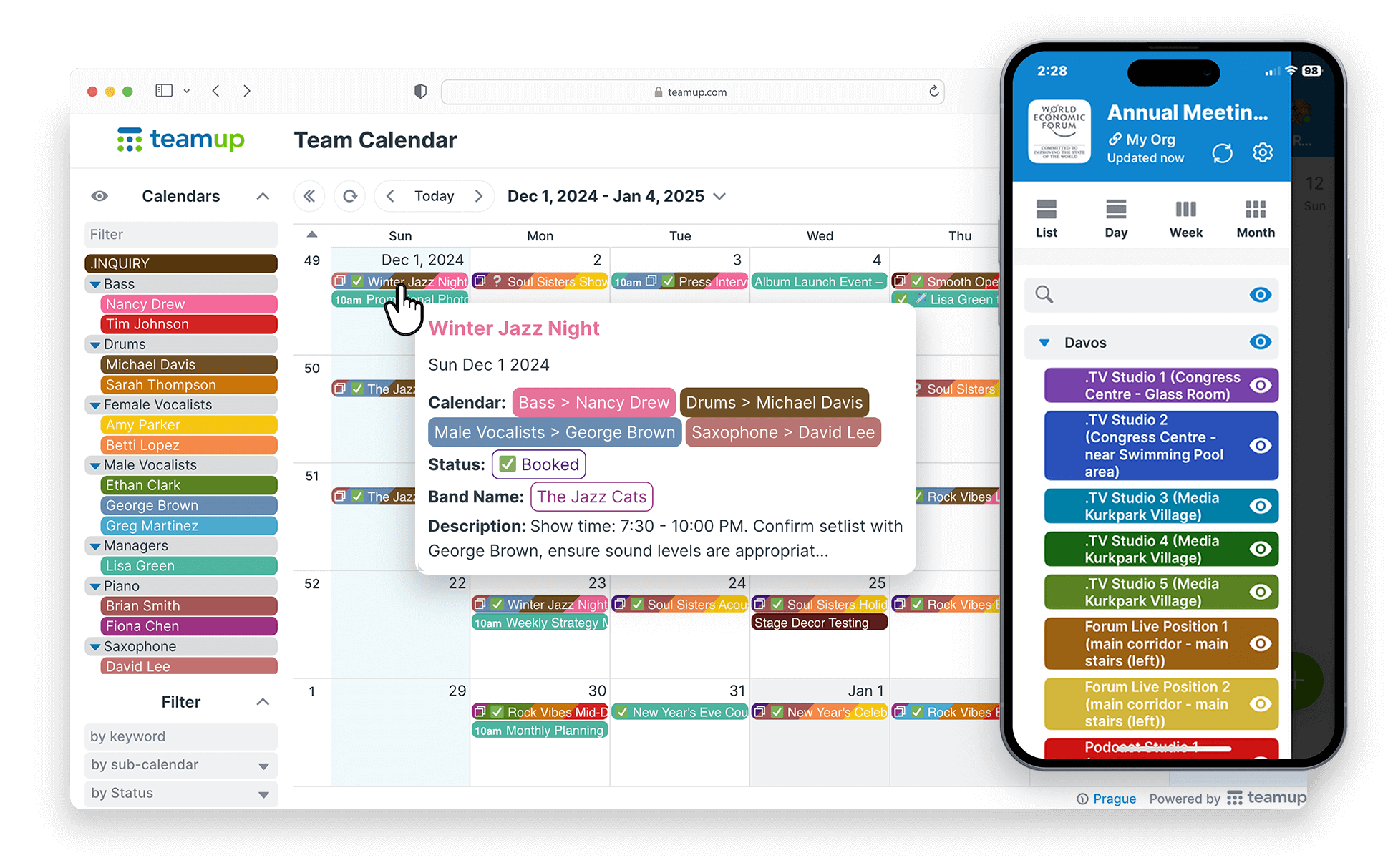
A round-up meeting is a short, regular check-in where your team reviews what happened, what’s coming up, and what needs a decision. Run it weekly for fast-moving work, or monthly for a bigger-picture review.
When the meeting lives on a shared calendar, everything stays in one place: the schedule, the agenda, the wins, and the decisions. Here’s how to set it up in Teamup.
Create a recurring round-up event
Add the round-up as a repeating event, weekly or monthly, at a time that works for the whole team.
- Put it on a shared sub-calendar, like “Team meetings,” so everyone can see it.
- Add a standing agenda to the event description, so every meeting follows the same format.
- Use event signups if you want people to confirm they’ll attend.
How to Create and Customize Repeating Events
Collect agenda items and wins in comments
Before the meeting, ask team members to add their updates as event comments:
- Agenda items they want to discuss
- Wins and progress from the past week or month
- Blockers or questions that need a decision
Everyone arrives already knowing what’s on the table, so the meeting can focus on discussion instead of status updates. Invitees who can’t attend can also say so in a comment and leave their update in writing.
Review the week ahead together
Use calendar views to walk through what’s coming up:
- Week view or Agenda view for a quick look at upcoming events and deadlines.
- Scheduler view to compare team members’ or resources’ schedules side by side.
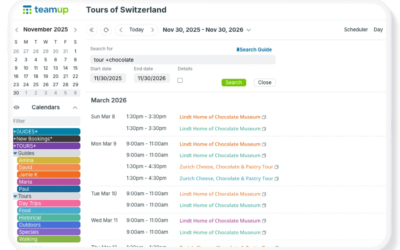
- Table view to scan event details in columns. You can show or hide columns to focus on the fields that matter.
To make this easier every week, set the most useful view as the calendar’s default view.
Log decisions and action items
After the meeting, add a comment with the decisions made and who owns each next step. Each week’s event becomes a record you can look back on, without a separate notes document.
Print or save a copy
- Print the week: Print the calendar in Week or Agenda view as a reference sheet for the meeting.
- Save the meeting notes: In the Teamup app, open the event, tap the three-dot menu, and choose Open page. Then use your device’s sharing options to print or save the page as a PDF.
Publish a round-up of events
If your round-up is for an audience outside your team, like a community group or members, you can share it on your website instead. Embed a read-only Teamup calendar, and it updates automatically whenever events change.
Use the Embed Wizard to create the embed code. You can use link parameters to hide menus and controls for a clean look that fits your site.
Keep internal round-ups private
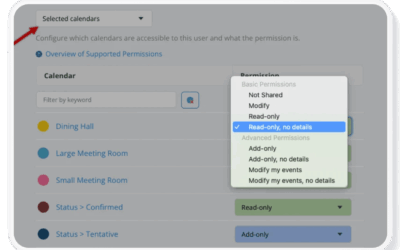
If your round-up includes confidential information, use the right permissions for each person, and consider turning off iCalendar feeds and event sharing for that calendar.
Sample round-up agenda
- Wins from the past week (from comments)
- Review the week ahead on the calendar
- Open items and blockers
- Decisions and action items (log in comments)
Learn more: