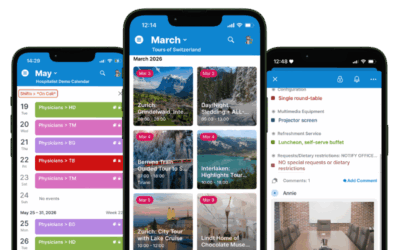
In our May roundup we’re highlighting the power of sub-calendars to visualize schedule information and make scheduling easier, along with real-world examples of managing availability. Our customer story highlights more complex scheduling needs, connecting educational partners with multiple teachers and schools. Check out the latest power tips and download free calendar printables for better planning for the next months through summer holidays.
Highlights
Working with sub-calendars
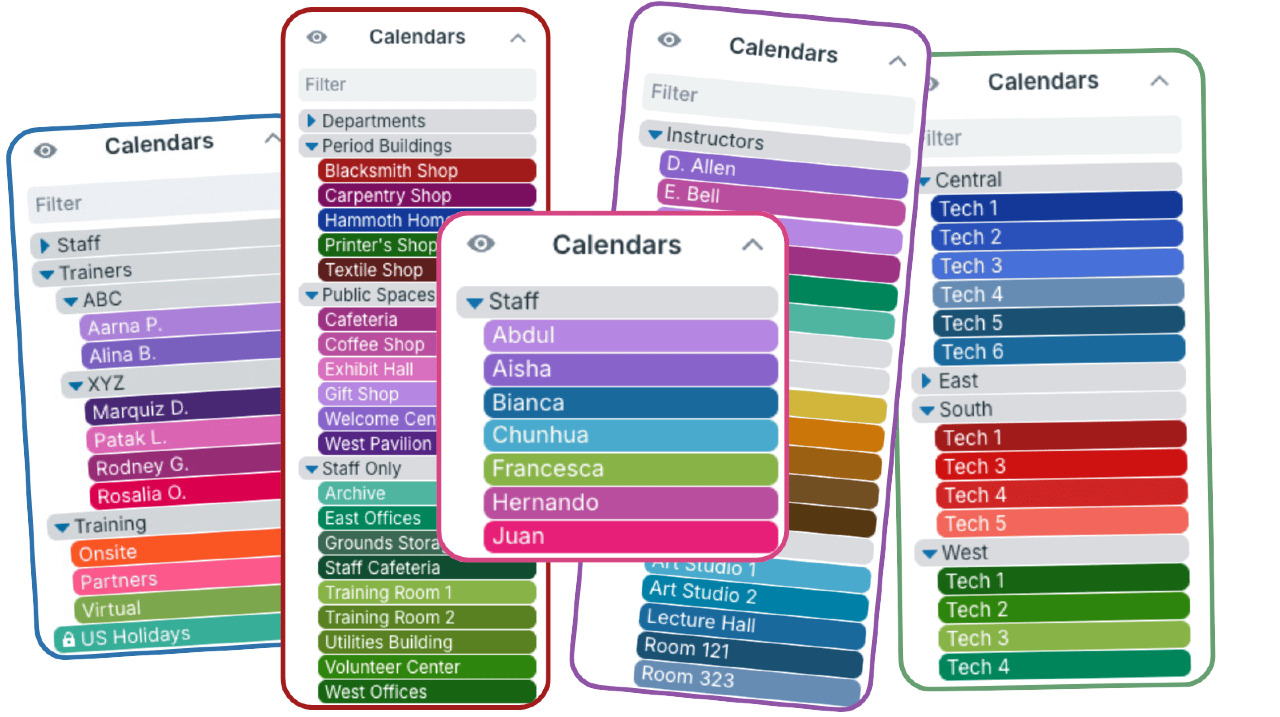
Sub-calendars are the heart of a Teamup calendar. They work as individual calendars, but are contained within your master calendar. They allow you to sort and organize all the information you need to keep on the calendar in clear visual structure. Sub-calendars have access control, automatic conflict prevention, and color-coding built in. Learn more about how to set up a calendar structure and make good use of all the features that sub-calendars offer.
Read more: Organize and Color-Code with Sub-Calendars

Simple availability scheduling with Teamup
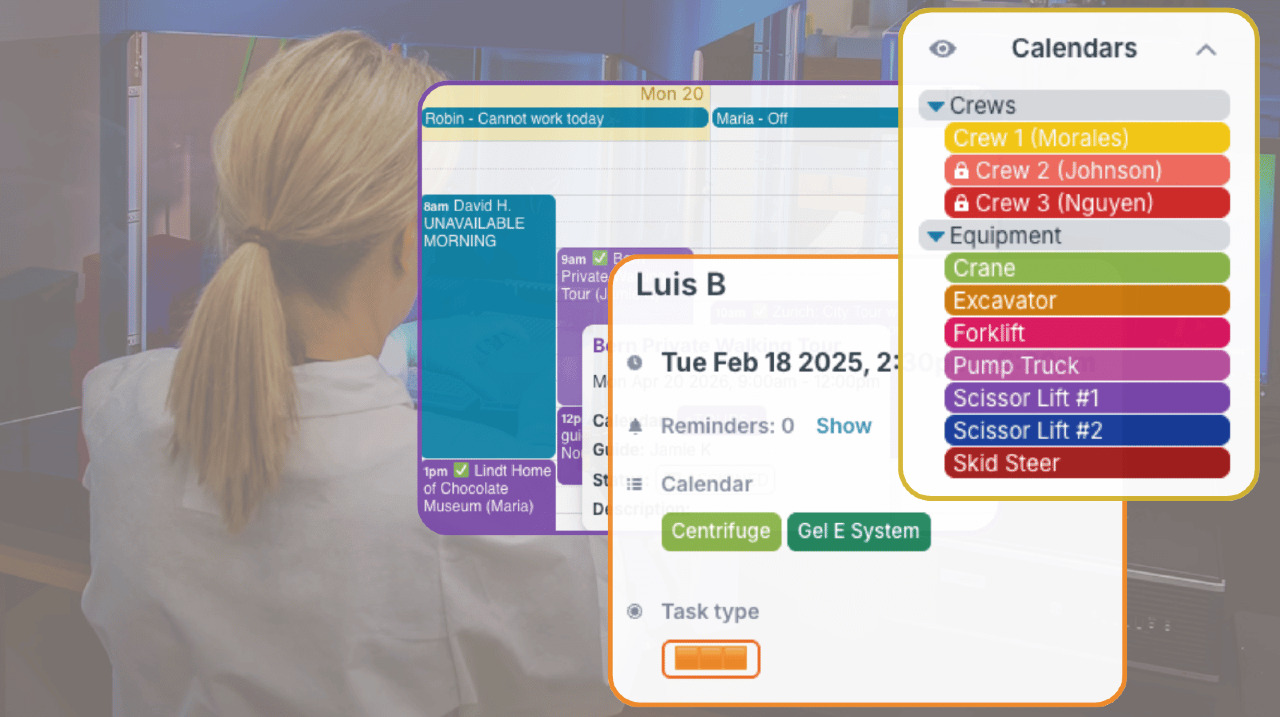
Managing availability comes up often in everyday operations: assigning people, reserving spaces, booking equipment, or keeping vehicles ready for work. The setup can stay simple when each person, room, vehicle, or resource has a clear place on the calendar. Check out these examples of availability calendars used in field work, education, labs, offices, and communities.
Read more: Simple Availability Scheduling: 8 Real Examples for People, Rooms, and Resources
Customer story spotlight
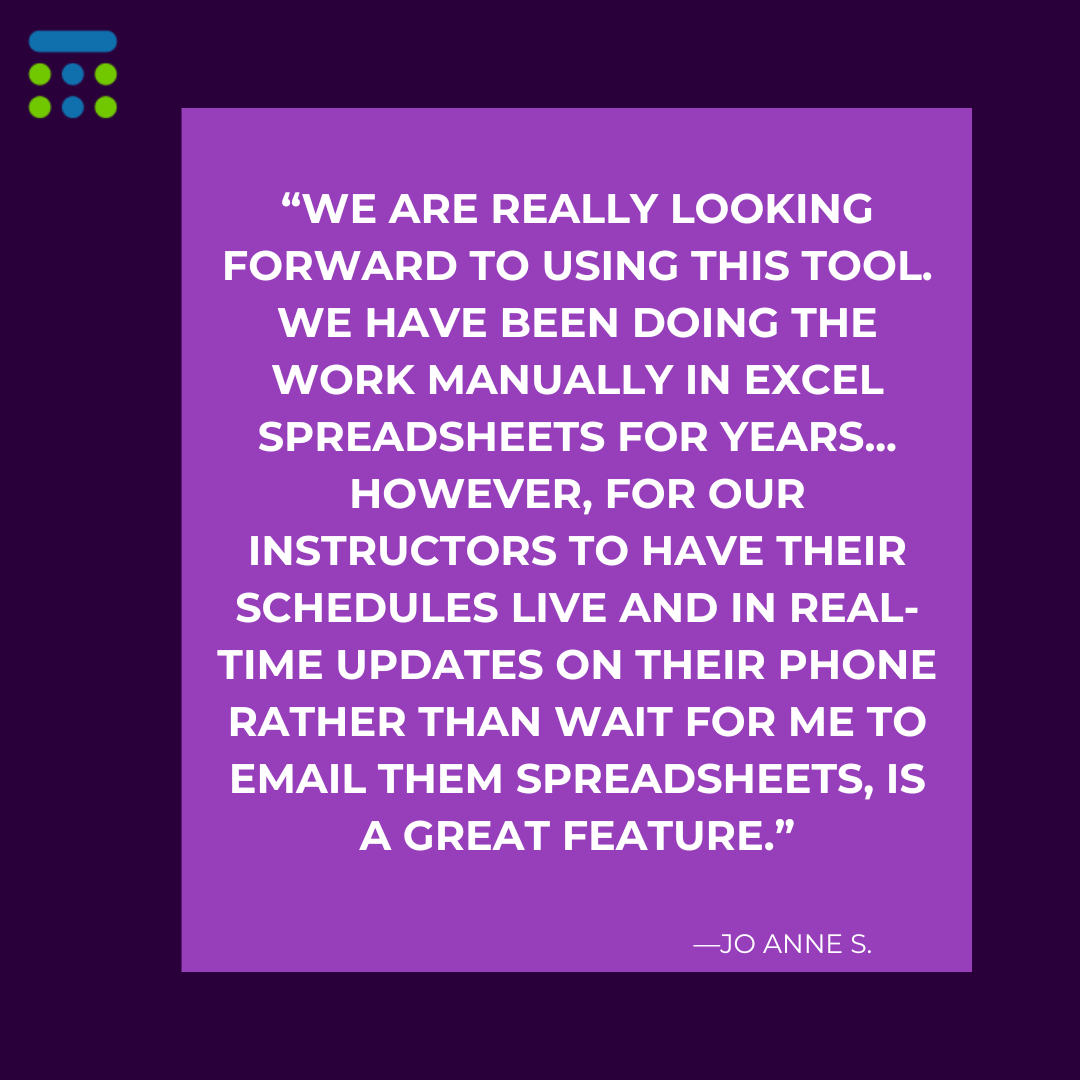
Coordinating educational partnerships
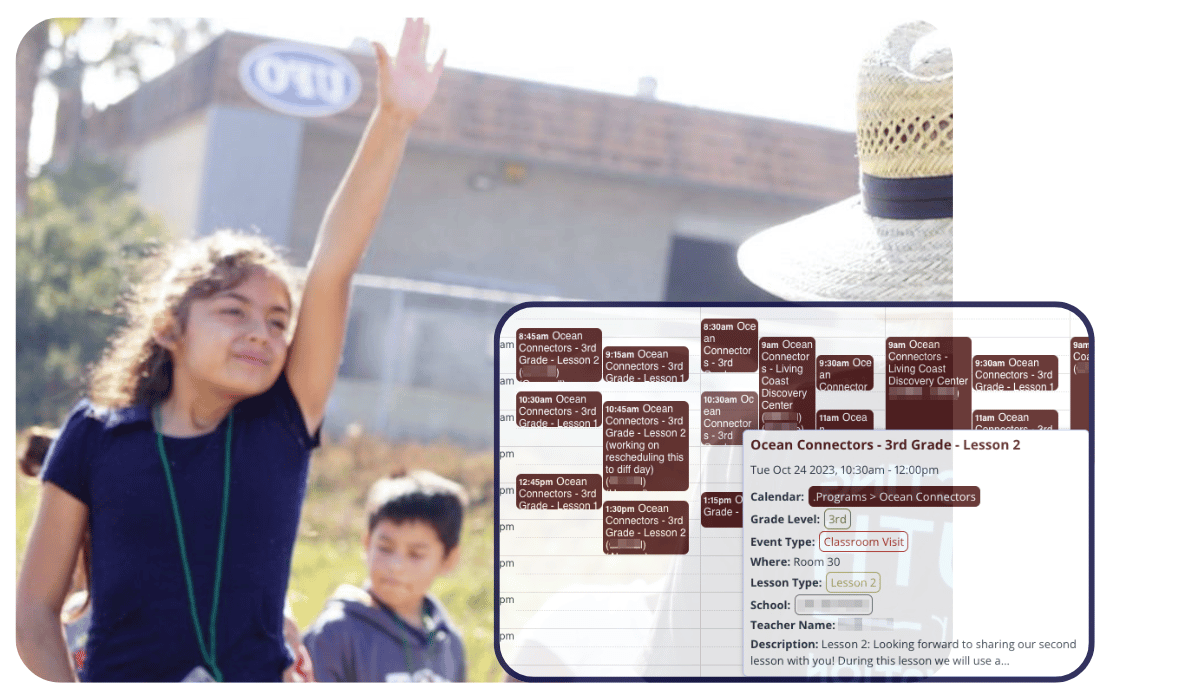
Read more: Coordinating Educational Partners with Schools and Teachers
Use cases + stories
Coordinate every layer of rental operations
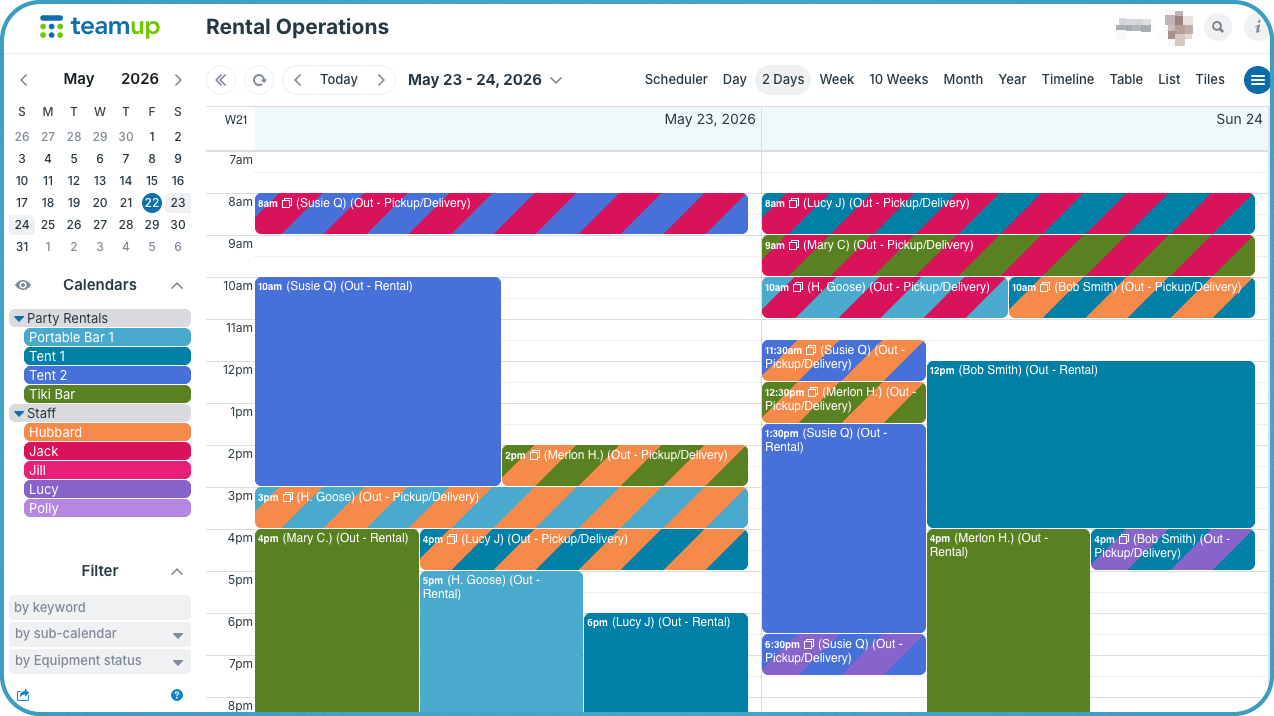
Running a rental operation means managing several different types of scheduling at once: delivery windows, pickup times, equipment availability, staff assignments, and return inspections. Each piece has its own timing, its own people, and its own details to track. A shared master calendar that provides an immediate visual overview of the whole operation. Sub-calendars organize and color-code events while custom fields provide additional layers of scheduling information.
Read more: One Calendar to Coordinate Every Layer of Rental Operations
Organize content and social media planning
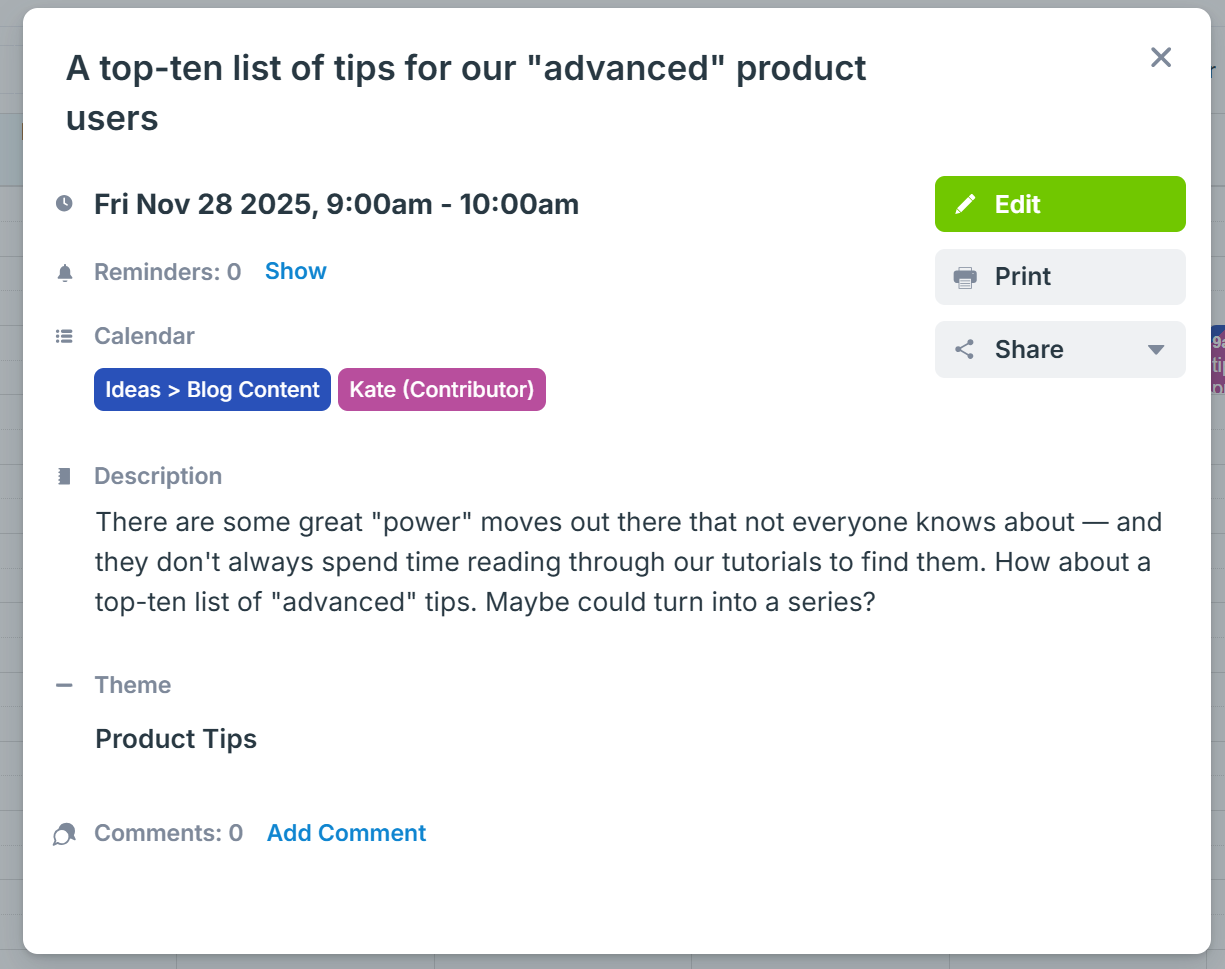
A good content workflow starts with a reliable place to collect ideas. With Teamup, you and your team can quickly and systematically save every thought, link, request, or inspiration in one organized space. Nothing gets lost, and each idea carries the context you’ve added.
Read more: Organize Content and Social Media Planning With Teamup
Interactive demos + power tips
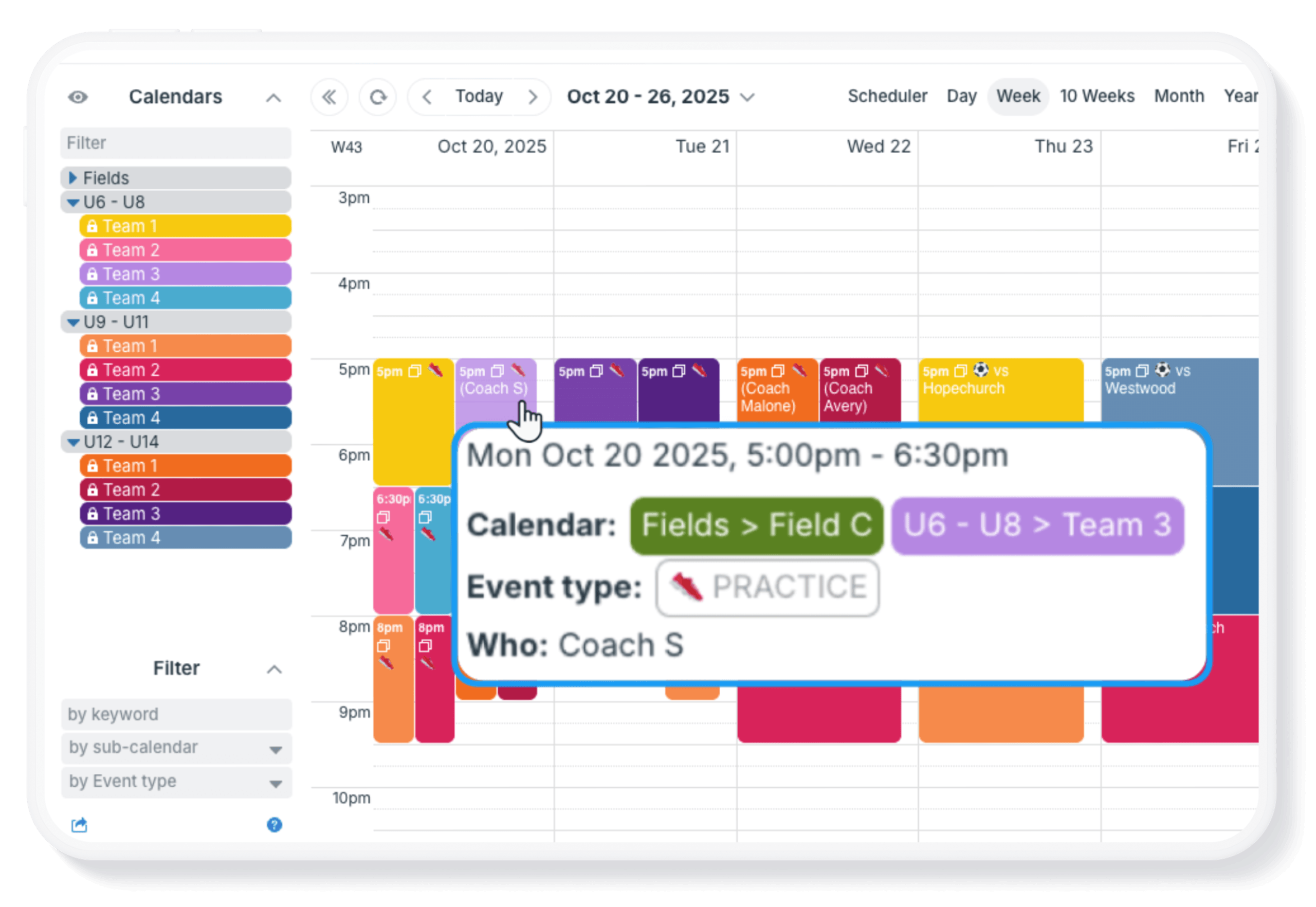
Show who’s involved with events
On a shared calendar, one of the first questions that comes up in day-to-day work is simple: Who is involved with this event? The question might be slightly different depending on the context, but providing clarity about each event and who’s assigned, involved, or in charge is important. Here are three practical ways to show who is involved with events on a shared Teamup calendar.
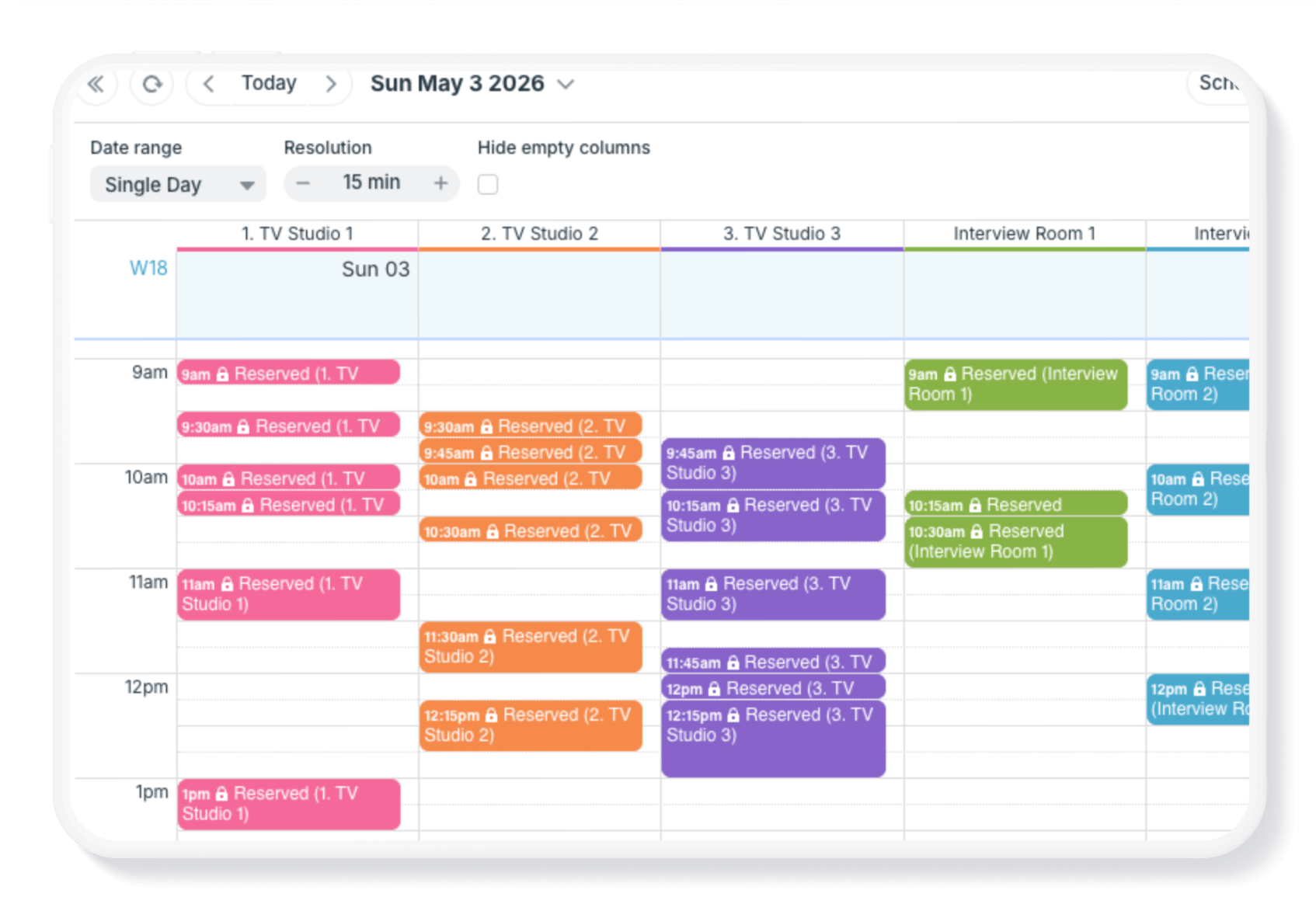
Manage short-term, granular bookings
When you’re managing bookings in tight increments, standard calendar views usually aren’t precise enough. But Teamup’s Scheduler view is built for this kind of task. Each resource is displayed in its own column, so availability is instantly visible and clearly organized. And because the time resolution can be adjusted, it works just as well for tightly packed, short-term bookings as it does for longer sessions. Learn more.
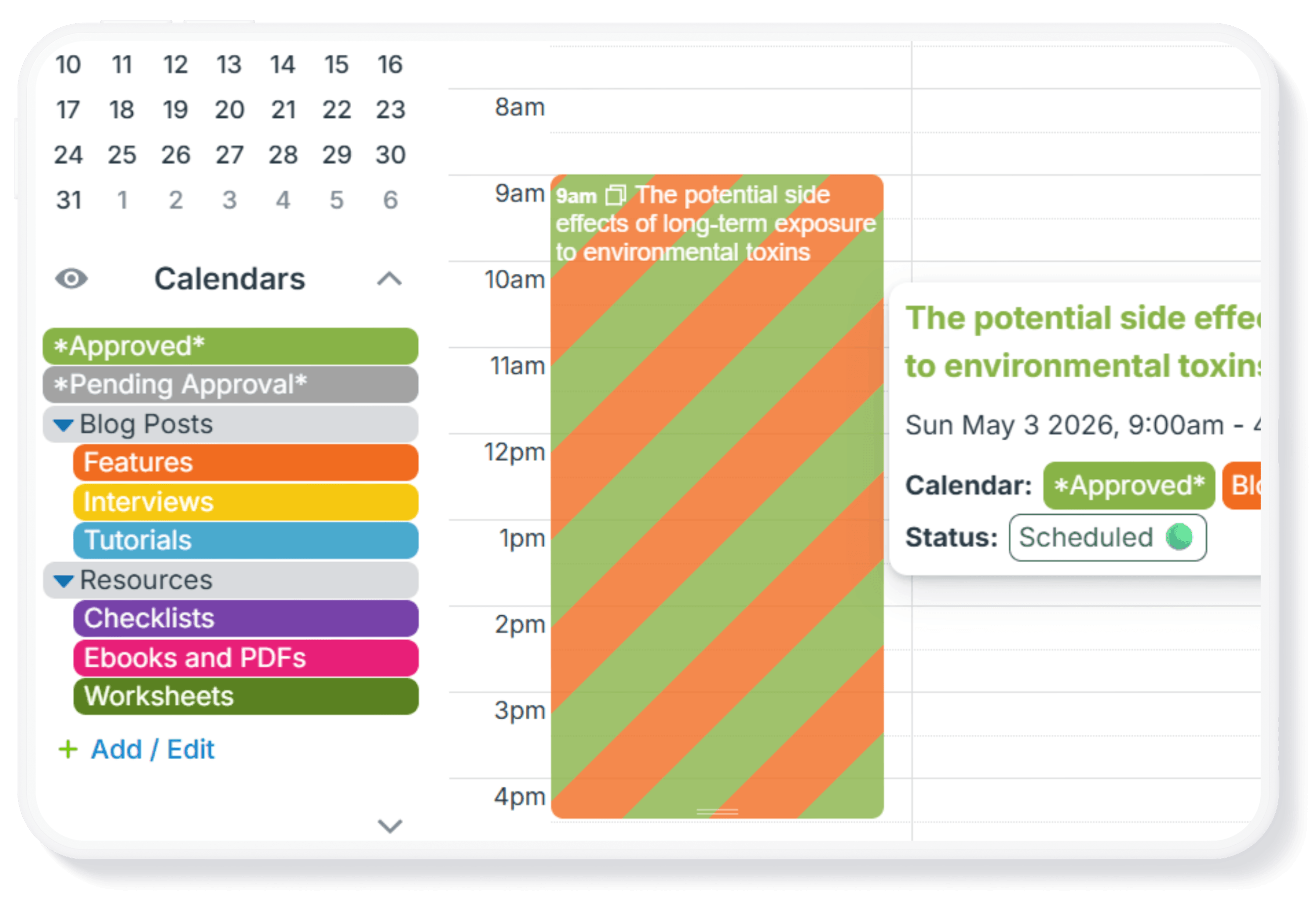
Create a simple approval system
Turn your calendar into a lightweight approval system. Requests are submitted as events, reviewed by the people in charge, and only added to the main schedule once they’re approved. By structuring your calendar with the right sub-calendars and access permissions, you create a clear and visible process, without adding extra tools or complexity. Learn more.
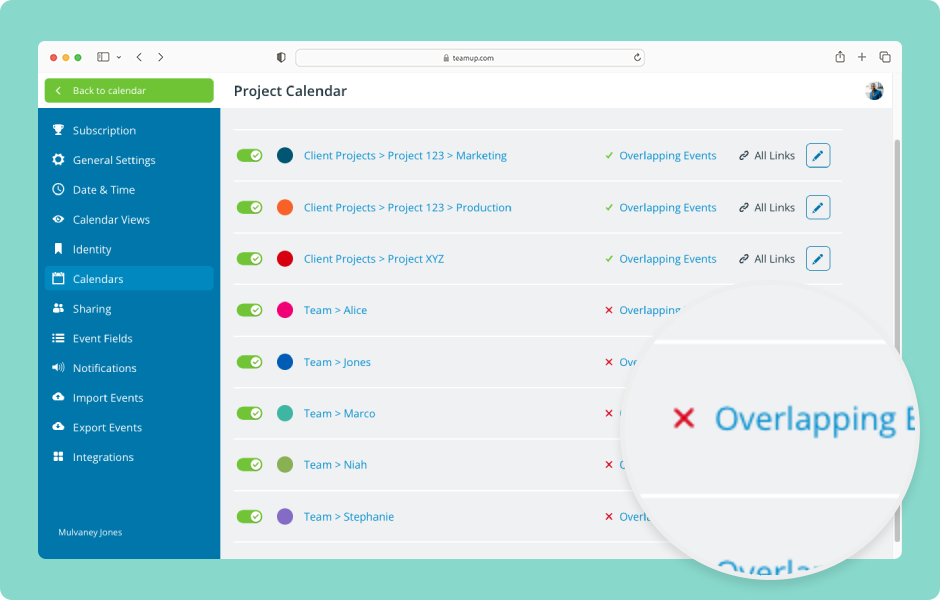
Automatically prevent overlapping events
One of the most powerful features built into Teamup sub-calendars is the ability to automatically prevent double-bookings. This demo shows how to set it up.
Free calendar printables
June 2026 printables
Click to open, download, and print our free calendar printables for the upcoming month and quarter:
- Daily blank planners for June 2026
- Weekly blank calendars for June 2026: W23, W24, W25, W26, W27
- Monthly blank calendar for June 2026
- Quarterly blank planner for June – August 2026
- Need a big view of the whole year? Get a 2026 yearly calendar to print (several formats available).
Create a custom printable calendar
Or create your own custom blank calendars: Go to Teamup’s Printables page and scroll to the Create a Customized Blank Calendar section. Use the printable widget to create your own custom calendar printables.
See more Teamup tips from May. New tickers are added regularly, so don’t forget to check in or subscribe via RSS. Subscribe to our newsletter for highlights and news delivered to your inbox.