Calendar Access, Information Visibility, Product Tips
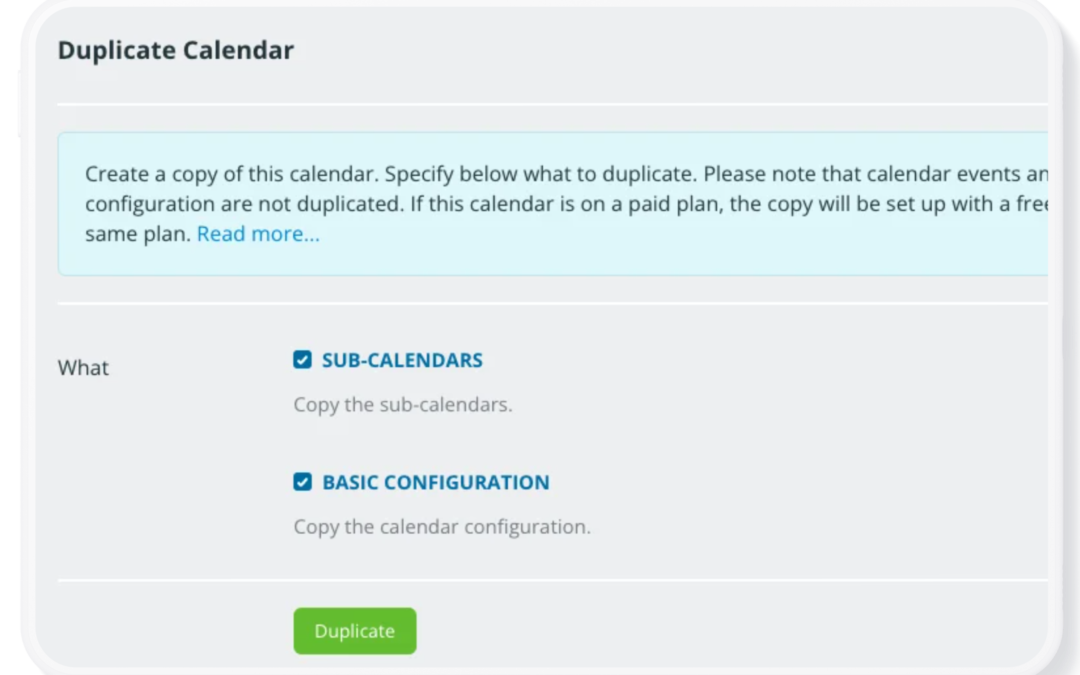
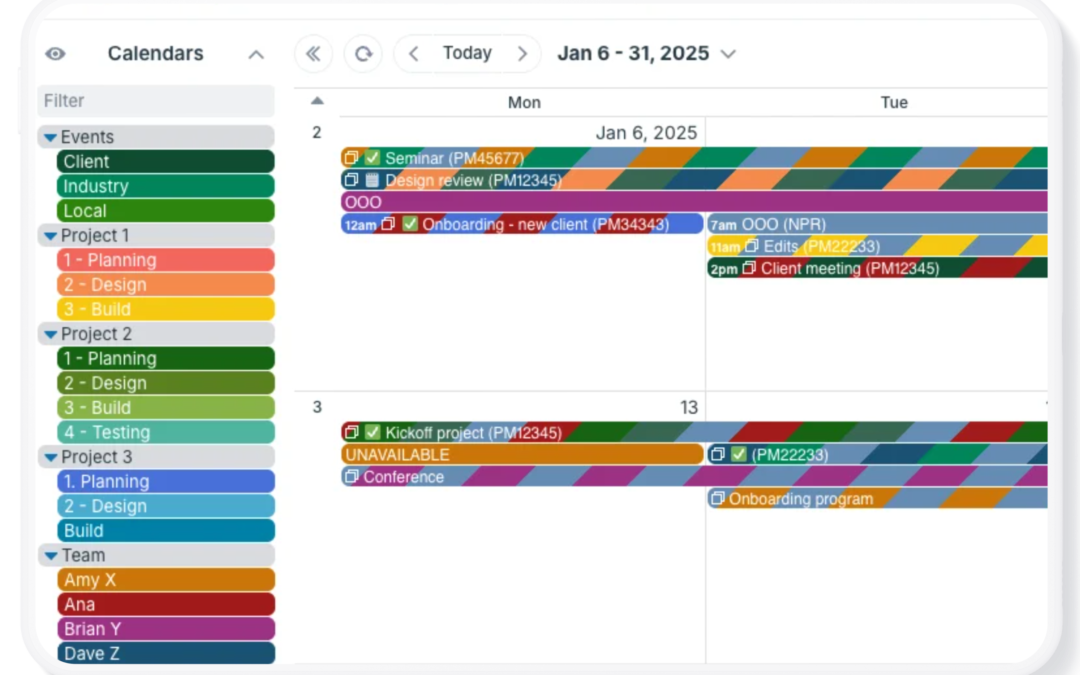
If you manage projects for yourself, with your team, or for clients, you may find your calendar needs changing. For example, you may have a complex project that requires a lot of calendar space. But once the project is over, you want to clear it off your calendar. You...

Calendar Visualization, Featured, Schedule Work
Bring task management and scheduling together in one place. With Teamup, you can create a customizable Kanban board right in your calendar, making it easier to organize work, track progress, and keep your team moving forward. It’s a kanban schedule and a Kanban...
Calendar Visualization, Featured, Product Tips
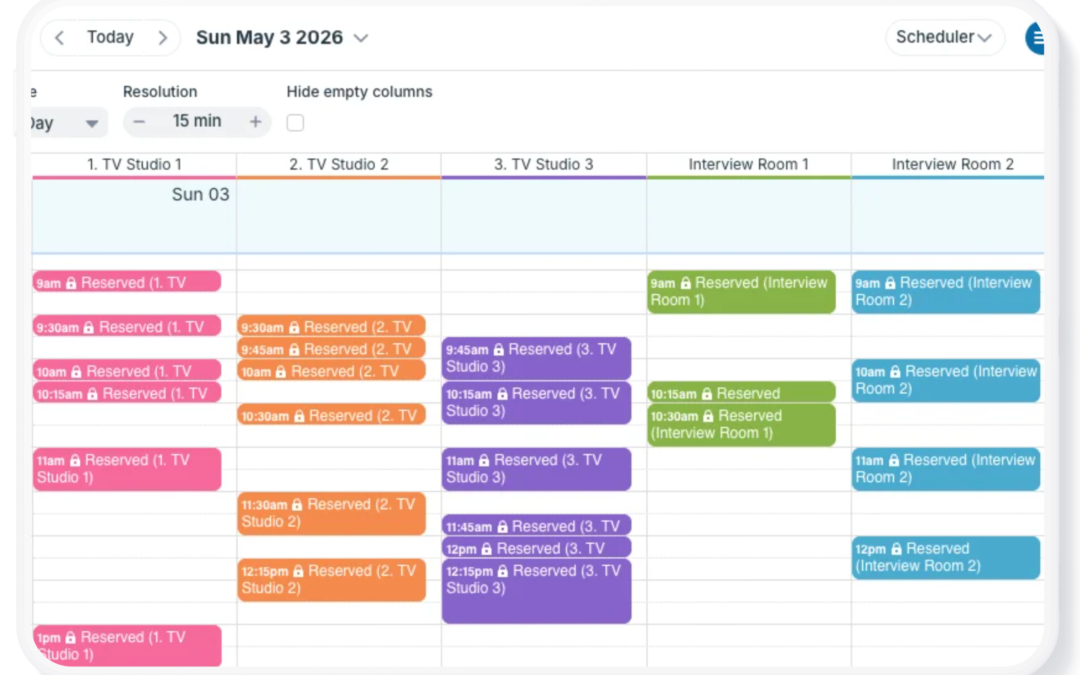
Scheduler view is one of Teamup’s most unique and powerful calendar views. It’s a very different calendar layout than traditional calendar views. Each sub-calendar is displayed in its own column, so events from each calendar are shown side-by-side. Scheduler view can...

Featured, Manage Availability, Share Events
Back-to-school season can turn even a manageable family schedule into a complicated mix of school dates, activities, appointments, work commitments, and transportation. A family calendar app gives everyone one reliable place to see what’s happening, coordinate...
Product Tips, Working with Events
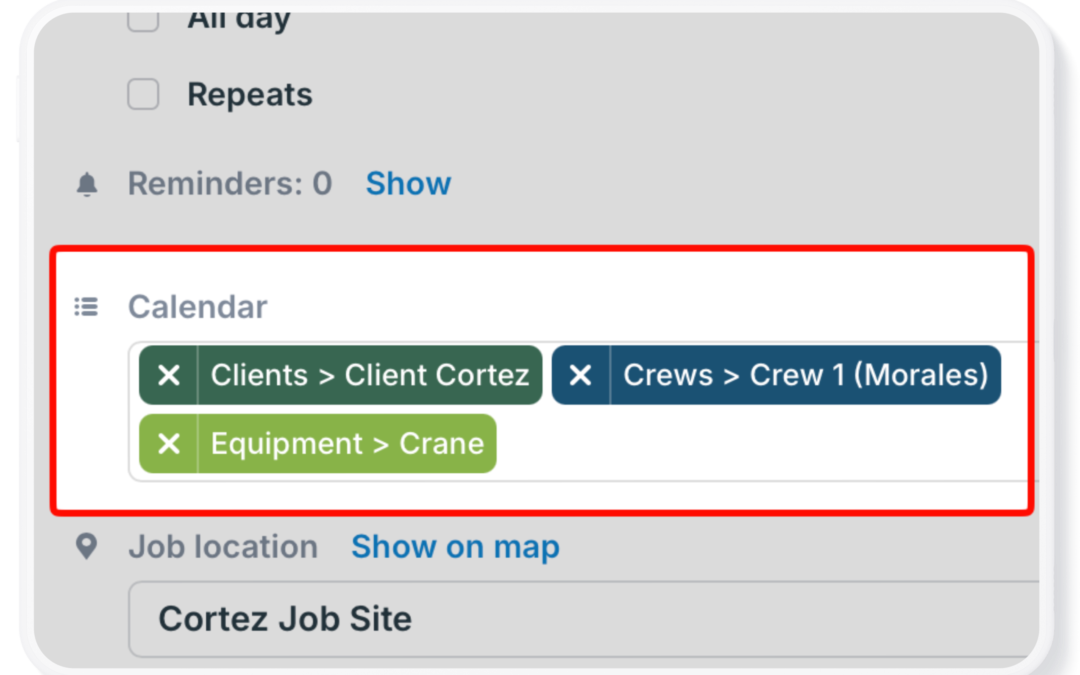
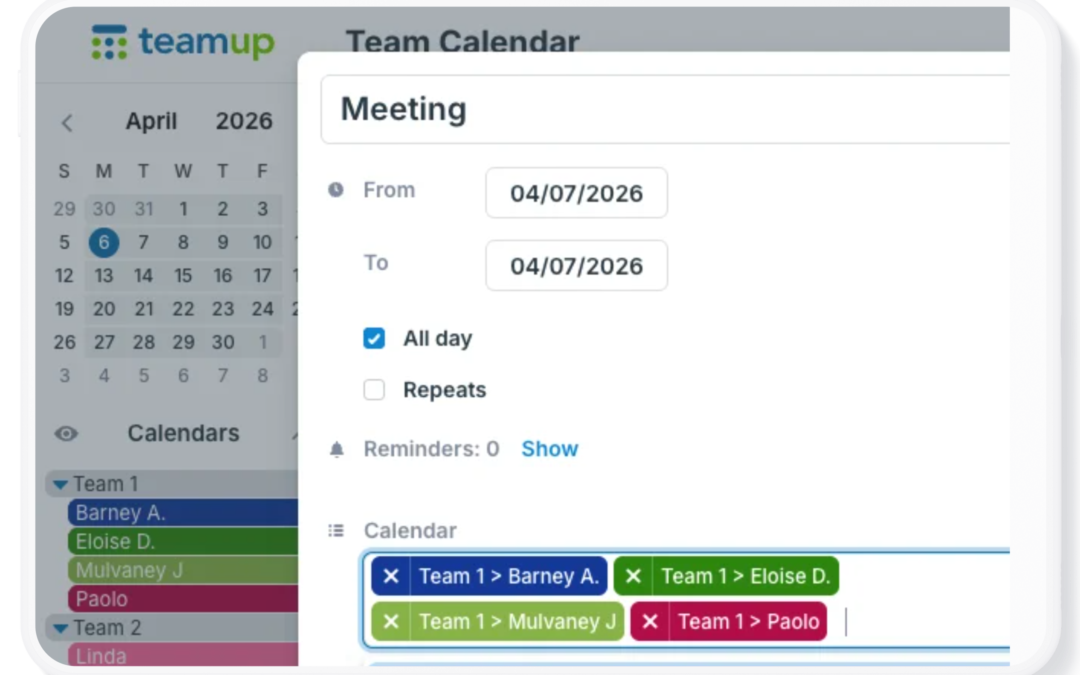
Instead of creating duplicate events for every person, team, or resource involved, assign a single event to multiple calendars. Update the event once, and everyone sees the latest date, time, details, attachments, and changes on their own calendar. Assign one event to...
Calendar Access, Featured, Product Tips
A well-designed shared calendar makes it easier to coordinate people, projects, resources, and schedules. The right setup keeps information organized, gives users appropriate access, and provides flexibility as your needs change. Start with these tips to set up and...

Featured, Information Visibility, Working with Events
Clear delegation makes work more efficient, but assigning tasks is only part of the process. Team members also need full access to instructions, documents, conversations, and updates while they carry out the work. Keeping everything together with the assigned job...

Featured, Monthly Updates, Printable Calendars, Product Updates
As we close out July, here’s our monthly roundup with highlights, great content, tips, and more from Teamup. Check out how to add images and attach files to every job, task, or event to keep everything in context, then share visual schedules that convey...
Calendar Access, Product Tips
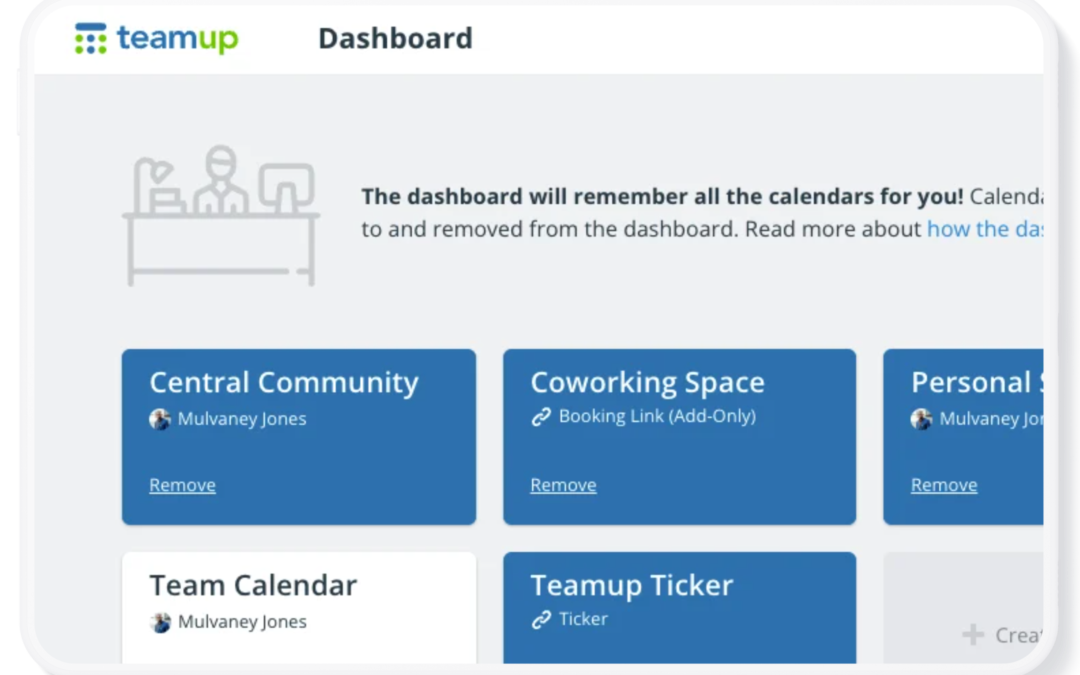
Your Teamup Calendar can be accessed in any browser, and on mobile devices through the Teamup app (iOS, Android) or a mobile browser. If you created the calendar If you created the Teamup calendar, it’s been added automatically to your dashboard with...