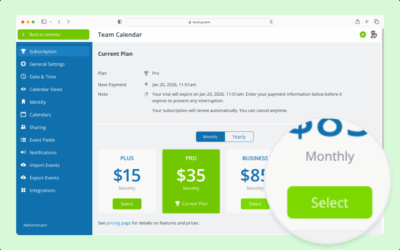
Payment information and billing history is always available in the calendar settings. The calendar administrator can view subscription information, see billing history, and download invoices. To change the information shown on invoices, update the billing contact information.
- Open Teamup in a browser. Make sure you have the right calendar open.
Subscription information for each calendar can only be accessed in that calendar’s settings by the administrator. - Click the Blue menu icon.
- Click Settings.
- Select Subscription from the left sidebar.
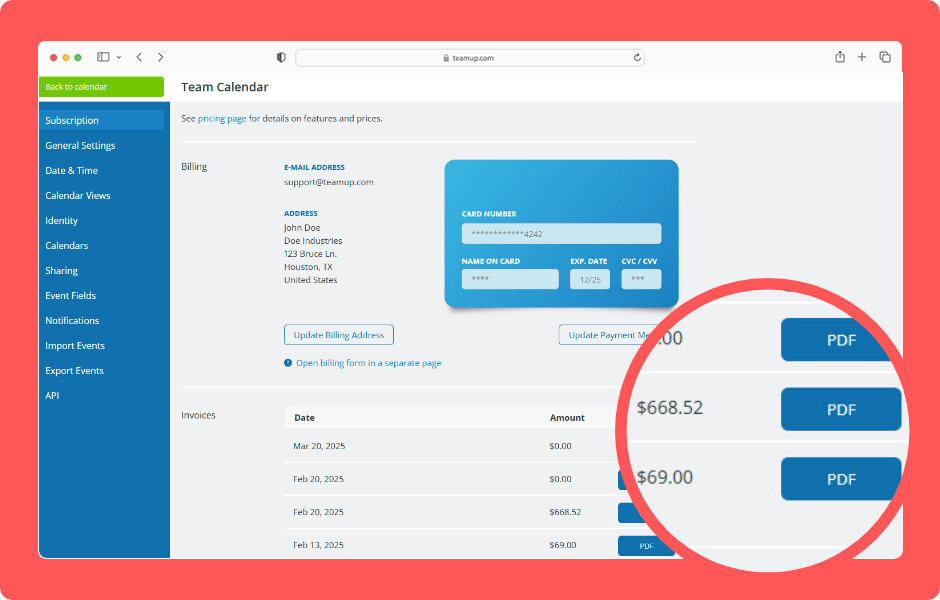
- Scroll to the Invoices section at the bottom of the page. Every time you are billed, an invoice will be added to this section. The date and amount are listed beside each invoice.
- Click the blue PDF button to download an invoice as a PDF file.
ℹ️ Learn more