
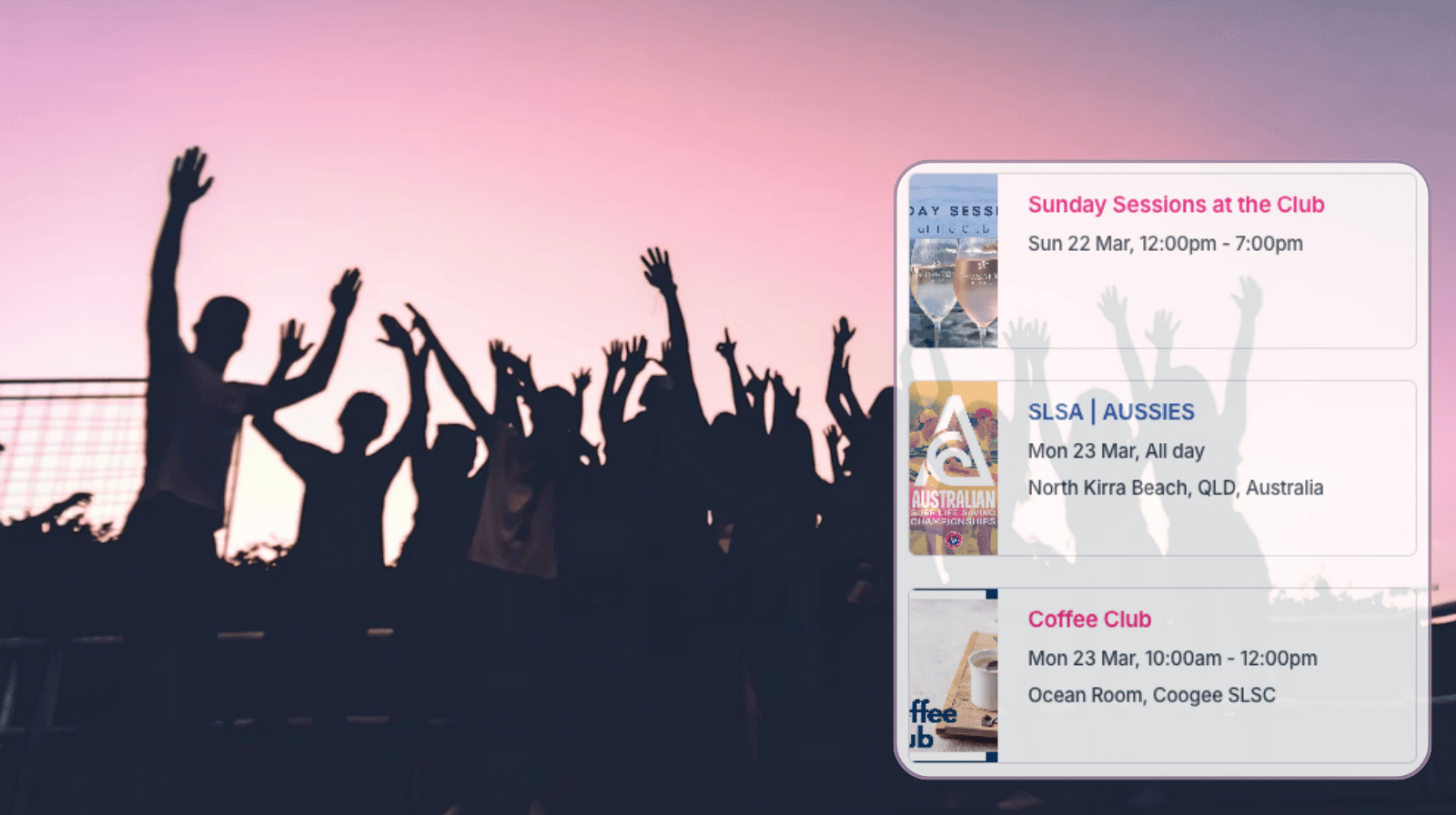
For organizations, sport clubs, special interest groups, and more, it’s helpful to have an easy way to share events with members of the community. With Teamup, you can create an organized, user-friendly calendar for your community and share it securely with group members or with the public.
The need: Community groups and clubs need a simple way to share event schedules with members (and often with the public) so everyone can stay informed and participate.
The Teamup solution: A shared, user-friendly calendar that keeps all events organized in one place and can be securely shared or embedded on the group website for easy access.
Easier event coordination for communities
Many organizations share events using PDFs, website updates, or email lists. The problem with these methods is that if the event information changes, someone has to redo the PDF or send out updated information via email. If members don’t check the updated file or email, they won’t have accurate information about the event. And it’s very easy to be confused about which version is the latest.
A shared community calendar makes it much easier to coordinate and promote events. Whether it’s a small group with members-only events or a large club with many “open to the public” opportunities, it helps to have all the event details in one place. Group members know where to go for the latest event information. Event organizers can create events, share the event page anywhere, and only have to update the event on the calendar. No matter where the event page is shared, it will stay synced with changes on the calendar: Opening the page will always show the latest information about that event, so there is no room for confusion. Everyone stays synced, without the need for tedious manual updates on different platforms or message threads.
A group calendar that works for everyone
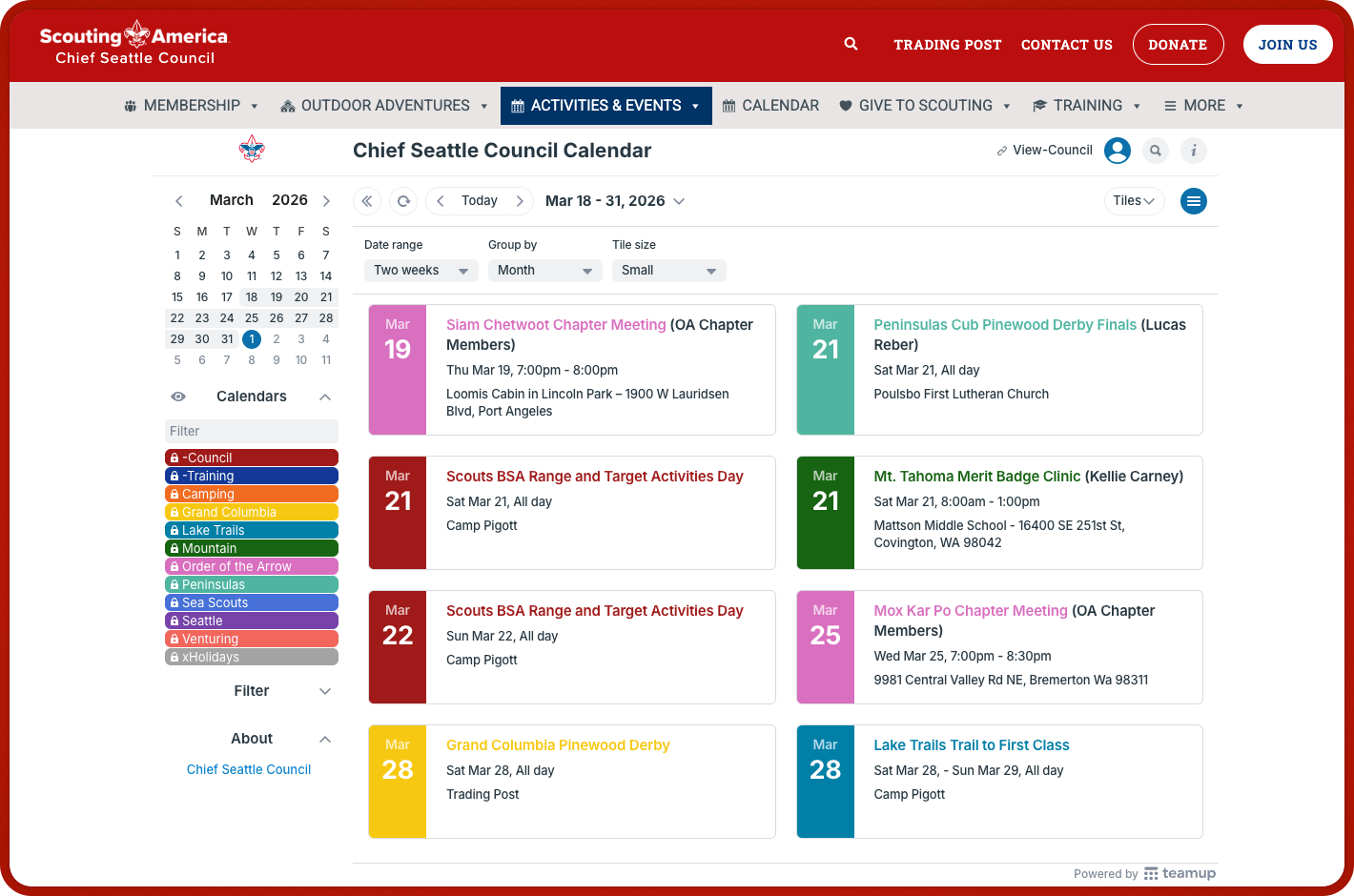
Click to enlarge: A scouting group’s calendar, embedded on their website, displays events color-coded by territory and event type.
A shared calendar can reflect and improve how the community actually operates.
Design a structure that matches the group
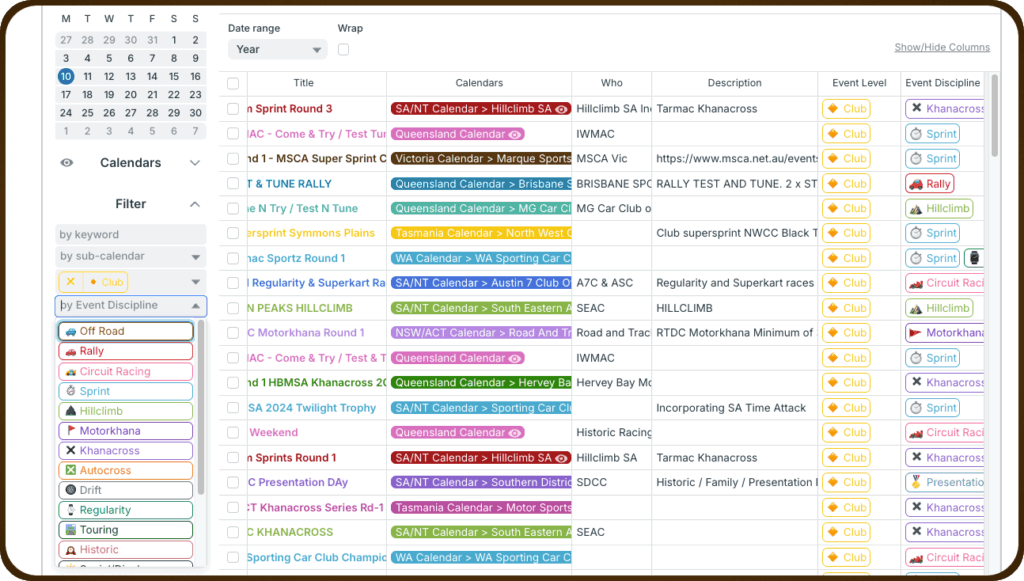
Click to enlarge: Motorsport Australia uses color-coded calendars and custom choice fields with built-in filters to keep their busy events calendar cleanly organized and easy to navigate.
The calendar can be structured for different activities, event categories, subgroups and locations, and key details that are relevant for the group:
- Color-coded sub-calendars can be organized in folders to keep everything organized by location, team, event type, program, etc.
- Custom fields for multiple or single choice, text input, or numbers enable quick, consistent capture for all the event details needed.
- Upload images and files (flyers, waivers, rules, maps, etc.) and include notes and links on each event, so all the information is in place.
- Sub-calendar toggles and built-in filters make it easy for group members to find the events they want to see, even on a busy calendar.
Share securely and keep everyone synced
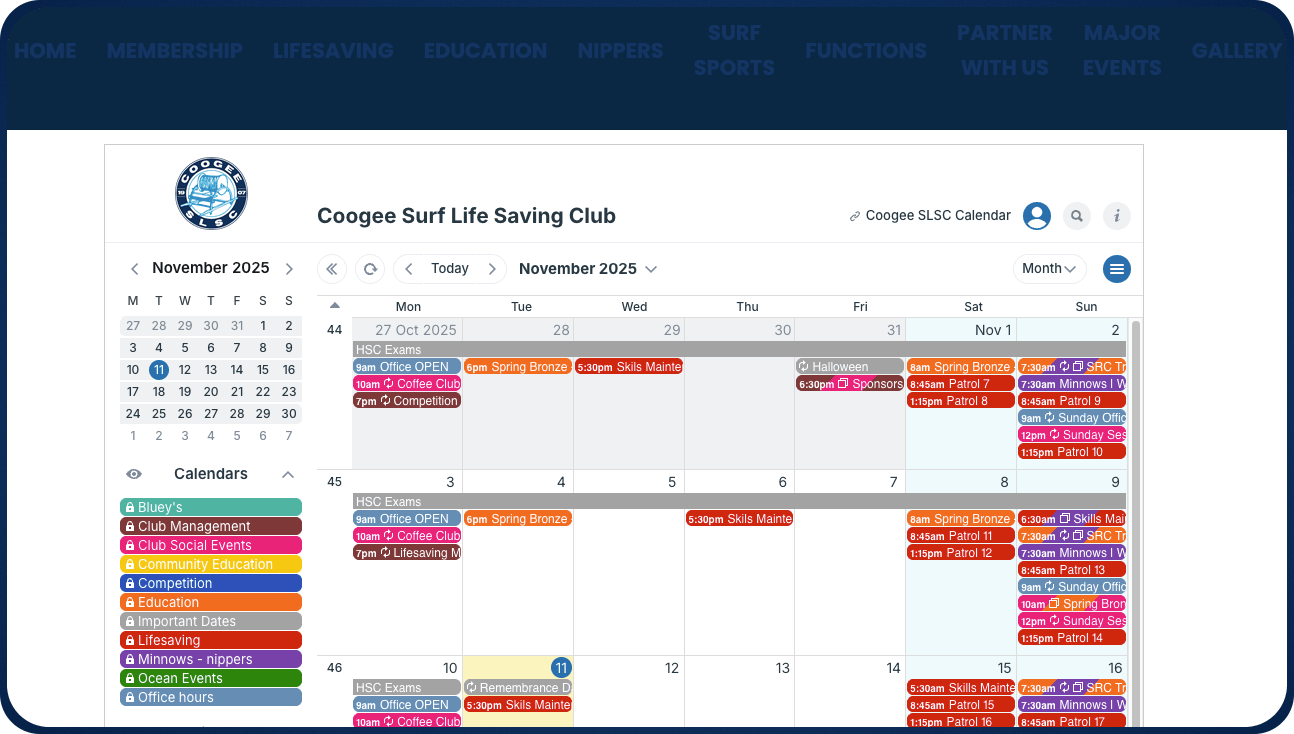
Click to enlarge: A volunteer-run surf club provides easy schedule access for parents and volunteers with an embedded club calendar.
Once events are organized, the next step is making them easy to access. For most organizations, the simplest and most effective method is embedding the calendar on an existing website. You can also share the calendar via secure link for mobile access or social sharing.
- Embed the calendar on your website: If the group already has a website, embedding the calendar is the easiest way to create a central, always up-to-date hub for events. Members and visitors can check what’s coming up without logging in or switching tools. Any updates made to the calendar appear instantly on the site, so there’s no need to maintain separate schedules.
- Give members mobile access with a secure link: A secure calendar link can be shared with members so they can view the calendar in the Teamup app. This gives them a reliable way to check schedules anytime, whether they’re at home or on the go.

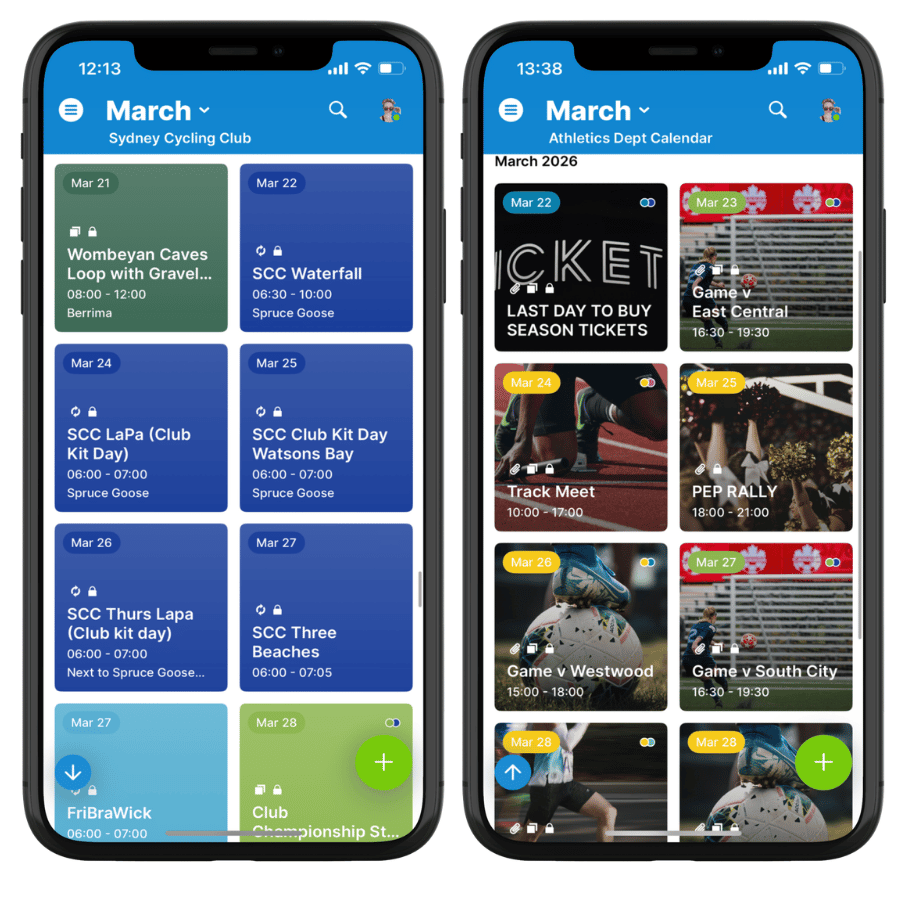
Click to enlarge: Sydney Cycling Club’s calendar on the Teamup app. If events have images, they’re highlighted in Tiles view.
- Share the calendar on social platforms: A secure, read-only link can be posted in Facebook groups or other platforms where the community is active. This makes it easy to keep events visible in the spaces where members already interact, without duplicating information.
- Share individual events anywhere: Each event can also be shared as its own page. These links can be dropped into WhatsApp chats, Telegram groups, emails, or posts to highlight specific activities and drive participation.
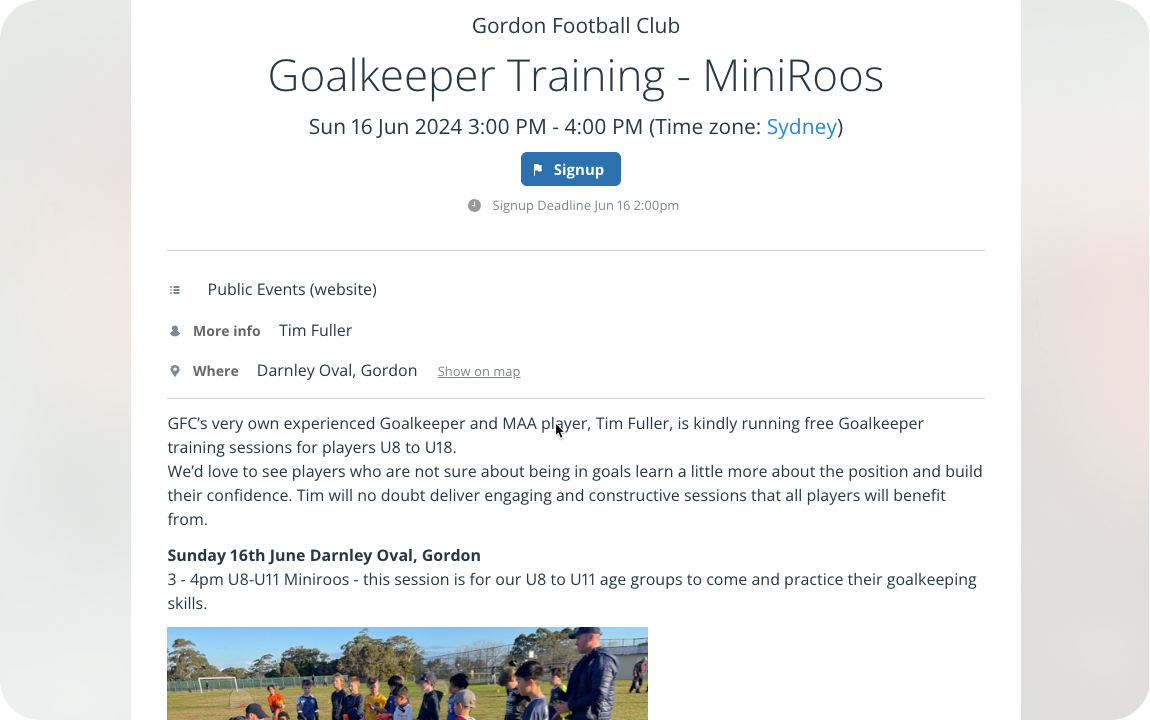
Click to enlarge: An event page from Gordon Football Club. Event pages can be shared anywhere, provide all the information, and sync automatically.
All of these options work from the same calendar. Events are created once, updated in one place, and shared wherever the community connects.
Promote events and improve participation
Beyond visibility, a community calendar can actively support engagement. Instead of one-way communication from organizers and volunteers, the calendar enables discussions, signups, and contributions from all members:
- Event comments allow group members to discuss and coordinate details right on each event, without being able to edit the event itself.
- Event signups make registration easy and can be set to a maximum number with a signup deadline.
- Let members submit their own events safely: Group members can only submit events to a specific sub-calendar, with an approval process in place.
Put it all together and you have less work for organizers and more engagement from members. Events are easier to join and better attended, with more involvement from more community members. The same setup can be applied across many types of groups.
Real examples from community groups
This approach works across many types of organizations where events and participation are central:
- Bowls clubs: Share match schedules, social events, and member activities.
- Soccer leagues: Coordinate games, practices, and league-wide events.
- Motorsport groups: Organize race days, training sessions, and meetups.
- Volunteer surf clubs: Schedule patrols, training, and community events.
- Football clubs: Manage fixtures, team schedules, and club activities.
- Cycling clubs: Plan group rides, races, and member meetups.
In each case, the calendar becomes both the source of truth and the easiest way to share events with the community.
More fun, easier events, more connection
A well-structured community calendar does more than list events. It keeps information accurate, reduces repetitive work, and makes it easier for members to stay involved. Events are created once, updated in real time, and shared wherever people are already active. The result is better visibility, smoother coordination, and stronger participation across the group.
Create a Teamup calendar and bring your community, club, or group together with shared events and easier communication.


