

In our April roundup of news, updates, tips and more from Teamup, we’re talking about community events: With Teamup, you can set up a shared community calendar, embed it on the group website, securely share it with others and promote individual events anywhere. Easily update event details in one place and keep everyone synced. It’s a great solution for hobby groups, sports clubs, neighborhood organizations, and more. Check it out, and get all the best tips, highlights, and inspiration to keep you going. Don’t forget to download those free calendar printables, too.
Highlights
Sharing community events
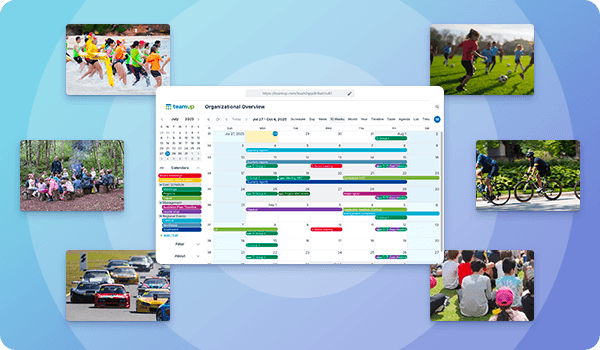
Share events with your community, club, or the public safely and easily. With Teamup, you can set up a shared calendar that stays in sync for everyone, captures the right event details, and can be easily shared anywhere. Embed it on your website and promote events beyond your group, without having to go through tedious manual updates on multiple platforms.
Read more: Manage and Share Community Events with One Synced Calendar

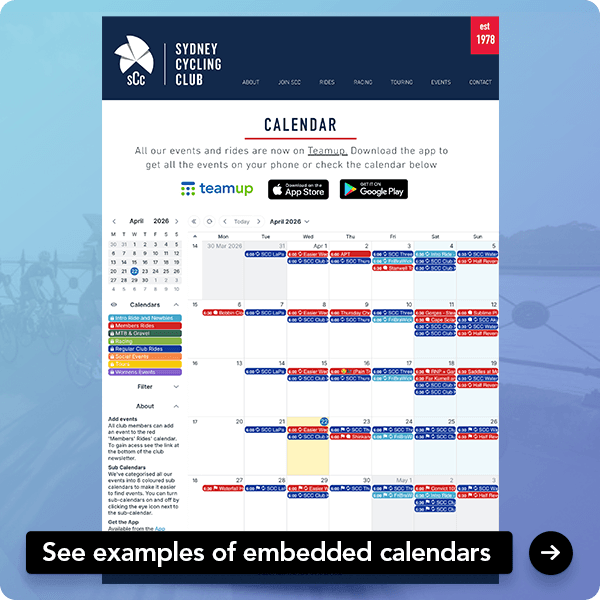
Make your community events calendar even more useful and convenient by embedding it right on the group website. An embedded community events calendar ensures members and the public can see what’s happening without extra updates or manual sharing.
Read more: Embedded Calendars to Share Public and Community Events

Customer story spotlight
Multi-site and mobile team scheduling workflow
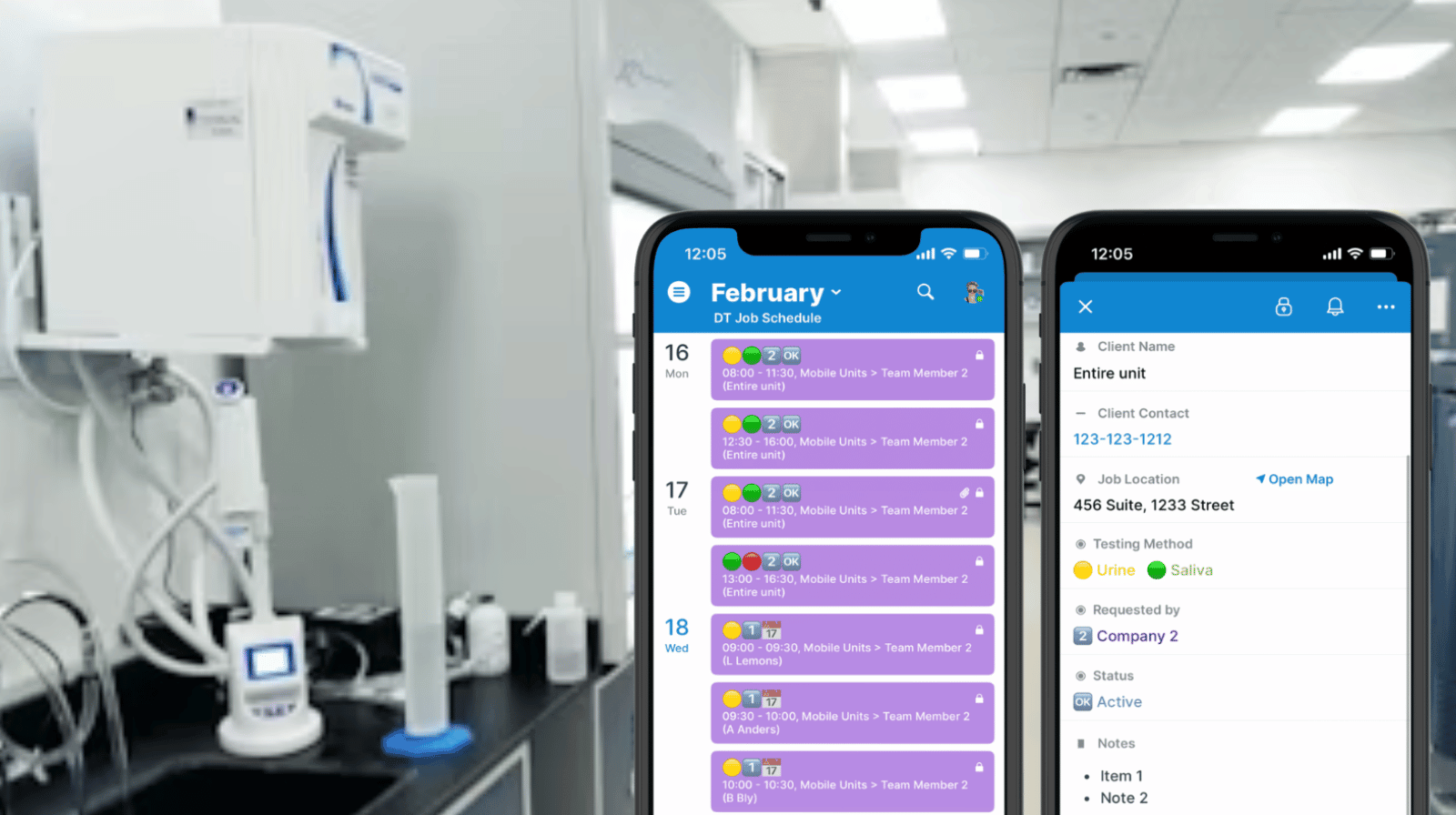
Read more: Improving a Multi-Site and Mobile Team Scheduling Workflow
Use cases + stories
Manage classroom availability and booking
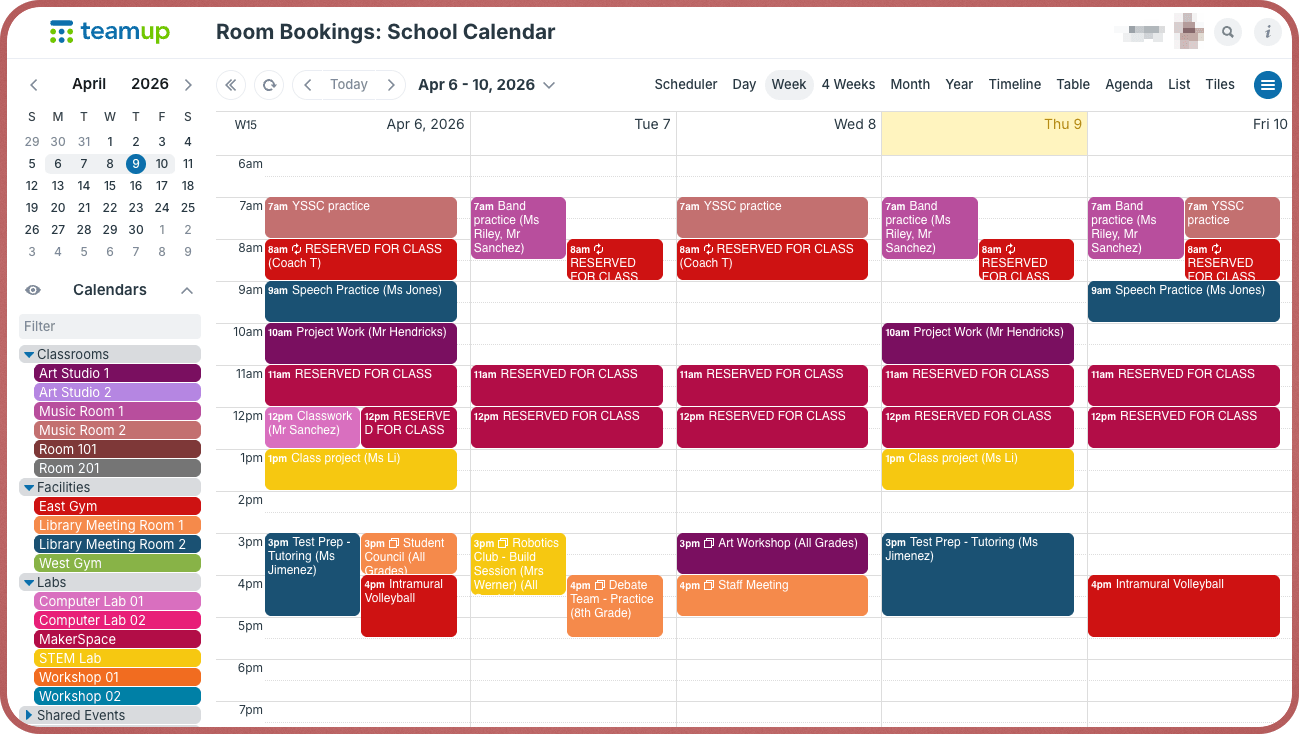
Schools rely on shared classrooms, labs, and spaces throughout the day. Educators and staff need a reliable way to see which classrooms and shared spaces are available so they can book what they need without creating scheduling conflicts.
A shared Teamup calendar organizes each room as its own color-coded calendar, giving teachers and staff a clear, real-time view of availability and preventing double-bookings.
Read more: A Shared Calendar to Show Classroom Availability and Simplify Booking
Track group usage of shared lab equipment
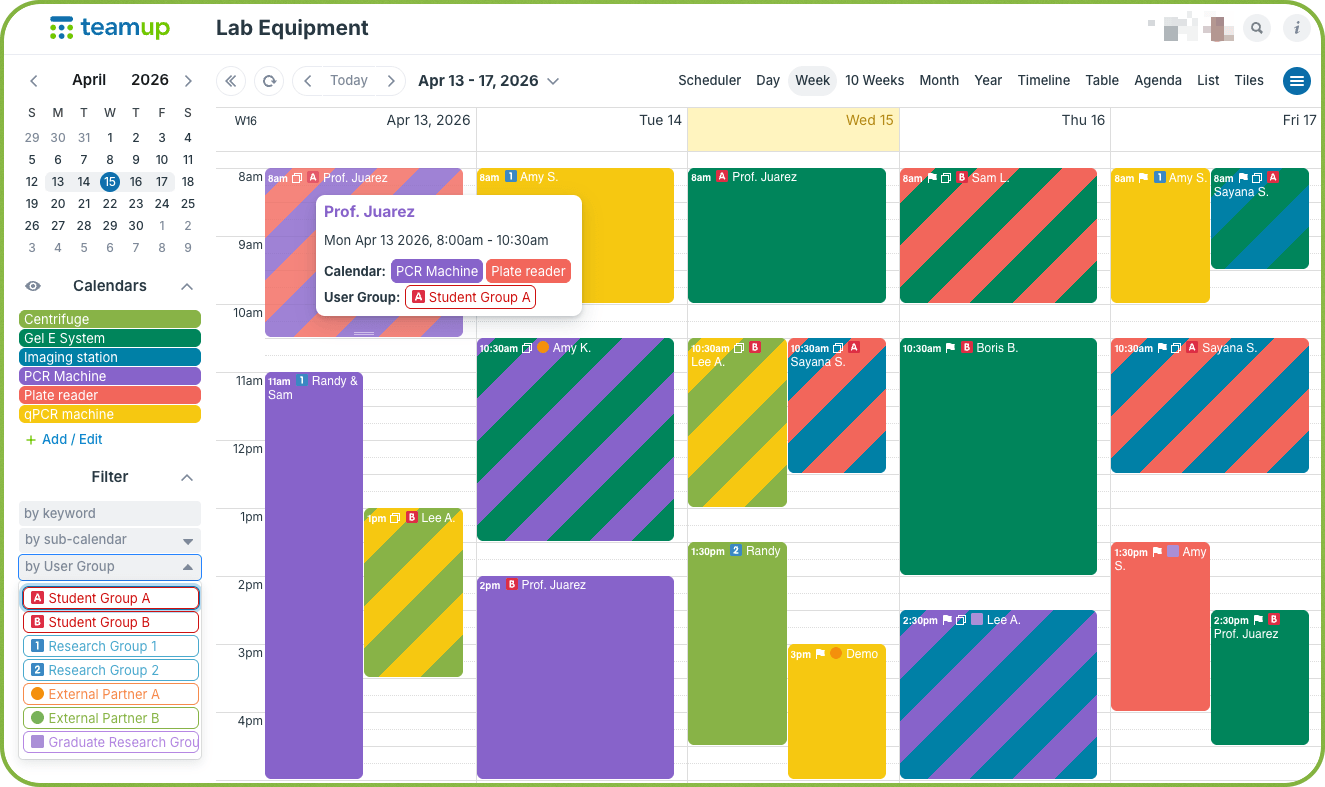
In many labs, specialty equipment is shared by individuals working in different groups. There may be external partners, student groups, and various research teams coordinating to share the same machines. To track usage by group, the system needs an enforceable way to capture consistent group identification for every booking. With Teamup, it’s easy to set up a required choice field, with group names as predetermined options. Data gets captured consistently for accurate group usage tracking.
Read more: Book Shared Lab Equipment with Group Usage Tracking

Interactive demos + power tips
Share individual events without duplicating work
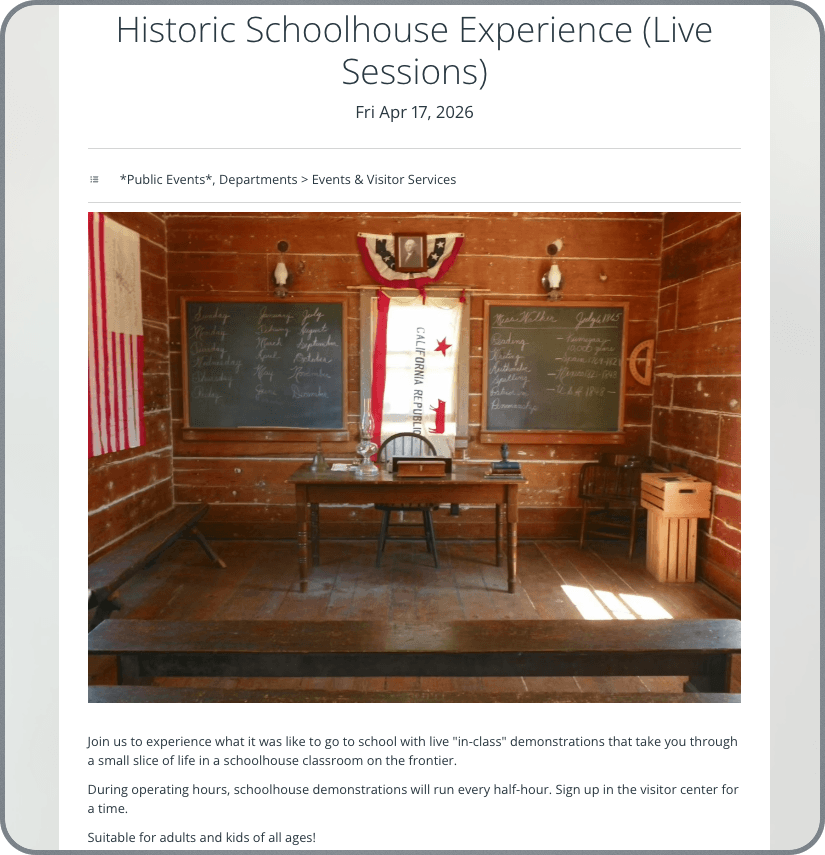
Any event on a Teamup calendar can function as a standalone event page, making it easy to share publicly without recreating details elsewhere. Share the event page anywhere (newsletter, social media, other platforms) and any updates — like time, location, or description — sync automatically. This keeps promotion simple and ensures everyone sees the most current information without extra work. Learn more.
▶️ Configure visibility for event fields
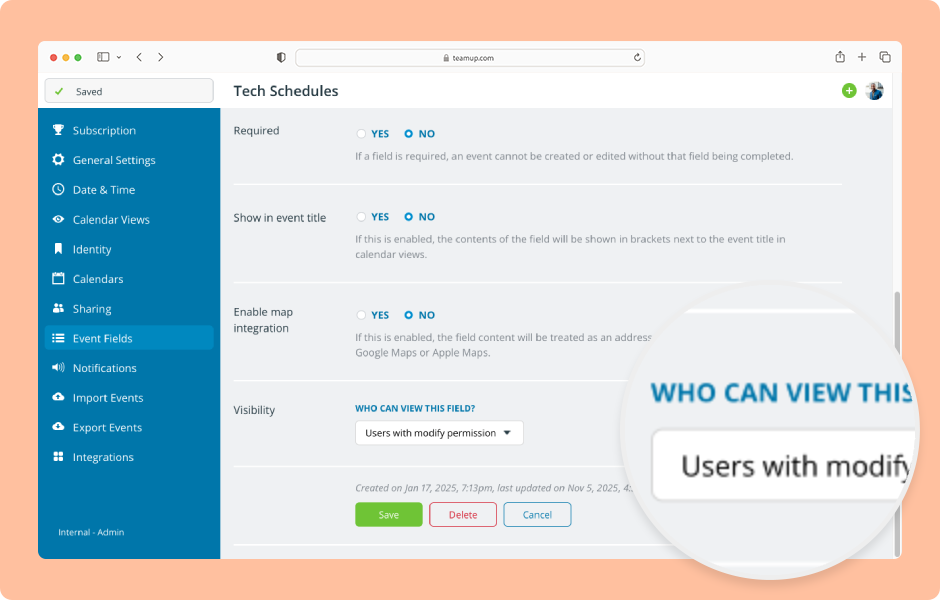
Did you know you can choose whether event fields are visible to all users, or only to users with modify-level access? This makes it possible to control which fields are visible to different users, so you can keep some information internal while sharing other fields with all users. Here’s how.
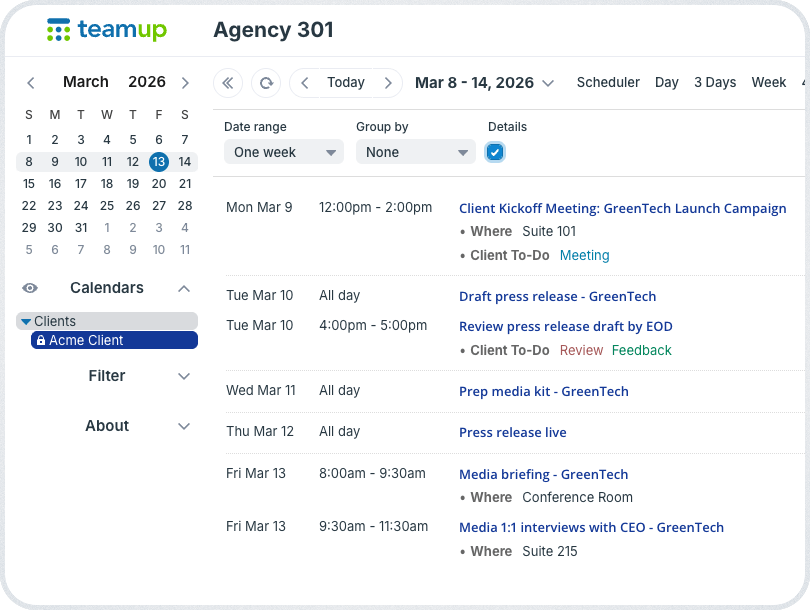
Set up a controlled, client-facing project schedule
Agencies often need to share project timelines with clients, but in a limited way. With Teamup, you can do just that:
- Use milestone-based events for client-facing deliverables.
- Create internal task fields that are visible only to modify users (as explained above).
- Provide read-only access to clients so they can view timeline progress without editing rights.
Internal team members can work efficiently, while only approved milestones are shared with clients. Learn more.
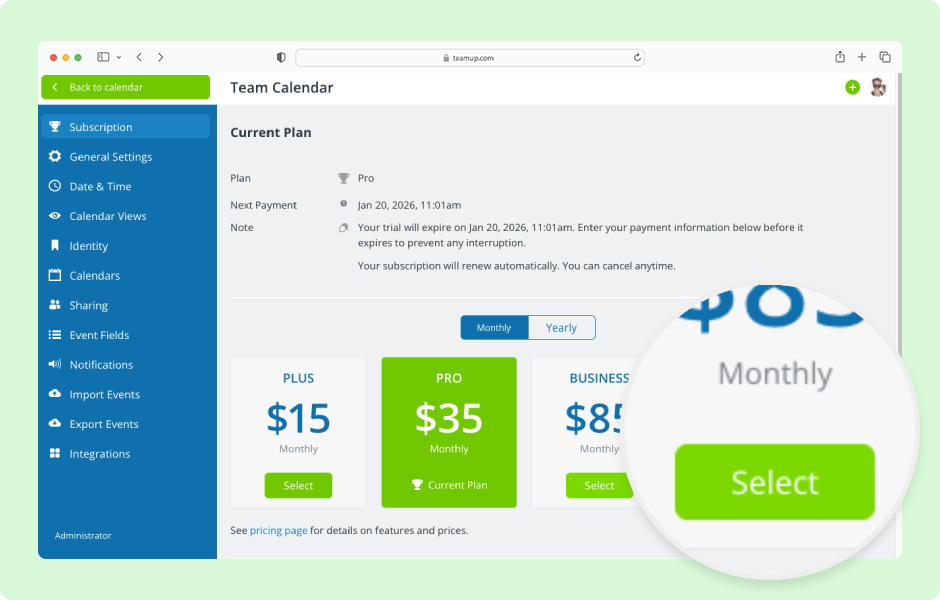
Upgrade a calendar’s subscription plan
Ready to do more with Teamup? Upgrade your calendar’s subscription plan as needed for more historical data, sub-calendars, users, and custom fields. Get the details here.

Free calendar printables
May 2026 printables

Click to open, download, and print our free calendar printables for the upcoming month and quarter:
- Daily blank planners for May 2026
- Weekly blank calendars for May 2026: W19, W20, W21, W22
- Monthly blank calendar for May 2026
- Quarterly blank planner for May – July 2026
- Need a big view of the whole year? Get a 2026 yearly calendar to print (several formats available).
Create a custom printable calendar
Or create your own custom blank calendars: Go to Teamup’s Printables page and scroll to the Create a Customized Blank Calendar section. Use the printable widget to create your own custom calendar printables.
See more Teamup tips from April. New tickers are added regularly, so don’t forget to check in or subscribe via RSS. Subscribe to our newsletter for highlights and news delivered to your inbox.


