
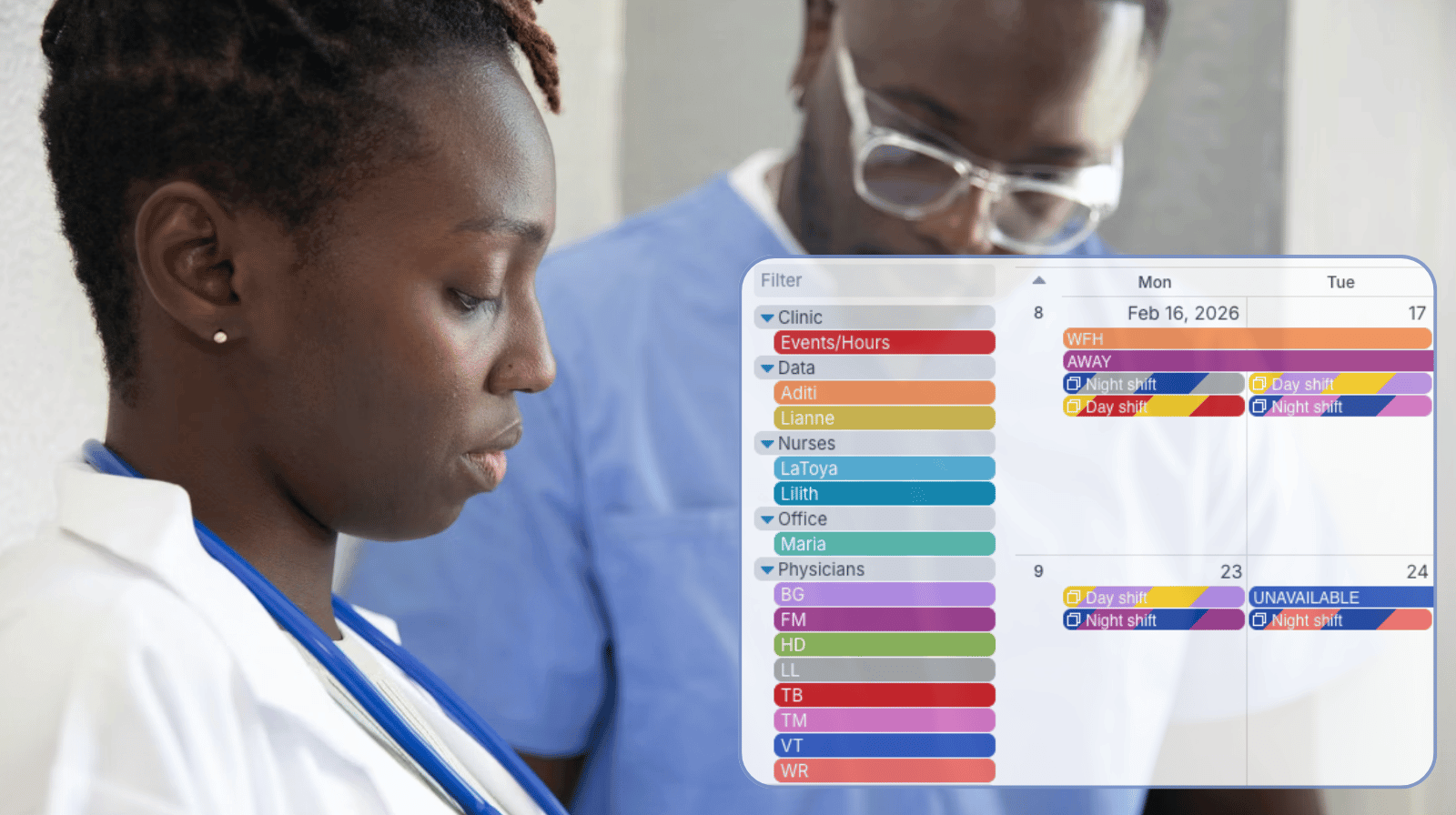
In a healthcare clinic, scheduling isn’t just admin work: It directly affects patient care. A unified scheduling system keeps everything in sync. It helps clinics track absences, manage shift scheduling, keep on-call assignments balanced, and adjust schedules quickly when needed.
The need: Keep track of staff absences, assigned shifts, and on-call scheduling while quickly adjusting to last-minute changes to ensure patient coverage and avoid disruptions.
The Teamup solution: A shared clinic calendar that keeps availability, shifts, on-call schedules, and absences in one place with real-time updates. Managers and front-desk staff can see availability for planning and adjust to changes quickly.
When absences affect patient care
In healthcare, every role is connected. When a physician, nurse, or technician is out, it’s not just a staffing issue. It impacts the entire day. So it’s important to keep every shift covered, have the right people on-call, and be able to adjust quickly if someone calls out at the last minute. Schedulers need accurate information about who’s available to plan schedules and ensure that on-call shifts are distributed fairly. They also need accurate, immediate updates if someone’s availability changes, and a way to quickly find replacements for each shift.
A unified calendar for schedules and time off
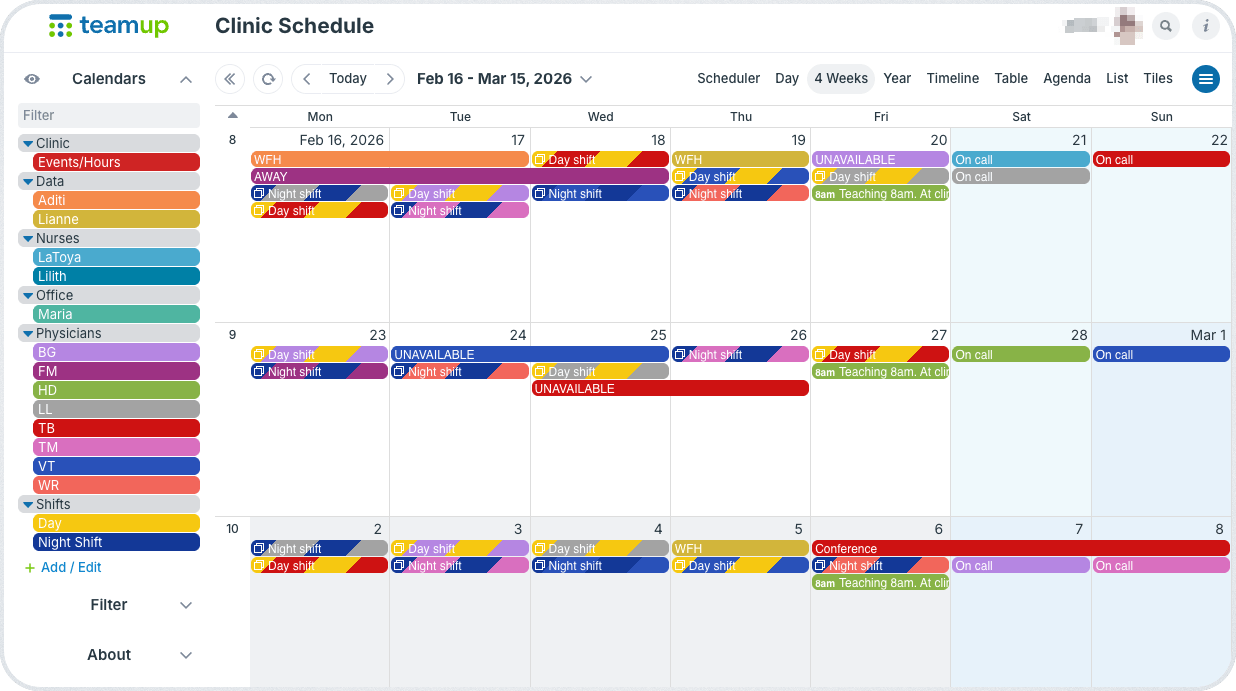
Click to enlarge: Scheduling, availability, on-call, and absence in a single shared calendar for all clinic staff.
With Teamup, clinics can manage scheduling with shift coverage, absence tracking, and on-call assignments in one clear system. Having all the schedule information in one place makes availability instantly visible, which then makes it simpler to plan schedules out or adjust quickly to unplanned changes.
Here’s how a unified system simplifies everyday challenges:
- When PTO is scheduled, it’s added directly to the calendar where scheduling happens. Managers can look ahead to quickly identify conflicts and adjust shift coverage as needed.
- If someone calls in sick, their absence is logged immediately and managers can check the calendar to see who’s available to take over a shift.
- When shifts are scheduled and on-call assignments are updated, it’s all done directly in the calendar, eliminating the need for side conversations or missed messages.
By staying on top of changes as they happen, the clinic can respond promptly instead of reacting late.
Mini-guide
- Create sub-calendars for each staff role (providers, nurses, assistants)
- Give staff customized access to the calendar as appropriate for their role:
- Read-only permission to view their schedule only, or
- Modify-my-events permission to update their own PTO/availability.
- Managers have modify access to all calendars, to adjust schedules and assign coverage.
- Updates stay synced across all devices, so everyone’s working from the same schedule.
Simplify clinic scheduling and absence tracking
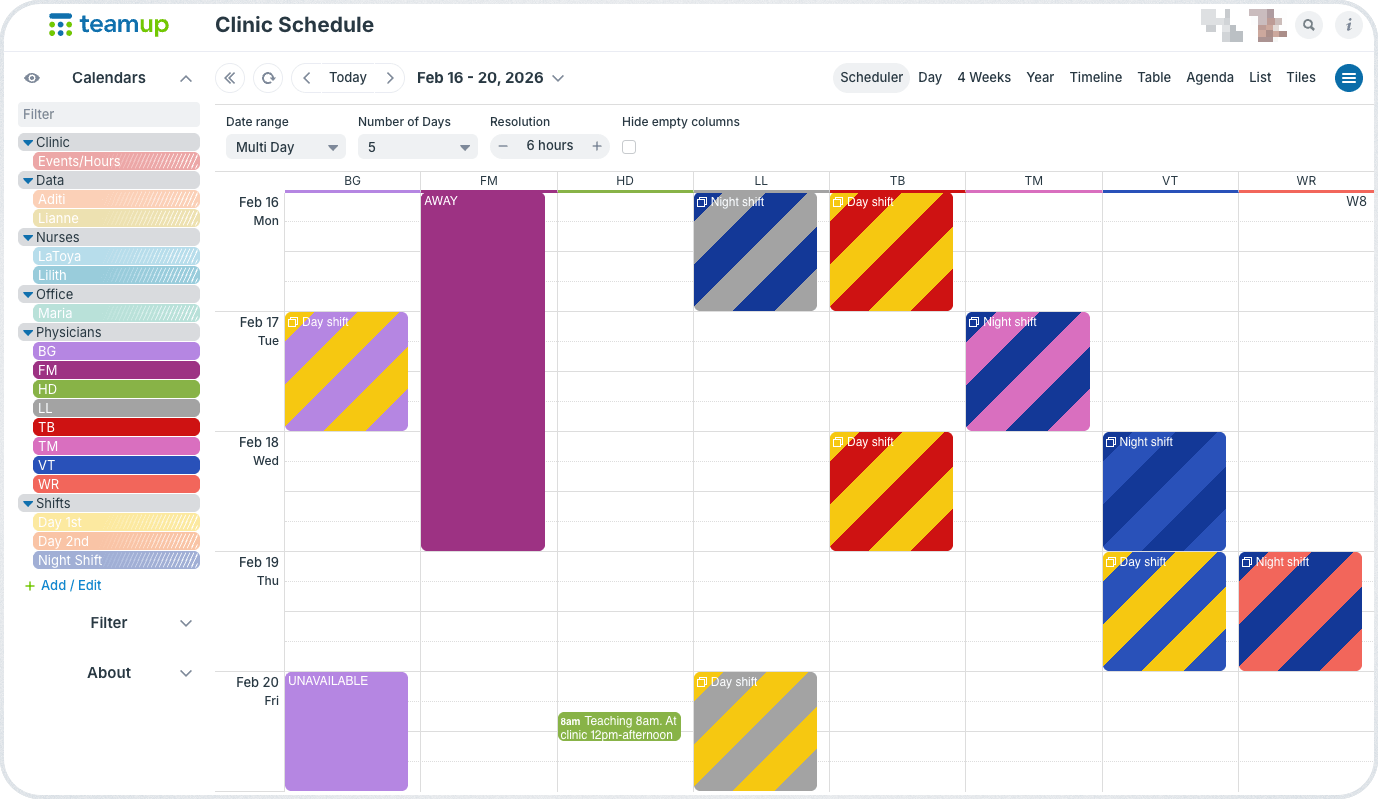
When clinic scheduling is unified, planning is easier and disruptions can be handled quickly. Schedulers can quickly find replacements and adjust appointments confidently. Clinical staff can check real-time availability without chasing updates.
There are fewer last-minute surprises, for smoother patient care even when plans change.
Get started with Teamup and set up a clinic calendar that brings staff scheduling, absence tracking, on-call assignments and shifts all into one view.
Related resources
- See more about setting up a unified clinic calendar
- Customize calendar access for clinic roles
- Manage shift coverage without double-booking
- Here’s why spreadsheets can’t scale for staff scheduling
- One calendar for complete shift visibility


