Keep photos, documents, and other supporting files connected to your schedule. Learn the different ways to add images and attachments to Teamup events, preview files in the Teamup app, and display image-rich events with Tiles view.
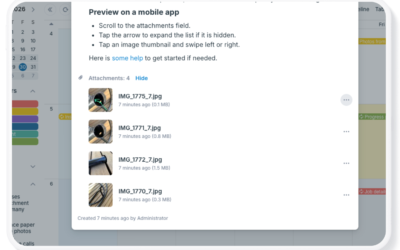

Keep photos, documents, and other supporting files connected to your schedule. Learn the different ways to add images and attachments to Teamup events, preview files in the Teamup app, and display image-rich events with Tiles view.
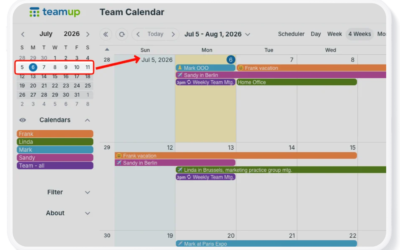
Use Teamup’s unique Multi-week view to see the current week always at the top for short-term or long-term planning. Adjust the number of weeks shown up to 53, use a flexible or static grid, and easily scroll across months.
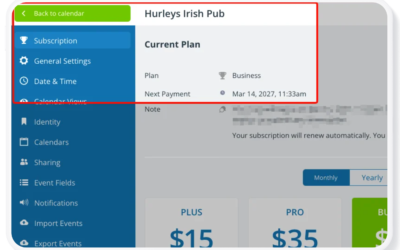
Teamup offers a free (basic) subscription level. If you need more from Teamup, you can upgrade to a paid subscription plan. Each master calendar must have its own subscription plan, which is managed within that calendar’s settings by the administrator.
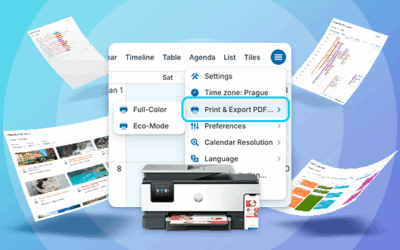
Sometimes you need a printed calendar or planner. Easily print a filtered version of your own calendar, a customized blank planner, or a free pre-made printable blank calendar from Teamup. Here’s how.
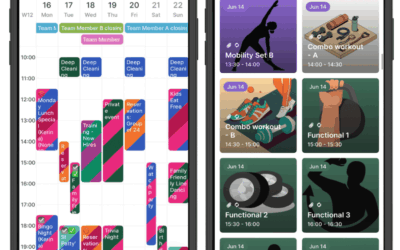
If you’re offline, you can still view your calendar(s) and events using the Teamup mobile app (iOS, Android). When you’re back online, any new events you created or updates made by others will sync automatically.
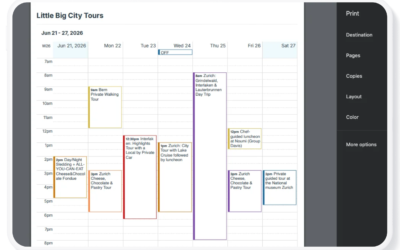
Print in Eco-Mode to save ink and improve readability on calendar printouts. Choose Eco-Mode > Color to preserve color-coding, or Eco-Mode > Black and White for a grayscale printout.
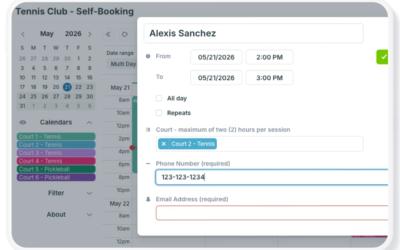
Add-only links are fast and frictionless. Modify-my-events accounts offer more control. Here’s how to choose the best approach for your self-booking needs.
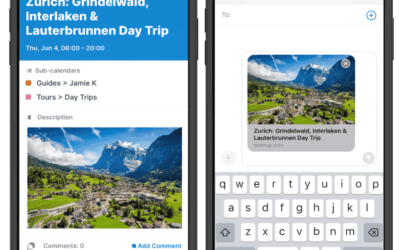
Share calendar events on your iPhone or Android, send calendar invites on iPhone, and even share a calendar event via text.
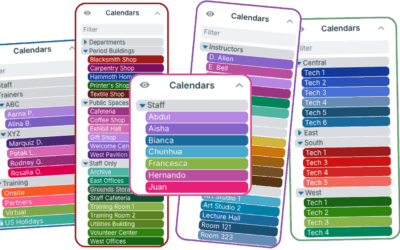
With Teamup’s color-coded sub-calendars, build a clear calendar structure, organize in folders, automatically prevent double-booking, and more.
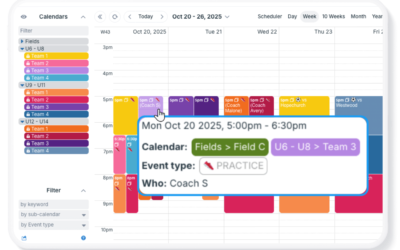
Learn three practical ways to indicate event ownership in Teamup. Compare sub-calendars, event fields, and custom choice fields to assign responsibility, improve visibility, and avoid scheduling conflicts.
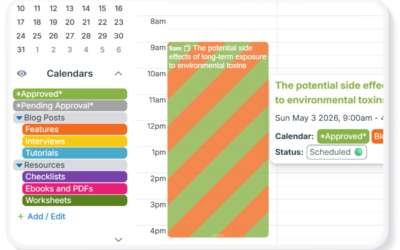
Turn your Teamup calendar into a simple approval system. Collect requests, review them, and approve events — all in one clear, structured workflow.
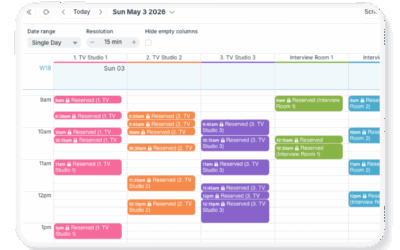
Handle tight, short-term bookings with precision using Teamup’s Scheduler view. Compare availability side by side, adjust time resolution, and schedule efficiently without conflicts.