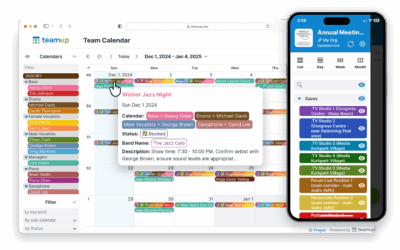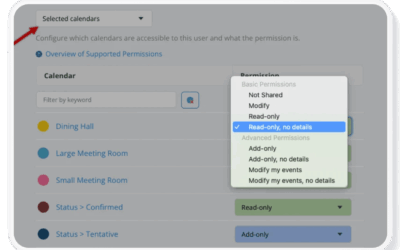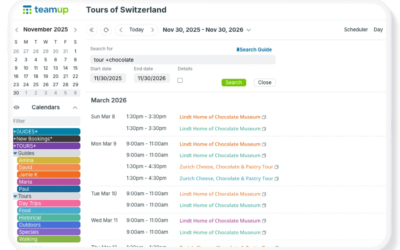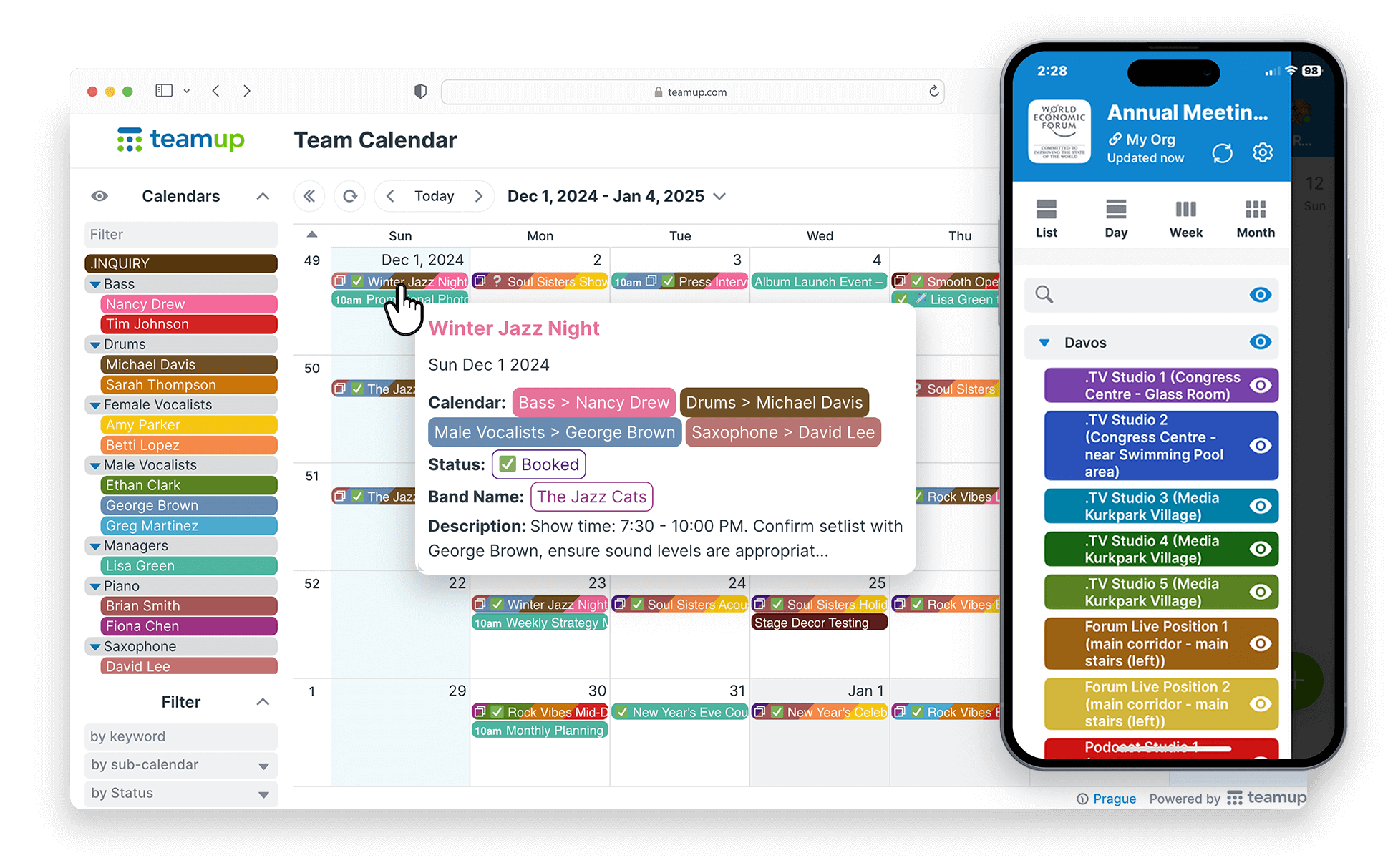
The better you know your tools, the easier your work gets. When you understand what your Teamup calendar can do, routine tasks go faster, setup takes less guesswork, and it’s simpler to share the work with others.
Teamup offers several ways to learn, whether you have two minutes or twenty:
- Getting Started Guide for All Users: A short introduction to Teamup’s key features, with links to more detail.
- Getting Started Guide for Administrators: An overview of calendar setup, including sub-calendars, custom fields, access, and settings.
- Teamup Ticker: Daily tips, use cases, and product news from the Teamup support team.
- Knowledge Base: Step-by-step articles on every feature and setting. Search by topic when you need exact instructions.
- Interactive demos: Guided walkthroughs that show how a feature works, click by click.
- Live demo calendars: Real Teamup calendars set up for different uses, with all features enabled for 7 days. Test ideas risk-free.
- Product tips: Short articles on features, customizations, and smarter ways to use your calendar.
- FAQ: Answers to the questions users ask most often.