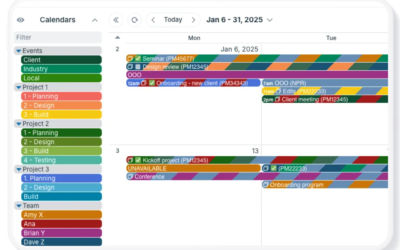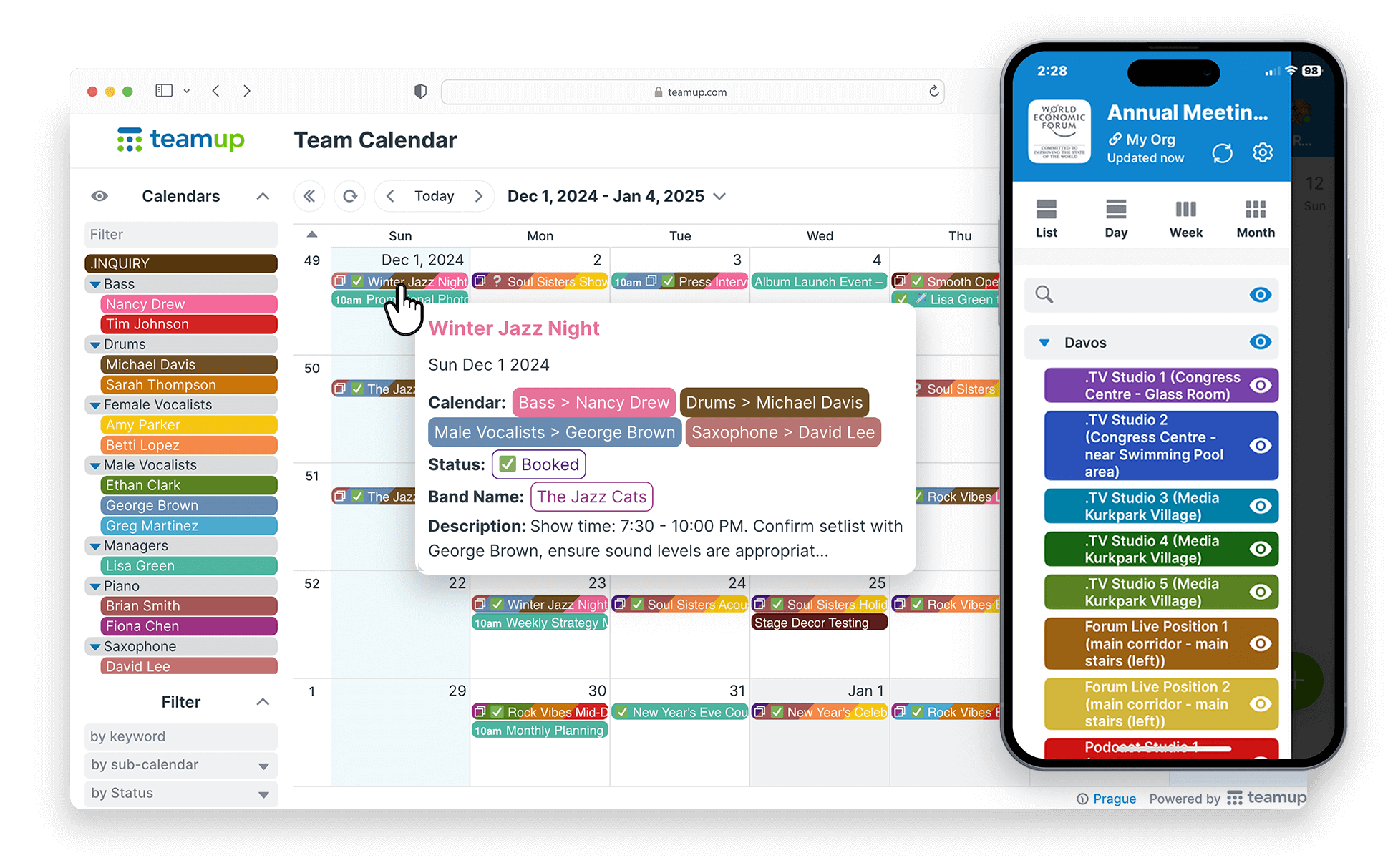
You can use iCalendar feeds to sync your Teamup calendar to another calendar system to show availability. Here’s how to set it up with a special shareable calendar link so the events synced will show only as “Reserved” in the feed.
- Create a shareable calendar link to your Teamup calendar with Read-only no details access to the sub-calendars you wish to include in the feed.
- In a browser, open the calendar using this link. The events will show only the name of the sub-calendar, date, and time. Event titles will simply say “Reserved” and no other event details will be shown.
- Retrieve an iCalendar feed link while viewing your calendar with the Read-only no details link.
- Use this iCalendar feed URL to sync your events to another calendar system.
- All events synced through the feed will show up as ‘Reserved’ with other event details hidden.
Related resources: