Minimal use of powerful tools means that your energy is being wasted. Let your tools handle more of your data entry and information workflow, and become more efficient.
A common workflow for data entry involves copying and pasting information from one medium to another: from email to spreadsheet, then back to email or messaging or company intranet. Then–uh-oh!–there’s an update to the information from someone else. Back to the spreadsheet! Paste in the new data, and send out a new copy of the spreadsheet to everyone involved. Again.
This workflow is inefficient and time-consuming. How frustrating to continually update the same document, and to receive little blips of information from various sources. There is too much room for error, and too high a time-cost.
Old methods and information gatekeepers
To improve this type of workflow, we need to understand it: it’s all about managing information.
We deal with far more information, in a single workday, than we know what to do with. Technology has enabled this information flow, but our workplace skills are still catching up.
We’re often using old methods to handle a newer, more complex, and much bigger stream of information. The old methods often relied on a single point of entry, or gatekeeper. This made sense when the information stream was smaller and manageable. The gatekeeper could perform various tasks: capturing, sorting, and sharing information while also assessing, tracking, and recording it. But this method is no longer viable.
It’s inefficient, at best; in most cases, a person tasked with standing in the “information doorway” for their team, department, or organization has no time left for anything else. Strategic thinking, analysis, collaboration, and other, more important activities get pushed off. Managing the information becomes the entire job.
Time for a better information workflow
If your job puts you in a gatekeeper position, you know how much time it can take to keep up with information management.
We often hear statements like this from Teamup users:
“We previously used a combination of whiteboards, outlook/google calendars (yuck!), and spreadsheets to schedule everything. It was a big headache! We now use Teamup to schedule our technicians – a vast improvement.”
We have better tools, with powerful features, at our disposal. But to make the most of them, we have to evaluate the old methods. Two questions can help:
- What can your tools do for you that you’re still doing for yourself?
- How can your tools enable you to delegate or reduce repetitive, time-consuming tasks?
Enabling autonomy
One way to improve your workflow is to enable others to input their data directly into the appropriate place, removing the information bottleneck that is so common in large organizations. Enabling this kind of autonomy reduces the workload on one individual, who often has to receive numerous messages from other individuals and teams and then move the information around. (Bonus: study after study shows that employees with more autonomy are more motivated and productive, and have higher job satisfaction.)
A more collaborative workflow would let every individual or team input their own data into one central, secure place. Everyone can access, but no one has to act as gatekeeper or oversee each individual input.
Maintaining security
Gatekeepers represent and maintain security, for many organizations. Security is important. Granting more autonomy can seem like a risky step: if you allow individuals access to all the information, there’s more room for error. People make mistakes. Confidential information might be shared, data erased, and hours of work destroyed. Nobody wants that!
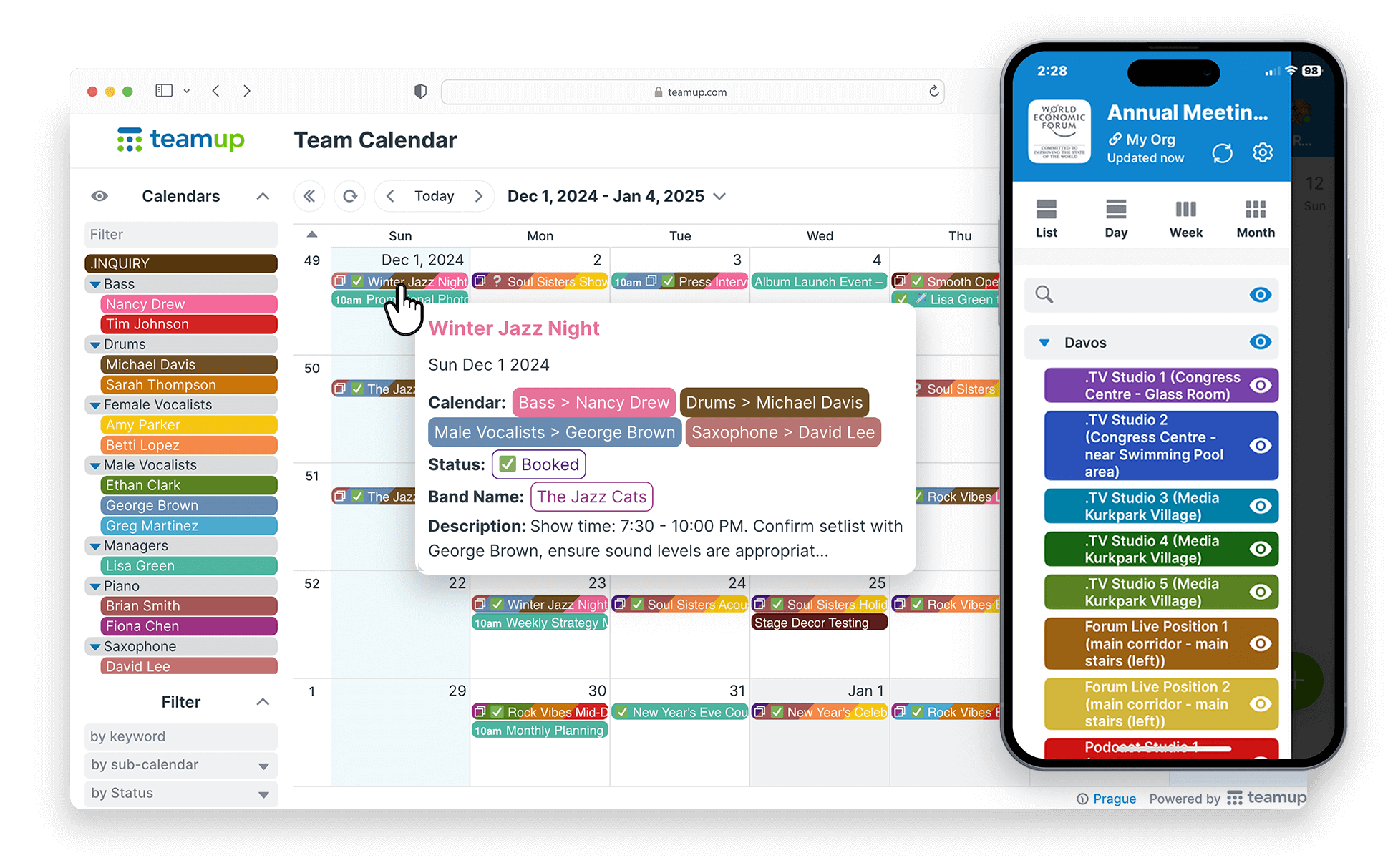
Transitioning to a more efficient workflow doesn’t mean giving up on security. Instead, it means maintaining control where control is needed. Teamup calendars accomplish this by providing account-based calendar access with customized levels of access permission. And there’s still a gatekeeper: the calendar administrator. However, by using the built-in security and customization of the tool (in this case, the Teamup Calendar), the gatekeeper spends very little time managing information. Instead, they manage who has access to what information, and what they can do with it.
Individuals are free to use that access to do their work, input or access information, and collaborate. And the gatekeeper is able to create, modify, or revoke access as needed, in very little time.