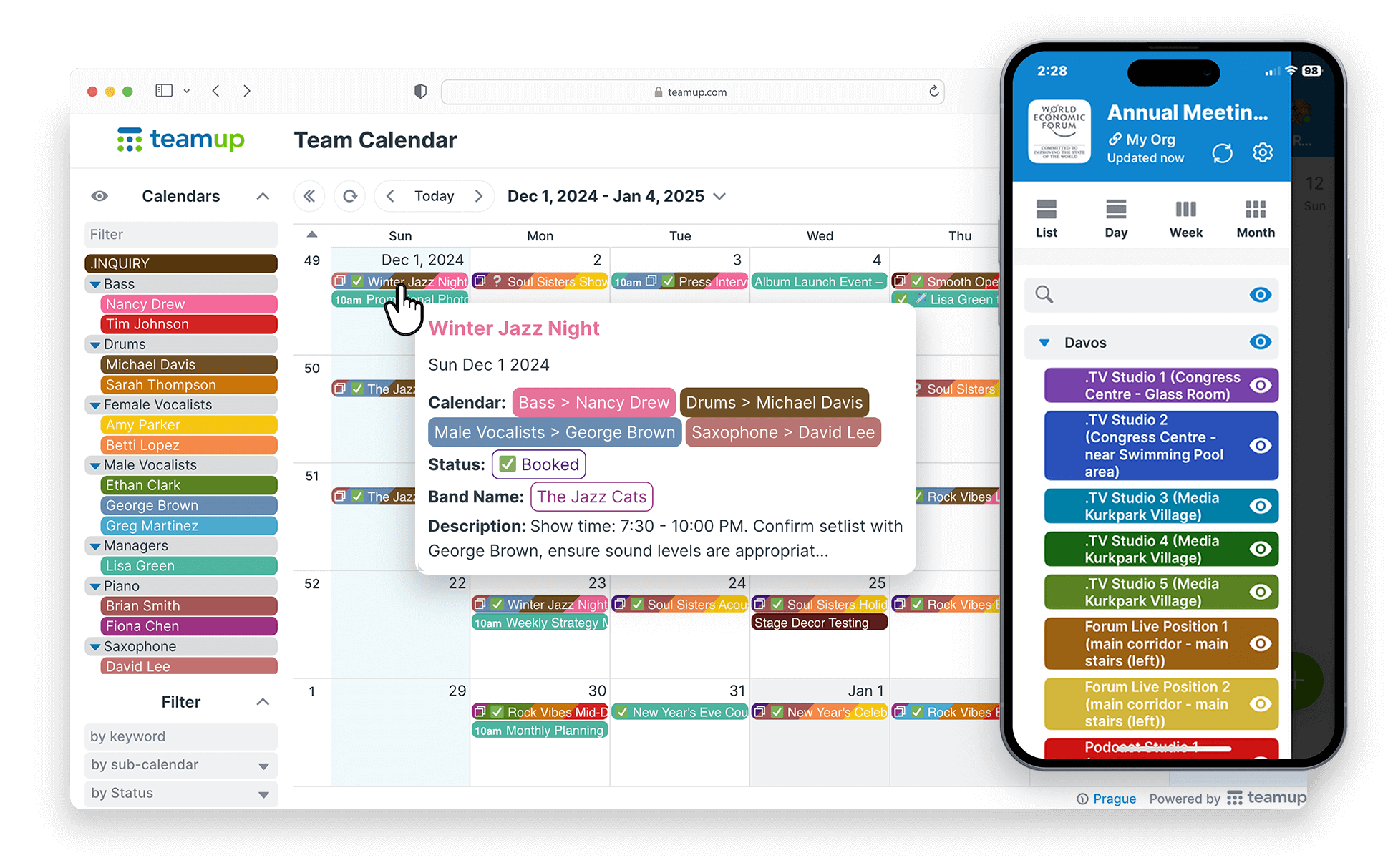
Including public holidays in a team calendar is a frequent need. Using inbound iCalendar feeds, you can easily add a holiday calendar to your Teamup Calendar using any of the freely available public calendar feeds on the Internet.
There are many free holiday calendar feeds and other interesting public calendars such as sports team schedules and regional event calendars available on the Internet. You can add any of these publicly available calendars to your Teamup calendar as an inbound iCal feed.
Add a calendar feed
If you’d like to add to a holiday feed or other interesting public calendar, here’s how:
- Obtain the source (ics) feed URL for calendar you want to add (see this article for more information).
- Open your Teamup Calendar in a browser with admin access.
- Go to Settings > Calendars.
- Click the blue New button in the top right, then choose Add iCalendar feed. See this article for more information.
Holiday calendar feed sources
Many organizations and groups provide feeds for special or regional holiday calendars, such as this source for Germany or your local public school calendars.Any Teamup Calendar used for public events can also serve as the feed source: see how to subscribe to Teamup iCalendar feeds.
Here are some holiday calendar feed URLs from Google Calendar.