
Featured, Information Visibility, Share Events
For organizations, sport clubs, special interest groups, and more, it’s helpful to have an easy way to share events with members of the community. With Teamup, you can create an organized, user-friendly calendar for your community and share it securely with group...
Calendar Access, Product Tips
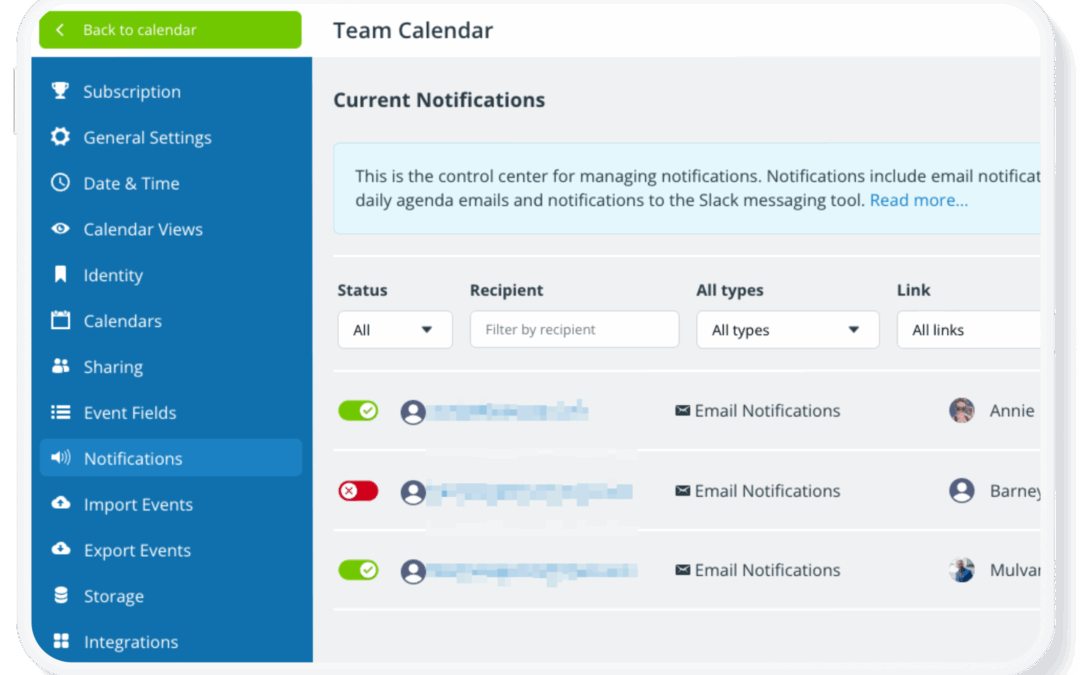
Once a calendar is set up and shared with your team, it often stays in active use for months or years. During that time, people join or leave the team, roles change, and access needs evolve. If your calendar access isn’t reviewed periodically, old user accounts and...
Calendar Access, Product Tips
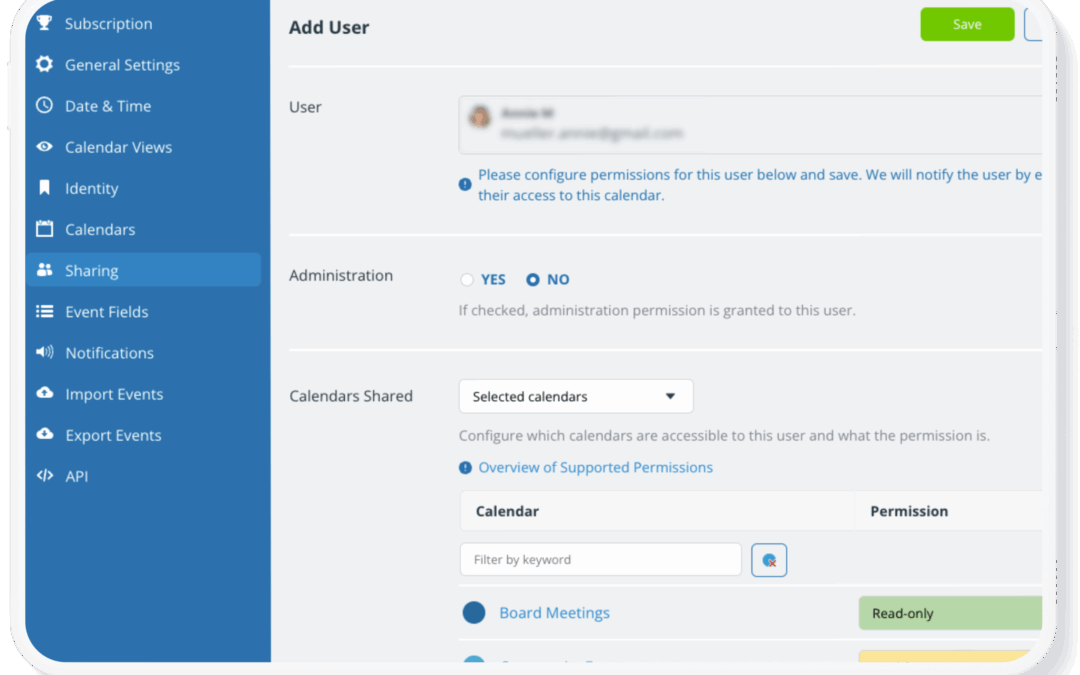
Calendar security usually isn’t about complex technical protections. In most cases, issues happen when access is too broad: Users are given a higher permission than they need, or access to calendars that aren’t relevant to their role. Here’s how to make sure...
Interactive Demos, Share Events
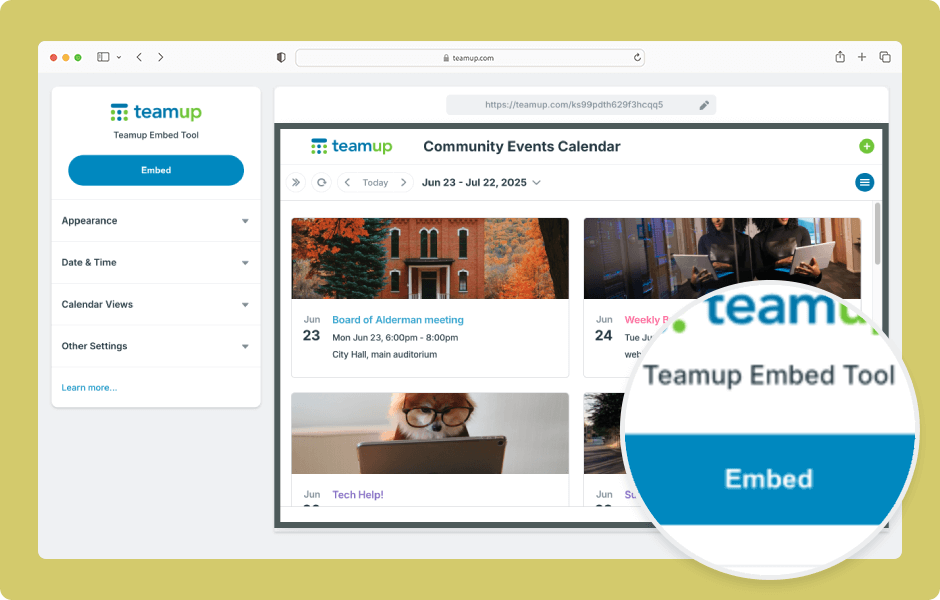
Teamup’s embedding tool makes it easy to embed a Teamup calendar in a website. Adjust the options for a customized look and feel. ENLARGE DEMO Open Teamup in a browser. Go to Settings > Sharing. Create a secure (read-only) link to use for the embedded calendar:...
