Information Visibility, Share Events
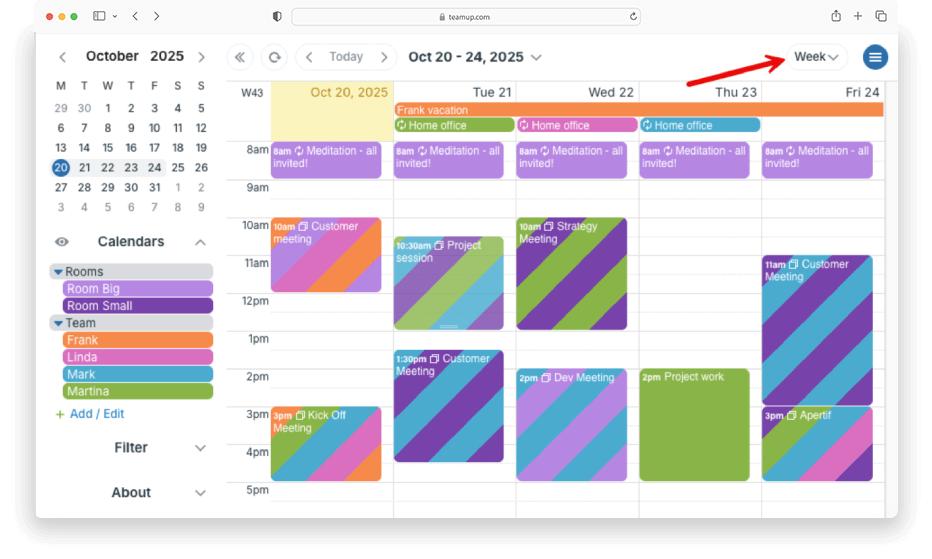
Conferences are complex. They have many tracks, sessions, and options for attendees. To maximize their time, attendees need a clear view of what’s happening and when. For organizers, the schedule is a key communication tool. Printed programs and static PDFs can...

Calendar Visualization, Featured, Share Events
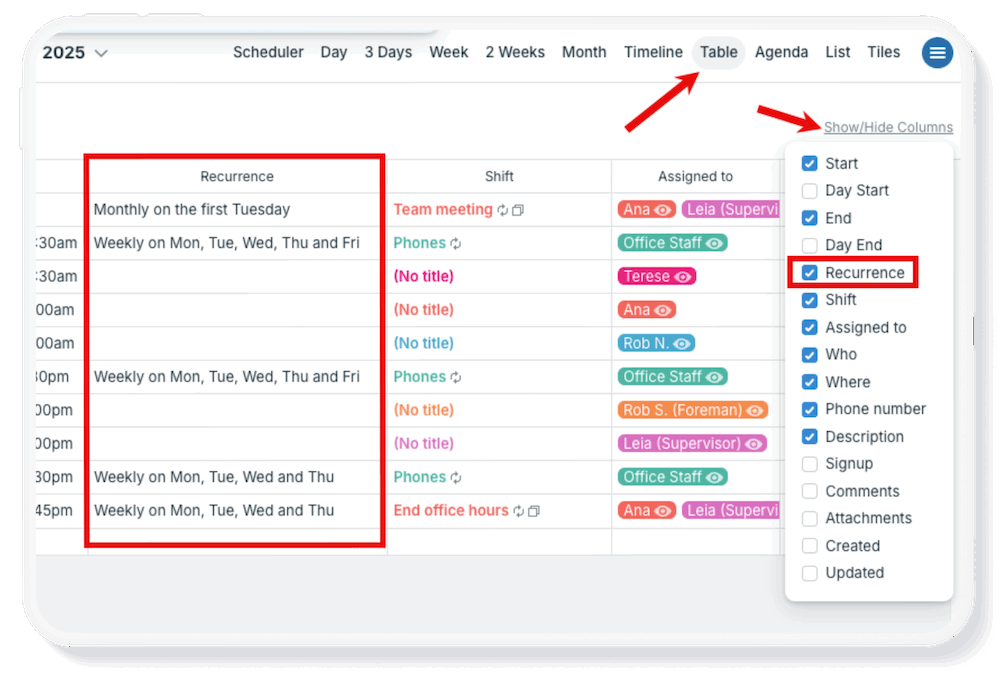
A weekend retreat involves a lot of details: session schedules, locations, meals, free time, and activities. Whether it’s a company offsite, wellness retreat, or leadership workshop, the folks attending want to know what’s on the agenda both before they arrive...
Calendar Visualization, Featured, Product Tips
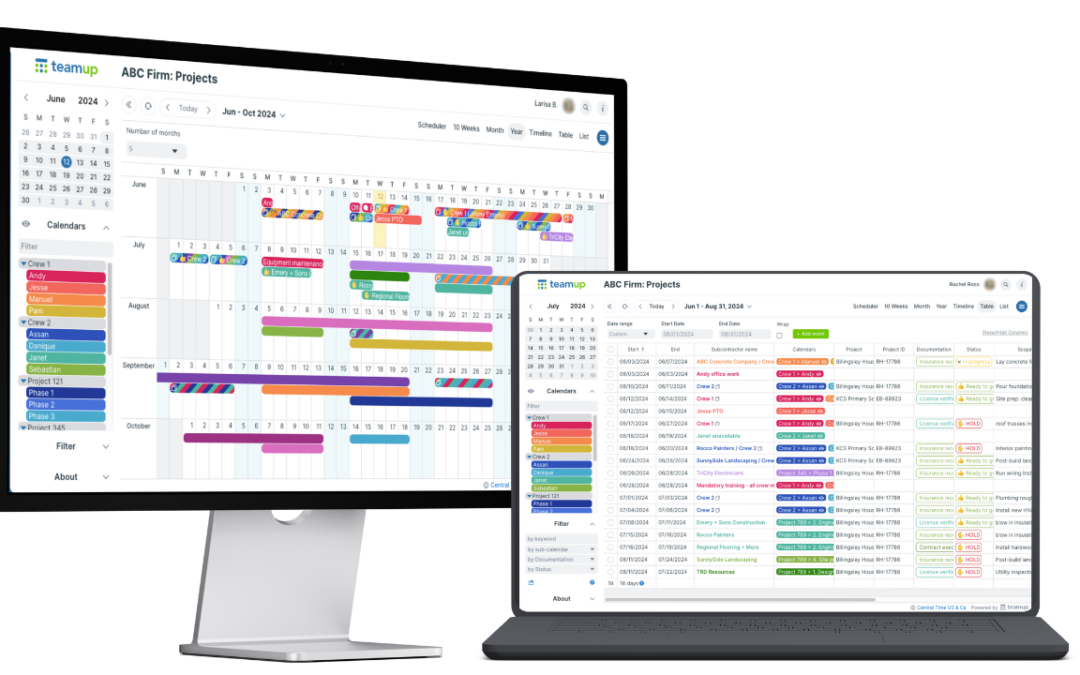
Too often, individuals and teams stay stuck in a familiar view — usually Week or Month — and miss out on the productivity gains that come from using a view designed for their workflow. Choosing the right calendar view matters more than most people realize. The...