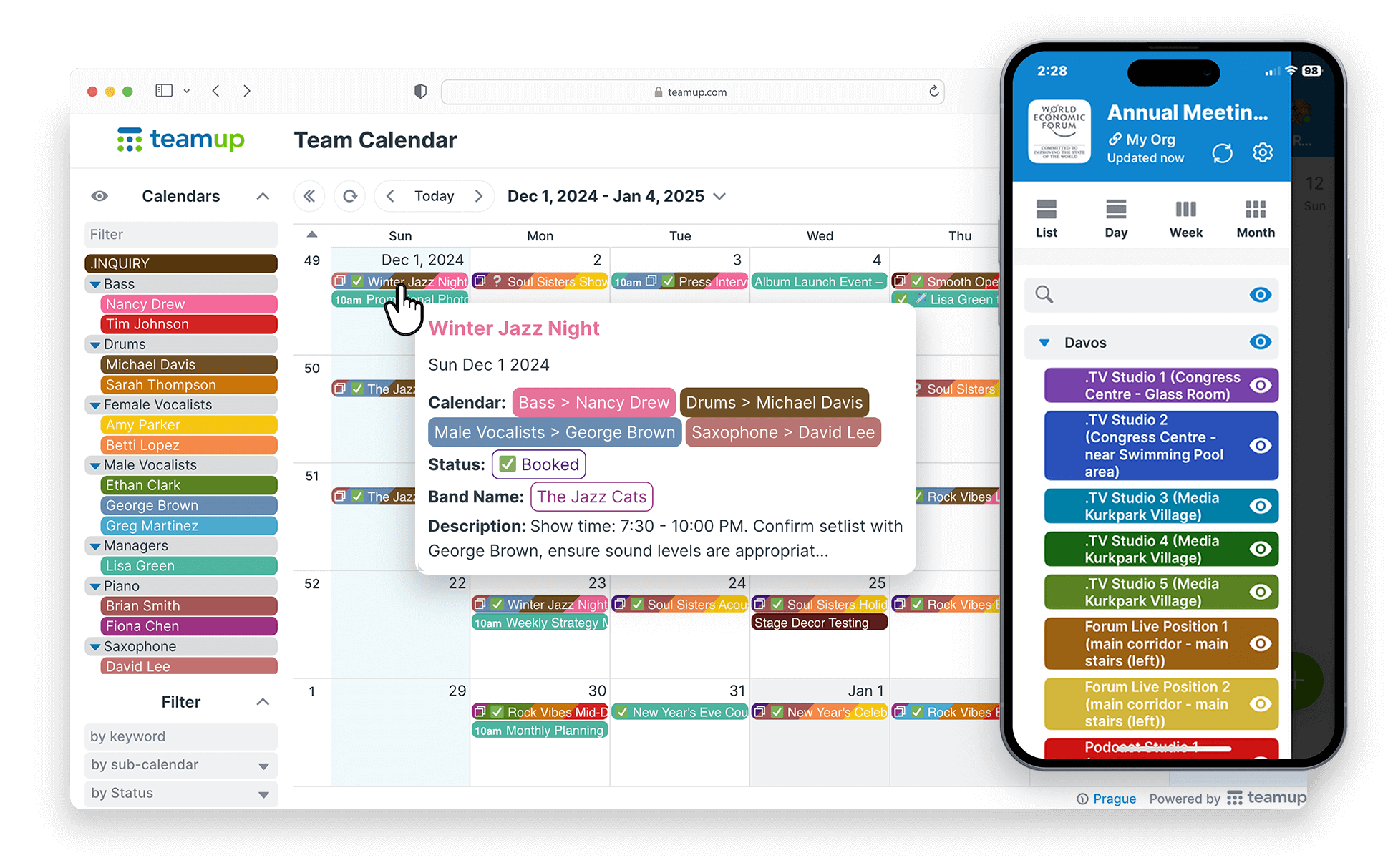
Many of our users discover Teamup through word of mouth or by googling for a solution to a specific need they have. After seeing a few live demos and playing with a free test calendar, some users may quickly settle on a solution they are looking for, while others may be overwhelmed by the broad options Teamup offers. Yet the most curious may be intrigued by the new possibilities and soon be on the path of creating solutions to simplify work and life on multiple fronts.
Teamup indeed offers more features and functionality options than most individual users would need. The key is to use only what would serve your needs in your specific circumstances. On the other hand, you are not limited to using Teamup for a single purpose.
From the nearly one hundred thousand customer support conversations our team has engaged in over the past years, we are humbled by the creativity our customers have demonstrated in turning a highly flexible product into solutions that have positively impacted the lives of millions of people around the world. We learn from each other and get inspired by each other in big and small ways. In this post, we’d like to share 5 ways our Teamup team uses the calendar.
Make team whereabouts visible
We are a small distributed team working from three continents. While it’s fun to see a teammate saying good morning when others are ready to say good night, it’s important that we know who is on holiday so we can make sure to have our service front well covered. Being able to see the whereabouts of the team at a glance leaves us no worries of uncertainty.
Solution highlights: One color for each teammate, all on one page. Everyone can update their plans directly, with read-only access to others’ plans, so there are no worries of plans being accidentally changed. What’s more, through a Slack integration with Teamup, the information is also posted to a Slack channel automatically as an FYI. While the Slack post will quickly disappear in the stream of messages, the planned whereabouts remain in context on the calendar.
What is eliminated: Search in email or Slack for who, where, what and when. Mental exercise to draw a group picture from silos of individual whereabouts.
Being able to see the whereabouts of the team at a glance leaves us no worries of uncertainty.
Keep meeting time and notes together
For our team meetings, we create recurring meeting entries on the calendar. The calendar entry is less about blocking the time like a personal calendar typically does, but more about providing an anchor for not only the meeting time but also what happens at that time.
Solution highlights: A meeting agenda is in one place and any updates are visible to all in real-time. Everyone is on the same page and can update it at any time leading up to the meeting by adding notes and topics for discussion or inserting references to projects and files including images. All info stays on the call entry on the calendar. Multiple participants may add comments simultaneously without causing any conflicts. It’s easy to go back to the date and have everything in one place.
What is eliminated: Post/email/search for agenda that may be no longer be the latest. Effort to provide input in multiple steps. Processes to collect notes and feedback in context before, during, or after the meeting.
The calendar entry is less about blocking the time like a personal calendar typically does, but more about providing an anchor for not only the meeting time but also what happens at that time.
Organize team events
As a distributed team, our meetups are special opportunities to connect with each other. In normal times we meet in person and enjoy a few days doing fun things together like hiking on the Swiss Alps. One year, our team enjoyed a virtual holiday experience in Japan. We use our team calendar to post the event information as soon as we start planning such an event. Program highlights are added as separate events on the calendar allowing everyone to sign up for specific activities that may require a count of participants.
Solution highlights: All information about such special occasions is up to date and stays in context throughout the timeline, starting from planning the event to long after the event as we’d remember or look for photos from “that event in the fall that year!” For our virtual meetup, the automatic time conversion was a great help for teammates located in 7 countries at the time of the virtual event. Mini event pages with photos and memories for the entire program or any specific activities are super simple to create and update.
What is eliminated: Multiple emails or posts with event updates. Mental energy required to update everyone’s personal calendar, track changes, and deal with time zone confusions.
Program highlights are added as separate events on the calendar, allowing everyone to sign up specific activities that may require a count of participants.
Create a repository of feedback
We are grateful for the constant stream of generous feedback from users around the world. Our support team shares the highlights with the entire team on Slack. A new event is created on a Teamup calendar via a Zapier integration whenever such a highlight is shared on a dedicated Slack channel. A content manager would use the calendar entry for further processes, such as adding to our Wall of Love via X (formerly Twitter), or assigning use case category tags to keep them organized and easily retrievable at a later time.
Solution highlights: Use a Zapier integration to automatically create events on Teamup for all messages posted on the special Slack channel. Each event contains links to the Slack post, original conversation with the customer on our help desk app, and a link to the X post if it has been shared. We also use custom fields and emojis to visualize post-process status or categories of individual testimonials.
What is eliminated: Search for when/what/where a specific feedback highlight was mentioned by someone. Time and stress needed to search for the silos of user feedback in multiple places when they are needed in content projects.
A Zapier integration allows an event to be created automatically on a Teamup calendar whenever such a highlight is shared on a dedicated Slack channel.