Interactive Demos
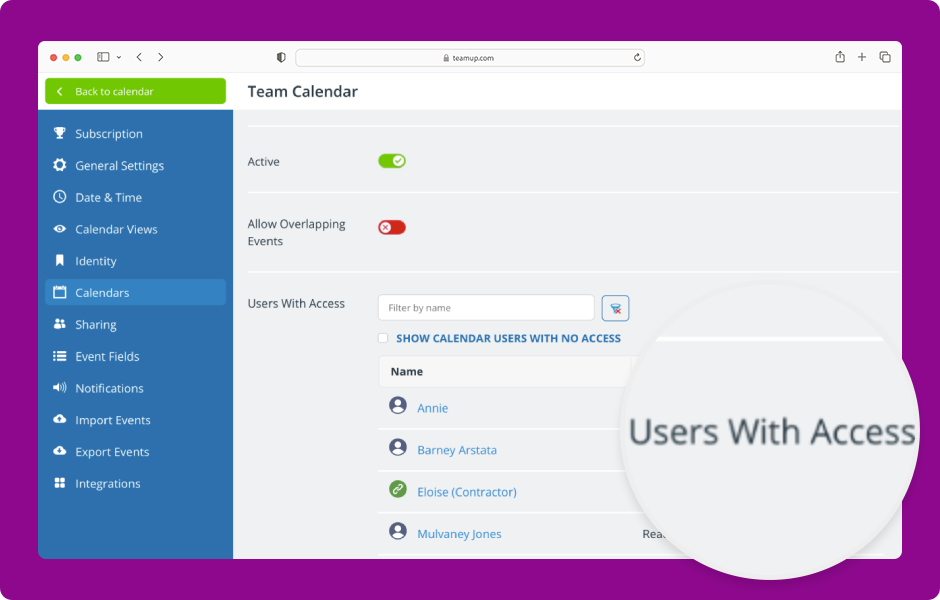
The editing screen for any sub-calendar provides a summary view of all users with access to that sub-calendar and their permission level. ENLARGE DEMO Access level required: Administrator Open Teamup in a browser. Click Add / Edit under the Calendars list. The...
Interactive Demos
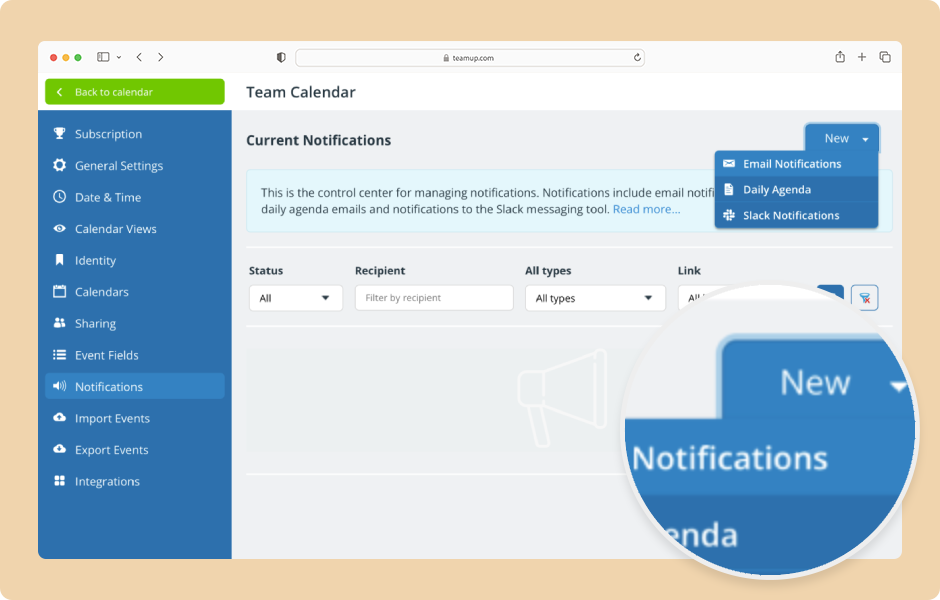
Calendar administrators can set up email notifications for calendar users, selecting delivery timing and which changes will trigger notifications. Note: Users can also set up their own email notifications. ENLARGE DEMO Access level required: Administrator Open...
Interactive Demos
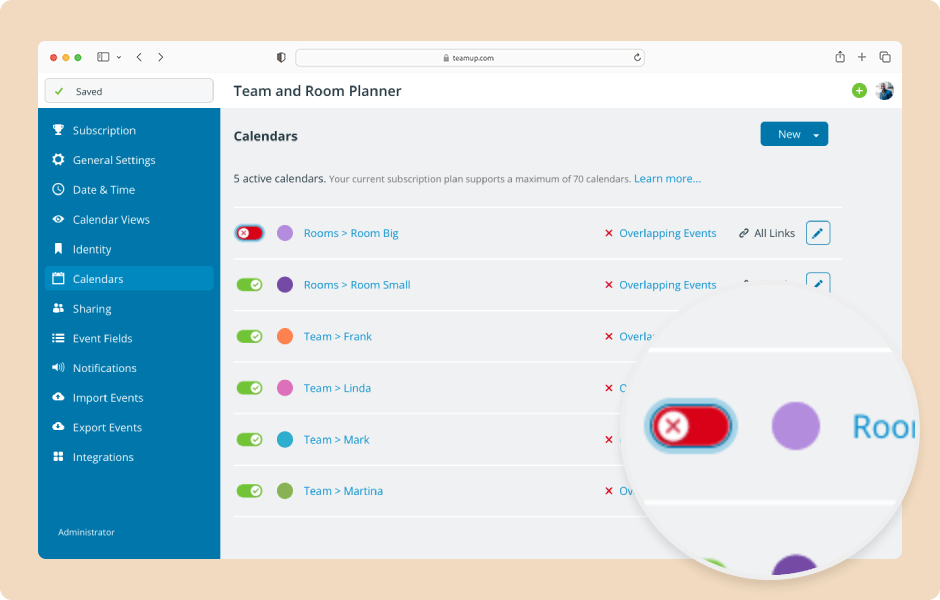
Deactivating a sub-calendar hides it from all users without deleting it. You can reactivate it anytime if needed. Deleting a sub-calendar is permanent; deleting will remove the sub-calendar and all its data. ENLARGE DEMO Access level required: Administrator Deactivate...
Interactive Demos
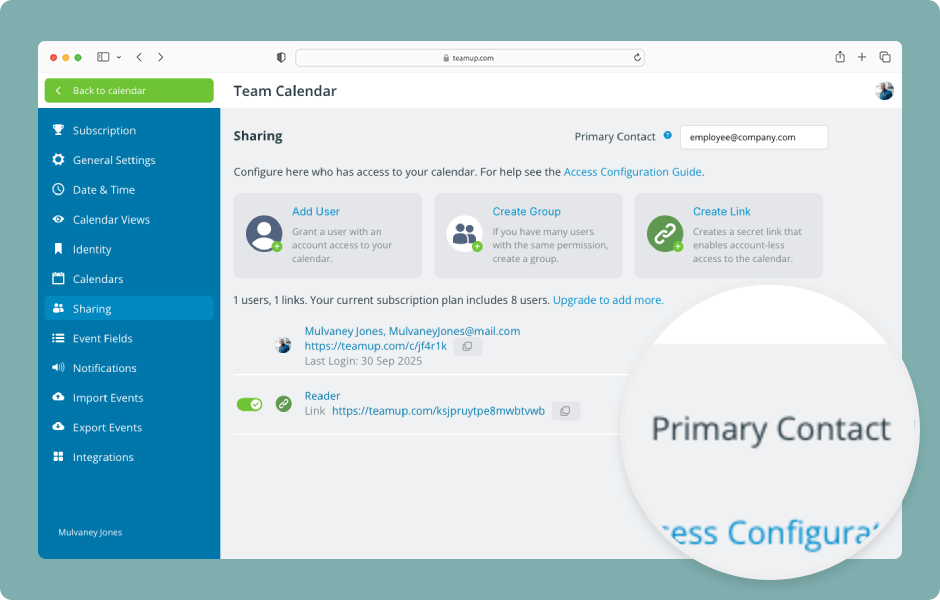
Each calendar has a primary contact email address which is used for several important communication needs. Here’s how to update it. ENLARGE DEMO Open Teamup in a browser. Click the blue menu (top right). Select Settings. Click the Sharing tab. The primary...
Interactive Demos
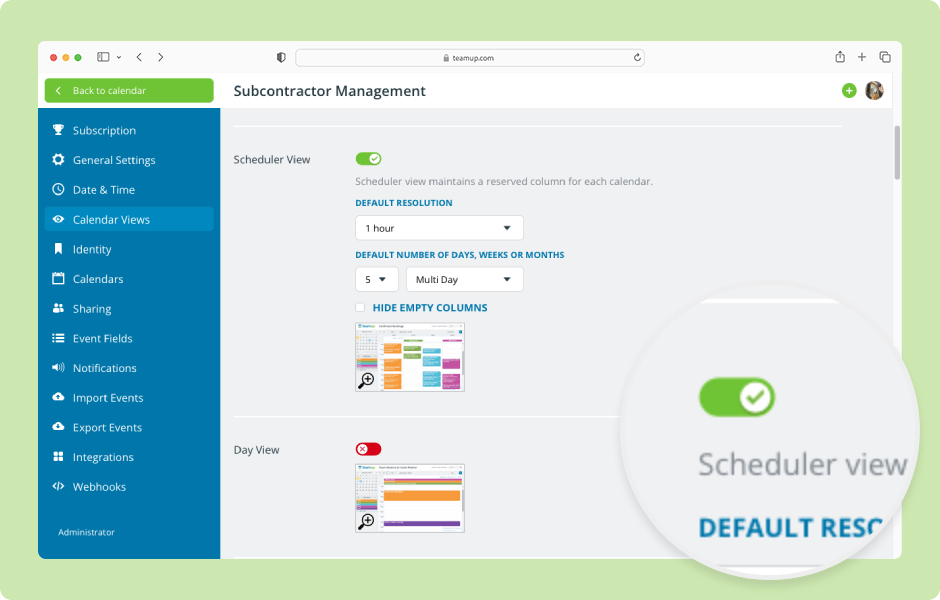
Teamup offers 12 unique, powerful calendar views (on a browser). The views can be enabled or disabled; enabled views will be available in the view picker for all users. ENLARGE DEMO Open Teamup in a browser. Click the blue calendar menu (top right). Select Settings....
WordPress Cookie Notice by Real Cookie Banner
