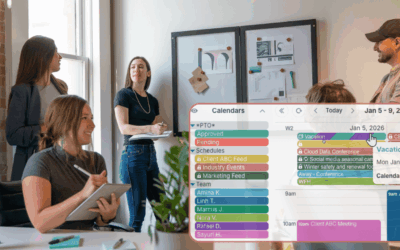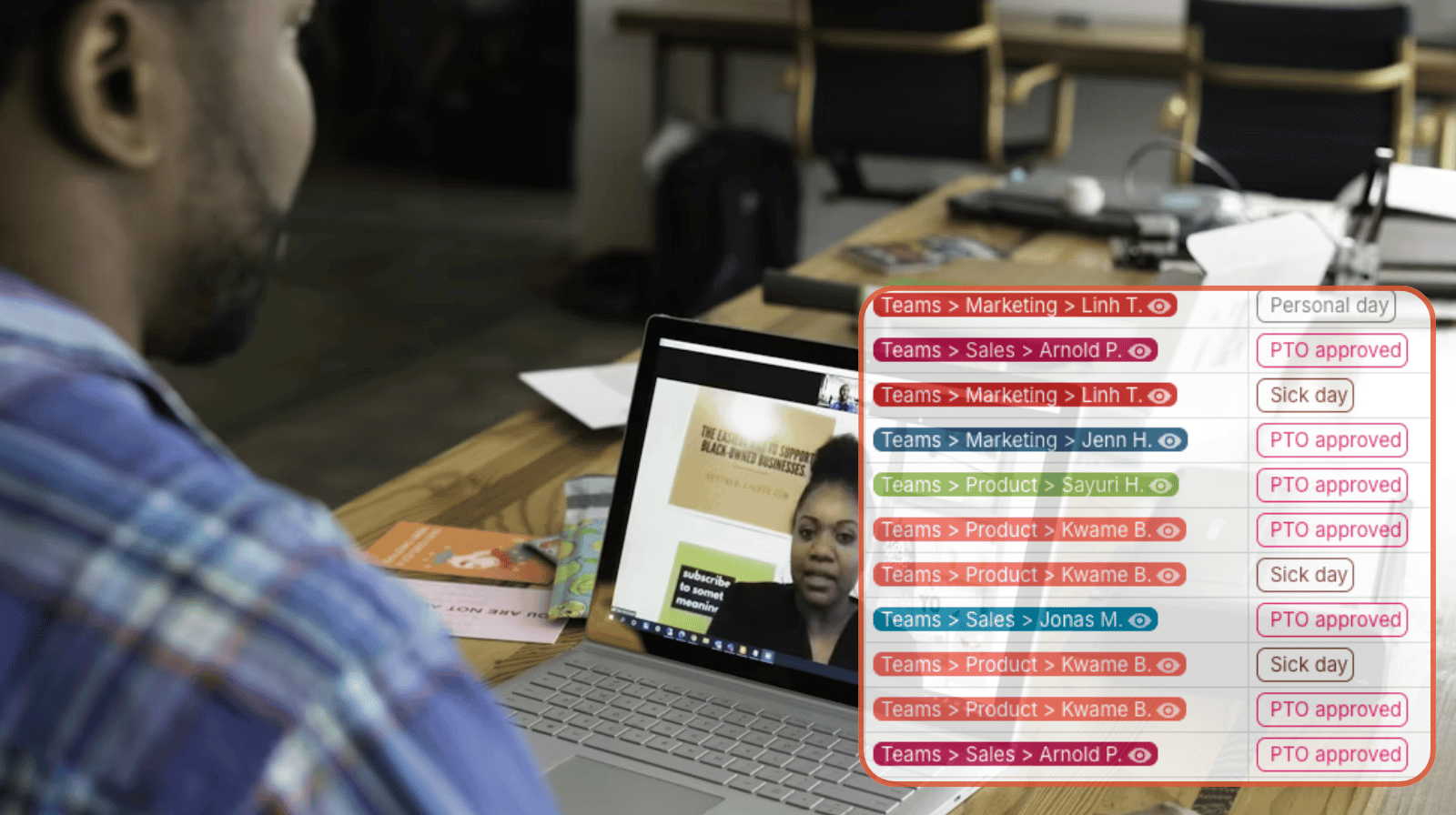
Hybrid teams benefit from a shared, transparent scheduling system to know who’s remote, who’s in-office, and when people overlap. Tracking PTO and other absences separately can create gaps. Bringing it all into one shared calendar keeps availability accurate, visible, and easy to act on without adding extra tools.
The need: Keep hybrid team schedules accurate by tracking remote work, in-office days, and PTO in one place so managers and team members always know who is available.
The Teamup solution: A shared calendar that combines hybrid work schedules with absence tracking, allowing employees to update their own availability while giving managers a real-time view of coverage across teams.
Why absence tracking needs to be part of hybrid scheduling
Hybrid teams often rely on a shared calendar to plan their workdays and keep availability visible. It shows who is working remotely, who is in the office, and when teams overlap for meetings or project work. Over time, it also becomes a useful record of in-office patterns across teams.
But absence tracking is often handled separately. PTO may be logged in another system, approved elsewhere, and not reflected in the team schedule. That creates gaps. Managers and team members have to check multiple sources, and the calendar no longer reflects actual availability.
Keeping PTO and absences in the same shared calendar keeps everything aligned. Availability stays accurate, decisions are easier to make, and teams avoid the extra work of updating and checking multiple systems.
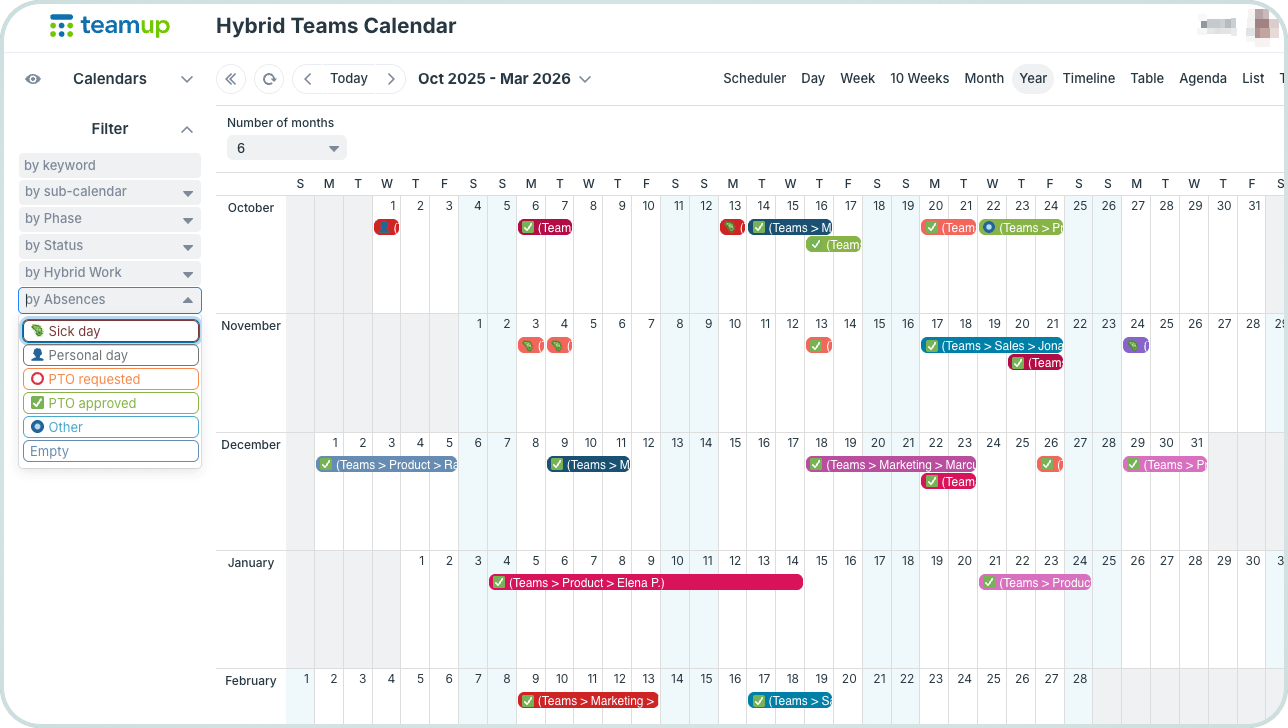
Most hybrid teams already assign each person a place on the shared calendar. Extending that setup to include absence tracking is straightforward:
- Team members can add PTO and absences directly to the same calendar they use for scheduling.
- A custom choice field can be added to “tag” all absences or PTO requests as such.
- Managers can review and approve requests with full visibility of team coverage.
- HR can have read-only access to monitor patterns without adding another system.
Everything stays in sync, with less back-and-forth and clearer oversight.
Filter, track, and compile absence data
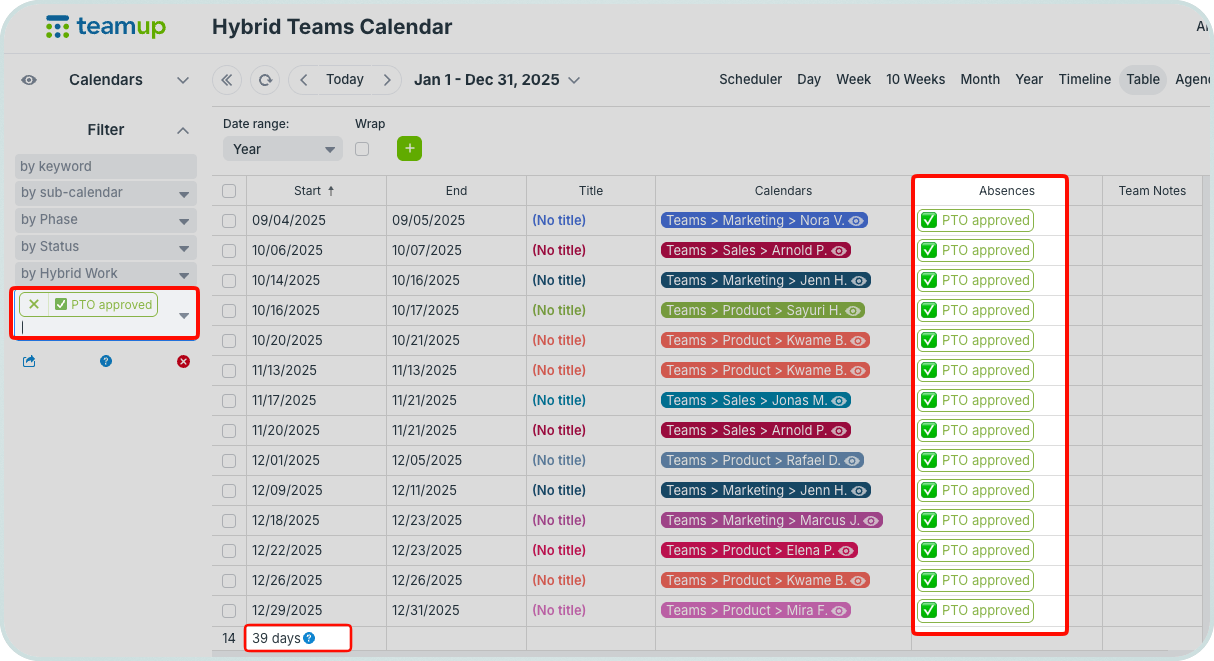
Click to enlarge: Filter by absence type, adjust date range, and toggle calendars to view relevant data in Table view.
Managers and HR teams often need to review absences over longer periods by individual or across a team. Table view provides a structured, spreadsheet-like layout of calendar data that makes this easy to scan and report on.
How it works
- Switch to Table view.
- Toggle sub-calendars to focus on a specific team or individual.
- Set the date range for the period you want to review.
- Adjust which columns are visible for a focused view.
- Use the custom field filter to view only tagged absences or PTO.
- Check the bottom row for an automated sum of all displayed events.
- Easily save/print a PDF report of the data.
Simplify hybrid scheduling and absence tracking
Using a separate system for PTO requests and absence tracking creates unnecessary gaps and extra work. A shared calendar keeps everything aligned and simplifies workflows. Hybrid teams can see each other’s availability, update their own, and collaborate with transparency. And managers can manage PTO requests, track absences, and keep an eye on the bigger team picture, all in one place.
Create your own shared calendar to manage hybrid schedules and absence tracking in one place for your team.