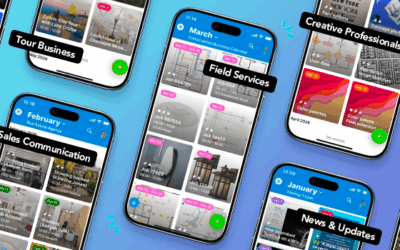
Here’s the March 2026 roundup of news, tips, and updates from Teamup, along with a selection of blank calendar printables for April 2026. See how Tiles view can turn your calendar into a source of instant clarity and visual information. Get solutions for fleet management, transport logistics, and tour operations. And check out power tips to make even better use of Teamup. It’s all here.
Highlights
A picture is worth a thousand words
With the introduction of Tiles view, Teamup is turning your calendar into a more visual and intuitive space. It’s easier to see key information and get jobs done. Now this feature isn’t just on the web: It’s available on the Teamup mobile apps too, opening up new ways to work more efficiently and communicate visually.
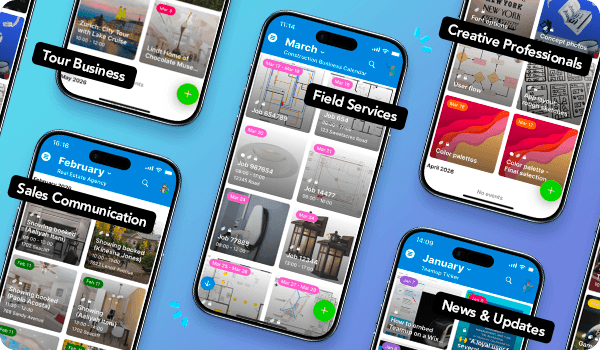
When you add images to your events and switch to Tiles view, you get a quick, visual overview of what’s coming up. Each event gets its tile displayed with a highlighted image, which could be a photo of a kitchen for an installer, a scenic highlight for a tour guide, or a design asset ready for review. This approach makes it easier to connect tasks with their real-world context and quickly understand what’s happening at a glance.
Read more: How Tiles View Brings Visual Clarity to Your Calendar

Real-time updates from drivers

Fleet operations depend on accurate timing and clear communication. Drivers are out on the road managing real-world conditions, aware of route conditions and vehicle performance. Their alerts and insights can help dispatch make adjustments and keep maintenance teams informed, so the schedule stays on track. Here’s a secure, simple way to enable drivers to share real-time notes and updates, while keeping scheduled events intact and safe from accidental edits.
Read more: Let Fleet Drivers Add Notes in Real-Time Without Editing the Schedule
Use cases + stories
Tour operations, from start to finish
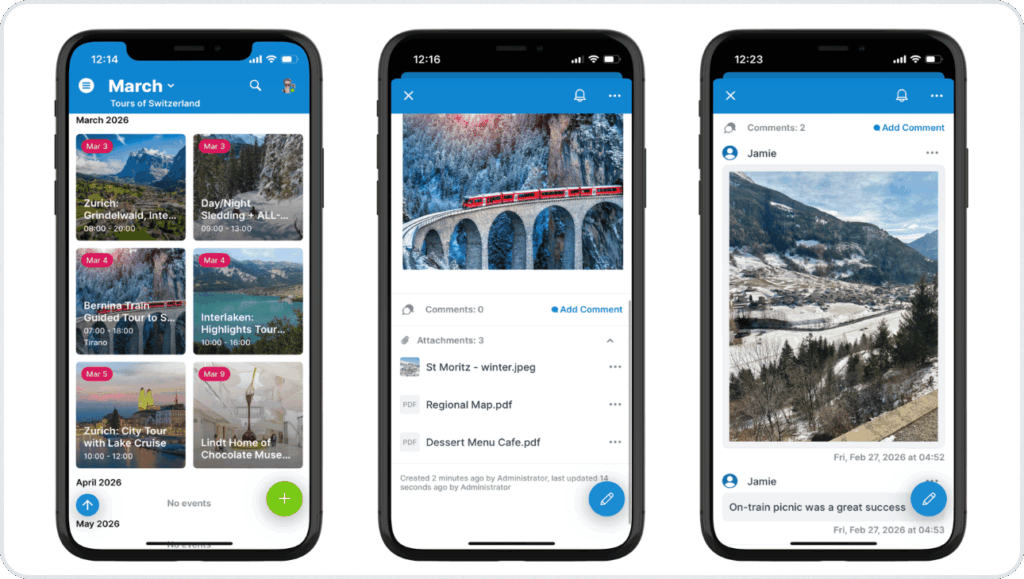
Running a tour operation means coordinating people, sharing information, and keeping timelines on track. Bookings need to be assigned to the best available guide. Guests need a way to stay updated about the plan. And guides need to keep track of requests, notes, and details to provide the best experience on each tour.
Teamup can help with all aspects:
- Set up a centralized calendar for booking tours and scheduling guides.
- Provide a visual, mobile information portal for tour guides.
- Simplify guest communication with updates and info on a shared event page.
For a structured way to assign tours, track availability, and keep trip details organized, create a Teamup calendar. Get operations organized, keep guides in the loop, and provide updated tour details for guests from one system.
Coordinating transport logistics
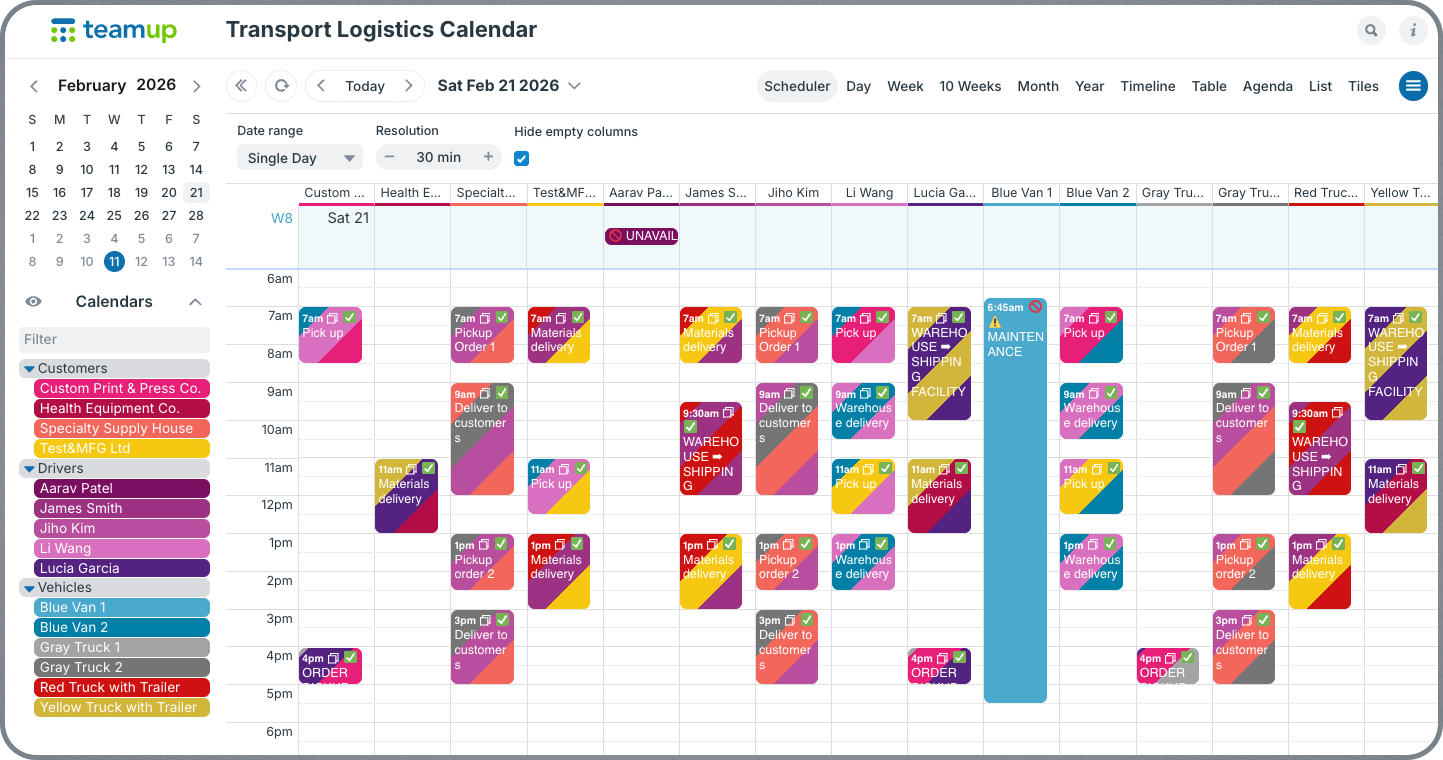
Transport planning involves more than assigning a driver to a job. Dispatchers must coordinate orders, loading times, vehicles, drivers, and customer expectations. A shared logistics calendar gives planners, drivers, and customers a clear overview so everyone involved in the transport chain works from the same plan.
Read more: A Coordinated Logistics Calendar for Transport Planners

Interactive demos + power tips
When to use modify-my-events permissions
Teamup’s Modify-My-Events access permission lets users add, edit, and delete only the events they created, while still being able to see everyone else’s schedule. This permission level bridges the gap between Add-only (can add events but not edit them later) and full Modify (can change any event). It’s a powerful tool for scenarios where each person should own only their entries. 💡 Learn more.
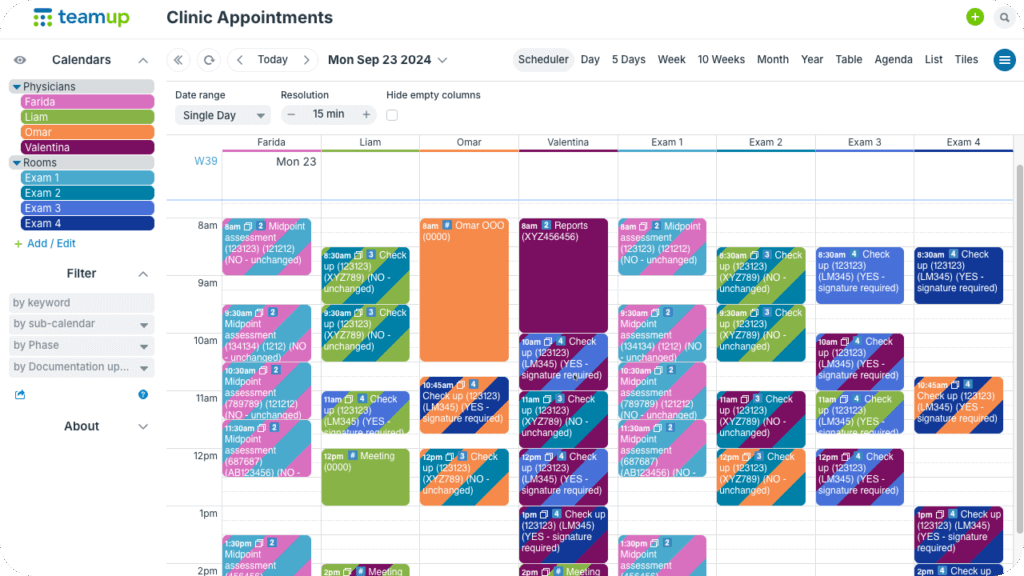
Example: Modify-my-events allows each physician in a busy clinic to schedule their availability and add events, but they can’t remove or modify appointments added to the calendar by the scheduling staff.
How to use event comments
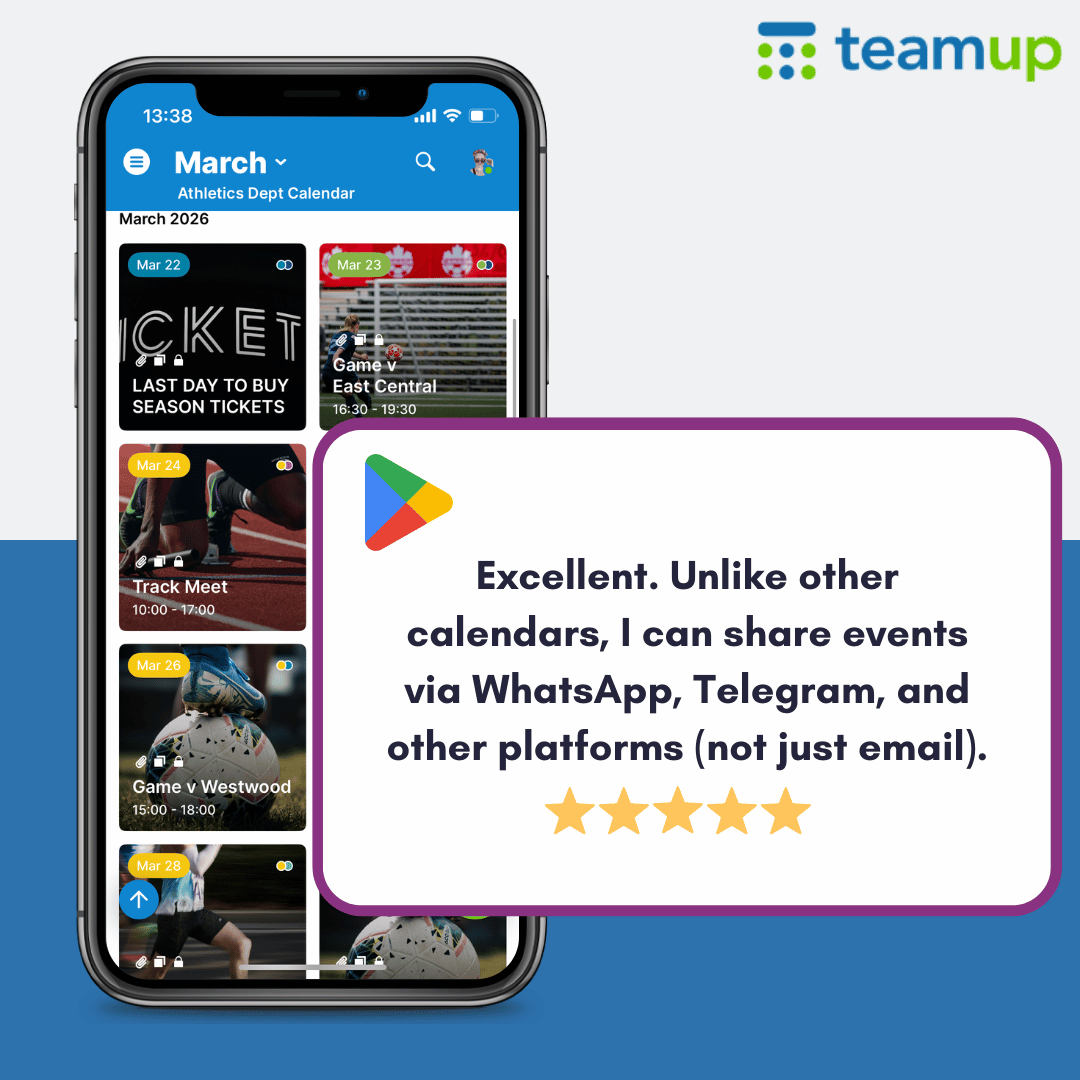
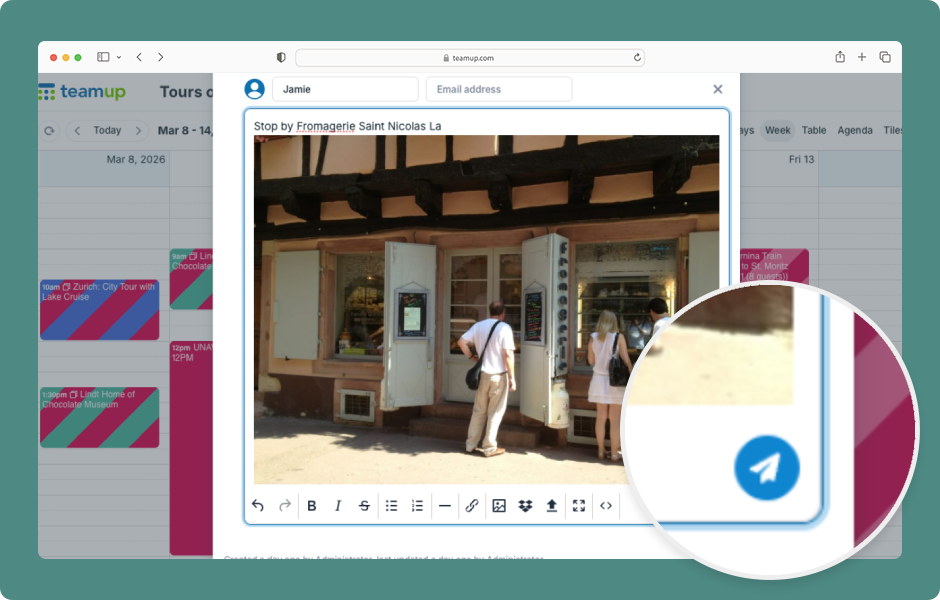
Event comments can serve many purposes: sharing preferences and feedback, documenting work, saving on-the-go thoughts and photos, or providing status updates, or sharing real-time notes. Here’s how to use event comments on a browser. ▶️ Click to view the demo.
Secure your calendar when an employee leaves
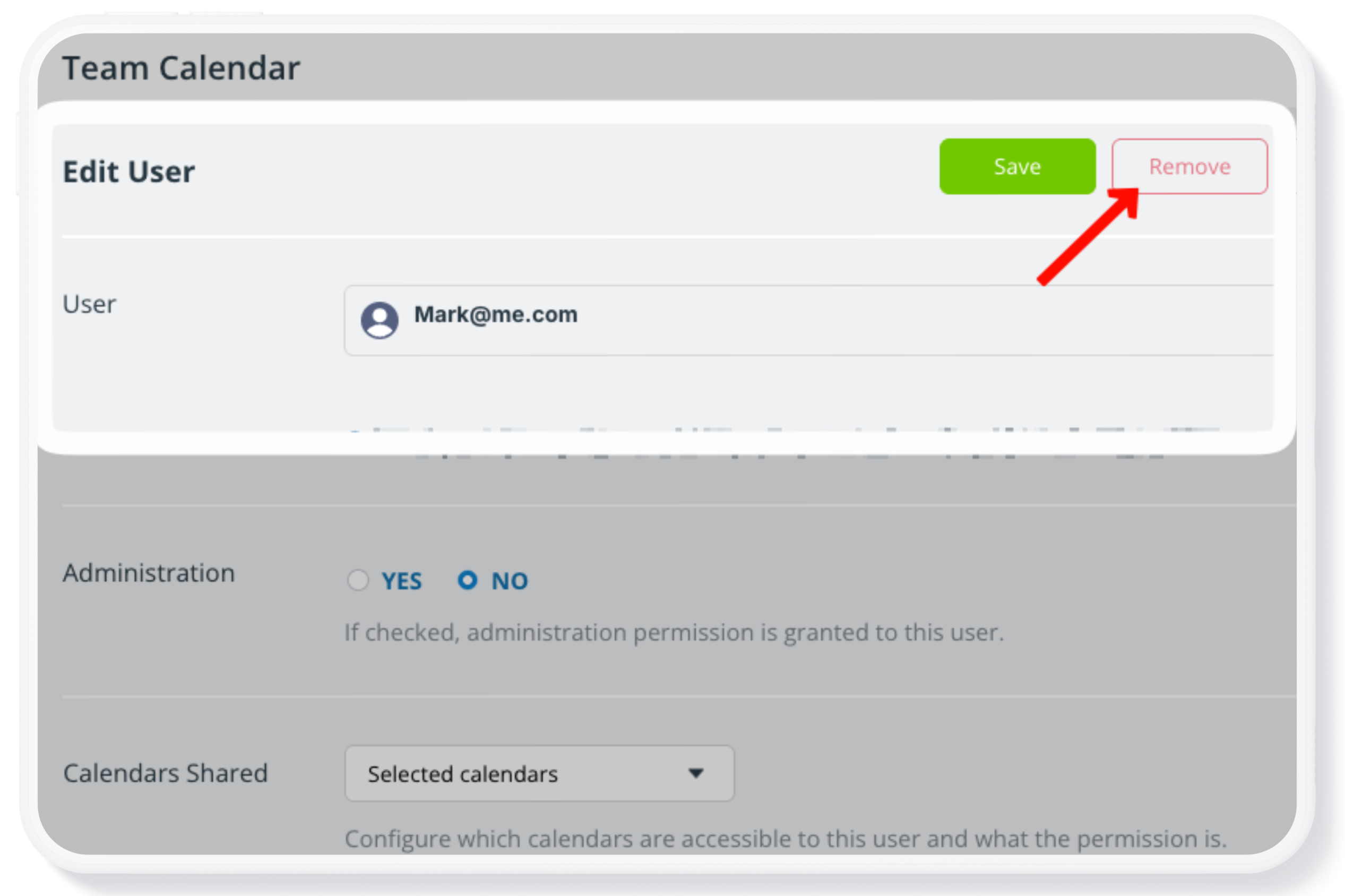
When an employee leaves your business, or a group member exits an organization, it’s important to keep the calendar secure and operational. Calendar off-boarding is a crucial part of the broader employee off-boarding process. 🔐 Here’s how.
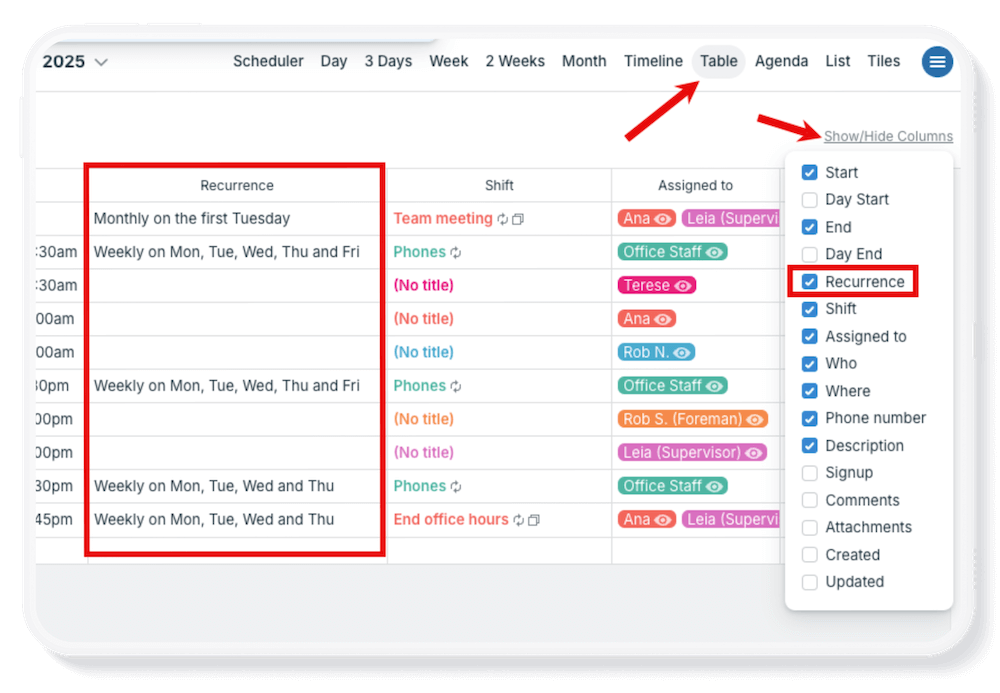
See all repeating events in Table view
If you manage ongoing meetings or repeating tasks, it’s helpful to see them all in one place. With Table view, you can easily review and organize every recurring event on your calendar. 👉 Check it out.

Free calendar printables
April 2026 printables

Click to open, download, and print our free calendar printables for the upcoming month and quarter:
- Daily blank planners for April 2026
- Weekly blank calendars for April 2026: W15, W16, W17, W18
- Monthly blank calendar for April 2026
- Quarterly blank planner for April – June 2026
Need a big view of the whole year? Get a 2026 yearly calendar to print (several formats available).
Create a custom printable calendar
Or create your own custom blank calendars: Go to Teamup’s Printables page and scroll to the Create a Customized Blank Calendar section. Use the printable widget to create your own custom calendar printables.
See more Teamup tips from March. New tickers are added daily, so don’t forget to check in regularly or subscribe via RSS. Make sure to subscribe to our newsletter for highlights and news delivered to your inbox.