Interactive Demos, Working with Events
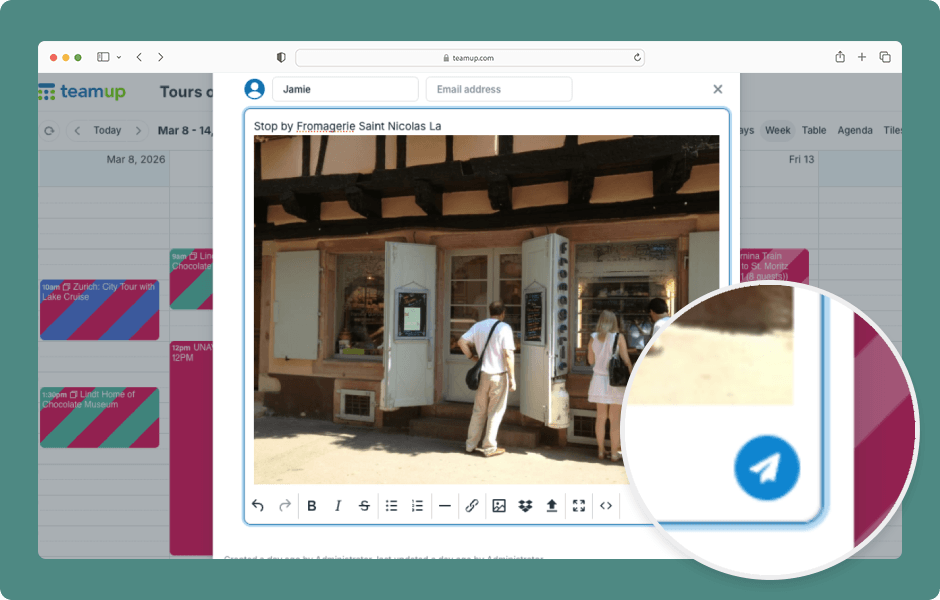
Event comments can serve many purposes: sharing preferences and feedback, documenting work, saving on-the-go thoughts and photos, or providing status updates, or sharing real-time notes. For help using comments on the Teamup app, see this article. ENLARGE DEMO Access...
Calendar Access, Product Tips
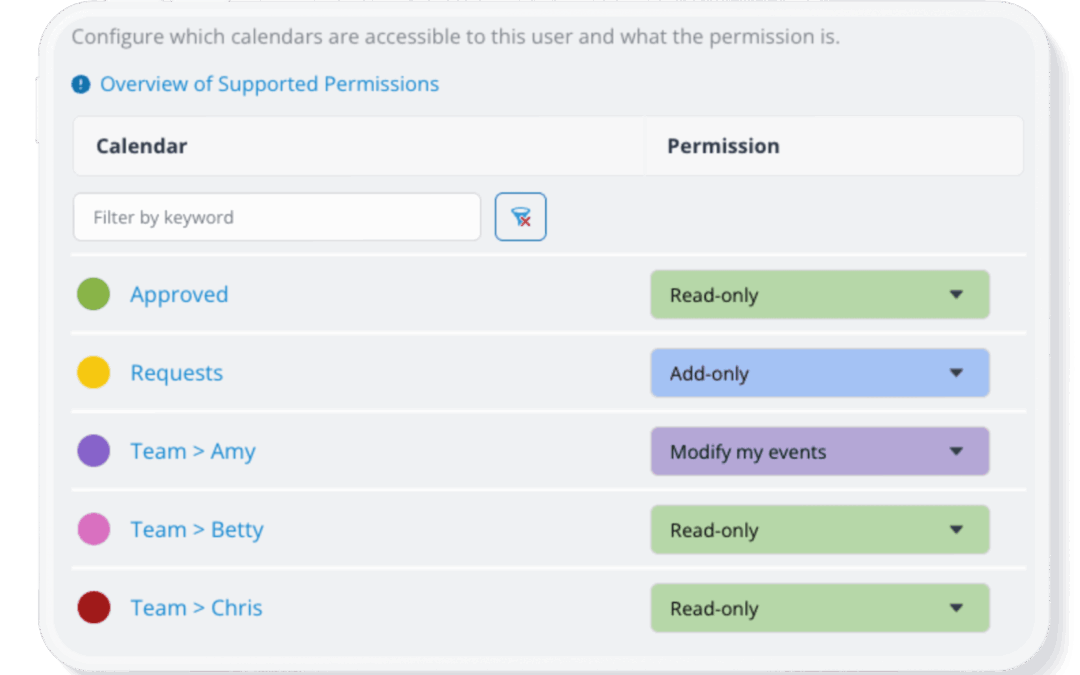
Teamup’s advanced access permissions provide more granular control over users. Add-only permission and modify-my-events permission both provide unique ways to allow users to contribute events to a calendar while limiting what they can edit. Here’s how they differ. Add...
Featured, Manage Availability, Organize Teams
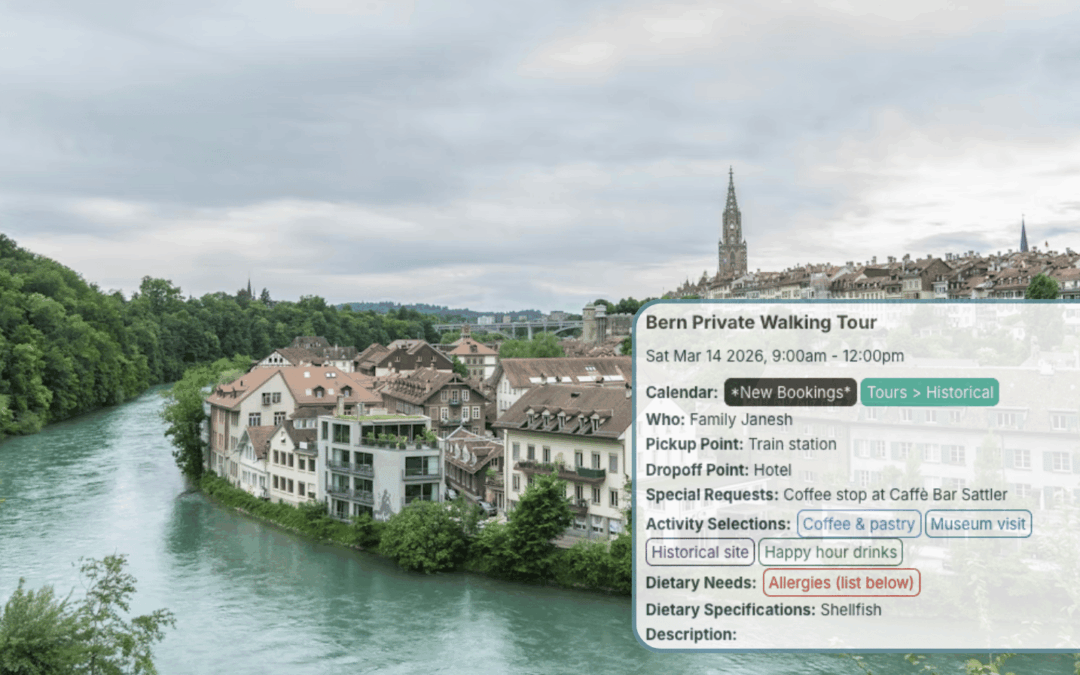
Running a tour operation means coordinating people as much as routes. Every group needs the best tour, and every tour needs the best guide. Here’s how Teamup gives tour coordinators visibility across all guides for centralized oversight and smooth scheduling....
Calendar Access, Product Tips
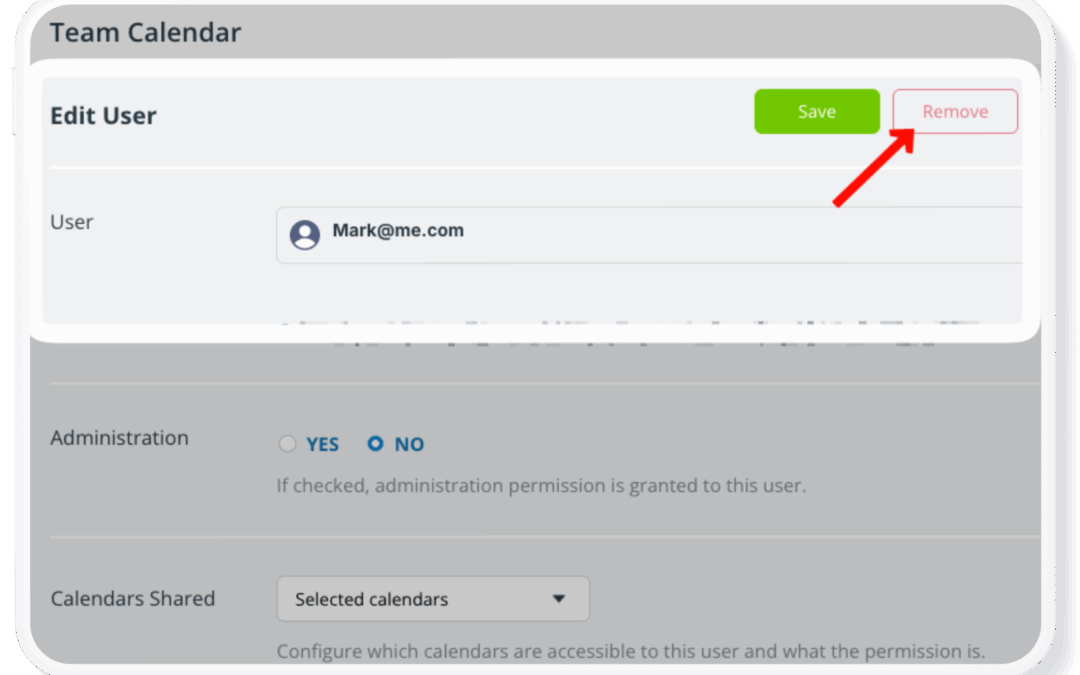
When an employee leaves your business, or a group member exits an organization, it’s important to keep the calendar secure and operational. Here’s how. When an employee leaves, there are important steps to take to prevent disruption and protect sensitive...
Featured, Information Visibility, Schedule Work
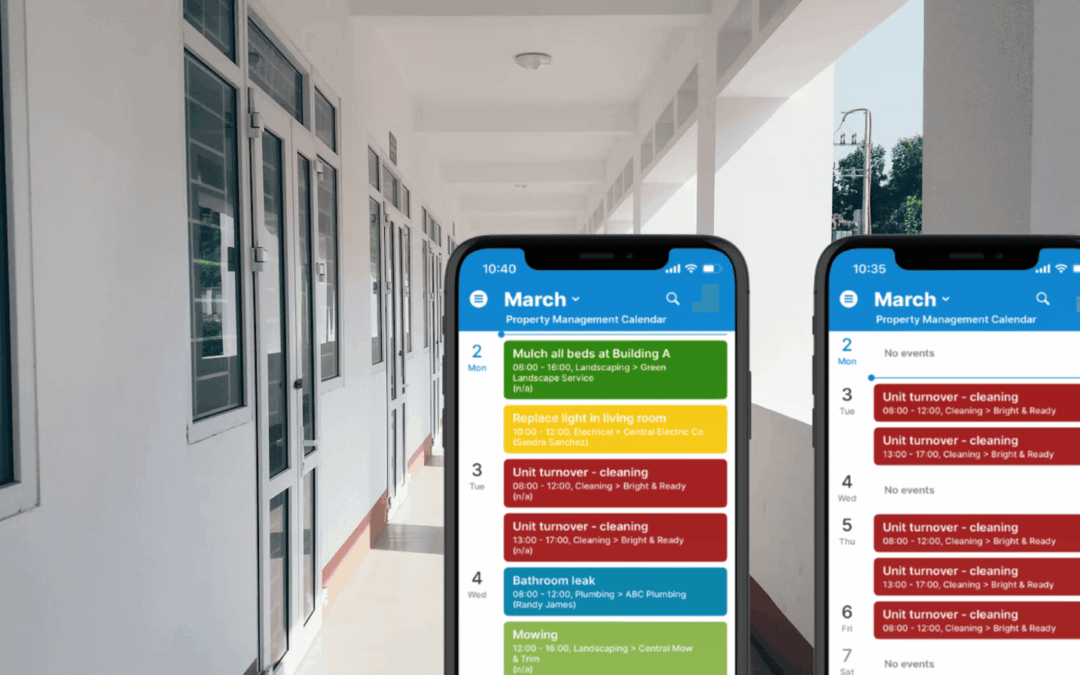
Property management companies coordinate a steady flow of repair, maintenance, and inspection work. Plumbers, electricians, cleaning crews, and landscapers all need clear visibility into their assigned jobs. Too often, schedules are shared through spreadsheets or...
